
Proxies for Twitch
Reliable proxies for Twitch with clean IPs and stable connections.
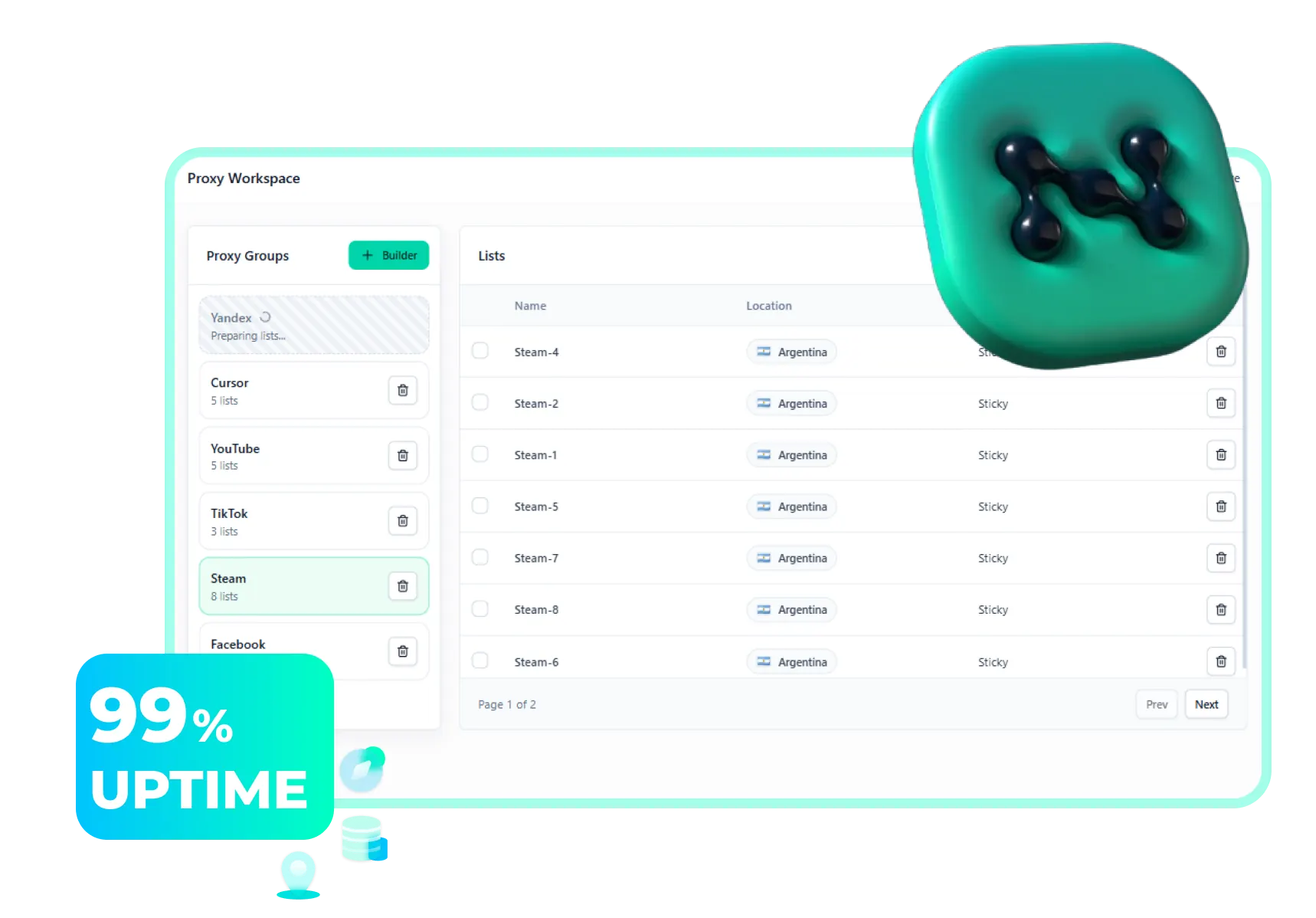






Reliable proxies for Twitch with clean IPs and stable connections.
We do not simply sell traffic. We build a cleaner, more stable environment for projects where IP quality, session length, and support speed matter.
Every address is checked before delivery. Only clean IPs make it into your working sessions.
Our hybrid architecture keeps connections alive much longer than the typical market standard.
We investigate bans and timeouts instead of just replying to tickets.
Most providers compete by network size. We put the quality of every address first.
A large part of the advertised pool is already in spam lists or shows unstable geolocation.
Every address is pre-checked before assignment. You get cleaner reputation and stable sticky sessions.
Fewer bans, stronger reputation, and a fully predictable result for every workflow.
Access to 30 million high-quality IPs filtered before delivery and tuned for long-running real-world scenarios.
A massive pool with accurate geo-targeting across 1,400+ cities and 150+ countries.
Unlimited parallel sessions.
Long-running workflows without weak points.
Unused traffic rollover, no rigid per-domain limits, and dedicated expert support.
Our proxies are built for workflows where IP quality and session stability directly affect performance.
SERP monitoring, SEO checks, and search flows without blocks.
SERP monitoring and SEO tasks tailored for the Russian search market.
Outreach, sales automation, and stable profile operations.
Account management and ad verification with a strong mobile layer.
Price monitoring and competitor research without restrictions.
Account registration, automation, and regional access bypass.
Choose the plan that matches your workflows
Запускали связки на больших объёмах. По стабильности и качеству IP это один из самых ровных сервисов, с которыми я работал.
Брал для торговых задач и мультиаккаунтов. Всё работает быстро, без лишней возни, а панель действительно удобная.
По цене и качеству очень адекватное предложение. Когда берёшь объёмом, особенно ощущается, что сервис заточен под постоянную работу.
Раньше много времени уходило на ручную рутину. С этими прокси большая часть процессов просто стала занимать в разы меньше времени.
Используем для сбора данных и проверки выдачи в разных странах. Сессии держатся стабильно, и качество трафика приятно удивило.
Для внутренних проверок и безопасного тестирования локаций сервис подошёл отлично. Подключение быстрое, задержки минимальные.
Запускали связки на больших объёмах. По стабильности и качеству IP это один из самых ровных сервисов, с которыми я работал.
Брал для торговых задач и мультиаккаунтов. Всё работает быстро, без лишней возни, а панель действительно удобная.
По цене и качеству очень адекватное предложение. Когда берёшь объёмом, особенно ощущается, что сервис заточен под постоянную работу.
Раньше много времени уходило на ручную рутину. С этими прокси большая часть процессов просто стала занимать в разы меньше времени.
Используем для сбора данных и проверки выдачи в разных странах. Сессии держатся стабильно, и качество трафика приятно удивило.
Для внутренних проверок и безопасного тестирования локаций сервис подошёл отлично. Подключение быстрое, задержки минимальные.
Reliable sessions and clean IP reputation made a measurable difference for our campaigns. The setup was quick and the product feels mature.
We run multi-region scraping pipelines daily, and Node Proxy has been one of the most predictable providers in terms of uptime and rotation.
Perfect for price monitoring and storefront checks at scale. Fast response times, good location spread, and no unnecessary friction in the dashboard.
The proxies are clean, geo coverage is strong, and support actually understands technical questions. That alone puts the service above many competitors.
We needed a provider that would not fall apart under automation load, and this one has been consistently stable for long-running workflows.
We switched from two other vendors and immediately noticed better consistency. The product feels built for teams that care about reliability.
Reliable sessions and clean IP reputation made a measurable difference for our campaigns. The setup was quick and the product feels mature.
We run multi-region scraping pipelines daily, and Node Proxy has been one of the most predictable providers in terms of uptime and rotation.
Perfect for price monitoring and storefront checks at scale. Fast response times, good location spread, and no unnecessary friction in the dashboard.
The proxies are clean, geo coverage is strong, and support actually understands technical questions. That alone puts the service above many competitors.
We needed a provider that would not fall apart under automation load, and this one has been consistently stable for long-running workflows.
We switched from two other vendors and immediately noticed better consistency. The product feels built for teams that care about reliability.
Everything you need to know before launching with Node Proxy.
We verify IPs before assignment, hold sessions for up to 24 hours, and provide expert support instead of generic responses.
Up to 24 hours thanks to our hybrid proxy technology.
Yes, 1 GB for $3.50 to test quality.
1,400+ cities and 150+ countries.
It rolls over into the next billing period.
No, parallel sessions are unlimited.