Farmed vs Auto-Registered Facebook Accounts: Which to Choose and How to Run Them

Media buyers who launch Facebook ads at scale rarely work with a single personal profile. They buy accounts, and the first choice is between two types: farmed accounts and auto-registered ones. The difference affects price, how much the account can handle at launch and what setup it needs, including proxies.
This article explains how the two types differ, which tasks each one suits, what to check when buying and how to set up the network and browser so the account keeps the trust you paid for.
Residential proxies
Proxies in the same geo as your accounts, with city targeting
What a Farmed Account Is
A farmed account is a profile that someone has used for a while before selling it. During that time it collects activity: logins, likes, subscriptions, a filled-in profile and a familiar login location. The longer and more carefully an account was farmed, the more it looks like an ordinary user's profile.
Farmed accounts usually come with:
- an age in days or months of farming;
- the geo it was farmed in;
- cookies and a user agent from the farming browser;
- sometimes a Business Manager or an advertising cabinet already created.
What an Auto-Registered Account Is
An auto-registered account, or autoreg, is created in bulk by software and has little or no history. It is much cheaper and is bought in large batches. Teams use autoregs for tasks where losing an account is expected: tests, warming up their own accounts, technical roles in a setup.
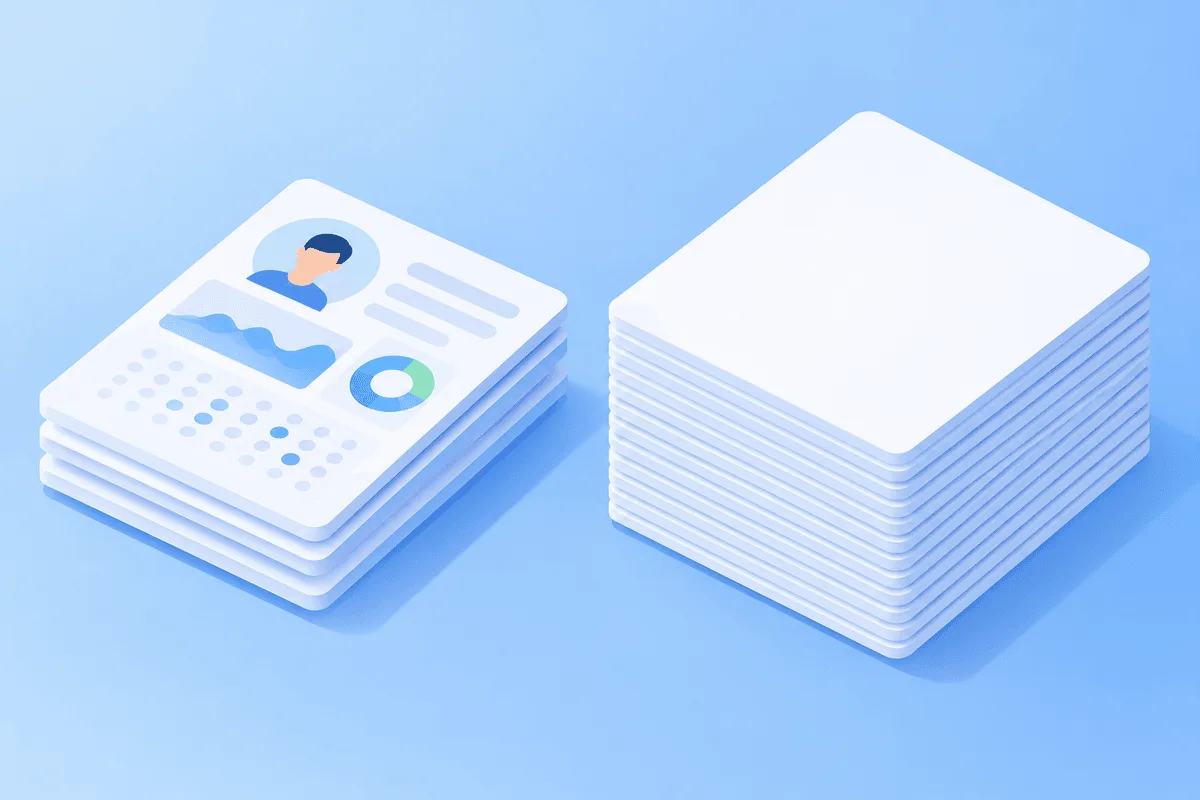
Farmed vs Autoreg: Comparison
| Criterion | Farmed account | Auto-registered account |
|---|---|---|
| History | Days or months of activity | Minimal or none |
| Price | Higher | Low, sold in batches |
| Trust at launch | Higher | Low |
| Typical use | Running ads, main account in a setup | Tests, warming, auxiliary roles |
| Setup required | Proxy of the same geo, separate profile, imported cookies | Same, but expectations for lifetime are lower |
Neither type guarantees that an account will run ads without checks. Facebook evaluates the account, the payment method, the creative and the landing page together, and its rules apply whatever the setup.
Where to Buy and What to Check
Accounts are sold by specialized shops. One example is BobFarm: according to the shop, it offers manually farmed accounts and auto-registered ones, takes custom orders and gives wholesale discounts on larger batches. Its guides section also shows how buyers assemble a Facebook setup from purchased accounts.
Whatever the source, check before buying:
- the geo of the account and, if possible, the city;
- the age and how the account was farmed;
- what is included: login, password, email, cookies, user agent, 2FA;
- whether a Business Manager or ad cabinet comes with it;
- the replacement terms if the account does not open.
How to Set Up a Farmed Account
Match the Proxy to the Account's Geo
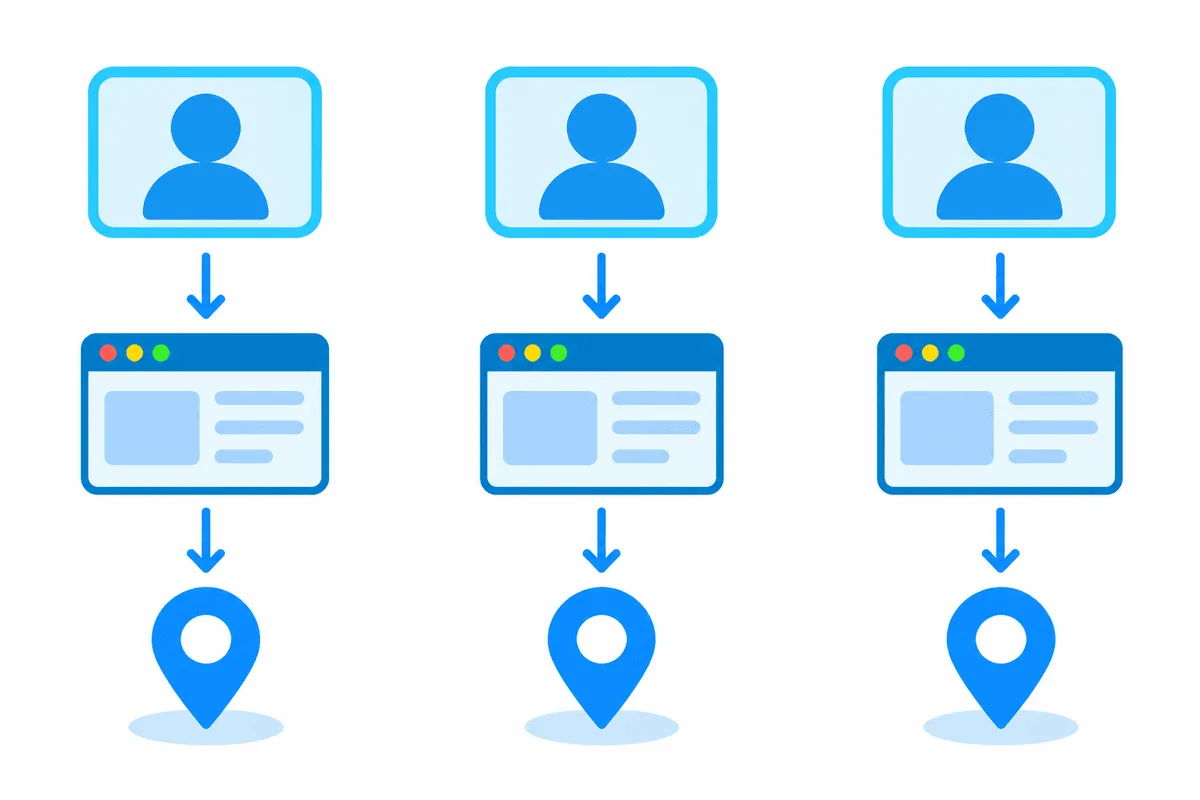
The most common reason for a checkpoint right after purchase is a login from a different country. An account farmed in Ukraine should open from a Ukrainian IP, one farmed in Poland from a Polish IP. Residential proxies let you choose the country, city and provider, and a sticky session keeps one IP for up to 24 hours, so the address does not change in the middle of work. For an account you open every day from one address, static ISP proxies fit: the IP stays yours for the whole rental period.
One Account, One Browser Profile
Create a separate profile for every account in an anti-detect browser, add the proxy and import the cookies and user agent if the seller provided them. Shared profiles and shared IPs let the platform link accounts together. A broader look at organizing many profiles is in our guide to a multi-account workflow.
Check Before Logging In
Open the profile and check the IP in a proxy checker: the country and city should match the account's geo. Make sure the timezone and browser language match too, and that WebRTC and DNS do not reveal your real address.
Take the First Login Slowly
Do not change the password, email and phone all at once and do not launch ads in the first minute. Browse the feed and settings first. Sudden changes right after a new login look suspicious.
How to Use Autoregs Sensibly
Autoregs need the same basic hygiene: one account per profile and a proxy of the right geo. Since they have little history, plan for some of them to drop out and do not build a key part of a setup on them alone. They are useful for tests and auxiliary roles, while the main ad account is better kept on a farmed profile.
Common Mistakes
- Proxy from the wrong country. The account's geo and the IP must match.
- One IP for several accounts. This makes it easy to link the profiles.
- Rotating IP in the middle of a session. Account work needs a stable address.
- Free proxies. Their addresses are often blacklisted and unsafe for data.
- Expecting an autoreg to behave like a farmed account. The difference in history matters.
Conclusion
Farmed accounts cost more but start with history and trust, which makes them the usual choice for running ads. Autoregs are cheap and suit tests and auxiliary roles. In both cases the result depends on the setup: a proxy of the same geo, a separate browser profile and a careful first login.
Farmed and Autoreg Accounts FAQ
What is the difference between a farmed account and an autoreg?
A farmed account has been used for days or months and has activity history. An autoreg is created in bulk by software and has little or no history.
Which proxies are best for a farmed Facebook account?
Proxies from the same country as the account. Residential proxies with a sticky session work well when you need a specific city, and static ISP proxies suit daily work from one address.
Can I use one proxy for several accounts?
It is better not to. A shared IP helps the platform link the accounts.
Does a farmed account guarantee that ads will run without checks?
No. Facebook also looks at the payment method, creatives and landing page, and its rules apply regardless of the account type.
What should I check before buying an account?
The geo, age, what is included (cookies, email, 2FA, Business Manager) and the seller's replacement terms.