Common Mistakes When Using Proxies with an Antidetect Browser
 ·September 25, 2026·6 min read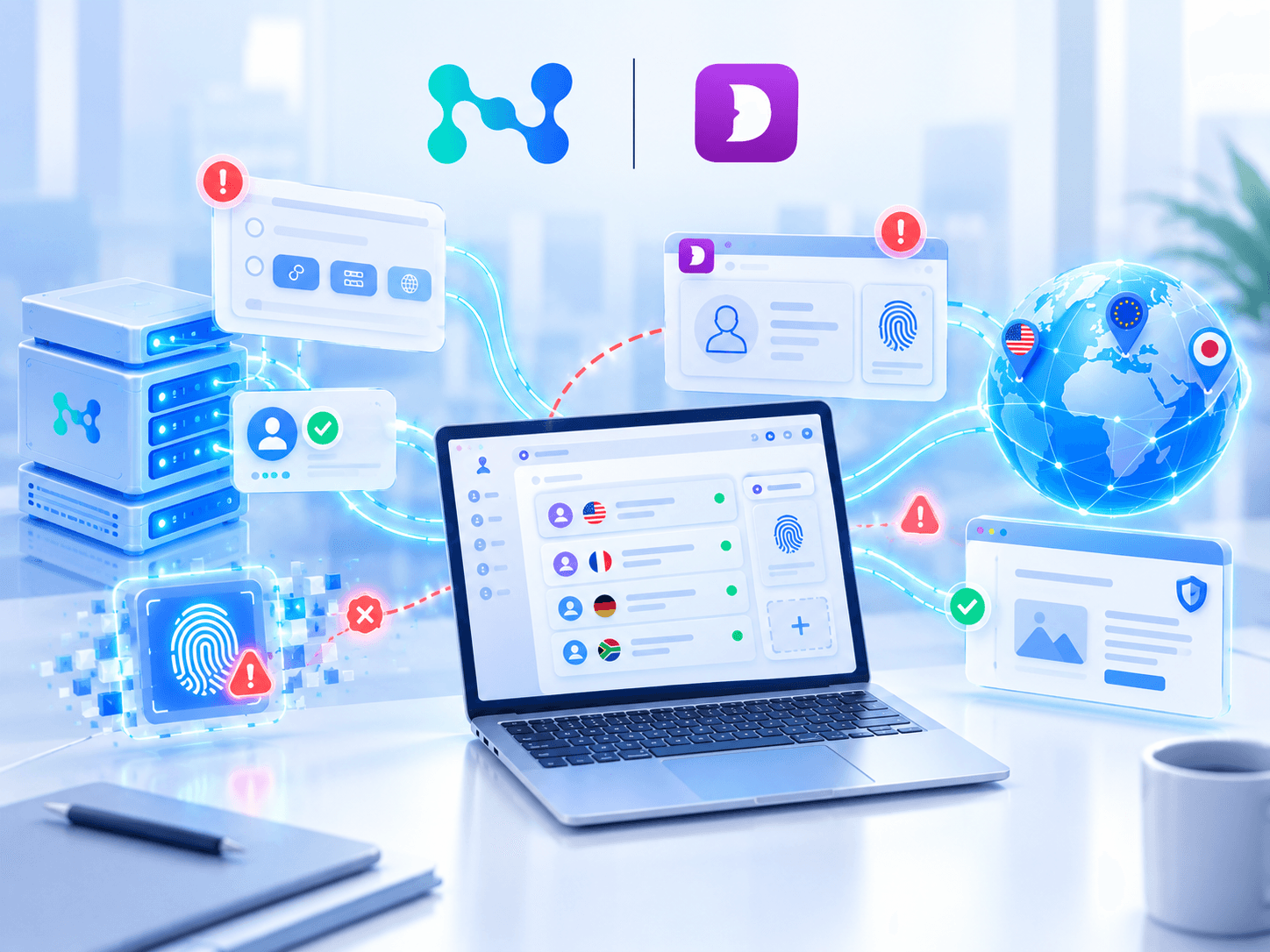
Proxies and an antidetect browser solve different tasks: a proxy is responsible for the IP address and connection, while an antidetect browser allows you to create separate profiles. Both require proper configuration. Mistakes can lead to problems accessing accounts, antifraud checks and unstable operation.
In this article we cover common mistakes when working with proxies and an antidetect browser. We will look at proxy selection and profile configuration using Dolphin Anty and Node Proxy as examples, and also show which settings are worth checking in advance and what is better to avoid so you do not have to rebuild the configuration after launching the profiles.
Using One Proxy for a Large Number of Profiles
Creating several profiles in an antidetect browser is not enough if they all access the internet through the same IP address. It can reveal multiaccounting even if the profiles have different digital fingerprints.
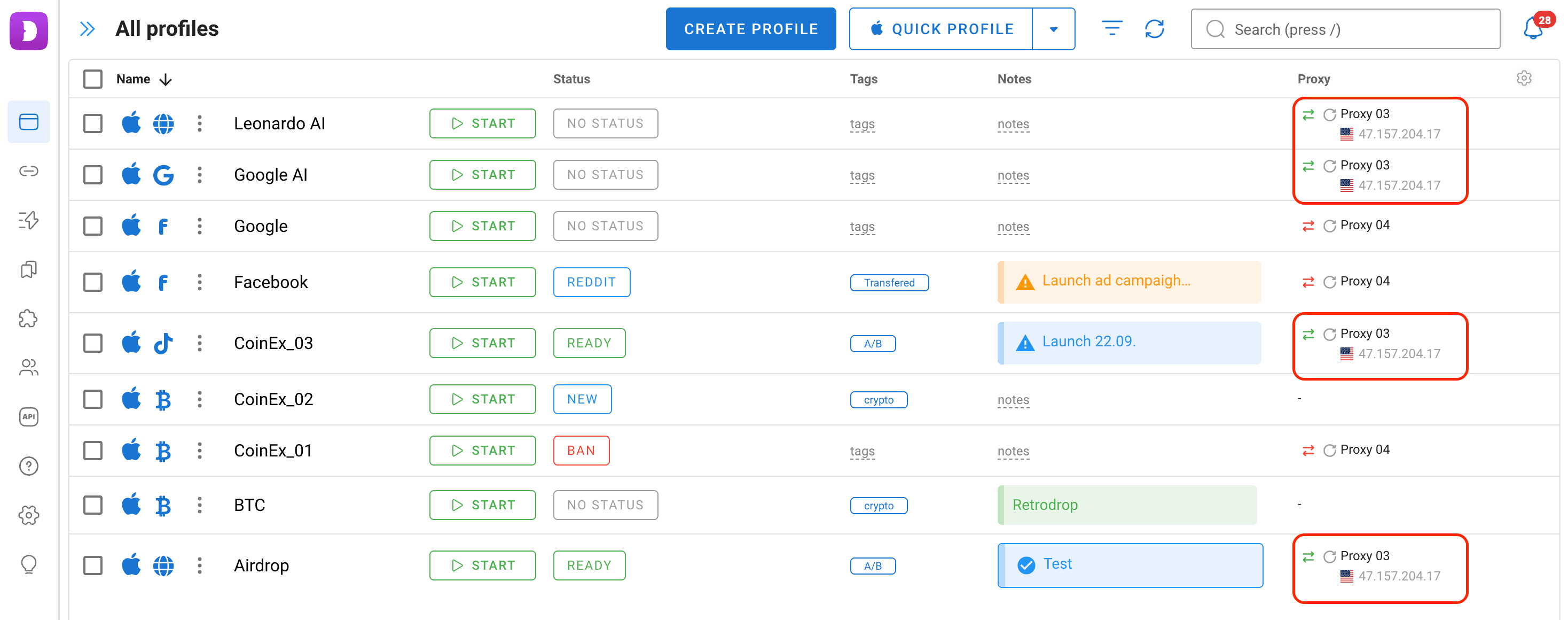
For tasks where accounts need to be as isolated from each other as possible, it is better to use separate proxies for them. For example, when:
- Working with advertising accounts for different projects;
- Testing websites and services from different regions;
- Working with projects on the same platform where switching between accounts every time is inconvenient.
When working with a large number of accounts, it also makes sense to plan in advance how proxies will be distributed among profiles.
Constantly Changing the IP Address
IP rotation is useful for scenarios such as data collection or checking website availability. But for long-term work with accounts, constantly changing the IP address does not always make sense.
Imagine a profile that is launched from one city today, from another city a few hours later and then receives an IP address from an entirely different country the next day. In this case, the fingerprint remains unchanged while the network environment is constantly changing.
For accounts that are being warmed up and prepared for use, a stable connection with the same session or IP address maintained over a longer period is more suitable.
Therefore, if a proxy works properly and matches the task, it is better to leave it unchanged.
A Natural Companion to Antidetect
Node Proxy residential and datacenter proxies complement separate browser profiles.
Choosing the Wrong Proxy Type
Different types of proxies have different characteristics, so they should not be selected based only on price or the number of available IP addresses. First, determine exactly what you need from a proxy for a specific task.
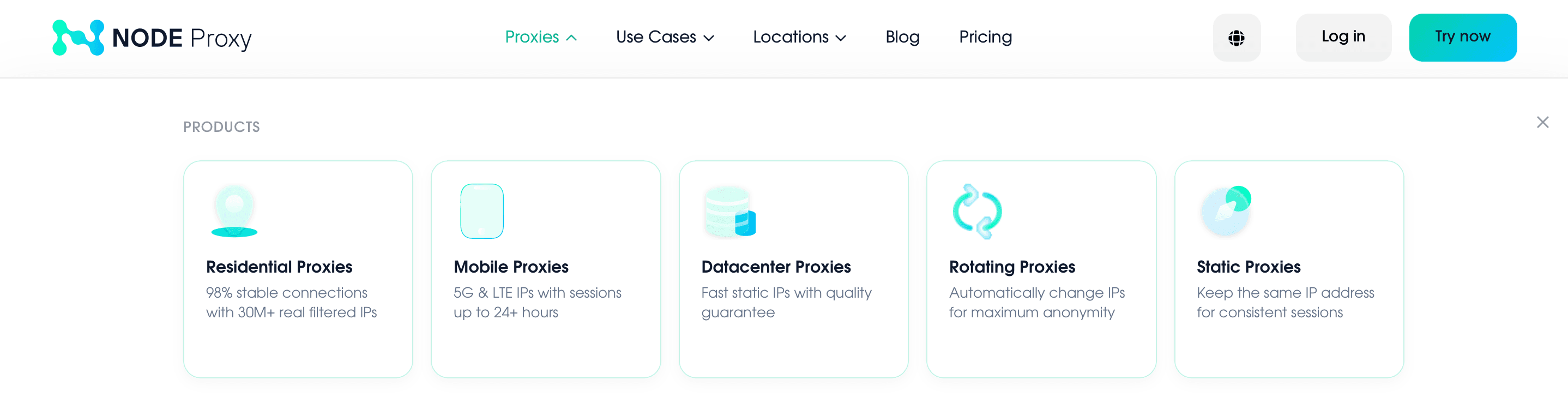
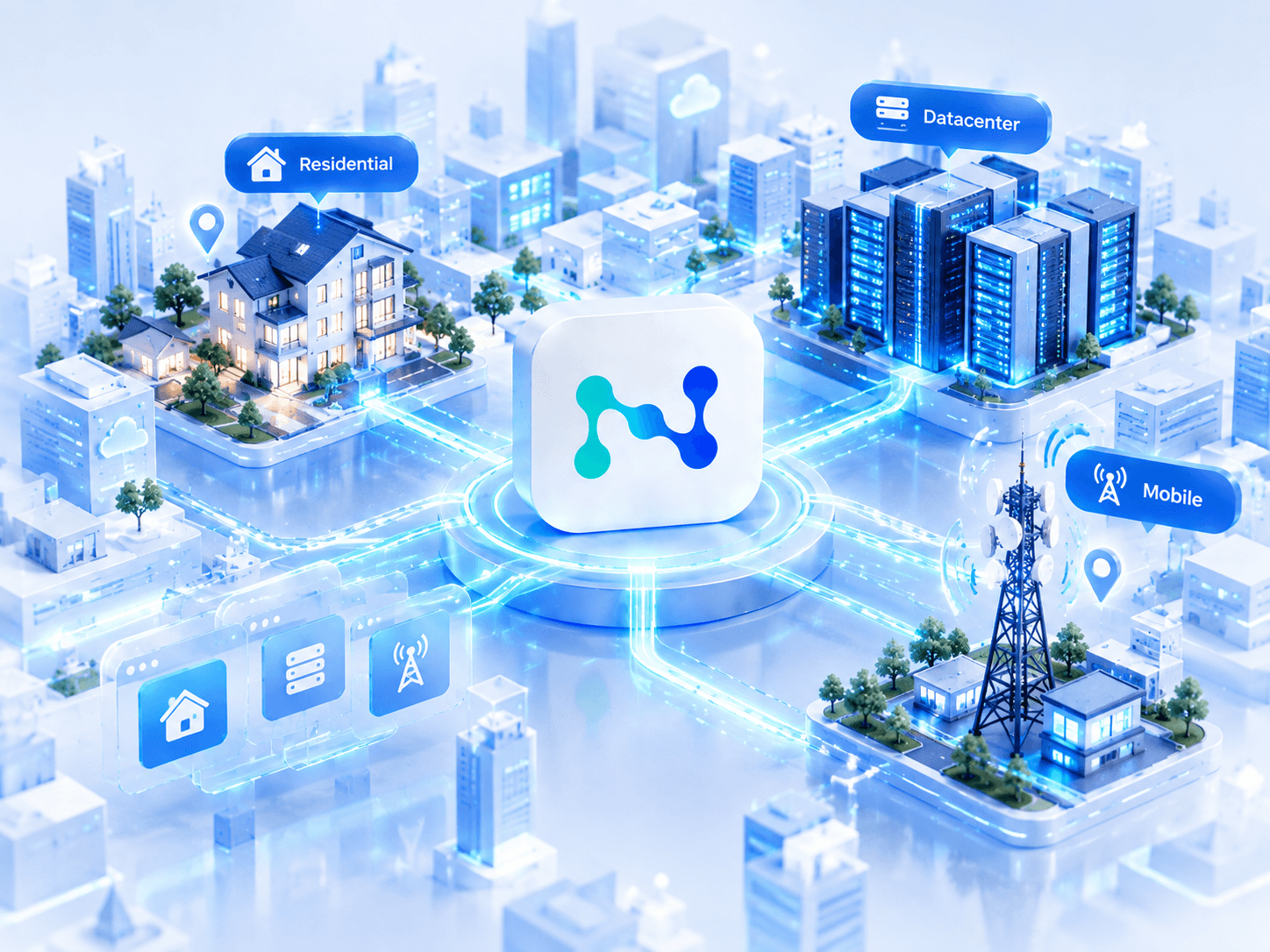
Residential proxies use IP addresses from home internet connections. They are suitable for tasks where precise geography is important and access to websites needs to look like a regular connection from a specific region. For example, they can be used for local website testing, checking search results and advertising in different countries and regions, as well as for tasks where data center IPs are less suitable.
Mobile proxies use IP addresses provided by mobile network operators. They are suitable for tasks where high IP variability is important and a connection similar to regular mobile internet is required. For example, they can be used for working with social networks, mobile services, advertising platforms, and tasks where mobile IPs may appear more natural than data center IPs.
Server (data center) proxies are suitable for tasks where speed, a large number of IP addresses and the ability to quickly change addresses are important. They can be used for scraping, automation, website and service testing, handling a large number of requests and other tasks that do not require a residential IP.
Rotating proxies automatically change the IP address at certain intervals or after a specified number of requests. They are suitable for tasks that involve a large volume of requests and where reducing dependence on a single IP is important. For example, they can be used for scraping, data collection, automation, checking a large number of pages and other tasks where constantly changing addresses helps distribute requests.
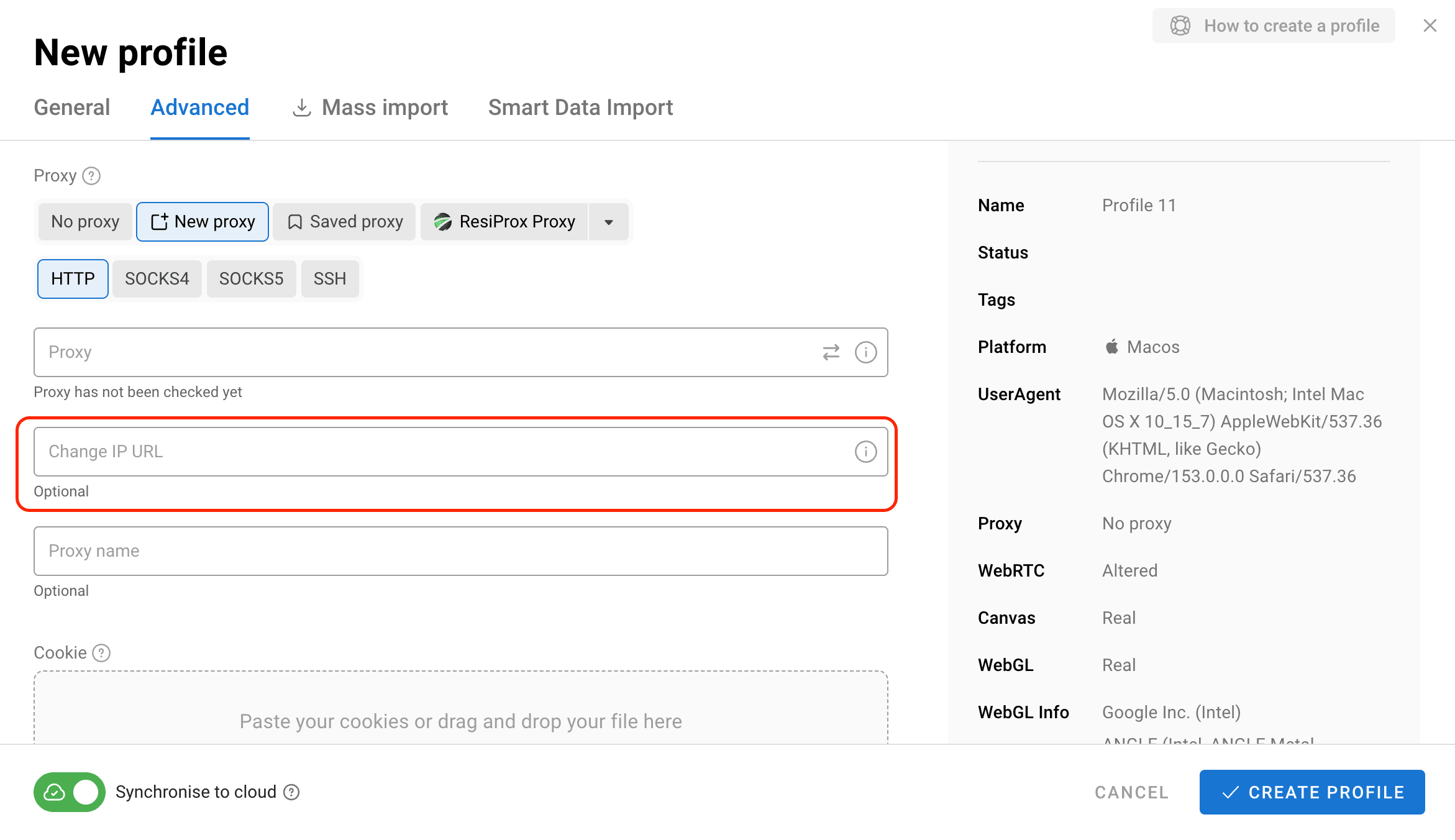
Static proxies keep the same IP address throughout the entire period of use. They are suitable for tasks where maintaining a consistent connection to one address is important and regular IP rotation is not required. For example, they can be used for long-term work with accounts, advertising accounts, social networks, authenticated services and other tasks where IP stability is more important than regular rotation.
Ignoring Proxy Geography
When choosing a proxy, it is important to consider not only the IP address country, but also how well it matches the profile settings.
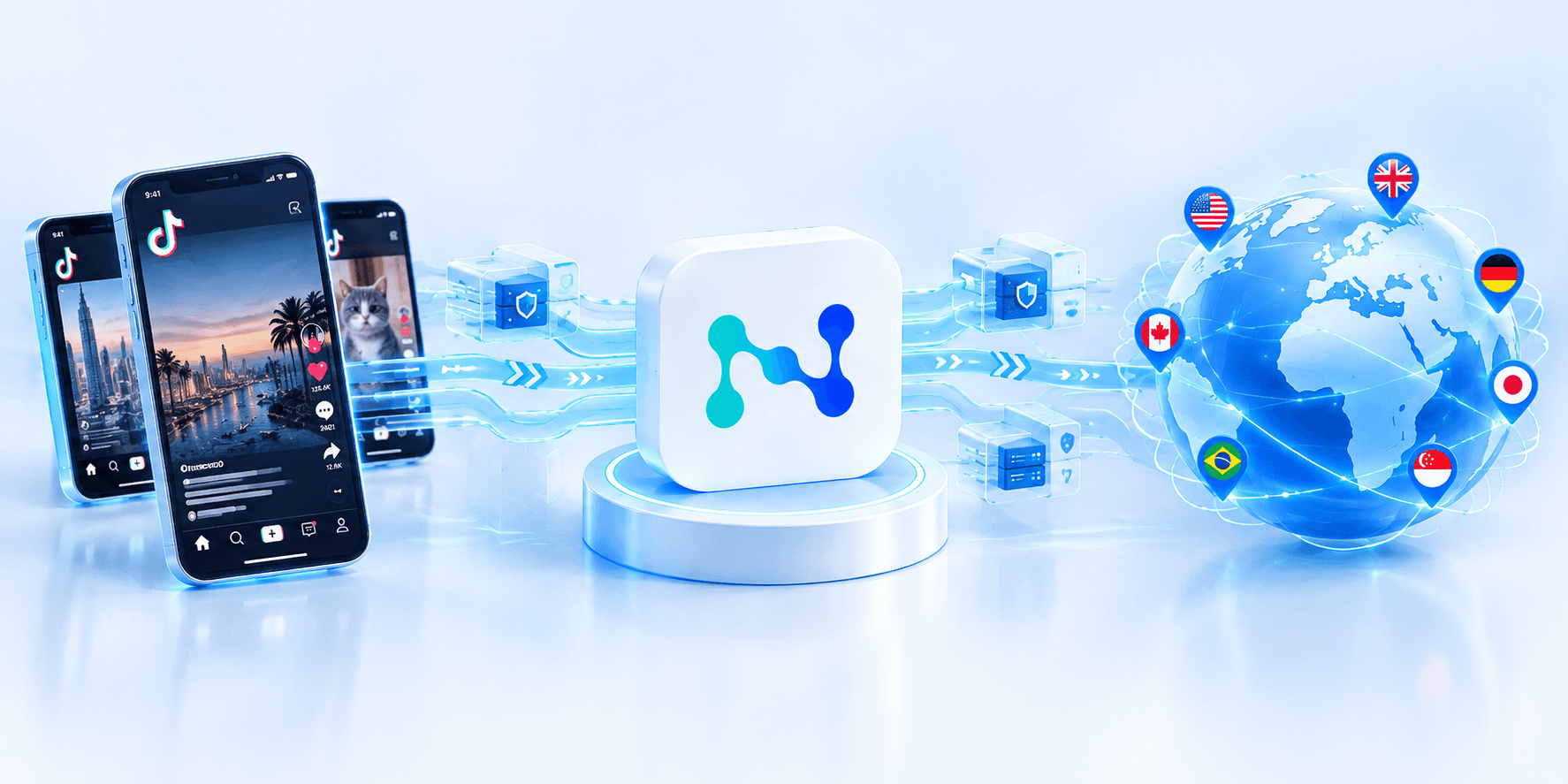
For example, if a profile is configured for a user from Germany while the connection uses a US IP address, the website receives conflicting data: the browser indicates one region while the IP address indicates another. This can trigger additional checks.
Therefore, if geography is important for completing a task, it is worth checking it at all levels: IP address, time zone and language.
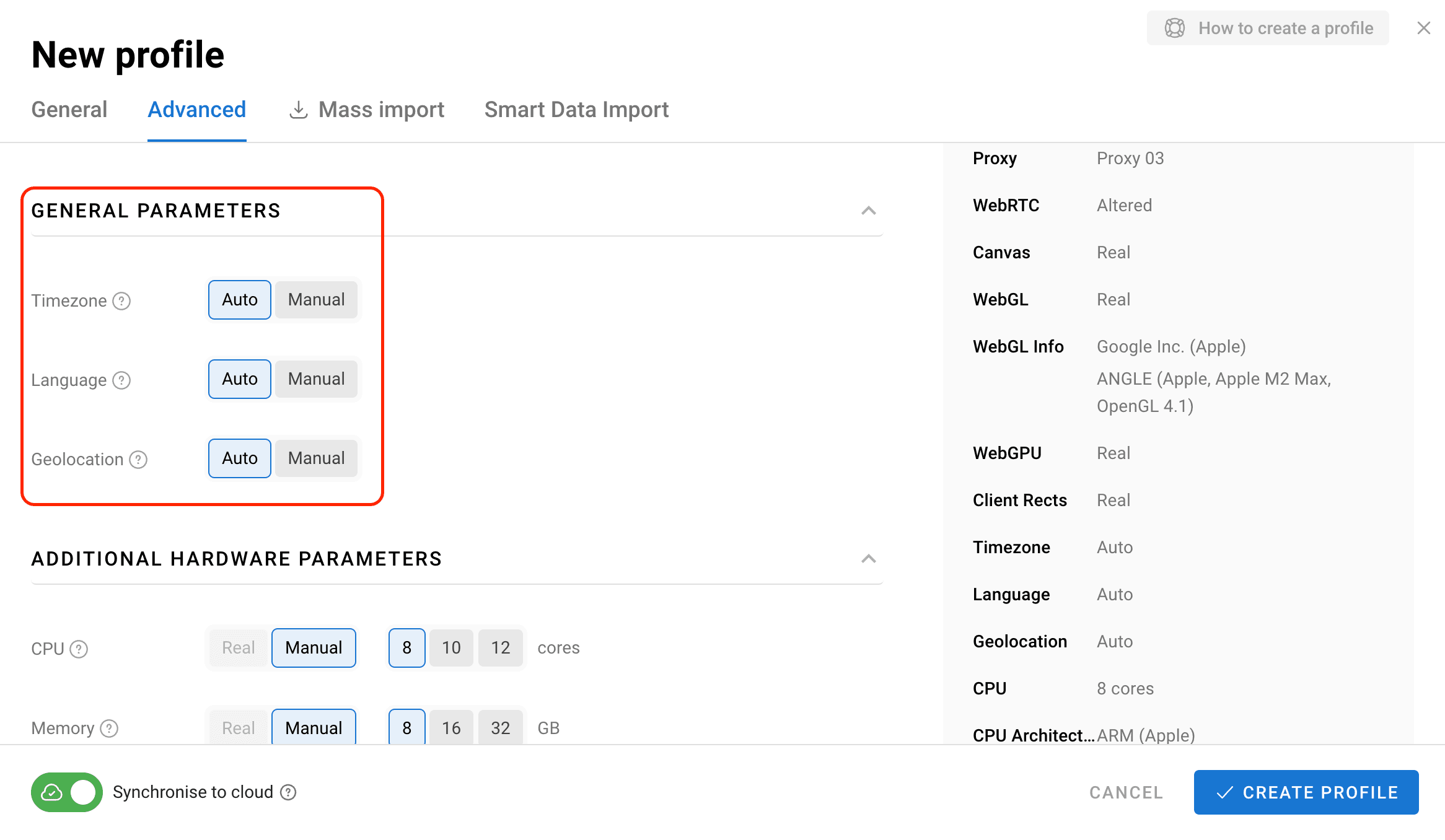
An antidetect browser allows you to set these parameters both manually and automatically. In any case, they need to be consistent with each other. The longer a profile is used, the more important it becomes not to change these parameters without a reason.
Choosing Proxies Based Only on Price
Data center, ISP, and residential proxies differ in quality, IP address origin, connection characteristics and use cases. These differences directly affect their cost, so comparing proxies based only on the price per IP does not always make sense.
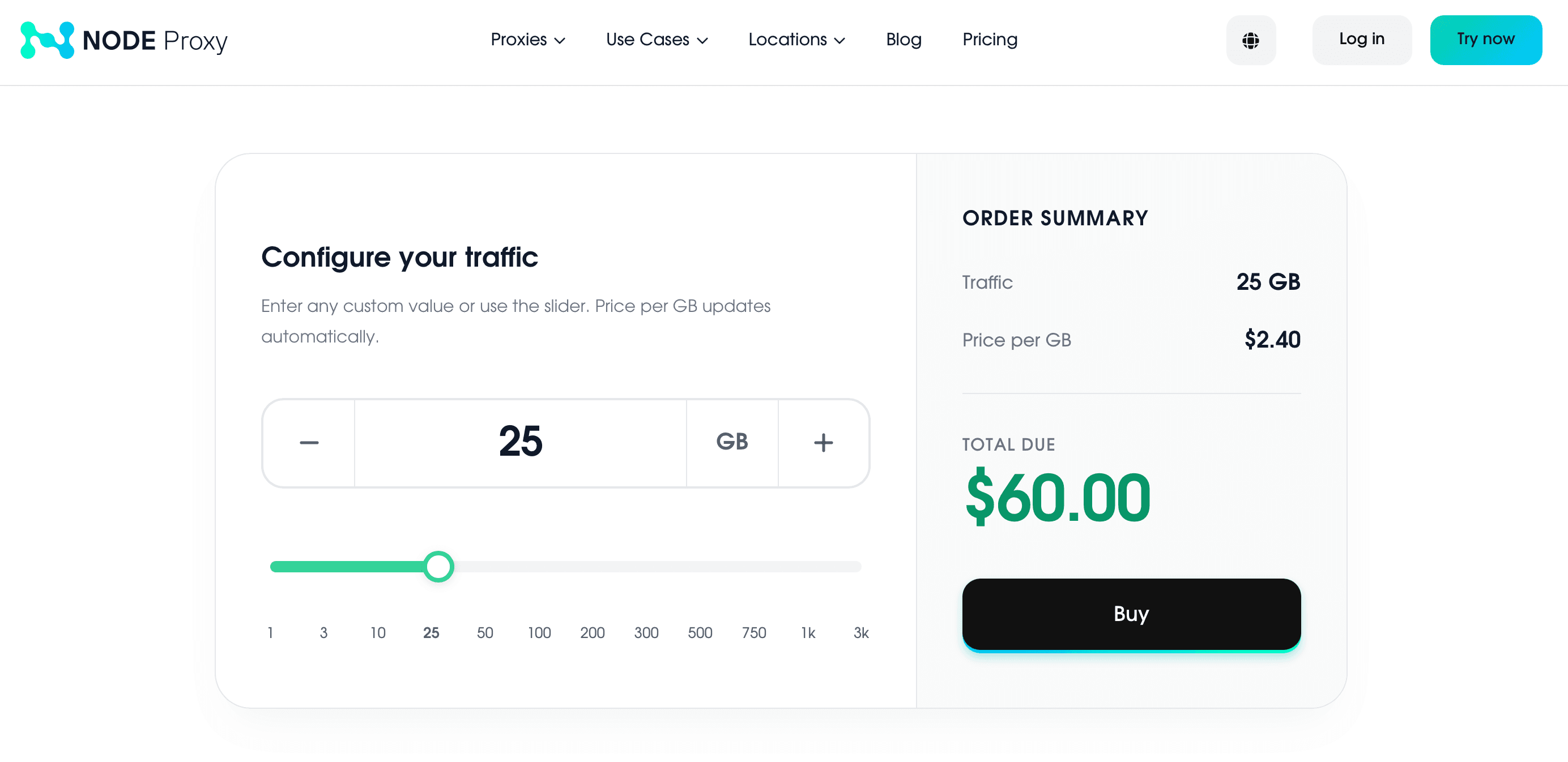
For example, data center proxies are usually cheaper and are suitable for tasks where speed and a large number of IP addresses are important. ISP proxies fall into a different price category because they combine the advantages of server infrastructure with IP addresses associated with internet service providers. Residential proxies, in turn, use IP addresses of real users and usually cost more, especially when precise geography or stable sessions are required.
Therefore, before purchasing, determine exactly what you need from a proxy. For testing, speed and the number of available IPs are more important. For long-term work with accounts, connection stability and geography matter more. If you choose the cheapest option without considering these parameters, you may eventually need to replace the proxies, which will increase the overall costs.
Not Checking Proxy Quality Before Use
Even a proxy with the right type and geography can work unstably. Before using it, you should check how quickly the connection is established, how often disconnections occur, whether the IP changes unnecessarily and whether there are any problems accessing the required websites.
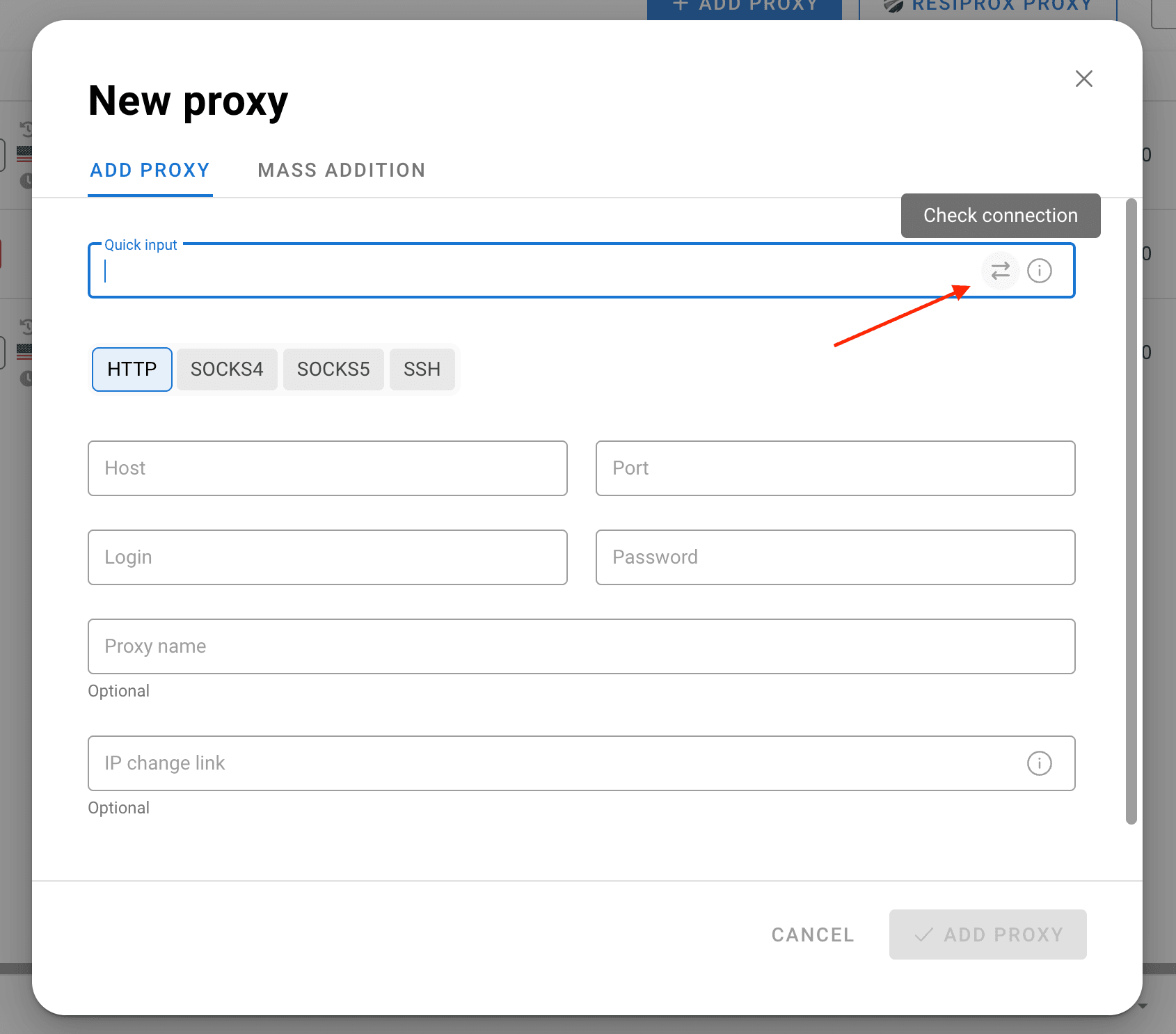
This is especially important when working with an antidetect browser. If a proxy regularly disconnects, does not provide sufficient speed or suddenly changes the IP address, problems can already occur inside the profile: websites may request re-authentication, the session may be interrupted, and the configured profile becomes less predictable in operation.
Therefore, before connecting a proxy, it is better to test it in practice. A few test connections will help determine how stable it is and whether it is suitable for a specific task.
Assuming That an Antidetect Browser Will Fix Any Proxy Problems
An antidetect browser and a proxy solve different tasks.
A proxy is primarily responsible for the network connection and IP address. An antidetect browser works with profiles and allows you to isolate them from each other by changing the digital fingerprint.
Therefore, connecting a proxy through an antidetect browser does not improve its quality. If the connection is unstable, the IP has unsuitable geography or the proxy does not match the task, this will only harm the profile.
A working configuration starts with selecting both components for a specific use case.
Not Testing the Setup Before Scaling
The final mistake is immediately creating dozens or hundreds of profiles without testing several configurations first.
It is much easier to start with a small number of profiles and check:
- How stable the proxy is;
- Whether the geography matches the stated location;
- Whether the required session is maintained;
- How quickly websites load;
- Whether the proxy type is suitable for the task.
After that, you can scale the tested configuration.
This approach is especially useful when working with a large number of profiles: if a problem is discovered after scaling, finding its cause will take significantly more time.
What a Working Setup Looks Like
As we have already established, proxies and antidetect browsers have different functions, so it is better to consider them separately.
To keep an account running for longer, the logic of creating it should look like this:
Create a profile – Add an account – Connect a proxy
For geo-testing, the setup will be different:
Region – Proxy with the required geo – Profile with the corresponding settings – Website check
The main thing is not to try to use one configuration for every task. The proxy type, rotation method and digital fingerprint parameters should be selected based on what exactly needs to be done.
Conclusion
Proxies and an antidetect browser complement each other, but only when their roles are properly divided. A proxy does not replace a browser profile and an antidetect browser does not compensate for an unsuitable network connection. Therefore, when everything is configured in advance, working with multiaccounting becomes easier.