Node Unblocker for Web Scraping: Running Your Own Relay, Chaining Upstream Proxies and Knowing Its Limits

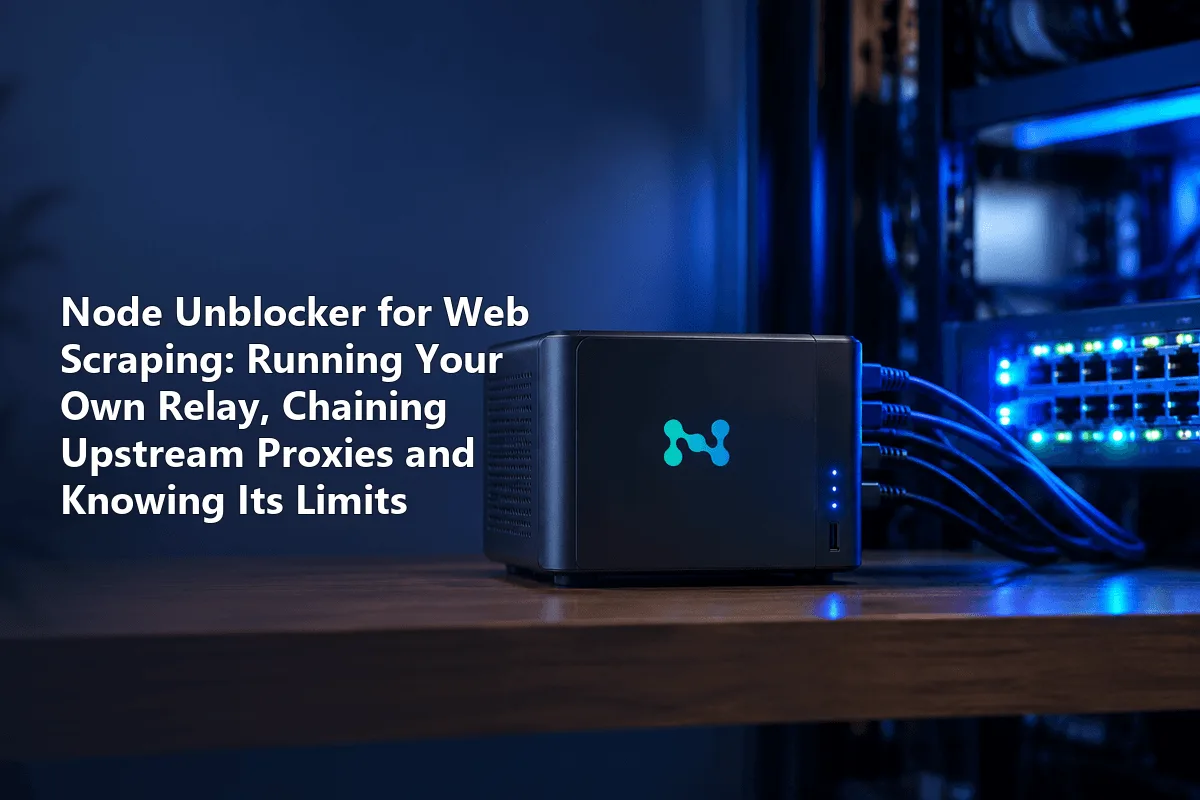
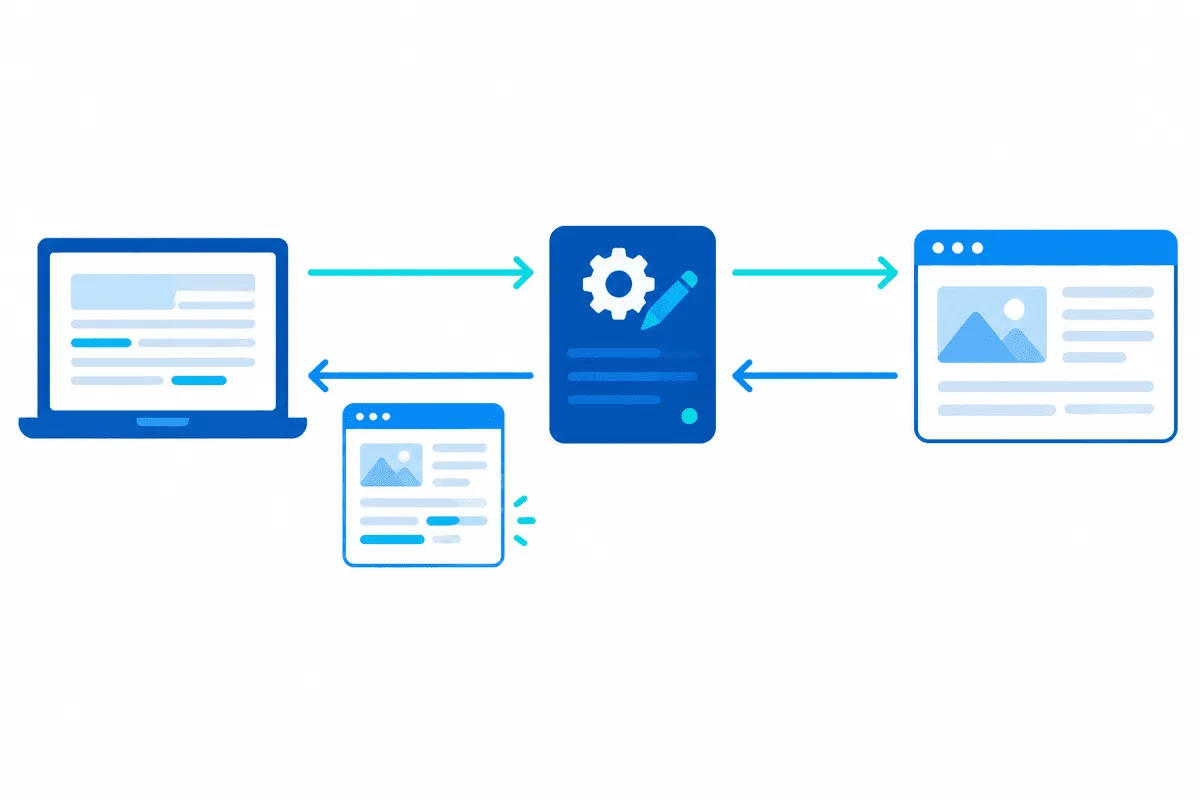
The unblocker package from npm, better known as Node Unblocker, lets a small Express app act as a URL-rewriting relay that you host yourself. A request to /proxy/https://example.com/ makes your server download that page, patch its links so they keep pointing through the relay, and pass the result back. In scraping and QA work this middle tier is handy because every outgoing request and every incoming response can be examined or altered in ordinary JavaScript. What it lacks is reach: traffic leaves from one machine, with none of the address diversity of a commercial proxy network.
Below you will find how the relay functions internally, how to stand up an instance that strangers cannot use, how to chain its outbound requests to upstream proxies, and where it loses to plain HTTP or SOCKS5 gateways. Keep it for your own projects, for targets whose terms allow automated visits and for testing; circumventing network policies or the access rules of a website is not what this article is about.
Upstream proxies for your relay
Residential IPs with country targeting and sticky sessions for self-hosted scraping tools
Inside the Relay
Technically the package is a piece of Express-style middleware. Any incoming path that begins with the prefix you configure is interpreted as an address to relay:
- A client calls your host at
/proxy/https://books.toscrape.com/. - The relay opens its own connection from your machine to the bookstore and downloads the page.
- Bundled handlers patch the body: hyperlinks, form targets and redirect headers are pointed back at the prefix, and cookie scopes are adjusted to the relayed origin.
- If enabled, a helper script is inserted into the page so that its XHR, fetch and WebSocket traffic follows the same detour.
- The patched document is streamed to whoever asked for it.
You can plug in your own functions at two points: the requestMiddleware list runs before the outbound call, and the responseMiddleware list runs on the reply. For a scraping setup this is the attractive bit, since headers can be injected, unwanted addresses refused, status codes recorded or bulky assets removed without changing a single line in the client.
Relay Library Compared With a Proxy Service
| Criterion | Self-hosted Node Unblocker | Commercial HTTP or SOCKS5 gateway |
|---|---|---|
| Client integration | Every target address gets your relay URL glued in front | Set once in the HTTP client; target addresses stay as they are |
| Outbound address | Whatever single IP your host has, typically a hosting range | Large pools of residential, ISP or hosting addresses |
| Changing IPs and picking countries | Absent unless you bolt on upstream gateways | Included: per call, sticky sessions, country choice |
| TLS handling | Decrypted on your host, which can read the pages | Passed through a CONNECT or SOCKS5 tunnel, the gateway cannot read page content |
| Page integrity | HTML and CSS are modified and scripts injected | Bytes arrive untouched |
| How visible the setup is | Patched links and inserted code may break pages or give the relay away | Indistinguishable from a regular visitor on that IP |
| Site coverage | Breaks on some complex apps; the README singles out OAuth sign-ins and postMessage-based logins | Anything the client software itself supports |
| Upkeep | Hosting, patching and hardening are on you | Infrastructure belongs to the provider |
| Licensing | AGPL-3.0 | Provider contract |
Put simply, the library gives you a scriptable relay under your full control, whereas a gateway service gives you a large supply of clean outbound addresses. Serious data collection usually relies on the latter; the former earns its keep in QA and modest in-house utilities. When picking a protocol for a conventional setup, our comparison of SOCKS5 and HTTP proxies helps.
Good Use Cases
- QA on properties you own. Testers can open staging or live pages via a host in another region and examine how responses, cookies and redirects come out after rewriting.
- Observability for a collector. A few lines of JavaScript in the hook lists can log each status, attach standard headers or drop tracker calls.
- Tools that only take a URL. Spreadsheet import formulas and similar fetch-only utilities can reach a page through one prefixed address.
- Studying the technique. The codebase is short enough to show clearly how link-rewriting relays operate.
Where it falls flat: high-volume collection, targets guarded by strong bot detection, and any task that would involve signing in to third-party services.
Step 1. Set Up a Private Instance
Begin with an up-to-date Node.js LTS build, then create a folder and pull in two packages:
mkdir relay-lab && cd relay-lab
npm init -y
npm install express unblocker
Unprotected relays on public addresses get discovered and misused quickly, so the sample accepts only listed target hosts and demands a shared secret. Both guards run before the relay contacts any outside server.
// relay.js
const express = require('express');
const Unblocker = require('unblocker');

const PERMITTED_HOSTS = new Set(['books.toscrape.com', 'quotes.toscrape.com']);
const RELAY_TOKEN = process.env.RELAY_TOKEN;

function onlyPermittedHosts(data) {
  const host = new URL(data.url).hostname;
  if (!PERMITTED_HOSTS.has(host)) {
    data.clientResponse.status(403).send('Host not permitted');
  }
}

function tagOutgoing(data) {
  data.headers['user-agent'] = 'RelayLab/0.3 (+https://acme.example/contact)';
}

const relay = new Unblocker({
  prefix: '/fetch/',
  requestMiddleware: [onlyPermittedHosts, tagOutgoing],
});

const app = express();

app.use((req, res, next) => {
  if (req.get('x-relay-token') !== RELAY_TOKEN) {
    return res.status(401).send('Missing token');
  }
  next();
});
app.use(relay);

app.listen(process.env.PORT || 8080).on('upgrade', relay.onUpgrade);
Per the README, the relay middleware belongs near the top of the Express stack, and wiring up the upgrade event allows WebSocket connections to pass. The property names used on data here come from that README, so double-check them for the release you install. Launch and try it:
RELAY_TOKEN=change-me node relay.js
curl -H "x-relay-token: change-me" http://localhost:8080/fetch/https://books.toscrape.com/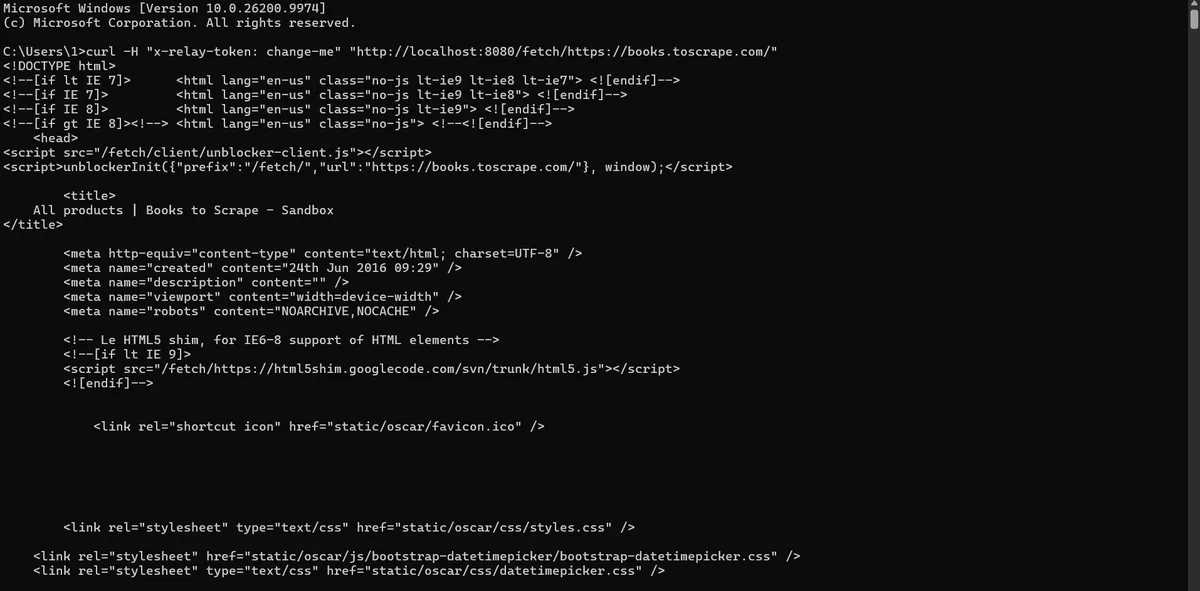
A secret in a request header suits scripts and terminal tools; for humans opening the relay in a browser, protect it with authentication on your front-end web server instead.
Step 2. Calling the Relay From Collector Code
For the collector, the relay is merely a different way to compose an address. Keep that composition in one helper:
const RELAY_BASE = process.env.RELAY_BASE; // e.g. http://10.0.0.5:8080/fetch/

async function viaRelay(targetUrl) {
  const reply = await fetch(RELAY_BASE + targetUrl, {
    headers: { 'x-relay-token': process.env.RELAY_TOKEN },
  });
  if (!reply.ok) throw new Error(`relay answered ${reply.status}`);
  return reply.text();
}

viaRelay('https://books.toscrape.com/catalogue/page-2.html')
  .then((html) => console.log(html.length, 'bytes'));
Bear in mind that any URL inside the returned markup now carries your relay prefix. Strip it before saving extracted links.
Step 3. Chaining Upstream Proxies
Out of the box, outbound calls use the public IP of your host. Two constructor options, httpAgent and httpsAgent, swap in custom agents for those calls. The README lists the options without describing proxy chaining as such, so treat the following combination with popular agent packages as a pattern you verify yourself, not a documented feature.
npm install http-proxy-agent https-proxy-agentconst { HttpProxyAgent } = require('http-proxy-agent');
const { HttpsProxyAgent } = require('https-proxy-agent');
const UPSTREAM = process.env.UPSTREAM_URL; // http://user:pass@host:port
const relay = new Unblocker({
prefix: '/fetch/',
httpAgent: new HttpProxyAgent(UPSTREAM),
httpsAgent: new HttpsProxyAgent(UPSTREAM),
requestMiddleware: [onlyPermittedHosts, tagOutgoing],
});Confirm the import syntax for the agent versions you actually get, because earlier majors exposed their classes differently. Setting UPSTREAM_URL to a rotating gateway means each new outbound connection may leave from another address, while parameters in the gateway username decide country and session stickiness. With residential proxies upstream, the relay obtains household IPs in the region you need, something a hosting provider cannot offer. Agents hold connections open, so a series of requests may share one exit; create a new agent per job when strict separation matters.

Known Weak Spots
- Rich web applications. OAuth sign-in,
postMessageflows and heavy client-side routing frequently stop working once rewritten. The README states plainly that certain large platforms are not supported. - Easy to recognise. Prefixed links, inserted scripts and a hosting IP stand out, so bot detection classifies relay visits as automated like any other. A relay does not disguise a collector as a person, and it must not be used to defeat safeguards a site has deployed.
- One outbound IP. With no upstream gateway there is nothing to rotate, and per-address quotas are reached fast.
- Data exposure. Every decrypted page, cookies included, passes through your host in readable form. Keep personal accounts away from it and log as little as possible.
- AGPL obligations. Offering a network service built on AGPL-3.0 code obliges you to make the source, with your modifications, available to its users. Clear this with legal counsel before anyone outside your company gets access.
Typical reasons for blocks and fair ways to reduce them are collected in our guide to avoiding blocks during web scraping; for picking outbound address types, see proxies in web scraping.
Hosting Tips
A small VPS or a container is plenty. Supervise the process with systemd or pm2, put a TLS-terminating front server with authentication in front of it, store the host allowlist in config, enforce timeouts, limit response size inside a hook and watch outbound volume so that a runaway collector cannot flood anyone. Before pointing it at any target, read that site's robots.txt and terms and keep the request rate moderate.
Node Unblocker FAQ
What exactly is Node Unblocker?
An open-source package for Node.js, distributed on npm under the name unblocker, that plugs into Express and relays web pages through a server you control while rewriting their links. Developers rely on it for small private relays used in testing and data collection.
Does Node Unblocker suit scraping projects?
It works for modest jobs, QA and custom request hooks. Bigger projects run into its single outbound IP, the side effects of rewriting and site compatibility gaps, which is why teams usually combine a normal HTTP client with a gateway service.
Will the relay change IP addresses?
On its own it cannot, since everything leaves from its host. Supplying HTTP agents that forward to an upstream rotating gateway delegates that job to the gateway.
Can I safely expose an instance to the internet?
Leaving it open is a bad idea: outsiders will push their own traffic through it and its address may land on blocklists. Allow only chosen hosts, demand authentication and preferably keep it inside a private network.
How does it differ from commercial unblocker services?
The library is software you deploy and look after, with one outbound address and no address pool. Commercial unblocker offerings are managed platforms bundling gateway networks, automatic retries and rendering, sold under their own conditions.