INCY Client Setup: Adding VPN Configs and Proxies

INCY is a cross-platform client built on the open Xray core: it has no servers of its own, so you feed it a subscription, a share link or the details of a SOCKS5 or HTTP proxy, pick the entry in the list and press connect. The same workflow applies on Windows, macOS, Linux, Android, iOS and TV boxes.
This guide walks through installing the app, the ways to import a config, turning an ordinary proxy with a login into an INCY entry, setting up routing so only chosen services use the proxy, and checking that the exit IP really changed. A troubleshooting table and FAQ close the article.
Residential proxies
SOCKS5 and HTTP proxies with a login and password that you can import into INCY
What INCY can do
The official site, run by INCY LLC, presents the app as an «open core» client for your own servers. The feature list worth knowing before setup:
| Area | What the site lists |
|---|---|
| Platforms | iOS, Android, Windows, macOS, Linux, Apple TV, Android TV |
| Protocols | VLESS (REALITY, XTLS), VMess, Trojan, Shadowsocks, Hysteria2, WireGuard, AmneziaWG |
| Plain proxies | SOCKS5 and HTTP |
| Import | Subscription link, QR code, deep link |
| Routing | GeoIP/Geosite rules, split tunneling, per-app proxying, ad blocking |
| Safety | Kill switch that stops traffic if the tunnel drops |
| Sharing | A SOCKS5/HTTP gateway for devices on your hotspot |
Pricing and the exact feature set can differ by platform and version, so check the store page or the download page for your system before relying on a specific option.
What to prepare
- A source of servers. A subscription URL or share links from your VPN provider, or your own server.
- Proxy details, if you use a classic proxy: host, port, login, password and the protocol of the port (SOCKS5 or HTTP). Both work in INCY, but SOCKS5 carries any TCP traffic, while an HTTP proxy is designed for web requests. Our comparison of SOCKS5 and HTTP proxies explains when each fits.
- Admin rights on a computer if you plan to use the full-system tunnel mode.
Installing INCY
On Windows, macOS and Linux
Download the build for your system from the official site; the Windows and Linux packages are also published on the developer's GitHub. Run the installer, start the app and accept any system prompts for network components: a full-system tunnel needs them to catch traffic of all programs, not only the browser.
On Android and Android TV
Install the app from the store link or the APK on the official site. On the first connection Android shows a VPN permission request; accept it, otherwise the tunnel cannot start.
On iPhone, iPad and Apple TV
Install INCY from the App Store. iOS asks to add a VPN configuration the first time you connect; confirm with your passcode or Face ID.
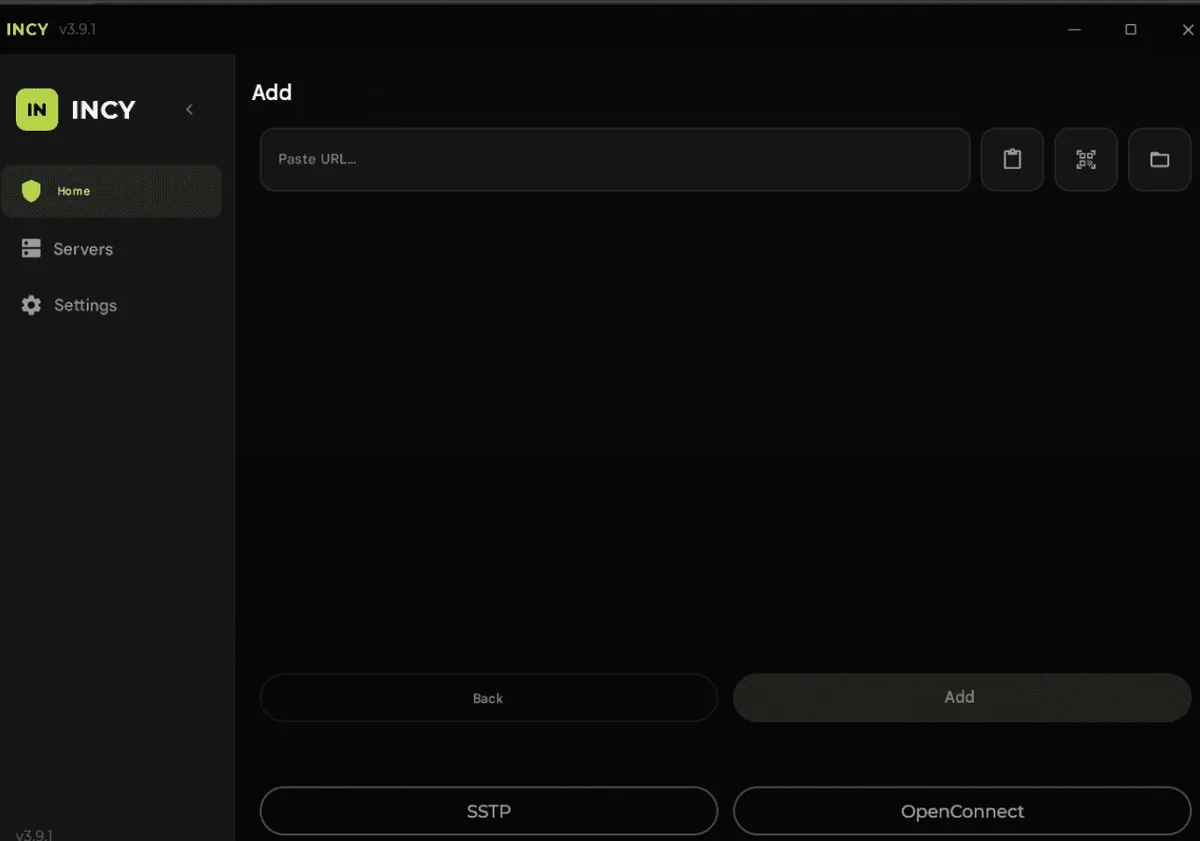
Importing a subscription or a share link
- Copy the subscription URL or a link that starts with
vless://,vmess://,trojan://,ss://orhysteria2://. - In INCY, use the add button and choose import from the clipboard. You can also scan a QR code or open the provider's deep link, which hands the config to INCY directly.
- On the first import the app downloads its geo routing databases (geoip and geosite). Wait for this to finish.
- The servers appear in the list with names, countries and a ping value.
- Select a server and press the main connect button.
A subscription refreshes itself, so you get the provider's current server list without editing entries by hand.
Adding a SOCKS5 or HTTP proxy
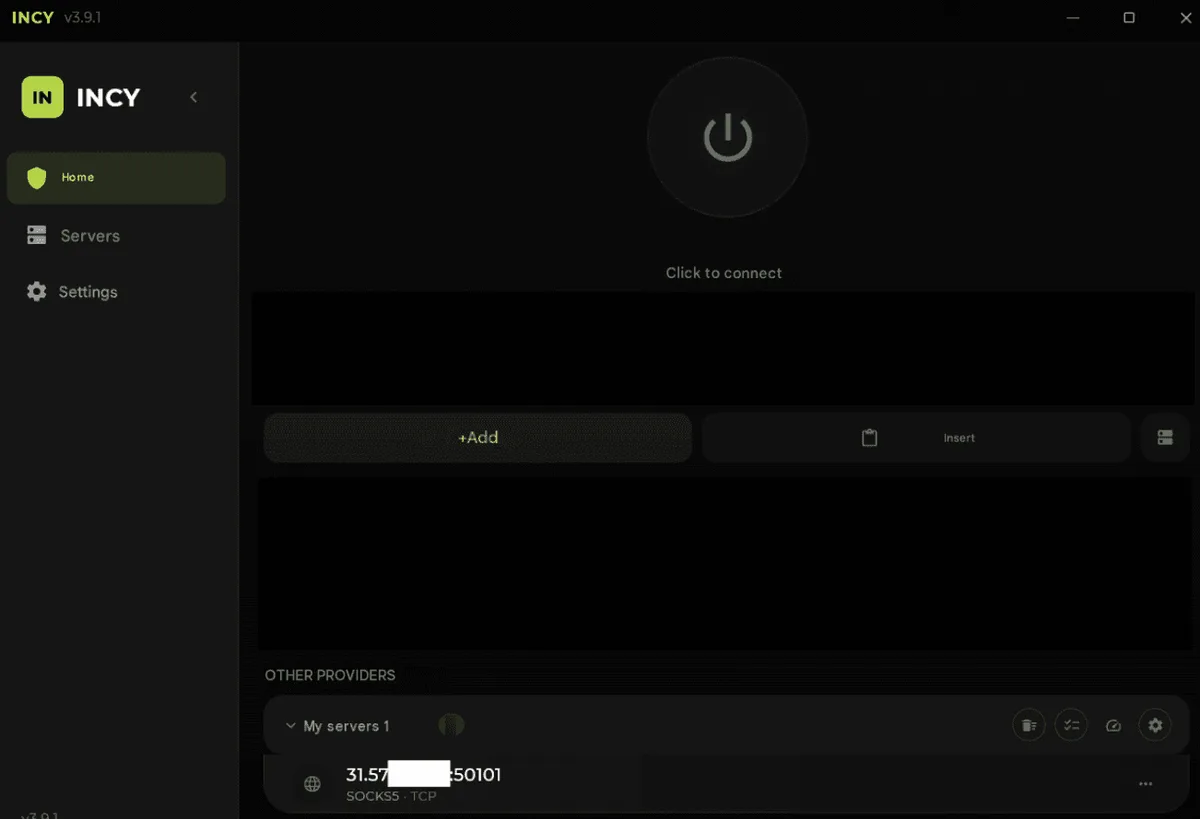
INCY accepts a plain proxy as a link. Assemble it from the four values your provider gives you:
socks://acct-fz42:Qm7tLp9x@198.51.100.14:1080
http://acct-fz42:Qm7tLp9x@198.51.100.14:8080- Write the line in a notes app with your real host, port, login and password, then copy it.
- In INCY, add a server and import from the clipboard.
- Give the entry a clear name (for example the country and port) and save it.
- Select it and connect.
If the password contains @, : or /, encode those characters (for example @ becomes %40) or ask the provider for a password without them. Some Xray-based clients also expect the login and password of a SOCKS link in Base64; if the plain variant fails with an authentication error, try that form.
Residential exit addresses suit tasks where sites should see a regular home connection; our residential proxies support both SOCKS5 and HTTP with a login and password.
Routing: choose what goes through the proxy
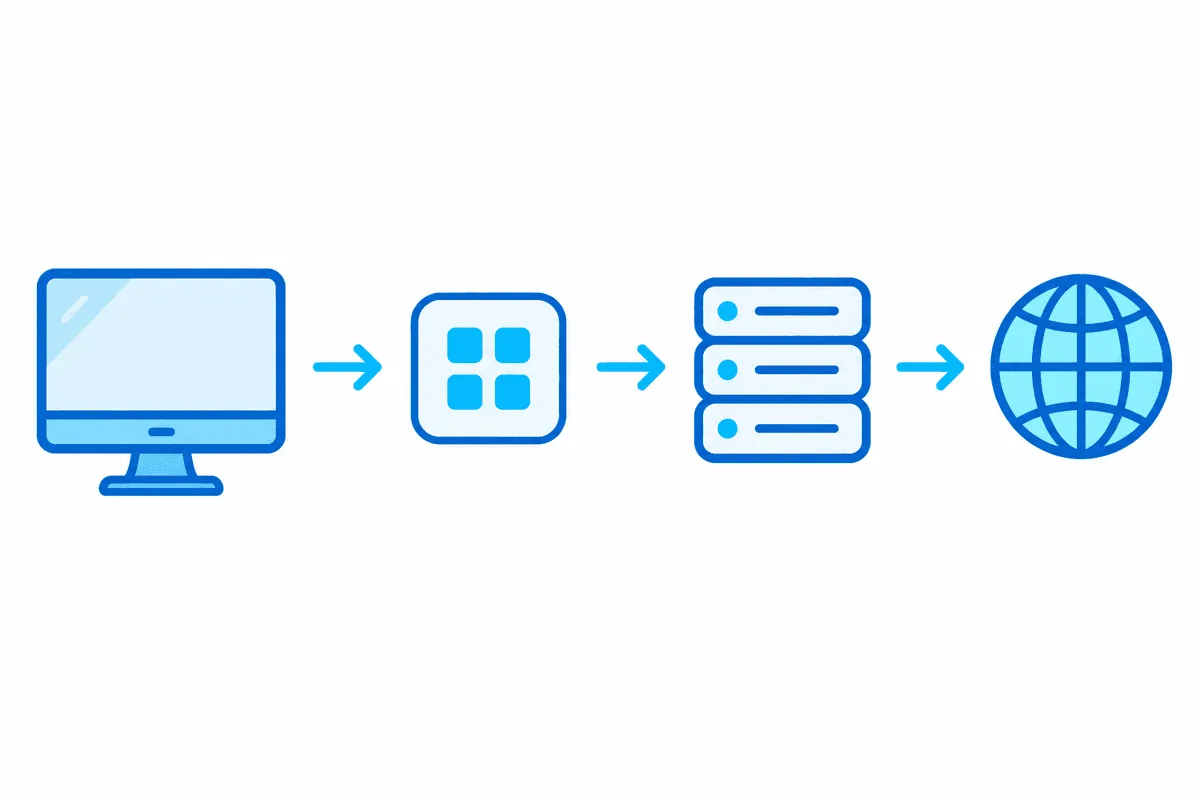
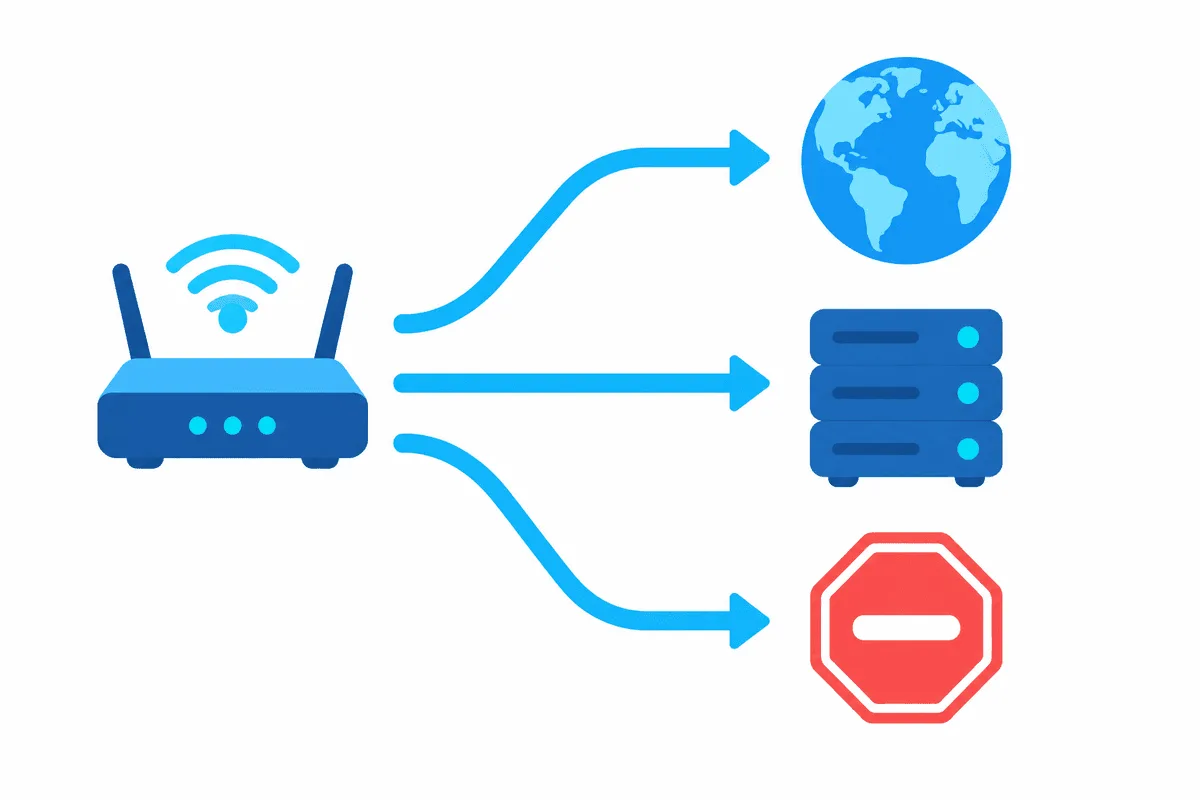
By default everything is tunneled. For daily use it is more practical to route only what needs the proxy. INCY handles this with routing profiles in the settings (look for the tunnel or routing section; labels vary by version). Each profile sorts traffic into three groups:
- Direct: local sites, banking, corporate resources, streaming you watch at home.
- Through proxy: the services that need the proxy's location or IP.
- Block: domains you never want to reach, such as ad trackers.
Rules can match domains, Geosite categories, GeoIP country codes or IP subnets. Start with a narrow «through proxy» list and widen it when needed: a short list is easier to debug than a long one. Where the platform offers per-app proxying, you can instead pick which applications use the tunnel.
Checking the connection
- Connect to the proxy entry.
- Open our proxy checker or any IP lookup page. The IP and country must match the proxy.
- If you use routing, also check a site that should stay direct; it must show your own address.
- Open the service you set the proxy up for and make sure it loads.
Common problems
| Symptom | Likely cause | Fix |
|---|---|---|
| Connected, but no sites load | Wrong port or protocol in the link (HTTP port under socks://) | Confirm the port type, rebuild the link |
| Authentication error | Special characters in the password, wrong credential format | Encode the characters or try the Base64 form |
| Import adds nothing | The clipboard holds a truncated link | Copy the full line again |
| The app hangs on first start | Geo databases are still downloading | Wait, check that the direct connection works |
| One service ignores the proxy | A routing rule sends it direct | Move its domains to the proxy group |
| Desktop apps bypass the tunnel | System tunnel mode is off or the driver was not allowed | Enable the full-system mode, restart with admin rights |
If you outgrow INCY on the desktop, the same links work in v2rayN on Windows and in Throne, and rule-based setups translate well to Clash.
INCY FAQ
Is INCY a VPN service?
No. INCY is a client application: it connects to servers you add from a provider or run yourself and does not sell access of its own.
Can I add a regular SOCKS5 proxy to INCY?
Yes. Build a link in the form socks plus your login, password, host and port, copy it and import it from the clipboard; HTTP proxies are added the same way with an http prefix.
Which platforms does INCY support?
According to the official site, iOS, Android, Windows, macOS, Linux, Apple TV and Android TV.
How do I send only one website through the proxy in INCY?
Create a routing profile, add that site's domains to the through-proxy group and leave the rest direct. Where per-app proxying is available, you can select the app instead.
Why did my IP not change after connecting?
Usually a routing rule sends that traffic direct, or the tunnel mode covers only some apps. Check the routing profile and the connection mode, then test again on an IP lookup page.