Proxies for Wildberries and Ozon Sellers: Tasks, Proxy Types and Setup Tips

A proxy helps a Wildberries or Ozon seller do three legitimate things better: see listings, prices and delivery times the way buyers in another region see them, collect public competitor data without tripping rate limits, and give a team a stable, predictable network address for the seller account. It does not replace the marketplace's own tools, and it is no way around the platform's rules.
This guide is written for sellers and agencies, including cross-border sellers from Kazakhstan, Uzbekistan, China or Turkey who manage Russian storefronts from abroad. It maps each seller task to a proxy type, shows where the region on both marketplaces really comes from, and lists the mistakes that waste money or attract checks.
Proxies for marketplace sellers
Static Russian IPs for the seller account and residential proxies with city targeting
What Sellers Actually Use Proxies For
- Regional storefront checks. Prices, stock and delivery estimates on Wildberries and Ozon depend on the buyer's delivery point. Sellers check how a product card looks for Moscow, Novosibirsk or Almaty before and after changing warehouse stock.
- Competitor price monitoring. Tracking public prices, discounts and ratings of competing listings to adjust your own pricing. Scale and technique are covered in our guides to Wildberries scraping and Ozon scraping.
- Search position tracking. Seeing where your card ranks for key queries in different regions, which shifts with local stock and delivery speed.
- Stable access to the seller account for staff who work from different cities or countries.
What proxies are not for: fake reviews, buying your own goods to inflate ratings, or creating extra seller accounts to dodge sanctions. Both marketplaces prohibit these practices, and an IP address does not hide them from purchase and payment data.
Where the Region Really Comes From
On both marketplaces, the region that drives prices and delivery time is mainly the delivery address or pickup point you pick, not your IP. The IP influences the first guess the site makes for a new visitor, but once a pickup point is selected, it takes priority.
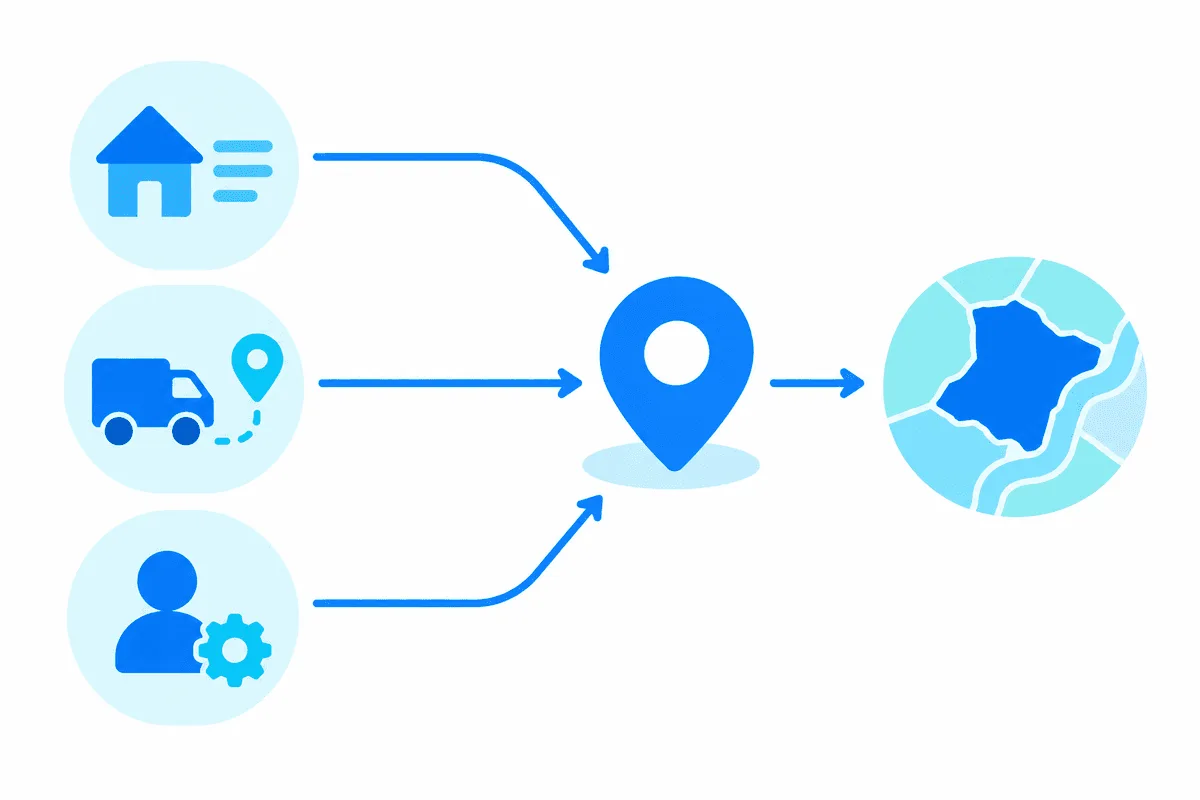
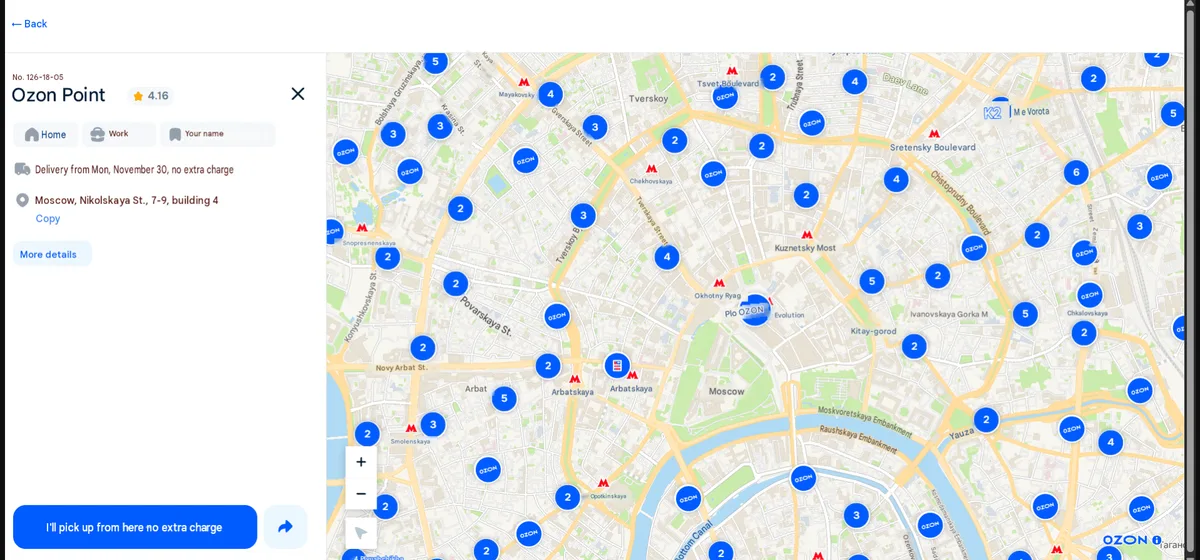
In practice this means:
- For a quick visual check of one card in another city, simply switching the pickup point in a clean browser profile is often enough.
- A proxy in the right region matters when you need the full picture a local buyer gets, including the initial region guess, recommendations and advertising, or when you run many checks automatically.
- Always pair the proxy's city with a matching pickup point. A Kazan IP with a pickup point in Moscow gives you a mixed result that no real buyer sees.
Matching the Task to a Proxy Type
| Task | Proxy type | Session | Why |
|---|---|---|---|
| Logging into the seller account | Static proxy in Russia | One fixed IP per workplace | Predictable login history, no sudden location jumps |
| Checking cards by region by hand | Residential with city targeting | Sticky for the check | Consumer IP in the buyer's city |
| Automated price and position monitoring | Rotating residential | Rotation per request or small batch | Load spread across many IPs |
| Checking the mobile app view | Mobile | Sticky | Carrier IP like most app users |
| Pulling your own sales, stock and price data | No proxy, use the official seller API | Not applicable | The API is the intended channel |
For the account, a fixed Russian address from static proxies keeps the login pattern consistent. For regional checks and monitoring, residential proxies with city targeting are the usual choice. Ready-made options by marketplace are collected on the pages with Wildberries proxies and Ozon proxies.
Working From Abroad
Cross-border sellers often log into the Russian seller account from a foreign network. Any large platform may add extra verification when a session suddenly comes from a new country, and staff in several countries create a scattered login history. A practical setup:
- Give each workplace one static Russian IP and do not change it without a reason.
- Keep one browser profile per seller account with its own cookies, so personal browsing does not mix with work sessions.
- Set the browser time zone and language to match how your team actually works, and keep them stable.
- Use two-factor authentication and separate staff logins where the marketplace offers them, instead of sharing one password.
If you legally run several stores, for example for different legal entities, use the account switching the marketplace provides rather than juggling separate logins through different IPs, and check current rules in the seller help centre.
Monitoring Competitor Prices Responsibly
Public product pages can be monitored, but the volume and pace decide whether you get data or CAPTCHAs.
- Pace requests. A few requests per second spread over many IPs is gentler than bursts from one.
- Request only what you need. Product cards and search pages, not images and scripts, cut traffic costs on per-GB plans.
- Cache. Prices rarely change every minute; hourly or daily snapshots are enough for most pricing decisions.
- Store only public data. Prices, ratings and stock indicators, never buyers' personal information.
Our page on price monitoring describes how such pipelines are organised, from scheduling to storing snapshots.
Seller API or Proxy: Who Shows What
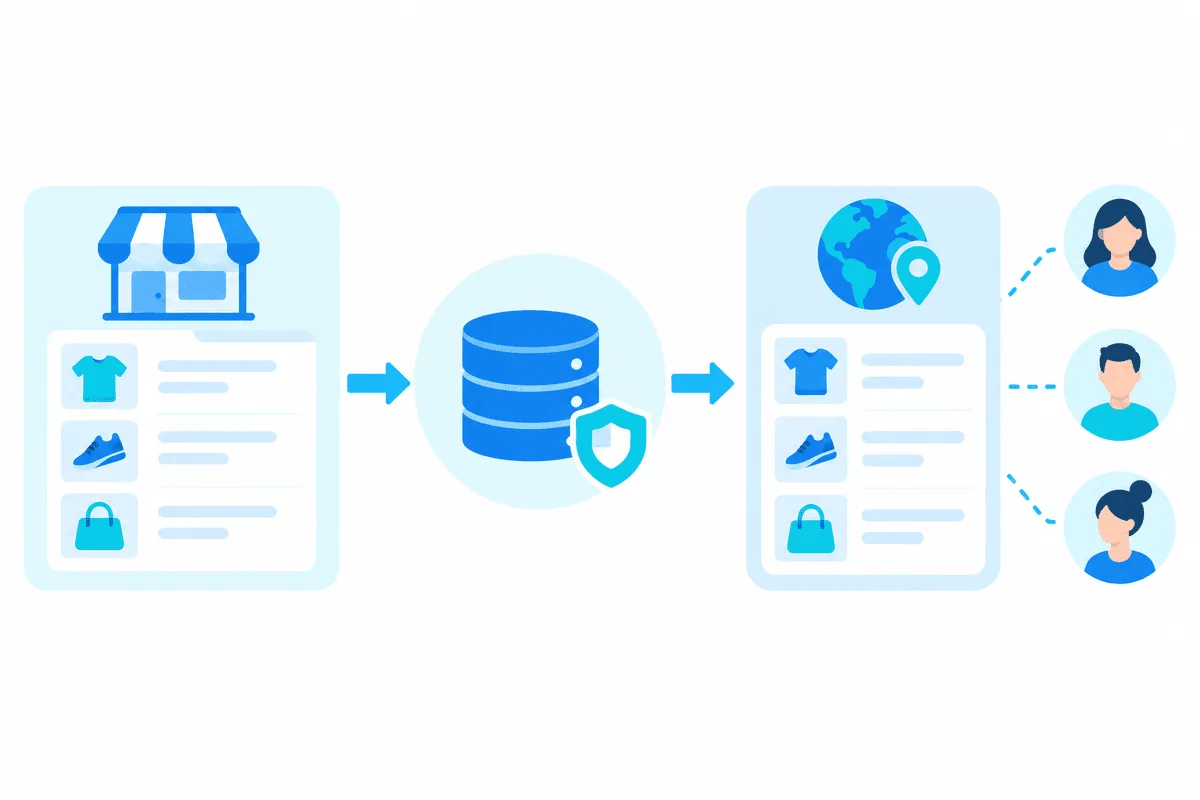
Both marketplaces give sellers official APIs, and for your own store they are faster and safer than any scraping. A proxy fills the gaps where the API cannot help, mostly the buyer-side view and other sellers' public listings.
| Data | Seller API | Proxy plus browser or script |
|---|---|---|
| Your orders, sales and returns | Yes | Not needed |
| Your stock by warehouse | Yes | Not needed |
| Your prices and discounts | Yes | Only to see how buyers in a region see them |
| How your card looks in another city | No | Yes, with a matching pickup point |
| Competitors' public prices and ratings | No | Yes, at a moderate pace |
| Search positions by region | Limited, depends on the analytics tools offered | Yes |
Starting with the API also keeps your proxy traffic and spending small, because the heavy, regular data never goes through it.
Setup Checklist
- Decide which tasks you will run: account access, manual regional checks, automated monitoring or all three.
- Buy a static Russian IP for each workplace that logs into the seller account.
- For regional checks, choose residential proxies with targeting for the cities where your buyers are.
- Create a separate browser profile for each task and attach the matching proxy to it.
- Before work, open an IP check page in that profile and confirm the city and the absence of WebRTC leaks.
- Set a pickup point that matches the proxy city and note the result: price, delivery date, position.
- Use the official seller APIs for your own store data and keep proxies for what the API does not show.
Common Mistakes
- Changing IPs on the seller account every day. Rotation belongs in monitoring, not in an account you log into.
- Expecting a proxy to change prices by itself. Without a matching pickup point, the region stays the same.
- Using free public proxies. They are slow, often blocked and may intercept traffic, which is unacceptable for an account with payouts.
- Scraping at full speed. Aggressive collection leads to blocks for the proxy pool and, at worst, for your own office IP.
Wildberries and Ozon proxies FAQ
Do I need a proxy to sell on Wildberries or Ozon?
No, for ordinary selling from Russia you do not. A proxy becomes useful when you check how cards look in other regions, monitor competitors at scale or need a stable Russian IP for staff working from abroad.
Will a proxy change the prices I see on Wildberries?
Only partly. Prices and delivery dates follow the pickup point or delivery address you choose, so set a pickup point in the same city as the proxy to see what local buyers see.
Which proxy is best for the seller account?
A static proxy with a Russian IP that stays the same for each workplace. Rotating addresses produce an erratic login history and are better left for monitoring tasks.
Is it allowed to monitor competitor prices on marketplaces?
Viewing public prices is ordinary market research, but automated collection should be moderate in pace and limited to public data. Follow each marketplace's terms of use.
Can I run several stores on one marketplace?
Both marketplaces let you manage stores of different legal entities, and their seller tools provide ways to switch between them. Check the current rules in the seller help centre before connecting new stores.