Proxy Setup in AviTool: One Address per Account and Avito Rules

AviTool is desktop software from the developer CodeStudio for managing Avito listings in bulk: posting from Excel or XML, editing, renewing, scheduling and collecting statistics. It accepts HTTP(S) proxies in the form host:port or login:password@host:port, and the sensible way to use them is simple: each real account gets its own stable address in the city where that business actually operates.
Below is what to prepare, how to enter proxies and tie them to accounts, how to check the result and which Avito rules shape the whole setup. The article is written for sellers and agencies that run genuine listings of real businesses. It does not cover account registration, bypassing limits or returning after a block; those uses break Avito's terms, and a proxy will not fix their consequences.
Static proxies
Fixed addresses in the right city for each business account in AviTool
When a Proxy in AviTool Makes Sense
- An agency serves several clients. Each client is a separate business with its own Avito account. Managing all of them from one office address makes unrelated companies look linked.
- The software runs on a remote server. AviTool can be installed on a computer or used as a cloud solution; a datacenter address far from the seller's city is a poor match for a local shop.
- Market research on public listings. Collecting prices from category pages at a calm pace benefits from a separate address, so research does not interfere with the account traffic. Our guide to Avito data collection explains limits and good manners for that task.
If you run a single business with one account from your own office, a proxy is usually unnecessary. Avito also offers business profiles where several employees share one account, which is often a better fit than separate accounts.
What to Prepare
- AviTool installed and activated, with the accounts you manage already added.
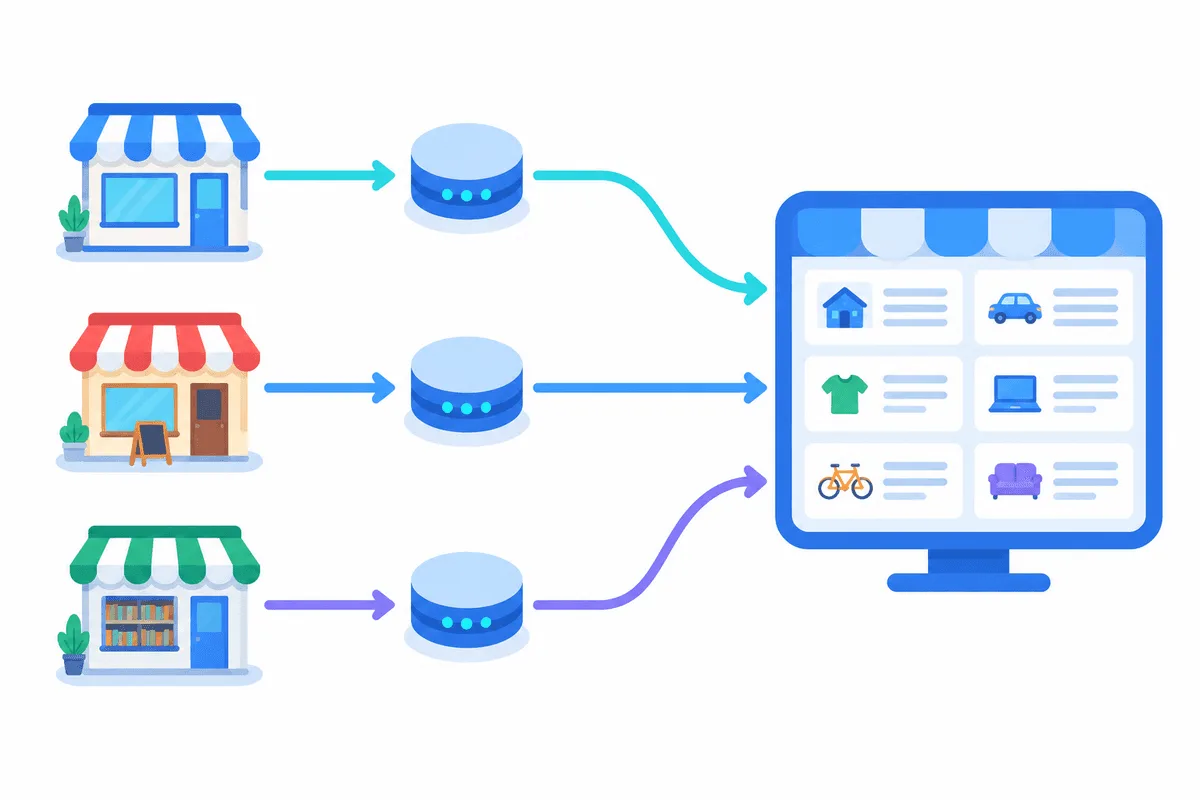
- HTTP(S) proxies with IPv4 addresses. One address per account, located in the city or at least the region of that business. Fixed static proxies suit this, because the address does not change between sessions.
- A table matching account, proxy and city, so nobody mixes them up later.
AviTool works with HTTP(S) proxies, so a port meant only for SOCKS5 will not connect. If you are not sure which protocol a port uses, look at the access section of your provider's panel, where HTTP and SOCKS5 ports are normally listed separately.
Proxy Format for AviTool
The program takes a proxy as one line. Without authorization:
198.51.100.27:8000With login and password:
shop-kzn:Hn4tR8q@198.51.100.27:8000The parts are login, password, @, host, colon, port. Copy them from your provider's panel and check that there are no spaces. Many providers can export a whole list in this format at once.
Step-by-Step Setup
Step 1. Open the Proxy Settings
Open AviTool's settings and find the section for proxies or connection. Its exact label depends on the version; the developer does not publish a public manual for it, so look for the list where proxy lines are added or imported.
Step 2. Add the Proxy Lines
Paste each proxy as a separate line in the format shown above, or import them from a text file if your version supports it. Save the list.
Step 3. Assign a Proxy to Each Account
Open the account list and, for every account, select the proxy that belongs to it. Keep the rule strict: one account, one address. Do not let the program pick addresses at random for logged-in accounts.

Step 4. Check the Connection
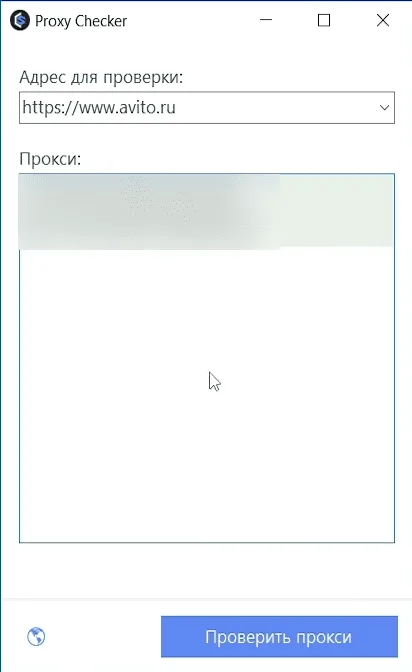
Before running any task, test each line in our proxy checker: it shows whether the server answers and in which city its exit is located. Then run one small action in AviTool, for example refreshing the statistics of a single account, and look at the program log for connection errors.
Step 5. Plan the Schedule
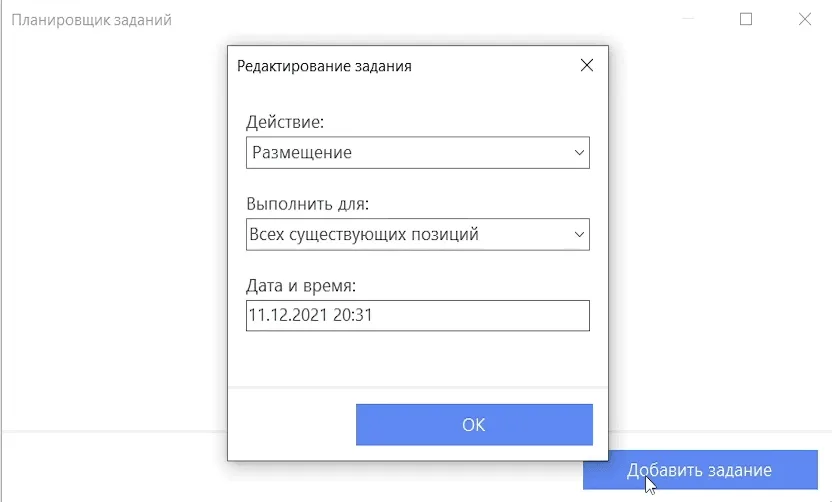
Use the built-in scheduler for routine actions such as renewals at the times when the business would do them anyway. Spread tasks over the working day instead of running everything in one burst, and keep the volume close to what a human manager could handle.
Avito Rules That Matter for Automation
The proxy is a small part of the picture. What keeps accounts healthy is compliance with Avito's rules for listings. In short, and always check the current version on Avito itself:
- One item, one listing. Duplicates of the same product, even with reworded text or new photos, are against the rules.
- Real goods and services. Listings must describe what the seller actually offers, at the stated price and location.
- Honest location. A listing belongs to the city where the item or service really is.
- No circumvention. Creating accounts to bypass limits or after a block is not allowed; disputes go through Avito support.
For bulk posting, Avito has an official route as well: its autoload service imports listings from an XML or Excel feed. Many businesses find that it covers most of what they need without third-party software.
Common Errors
Connection refused or timeout. Wrong port, or the port belongs to SOCKS5 instead of HTTP.
407 Proxy Authentication Required. Login or password in the line is wrong, or the @ separator is missing.
Avito asks for confirmation more often than before. The address changed between sessions or does not match the account's city. Use a static address for that account; the difference between fixed and changing exits is explained in sticky vs rotating proxies.
An account was blocked. Stop automation for it, read the reason in the notification and contact Avito support. A new proxy or a new account is not a solution and breaks the rules.
For a broader view of where proxies help on this platform, see our page about Avito proxies, and for the legitimate reasons a company may run several profiles, the guide on multiple accounts for business.
AviTool proxy FAQ
What proxy format does AviTool accept?
HTTP(S) proxies with IPv4 addresses, written as host and port, or as login and password followed by the @ sign, host and port.
Can one proxy serve all accounts in AviTool?
It can technically, but different businesses then appear from one address. Give each real account its own static address in its own city.
Does AviTool work with SOCKS5 proxies?
Public instructions for the program mention HTTP(S) only. Use the HTTP port of your provider.
Do I need rotating proxies for AviTool?
Not for accounts. A changing address inside one session looks unusual, so logged-in accounts need a fixed IP. Rotation fits only collecting public data.
Will a proxy protect my listings from removal?
No. Listings are removed for breaking Avito rules, such as duplicates or wrong categories. A proxy only keeps the connection consistent.