How to Safely Manage Multiple Social Media Accounts for Business
 ·July 30, 2026·6 min read
Why businesses need multiple social media accounts
Multiple accounts are needed not only by large companies. This format is used by different teams:
• agencies that manage client pages;
• online stores with different brands or sales regions;
• marketers testing content formats and advertising funnels;
• local teams working with specific cities or countries;
• SMM specialists who separate work profiles by project.
More accounts — fewer problems.
We offer residential proxies for professional SMM and beyond.
When organized correctly, this helps avoid mixing audiences, manage content more precisely, and test hypotheses faster. But if all accounts are opened from the same browser, from the same IP address, and with the same cookies, the platform sees not separate work profiles, but a group of technically connected accounts.
Why platforms restrict accounts
Social networks protect their ecosystems from spam, mass registration, and unnatural activity. Therefore, they analyze many technical signals.
Suspicion may be caused by:
• logins to different accounts from one browser;
• use of one IP address for a large number of profiles;
• identical cookies and device parameters;
• a sudden change in login geography;
• mass actions immediately after account creation;
• repeated behavior scenarios;
• uncoordinated work by several employees with the same profiles.
Even an ordinary work situation can look risky: for example, if an agency employee opens ten client accounts one after another in the same browser, or a team uses a shared network for all projects. The problem is not the very fact of managing multiple profiles, but the lack of technical separation between them.
The role of proxies in account management
Proxies help separate the network environment of accounts. Instead of all profiles accessing the network from one IP address, each account can be assigned a separate IP that corresponds to its task and region of operation.
This is especially important when a business manages pages for different countries, cities, or client projects. For example, if an account is aimed at an audience in Kazakhstan, it is more logical to use an IP that matches this geography. A mismatch between the login region and the account’s purpose may lead to additional checks.
Proxies do not solve all problems on their own. They are responsible only for the network layer. If the accounts are still opened in one browser, have shared cookies, and the same device fingerprint, the risk of connections between them remains. Therefore, proxies are better considered not as a standalone solution, but as part of a general isolation system.
What types of proxies are suitable for social networks
Three types of proxies are most often used for multi-account work.
- Residential proxies are used for long-term account management. They use IP addresses of internet service providers and usually look more natural to platforms. This option is suitable for stable work with client profiles, regional pages, and main business accounts. You can purchase high-quality residential proxies from us on the website node-proxy.com.
- Datacenter proxies are characterized by high speed and affordable cost, but they may trigger checks more often, especially during active work with social platforms. They should be used cautiously and only where a high level of trust in the account is not required.
- Mobile proxies use IP addresses of mobile operators. They are suitable for valuable profiles and scenarios where maximum similarity to ordinary mobile traffic is important. The main drawback is higher cost and limited availability.
The choice depends on the task. For long-term account management, residential or mobile solutions are usually preferable. Datacenter proxies may be used for short-term technical tasks, but with increased risks taken into account.
Why one proxy is not enough
A common mistake is to think that assigning different IP addresses to accounts is enough. In practice, social platforms evaluate not only the network, but also the browser environment.
Important factors include:
• cookies;
• browser fingerprint;
• device parameters;
• time zone;
• system language;
• installed extensions;
• session history;
• behavioral patterns.
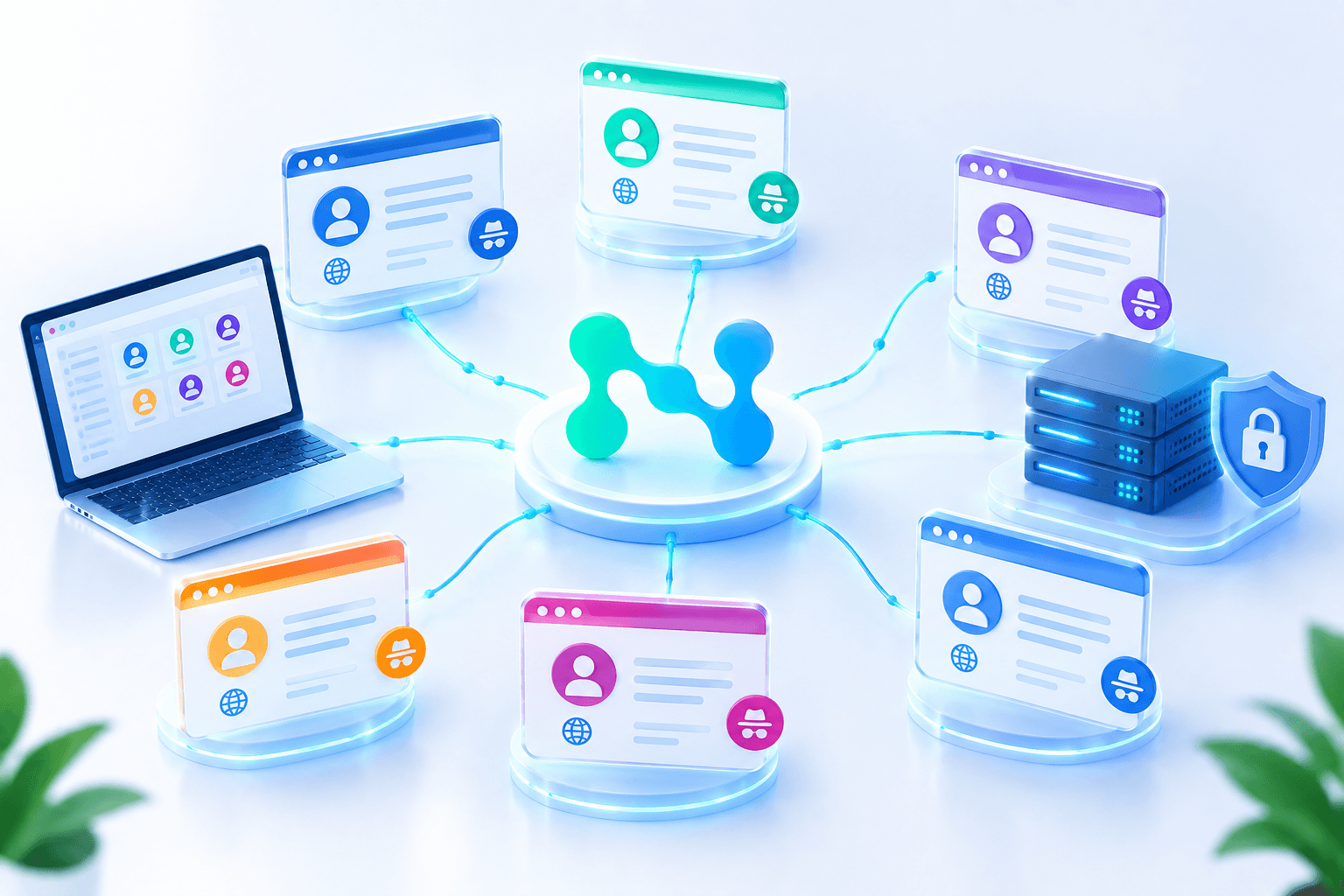
If several accounts have different IPs but are opened in the same browser, overlaps still remain between them. Therefore, professional work uses separate browser profiles or antidetect browsers. Each account receives its own environment: separate cookies, settings, fingerprint, and proxy.
This approach reduces the likelihood of a technical connection between profiles and simplifies team work.
How to build a system for managing multiple accounts
Before scaling, it is necessary to describe the entire account structure. This helps avoid chaos, accidental overlaps, and employee errors.
First, it is worth recording:
• which accounts are already being used;
• which platforms they belong to;
• what purpose each profile was created for;
• who is responsible for working with it;
• which region corresponds to it;
• how often it needs to be accessed;
• which proxy and browser profile are assigned to it.
For each account, it is advisable to create a separate working environment. It includes a browser profile, cookies, network settings, and session history. One account — one environment — one proxy. This is the basic principle of stable multi-account work.
How to work with regional accounts
If a company manages profiles for different markets, the technical geography must correspond to the business logic. An account aimed at one country should not regularly log in from IP addresses of another country without a reason.
For regional pages, it is important to align:
• IP address;
• time zone;
• interface language;
• activity schedule;
• content strategy;
• advertising account, if used.
This approach makes work predictable and reduces the number of additional checks. It is especially important for accounts associated with advertising, client projects, and local campaigns.
Warm-up and natural activity
New accounts require cautious management. Sudden actions immediately after creating a profile look unnatural: mass follows, a large number of messages, frequent publications, or similar comments can quickly lead to restrictions.
At the start, it is better to act gradually:
• fill out the profile without abrupt changes;
• add basic content;
• perform some actions manually;
• alternate posts, views, and reactions;
• do not launch active automation immediately;
• increase the volume of actions gradually.
The purpose of warm-up is to form a normal usage history. The account should look like a work profile that develops consistently, not like a technically created tool for mass actions.
Automation: when it is useful and when it is dangerous
Automation helps scale work: schedule publications, collect analytics, respond to standard messages, check notifications, and perform repetitive tasks. But it becomes risky if launched without profile isolation and behavior control.
Problems arise when all actions are performed at identical intervals, from one environment, or according to a template scenario. Platforms easily notice repeated patterns.
It is safer to use automation only after setting up separate profiles and proxies. Each account should operate in its own environment, and action scenarios should be moderate and similar to normal user behavior. Automation should not replace all account activity, especially at an early stage.
How to organize team work
In teams, the risk is often related not to technical tools, but to human errors. An employee may open the wrong account, log in to a profile from a regular browser, use a shared password, or accidentally mix work environments.
To avoid this, rules must be defined in advance:
• who is responsible for specific accounts;
• which profiles each employee may open;
• where access credentials are stored;
• how proxies and browser environments are recorded;
• which actions are allowed manually;
• which tasks can be automated;
• how the team reports suspicious checks or restrictions.
The more accounts there are, the more important regulations become. Without them, even high-quality proxies and separate profiles will not protect the system from accidental overlaps.
Typical mistakes in multi-accounting
Most problems arise because of repeated mistakes in work organization.
The most common ones are:
• logging in to several accounts from one browser;
• using one IP address for different profiles;
• reusing one proxy across several projects;
• lack of records showing which proxy is assigned to which account;
• sudden change of login region;
• launching automation immediately after profile creation;
• identical action scenarios for all accounts;
• manual cookie clearing without understanding the consequences;
• team work without role distribution;
• use of unstable or free proxies.
Each of these mistakes creates technical traces through which accounts can be linked to one another.
Conclusion
Managing multiple social media accounts requires not only a content plan, but also competent technical organization. Social platforms analyze IP addresses, browser data, cookies, session behavior, and other signals, so simply switching between profiles in one browser creates a risk of restrictions.
A reliable system is built on account isolation. Each profile needs a separate browser profile, its own cookies, a suitable proxy, and a clear activity scenario. Proxies help separate the network layer, antidetect browsers and separate working environments reduce technical overlaps, and regulations prevent team errors.
This approach allows agencies, marketers, and businesses to manage multiple accounts sustainably, without chaotic switching, accidental connections between profiles, and unnecessary disruptions in work processes.