Google Ads Competitor Analysis: Methods, Free Tools and Regional Ad Checks

Studying rivals in Google Ads boils down to two questions: what do they put in front of searchers, and how often do they stand in the same auctions as you? That covers copy, landing pages, ad formats, the probable keyword set and their footprint in your auctions. Google hands out three no-cost sources for the job (the auction report inside your account, the public ad library known as the Transparency Center, and Keyword Planner), and paid research platforms layer modelled keyword lists and archives on top.
Rather than listing tools, we lay out a routine: what every source genuinely reveals and where it goes blind, a click-by-click tour of Google's ad library, how the commercial spy suites stack up, and how to see real competitor ads in another city or country without distorting anyone's statistics.
Residential proxies
Residential IPs with city targeting for checking how ads look to local users in other regions
What You Can Learn and What Stays Hidden
Calibrate expectations first. A part of the picture is open to anyone, a part only the advertiser sees, and the rest exists only as an estimate.
| Data point | Where it comes from | Accuracy |
|---|---|---|
| Creatives (copy, banners, video) | Live SERPs and Google's ad library | Exact |
| Offers and destination pages | Visiting the site, links from the ad library | Exact |
| How often a rival appears next to you | The auction report of your account | Exact for your auctions |
| Keywords a rival bids on | Third-party tools | Estimate |
| Budget and clicks | Third-party tools | Rough estimate |
| Bids and Quality Score | Not available | Hidden |
Keep that last column in mind. Any number about someone else's spend is a model, not a measurement.
Method 1. Auction Insights in Your Own Account
Auction Insights is built on the auctions you actually entered, which makes it the one source of measured rather than modelled competitor data. Pick a campaign, ad group or keyword selection and open the Auction insights view. For Search, every competing display domain gets its own row with six columns:
| Metric | Read it as |
|---|---|
| Impression share | Your ad got out in this percentage of the auctions it qualified for |
| Overlap rate | Percent of your impressions where that domain sat on the same page too |
| Position above rate | Of the pages you both made it onto, how many had the rival ranked over you |
| Top of page rate | Percent of the domain's impressions that landed in the upper ad block, ahead of organic links |
| Absolute top of page rate | Percent of impressions that took ad spot 1 |
| Outranking share | Percent of auctions you won against that domain, counting ones where it never showed |
Shopping campaigns show only three of the six columns: impression share, overlap and outranking. A trend line is worth more than a snapshot: a competitor whose overlap rate jumps in the evening, or whose position above rate grows after a sale starts, is telling you about their bidding schedule. Filter by device and by week to spot such patterns.
The limits: the report shows only advertisers who entered a meaningful share of your auctions, and it says nothing about competitors in auctions you do not join.
Method 2. Google Ads Transparency Center
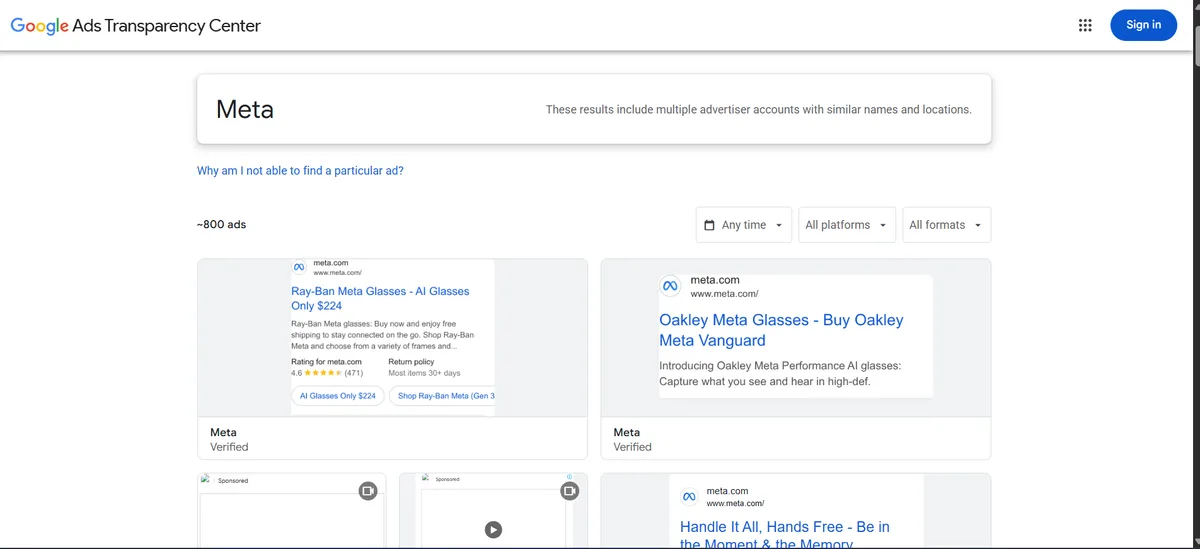
Google's public ad library collects creatives of verified advertisers from Search, YouTube, the Display network, Shopping, Maps and Google Play. Anyone can browse it at no cost and without signing in.

Step 1. Find the advertiser
Enter a rival's brand or website into the library's search box. You get a list of verified advertiser profiles, each showing the registered company name and the country where verification took place. One brand can have several advertiser accounts, for example for different countries or agencies, so check all of them.
Step 2. Set the filters
- Region: choose the country you care about, since many advertisers run different creatives per market.
- Platform: narrow to Search if you analyse text ads, or YouTube for video.
- Format: text, image or video.
- Date range: look at the last 30 days for current messaging, then at a longer range to see seasonal campaigns.
Step 3. Read the creatives
Click into single creatives and jot down how headlines are built, which offers, prices and calls to action appear, and where the ad leads. Each one carries a last-seen period, and many also list the countries it was served in. Count how many variants share a message: if ten of twelve headlines mention free delivery, that is the competitor's main argument.
Step 4. Know the limits
The library is about creatives only: no keywords, rankings, budgets or CTR, political advertising with its separate disclosure being the one exception. Nor does it reveal which creative version wins. That is why the next methods add context.
Method 3. Ad Preview and Diagnosis
Typing your money keywords into a regular browser again and again can count as impressions for advertisers and skews results toward your own history. Inside Google Ads, Ad Preview and Diagnosis renders a SERP for any keyword, place, language and device you set, and no impression is logged. Its official purpose is checking your own campaigns, yet rival ads that serve for that query and place show up in the preview as well. Use it for a quick look at a city or a device type before setting up anything more complex.
Method 4. Keyword Planner with a Competitor's URL
Open Keyword Planner, go to keyword discovery and switch the seed from words to a site. Paste a rival's domain or one of their landing pages, and you get ideas pulled from that page's text, each with volume and a top-of-page bid range. Actual bids of the rival stay invisible, but it maps the vocabulary of their offer and gives you a budget estimate for the same terms.
Method 5. Third-Party Research Tools
Commercial suites scrape huge numbers of SERPs and infer from them which domain buys ads on which query. Each has its own emphasis:
| Tool | Strong side | Keep in mind |
|---|---|---|
| Semrush | Advertising Research: paid keywords, ad copy history, positions | Data is a sample, smaller markets have gaps |
| SpyFu | Long history of a domain's paid keywords and ad tests | Strongest for the US and UK |
| Ahrefs | Paid keywords and ads inside Site Explorer next to SEO data | Ads data is a side feature |
| Similarweb | Share of paid versus organic traffic, top paid search terms | Traffic figures are modelled |
| Adbeat | Display and native ad creatives, publishers | Less useful for pure search campaigns |
| iSpionage | Competitor keywords and landing page monitoring | Smaller database than the leaders |
Settle on one suite as your primary feed and spot-check what it says. If it reports a rival on some keyword, look at the actual SERP or the ad library before acting on it. SEO teams verify organic rankings the same way, as described in our guide to SEO proxies.
Method 6. Checking Competitor Ads by Region with Proxies
Which ads appear hinges on where the searcher is. A rival might aim solely at Berlin, or only at smartphone users in Texas, and none of that reaches your office screen. Google infers location chiefly from the connecting IP, so the language parameter or a country domain alone does not reproduce a local search.
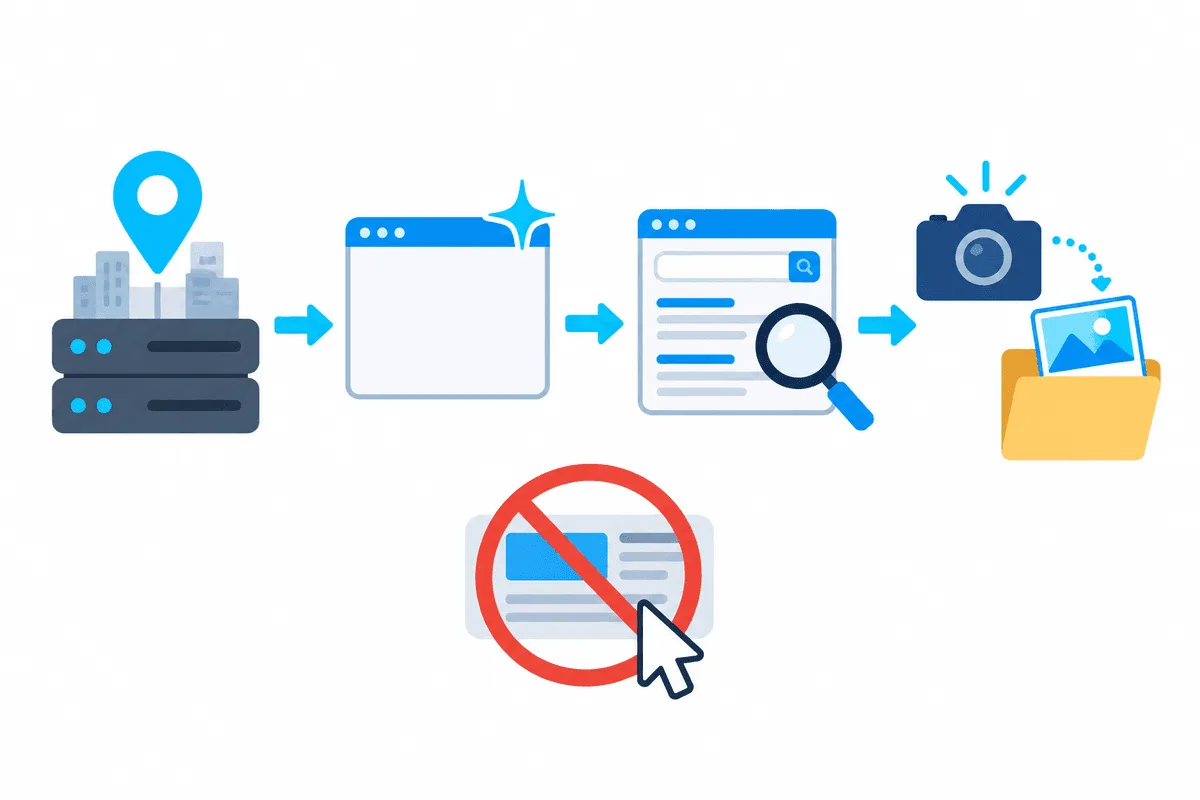
A proxy for Google with an IP in the target city lets you see the page as a local user would:
- Pick an exit in the right country and city. For mobile campaigns use a mobile IP, since carriers and devices influence the result; our mobile proxies, suited to this, are coming soon.
- Open a clean browser profile: no logged-in Google account, no history, interface language of that market.
- Search a short list of priority keywords, a few at a time, at the hours when your audience searches.
- Take screenshots with time, location and device in the file name and add them to your log.
- Do not click competitor ads. Every click costs the advertiser money and counts as invalid traffic. Open the landing page by typing the domain or from the Transparency Center instead.
Manual checks are fine for dozens of queries. For regular monitoring at scale, specialised SERP data services or a dedicated ad verification setup are more reliable, because repeated automated queries from one IP quickly hit CAPTCHAs. Why location detection works this way is explained in IP geolocation.
Building a Competitor Ad Log
Collect everything in one table and review it monthly:
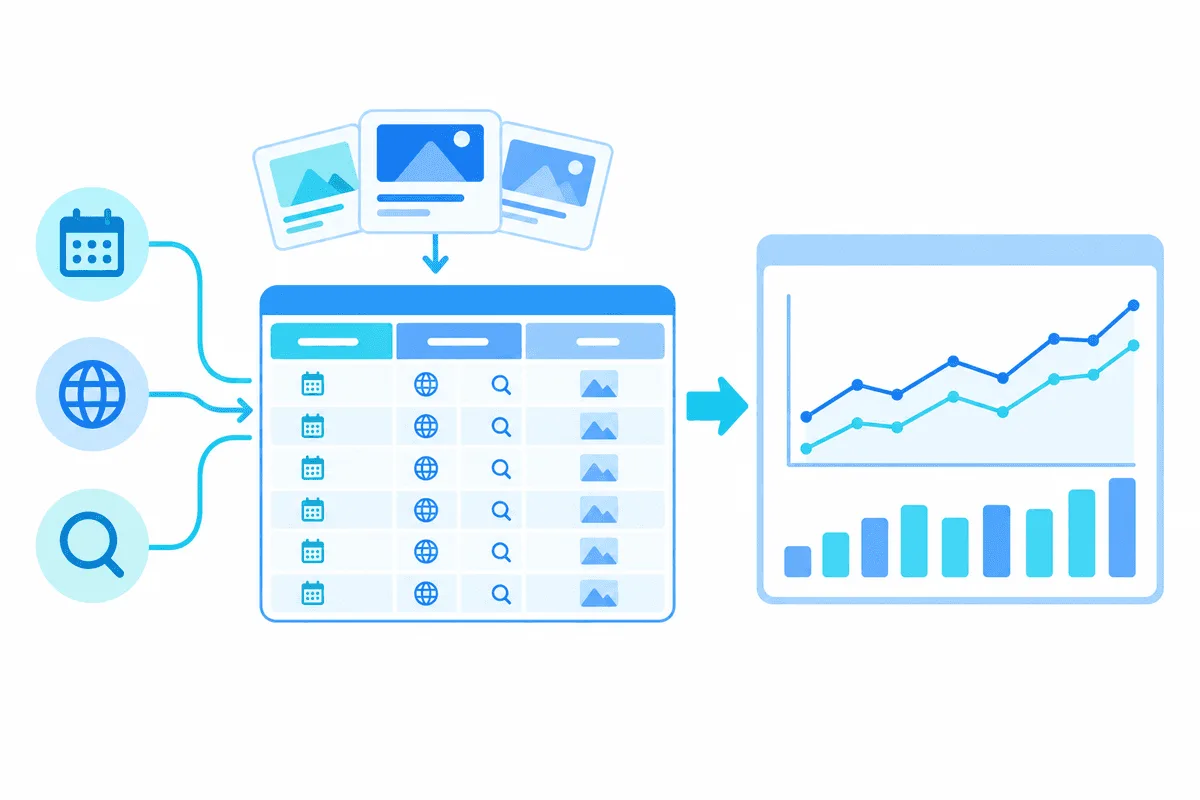
| Date | Region, device | Competitor | Keyword | Headline and offer | Landing page | Source |
|---|---|---|---|---|---|---|
| 2026-10-14 | Berlin, mobile | Domain A | running shoes sale | 30 percent off, free returns | /sale/running | Proxy check |
| 2026-10-14 | Germany, all | Domain B | (not shown) | New autumn collection | /autumn | Transparency Center |
Give it a few weeks and patterns emerge: seasonal promos, markets nobody bids on, and messages that keep running for months, which usually means they pay off. Media buyers in traffic arbitrage keep similar logs for social networks. The broader practice of tracking rivals and prices is covered in proxies in market analytics.
Common Mistakes
- Treating estimates as facts. Budgets from spy tools can be off by a wide margin.
- Checking only from your own location. You see your local market, not the campaigns targeting other cities.
- Clicking rival ads. It wastes their budget, can be classed as invalid activity, and teaches you nothing you could not see on the landing page.
- Copying ads word for word. Trademarked names in your ads can be restricted, and copied offers rarely work without the competitor's pricing behind them.
- Ignoring devices. Mobile results show fewer ads, different extensions and sometimes different advertisers.
Google Ads competitor analysis FAQ
How can I see my competitors' Google ads for free?
Two Google tools cover it at zero cost: the public ad library lets you browse rival creatives by market, surface and time span, and the auction report in your account shows how often you collide. You pay nothing for either.
Can I find out how much a competitor spends on Google Ads?
Only roughly. Outside political ads, Google keeps budgets private. Spy suites back-calculate a figure from rankings and guessed CPCs, which gives you a ballpark at best.
How do I see ads shown in another city?
For a fast look, Ad Preview and Diagnosis is enough; for the real page, use a browser routed through an exit IP in that city. Either way, keep your hands off the ads.
Does checking competitor ads cost them money?
Clicks are what get billed. Simply seeing an ad costs the advertiser nothing, though endless repeat searches pad their impression counts, so stick to the preview tool and a modest number of manual lookups.
Which keywords is my competitor bidding on?
There is no Google report for that. Commercial suites infer a probable list from the SERPs they scrape, Keyword Planner seeded with the rival's URL suggests adjacent terms, and the queries that matter should be confirmed on a live results page.