MCP Servers for Web Scraping: Setup With Proxies

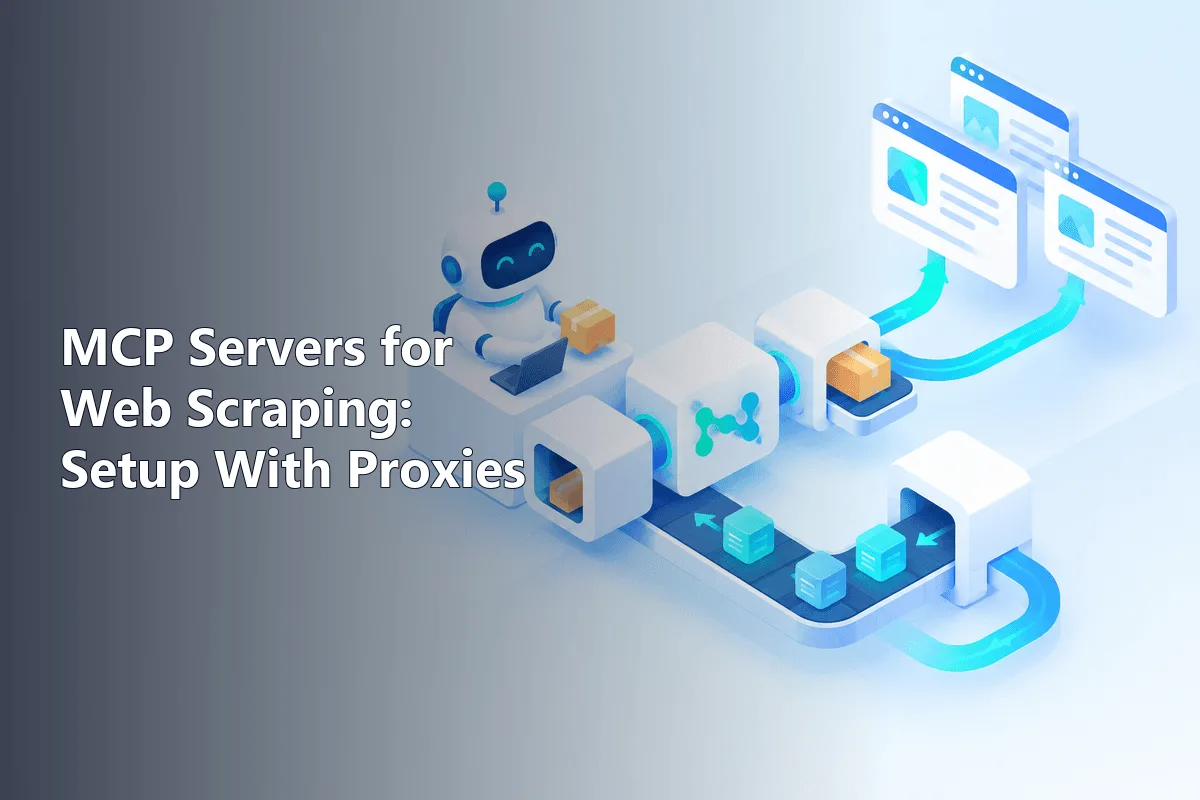
Scraping through MCP means plugging a helper process into an AI assistant (Claude, Cursor, Copilot inside VS Code and similar) so the model gains abilities like loading a URL, reading what came back and handing you tidy fields. The model only picks targets; the helper process is what opens sockets, so it is also where your gateway must be declared. Playwright MCP receives it as a startup argument, the reference fetch helper as a URL or env variable, and a home-grown helper inside whatever HTTP library it uses.
Existing tutorials usually either code a demo helper from zero or dump a long catalogue with no guidance. Here we line up the major helper families, give each a tested gateway configuration, add a short Python helper you can adapt, and finish with house rules that keep agent-led crawling courteous, lawful and resistant to manipulation.
Residential proxies for AI scraping
Rotating and sticky home IPs for MCP servers and scraping agents
Where MCP Sits in a Scraping Pipeline
Anthropic released the Model Context Protocol in November 2024; since then most AI coding environments have adopted it as the common way for an assistant to discover tools and call them. A scraping session involves three actors:
- Host app — what you chat with, e.g. Claude Desktop, Claude Code, Cursor or VS Code.
- Helper process — running on your laptop or remotely, publishing abilities such as navigate, snapshot or fetch.
- Destination — the website the helper contacts when the model asks.
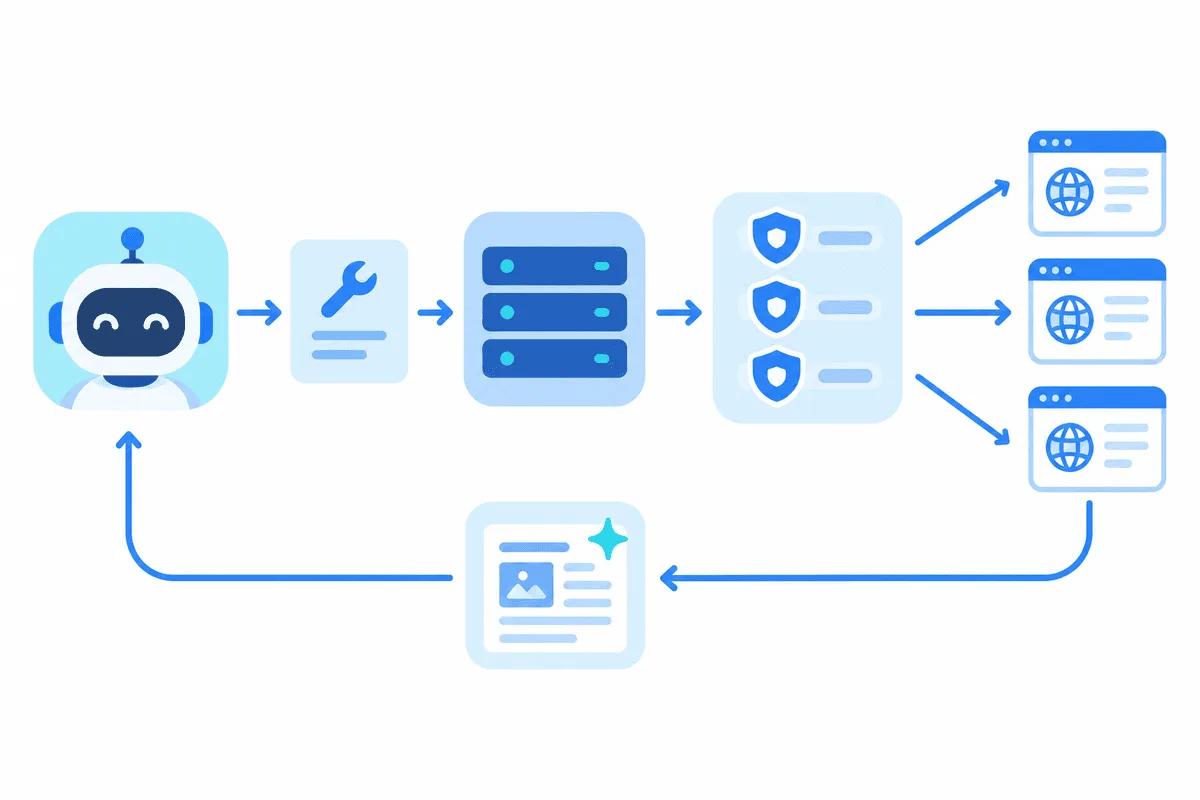
At no point does the language model open a connection to the destination. It emits a structured call, the helper retrieves the page, then replies with Markdown, an accessibility outline or an image. Consequently all traffic exits wherever the helper lives, carrying that host's public IP, until you configure a gateway.
Helper Families Compared
| Family | Typical example | Output | Wins at | Struggles with |
|---|---|---|---|---|
| Real browser driver | Playwright MCP | Accessibility outline, clicks, form input, images | Script-heavy pages, sign-in walls, infinite lists | Memory use, slower per URL |
| Lightweight downloader | Reference fetch helper | Markdown version of the HTML | Speed, tiny footprint, honours robots.txt | Anything rendered by scripts |
| Hosted crawl service | MCP endpoints sold by crawling platforms | Rendered HTML, parsed records | Unblocking done on their side | Per-call billing, data transits a vendor |
| Hand-written helper | Your code on the MCP SDK | Exactly the fields you define | Precise schema, own gateway logic | Maintenance is on you |
Research sessions frequently pair two families: the downloader for plain documents and Playwright whenever content appears only after scripts run. Our overview of AI web scraping discusses where language models add value to data collection and where a classic parser remains cheaper.

Why the Helper Needs a Gateway
Agents are impatient explorers; one can easily send forty requests a minute from a single IP. Sites behind bot protection respond with CAPTCHA walls, 403 and 429 codes, and your token budget drains on error pages. Routing the helper through a gateway pays off three ways:
- Load spreading. A rotating pool keeps every individual address below the target's rate ceiling.
- Geography. Prices, rankings and stock levels vary per country, and an exit in that market shows the local picture.
- Isolation. Your office or home address never lands in the target's logs, and a burned exit leaves your own network untouched.
When pages must believe a normal visitor is reading them, residential proxies deliver the strongest success rate, while server-hall IPs stay economical for open datasets and public APIs. Our guide to proxies in web scraping weighs these options in depth.
Gateway Setup for Playwright MCP
Built by Microsoft, Playwright MCP launches Chromium, Firefox or WebKit for real and lets the model call abilities like browser_navigate, browser_snapshot and browser_click. Routing is controlled by two startup arguments, --proxy-server and --proxy-bypass.
Step 1. Register the Helper in the Host App
Claude Desktop keeps helper definitions in claude_desktop_config.json, reachable from its developer settings; Cursor reads .cursor/mcp.json from the project folder or your home directory. An entry including a gateway:
{
  "mcpServers": {
    "browser-scout": {
      "command": "npx",
      "args": [
        "@playwright/mcp@latest",
        "--isolated",
        "--proxy-server", "http://198.51.100.15:8800",
        "--proxy-bypass", "localhost,127.0.0.1"
      ]
    }
  }
}
With --isolated the browser profile exists only in memory, so cookies from Monday's run cannot resurface on Tuesday.
Step 2. Deal With Gateway Credentials
The startup argument carries a host and port, no secrets. Two tidy workarounds exist. First, add the public IP of the computer running the helper to your provider's allow list. Second, prepare a JSON file, reference it via --config, and nest the gateway under the browser launch block; Playwright passes that block to its native proxy option, which does accept an account name plus secret:
{
  "browser": {
    "browserName": "chromium",
    "launchOptions": {
      "proxy": {
        "server": "http://198.51.100.15:8800",
        "username": "scout-a1",
        "password": "Tq71zvP"
      }
    }
  }
}
Supported keys evolve between releases; confirm against npx @playwright/mcp@latest --help and the configuration chapter of the project README for the version you run.
Step 3. Confirm the Exit
Have the assistant visit an IP lookup site and tell you which address it sees. Once that matches the gateway's country, subsequent pages follow the same route.
Gateway Setup for the Fetch Helper
The reference fetch helper, maintained in the protocol's official servers monorepo, grabs one URL and converts its HTML into Markdown, splitting long documents into slices controlled by max_length and start_index. For calls the model initiates, it consults robots.txt and declines forbidden paths. Point it at a gateway with --proxy-url, or let it inherit HTTP_PROXY, HTTPS_PROXY and ALL_PROXY from its environment; both HTTP and SOCKS5 schemes work.
{
  "mcpServers": {
    "page-reader": {
      "command": "uvx",
      "args": ["mcp-server-fetch", "--proxy-url", "http://scout-a1:Tq71zvP@198.51.100.15:8800"]
    }
  }
}
Leave robots.txt checking enabled unless the site is yours or its owner agreed. Out of the box the helper also refuses private and loopback ranges, shielding your internal network from requests a manipulated model might attempt.
A Compact Python Helper of Your Own
Need fixed fields like title, price and availability from product pages? A purpose-built helper beats raw HTML because the model receives less noise. With the official Python SDK it stays brief:
import os
import asyncio
import httpx
from mcp.server.fastmcp import FastMCP

GATEWAY = os.environ["SCOUT_PROXY"]   # e.g. http://login:secret@host:port
ALLOWED = ("shop.example.org",)
pause = asyncio.Semaphore(2)          # at most two pages at once

app = FastMCP("catalog-scout")

@app.tool()
async def grab_page(url: str) -> str:
    """Download one product page through the proxy and return its HTML."""
    if not any(url.startswith(f"https://{host}/") for host in ALLOWED):
        return "Refused: domain is not on the allow list."
    async with pause:
        async with httpx.AsyncClient(proxy=GATEWAY, timeout=25,
                                     headers={"User-Agent": "catalog-scout/0.3"}) as web:
            reply = await web.get(url)
        await asyncio.sleep(1.5)
    return reply.text[:20000] if reply.status_code == 200 else f"HTTP {reply.status_code}"

if __name__ == "__main__":
    app.run()
The gateway string arrives via an env key declared in the host app's JSON, so nobody pastes it into chat, and the fixed host tuple stops the model from roaming beyond your plan. Behind a rotating endpoint each call exits from a new IP; a sticky endpoint holds one address for a set period. Our article on rotating proxies helps decide which mode suits a job.
House Rules for Agent-Led Crawling
Anything an agent reads online is untrusted input, and some pages are written precisely to hijack it. Keep control with these habits:
- Page text is data, never orders. Hidden lines may ask the agent to upload files or visit another domain. Require manual approval for every ability that writes, sends or spends.
- Disposable browser state. Launch the scraping browser with
--isolatedor a dedicated data folder, never with your everyday profile full of signed-in sessions. - Fence the territory. Hard-code allowed domains in your own helpers; newer Playwright MCP releases also ship origin allow and deny switches, which its help output lists.
- Be a considerate visitor. Obey robots.txt and site terms, pace requests gently and skip personal data you have no lawful basis to process. Our overview of web scraping basics touches on the legal framework.
- Secrets stay out of chat. Gateway passwords and service tokens live in env keys or local JSON, usable by helpers yet invisible to the model.
Troubleshooting
- Helper replies with 407. Authentication never reached the gateway. Playwright needs the allow-listed IP or the JSON launch block; the fetch helper needs credentials embedded in its URL.
- CAPTCHA on every URL. Either the exit belongs to a flagged hosting range or the agent hurries. Move to household IPs and insert pauses.
- Helper absent from the tool list. A stray comma corrupted the JSON, or the host app cannot locate
npxoruvx. Restart the host app after each edit. - Pages in an unexpected language. The exit country differs from your market; choose a location inside it.
MCP Web Scraping FAQ
What does an MCP scraping server actually do?
It acts as an adapter between an AI assistant and the web, exposing download or browser-control abilities over the Model Context Protocol. The assistant decides when to call them, and the adapter performs all network traffic.
Where should the proxy be configured for MCP scraping?
Inside the helper process rather than the model. Playwright MCP accepts a startup argument or JSON file, the fetch helper a gateway URL or env variables, and custom helpers hand it to their HTTP library.
Can Playwright MCP authenticate against a gateway?
Its startup argument carries only host and port. For credentials, use a JSON config with a browser launch block, or allow-list the helper machine's IP with your provider.
Which gateway type works best for AI scraping agents?
Household IPs pass bot protection most often, while hosting addresses cost less for open content or public APIs. Rotate across broad crawls and keep a sticky session for multi-step flows such as pagination.
How risky is letting an agent browse for scraping?
Risk stays modest with throwaway browser state, a domain fence, manual approval for sensitive abilities and credentials kept outside the conversation. Never attach the scraping browser to personal accounts.