Web Scraping: How Automated Data Collection Works and Where It Helps

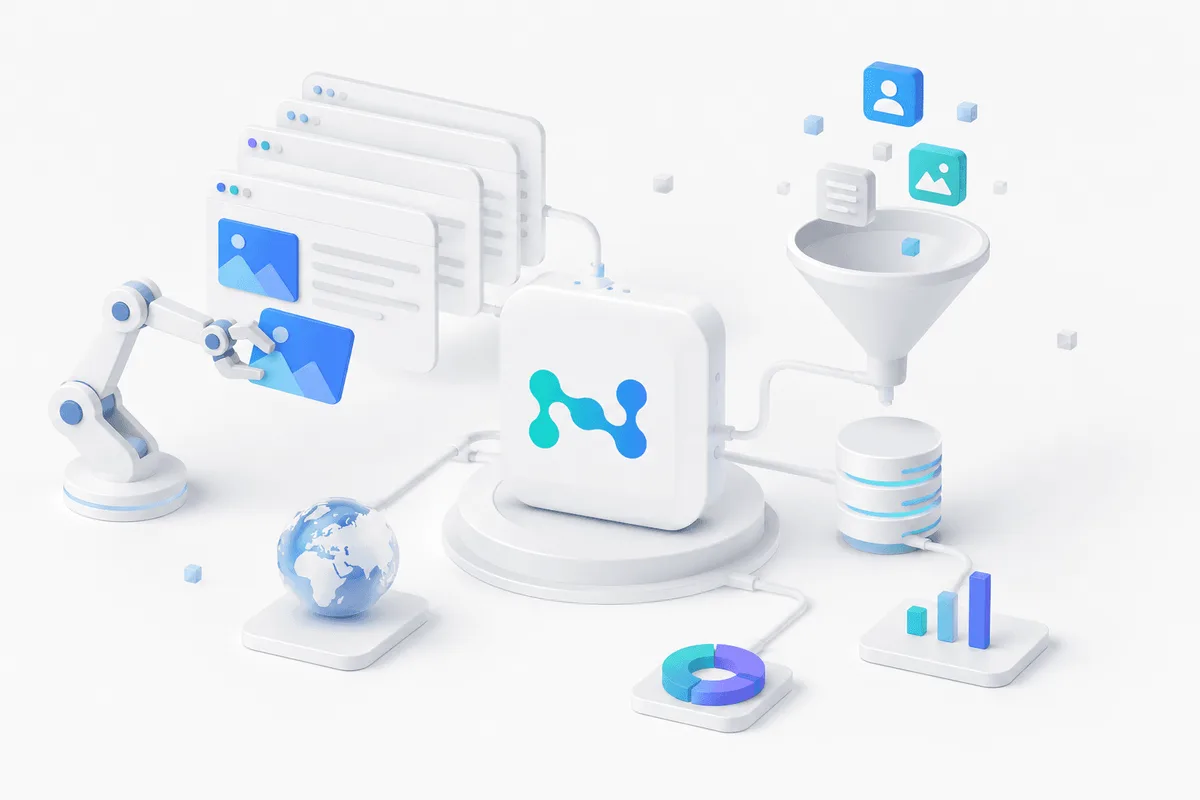
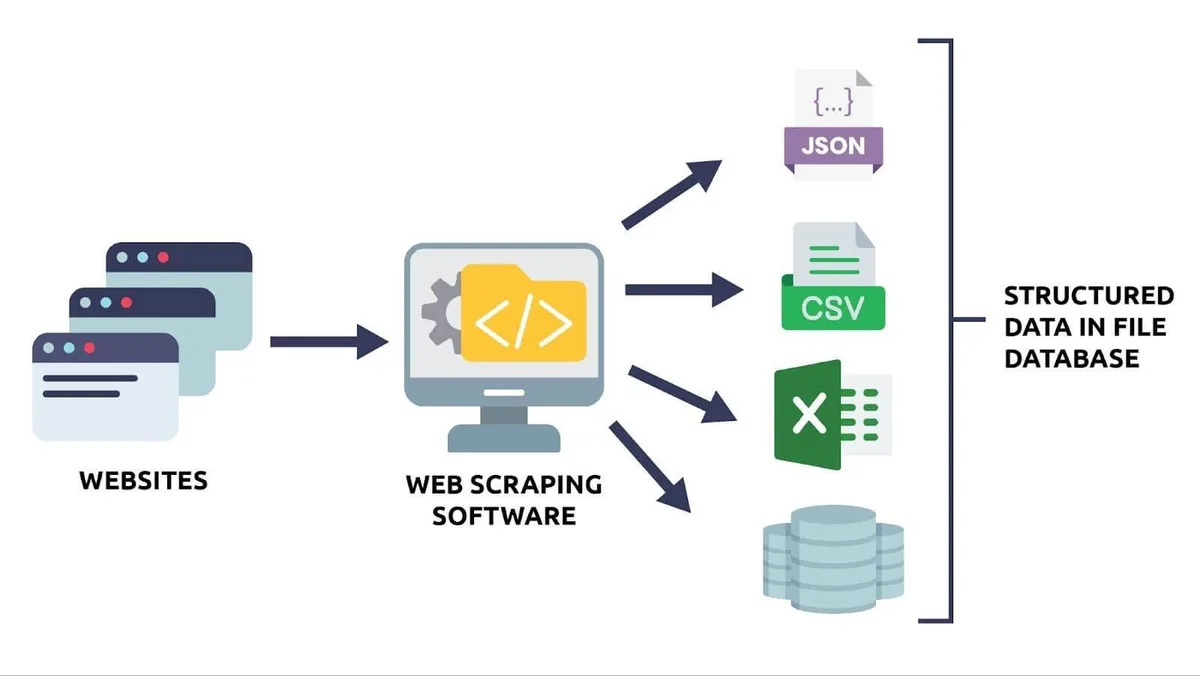
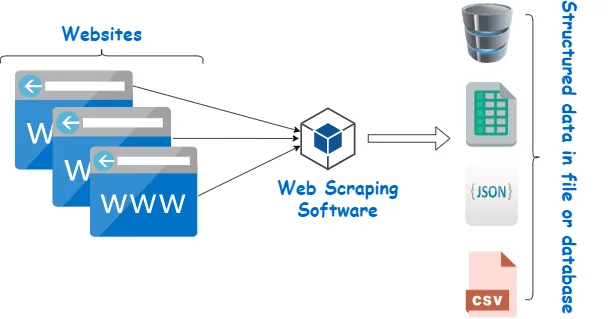
Web scraping is a way to automatically obtain data from websites and convert it into a form suitable for analysis and further processing. Instead of manually copying information from pages, programs are used that open the required resource, locate specified elements, and save the result in a structured format, such as CSV, JSON, or a database.
This approach is in demand wherever there is a need to work regularly with large volumes of open data: tracking prices, analyzing competitors’ offers, collecting materials for market research, aggregating news, creating datasets for analytics and machine learning. In essence, web scraping turns fragmented web content into a working body of information that can then be used to build reports, models, and applied services.
What Web Scraping Is
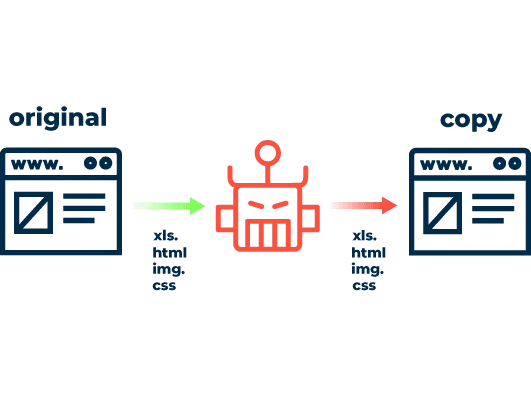
In practical terms, web scraping is the automated extraction of data from web pages. A program accesses a website, retrieves its contents, isolates the required fragments, and saves them in a preselected format. Unlike manual collection, such a process can be repeated regularly, at scale, and according to the same processing rules.
Sometimes people also speak of manual scraping, when a person copies data from a browser themselves or uses developer tools for targeted information extraction. This approach is possible for small amounts of work, but it quickly loses efficiency if the data must be collected regularly or from a large number of pages at once. That is why real projects almost always use an automated scenario.
Most often, the task is not to retrieve the entire page as a whole, but to extract only specific fields: product names, prices, descriptions, article titles, publication dates, ratings, specifications, company listings, or other elements needed for a particular business task.
Scale Your Web Crawling
Use a large residential IP pool to distribute requests.
How a Web Scraper Works
The basic logic is the same for most scrapers. First, the program sends a request to the required page, just as a browser does. It then receives the page’s HTML code and analyzes its structure. After that, only the necessary elements are selected from the document: text, links, images, prices, product cards, vacancy parameters, and other data defined in the project settings.
If the data is distributed across several pages, the scraper handles pagination: it follows next-page links, catalog sections, or other paths that lead to the required content. At the end, the collected information is cleaned, structured, and saved to a convenient storage location.
Main Stages of Data Collection
Sending a Request to the Page
The scraper accesses the website via URL and receives a response from the server. At this stage, it is determined whether the page is available, whether additional processing is required, and whether the necessary data can be extracted directly.
Retrieving and Parsing the Content
After the page is loaded, the program analyzes the HTML markup, determines the structure of the document, and finds the elements that contain the required information.
Processing Site Navigation
If the required dataset is distributed across many pages, the program moves through the catalog, search results, product pages, or publication archives. This is especially important for large websites, where data cannot be obtained from a single URL.
Extracting the Required Fields
At this step, only the target data is taken from the page. This reduces the amount of unnecessary information and simplifies further processing.
Saving the Result
After extraction, the data is converted into a structured form and sent to a file, table, or database for subsequent analysis. How to choose the format is explained in JSON vs CSV.
How a Scraper Differs from a Crawler
These terms are often confused, although they serve different purposes.
Crawler:
- Discovers and navigates web pages.
- Follows links and finds new URLs.
- Builds a map of available content.
- Helps cover a large number of pages.
Scraper:
- Works with specific pages.
- Identifies the required fields and elements.
- Extracts the necessary information.
- Converts the collected content into structured data.
In practice, crawlers and scrapers often work together: the crawler first finds relevant pages, and the scraper then collects the required data from them. We compare them in detail in web crawler vs web scraper.
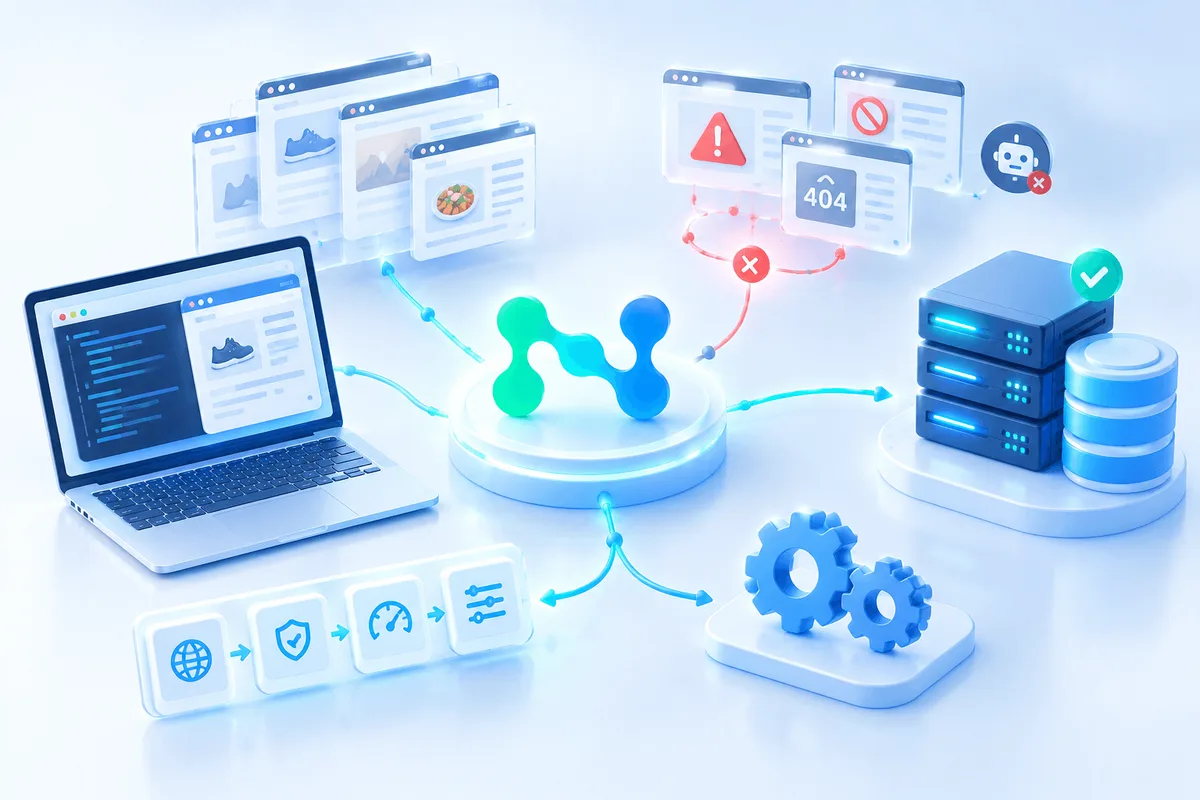
Proxies are also essential for large-scale scraping: residential proxies help distribute requests across different IP addresses, reduce the risk of restrictions, and maintain stable data collection, while rotating proxies change the exit IP automatically.
What Types of Web Scrapers Exist
Web scraping tools differ in the way they are developed, the format in which they are used, and the place where they are executed.
Custom-Built Solutions
Such tools are written for a specific task, usually in Python or JavaScript. Their main advantage is flexibility. You can precisely configure the traversal logic, extraction rules, and output format, and also adapt the scraper to a non-standard website structure.
The disadvantages are that creating and maintaining them requires technical skills, development time, and ongoing support, especially if the site changes its structure.
Ready-Made Services and Applications
These are tools that can be used almost immediately. They usually offer a visual interface and simplify the launch of initial projects without serious development. This option is convenient for standard tasks, but it is less flexible and offers fewer fine-tuning capabilities than custom-built solutions. Some services also use AI models to find the data on a page: read more in AI web scraping.
Browser Extensions
These are suitable for small tasks and one-off scenarios when you need to quickly extract data from a limited number of pages. They are convenient at the start, but their capabilities are usually insufficient for large volumes and regular automation.
Standalone Programs
Desktop applications are more powerful than browser extensions and are better suited for larger tasks. However, their performance still depends on the resources of a particular computer.
Cloud-Based Solutions
These tools run on remote infrastructure. They are convenient where scalability, stability, and the parallel execution of a large number of tasks matter. In addition, the cloud model removes the load from the local device and simplifies the execution of large projects. This is especially important if data collection is launched regularly and must operate regardless of whether the user’s computer is turned on.
Static and Dynamic Websites: What the Difference Means for Scraping
Not all websites are structured in the same way. If the content is present in the original HTML, the task is usually relatively straightforward: it is enough to load the page and parse the code.
But many modern websites generate part of their content only after the page has loaded, using JavaScript and AJAX requests. In such cases, simply obtaining the HTML may not be enough: the required data may simply not be present in the server’s original response.
To work with such resources, headless browsers are used—tools that reproduce the behavior of a regular browser but run in automated mode. They make it possible to wait for the content to load completely, interact with the page, and only then extract the data. This approach is especially useful for websites with complex interfaces, drop-down menus, dynamic filters, and content that loads as the page is scrolled.
Why Python Is So Often Used for Web Scraping
Python has established itself as one of the main languages for this task for several reasons. It has simple syntax and a large set of libraries for HTTP requests, HTML parsing, and building full-fledged data collection pipelines. For typical tasks, Requests, BeautifulSoup, lxml, and Scrapy are often used.
This makes Python convenient both for small local scripts and for more complex systems where the goal is not only to collect data, but also to clean it, validate it, combine it, and pass it on to analytics.
At the same time, tools in JavaScript are often used for dynamic websites, such as Puppeteer or Playwright. They are especially useful where it is important to reproduce browser behavior as accurately as possible and process an interface that depends on client-side rendering.
Where Web Scraping Delivers Real Value
The scope of web scraping is much broader than simply collecting content from pages. Most often, it is used as an infrastructure tool for working with data.
Price Monitoring
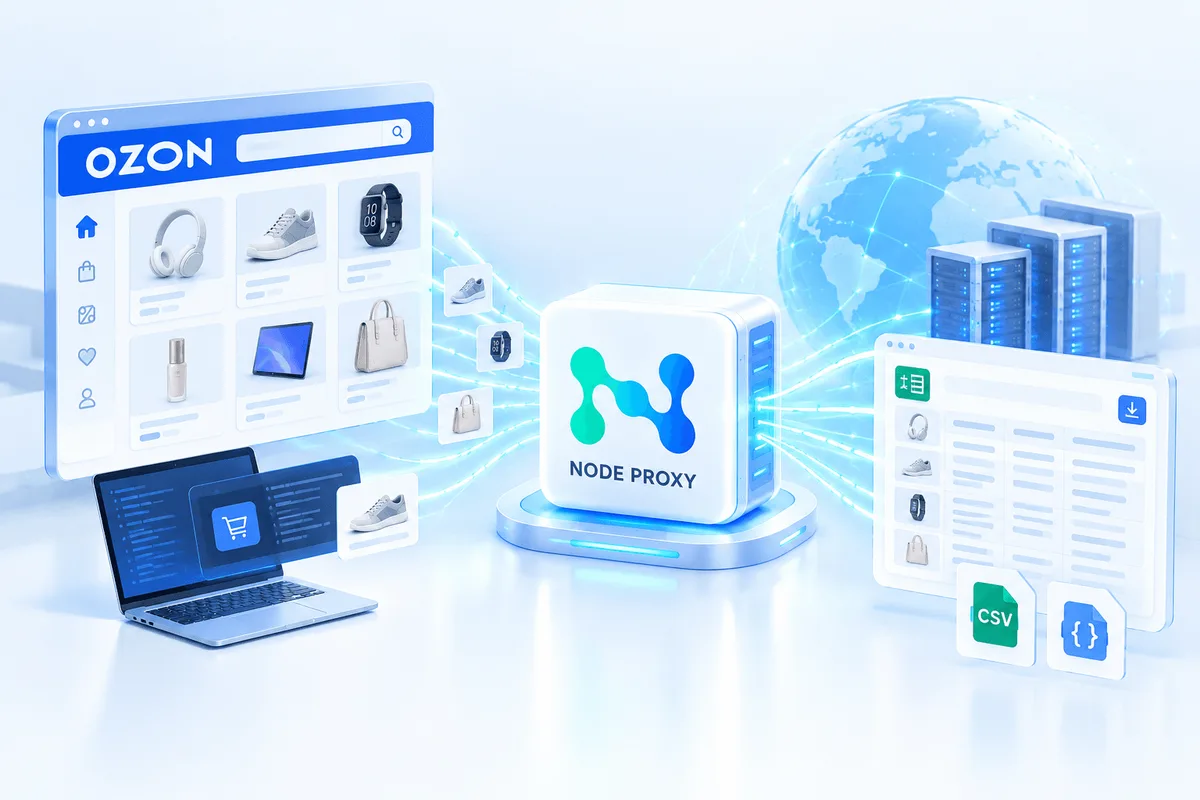
This is one of the most common scenarios. Companies can track changes in prices for their own products and competitors’ offers in order to adjust pricing policy, analyze the market, and respond more quickly to changes. See how price monitoring proxies support this task.
Market Research
Scraping helps collect data on products, categories, assortments, reviews, positioning, and offer dynamics. This provides a factual basis for assessing demand, analyzing the competitive environment, and identifying open niches.
Competitor Analysis
Automated data collection makes it possible to see how product pages are structured, how prices change, which categories are promoted more actively, how offers are presented, and what changes occur in the assortment structure.
News and Content Monitoring
Scrapers are used to aggregate publications from different sources, track new materials, and form thematic feeds. This is convenient for media projects, analytical teams, and companies that need to react quickly to industry events.
Lead Generation
If the data is publicly available, scraping can be used to collect information from catalogs, directories, and corporate websites. This data is then transferred to CRM or analytical systems for further work.
Data Preparation for Analytics and Machine Learning
In many cases, web scraping is simply the first stage. It is followed by data cleaning, normalization, labeling, dataset construction, and analytical processing.
Brand and Reputation Monitoring
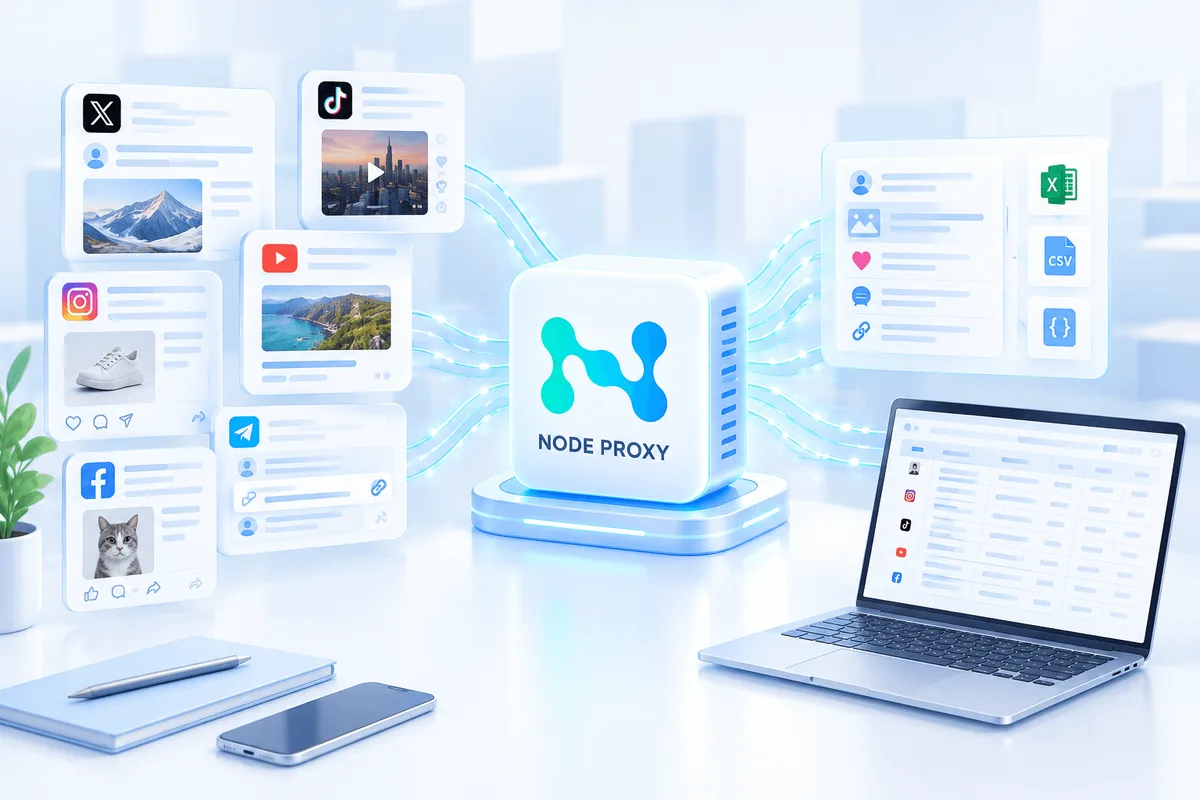
Another important scenario is tracking mentions of a company, products, and key topics in publications, catalogs, reviews, and news materials. Such collection helps detect changes in the information environment more quickly and respond to significant signals in a timely manner. Similar methods are used for collecting data from social networks.
Web Scraping and Data Scraping Are Not the Same Thing
Web scraping refers specifically to extracting information from websites. It usually involves working with HTML pages and related content.
Data scraping is a broader concept. It may include automated extraction of information not only from websites, but also from PDF documents, spreadsheets, CSV files, APIs, internal exports, and other sources.
In real projects, these approaches are often combined. For example, some data can be collected from a website, and some from an open dataset or via an API. The result is a fuller and more resilient set of information.
What Is Important to Consider When Launching a Project
Although the idea of web scraping itself looks straightforward, in practice much depends on the quality of implementation.
First, websites change their structure. If class names, block order, or the logic of data loading changes, the scraper may begin collecting incomplete or incorrect results. That is why such solutions require monitoring and periodic updates. Typical failures are covered in website parsing errors.
Second, large-scale tasks require careful handling of resources. When processing a large number of pages, it is important to control memory usage, the number of simultaneously open tasks, request frequency, and the logic for saving results. Otherwise, the system becomes unstable and loses efficiency. This is especially noticeable when using headless browsers: they are convenient, but they require more computing resources than ordinary HTML parsing.
Third, it is necessary to think in advance about exactly which data is really needed. The more precise the task definition, the less unnecessary traffic, noise, and subsequent manual cleaning there will be.
Legal and Organizational Constraints
Web scraping is not in itself an automatically prohibited practice, but the permissibility of its use depends on several factors.
First of all, the nature of the data matters. Working with publicly available information is usually safer than attempting to access restricted sections that require authorization or special rights.
It is also important to take into account the rules of a particular website. Some resources explicitly specify restrictions in their terms of use. In addition, even when collecting open data, requirements related to copyright and the permissible use of content cannot be ignored.
A separate issue is the load on the website. Excessively frequent requests can create technical problems for the resource, so automated collection must be organized carefully and without excessive pressure on the infrastructure. We share practical advice in how to reduce the risk of being blocked.
What Difficulties Are Encountered Most Often
One typical problem is dynamic content. Data may appear only after JavaScript execution or an additional request from the browser, so simple HTML parsing no longer helps.
The second common difficulty is pagination, infinite scrolling, and nested navigation. To collect the full dataset, it is necessary not only to extract cards from one page, but also to correctly traverse all continuations of the catalog or list.
The third problem is result quality. Even correctly collected data often has to be cleaned, normalized, and checked for duplicates, missing values, and inconsistencies.
In addition, the stability of the entire system must be taken into account. If the project operates regularly and at scale, it is important to monitor not only extraction accuracy but also performance: how quickly pages are processed, whether unnecessary data accumulates in memory, and whether resources are properly released after tasks are completed.
When an API Is Better Than Web Scraping
Parsing pages is not the best route in every case. If a platform has an API, this is often a more reliable and convenient option. An API returns structured data immediately, reduces dependence on HTML markup, and makes integration more stable.
Besides APIs, alternatives may include open datasets and official data-sharing partnerships. Such sources are not always available, but in some tasks they prove more practical and more resilient than scraping a website.
Practical Value for Business
The main reason web scraping is so widely used lies not in the technology itself, but in the result. It makes it possible to obtain data faster than through manual work, reduces labor costs, helps cover more sources, and makes analytics more regular.
For business, this means faster access to market information, the ability to rely on facts rather than one-off observations, and more stable monitoring processes. With a well-defined task, web scraping becomes not a standalone tool, but part of a decision-making system.
Web Scraping FAQ
What is web scraping?
Web scraping is the automated extraction of data from websites. A program loads pages, finds the required elements, and saves them in a structured format such as CSV, JSON, or a database.
How do I avoid getting blocked while scraping?
Keep the request rate moderate and irregular, spread requests across different IP addresses with proxies, render JavaScript pages with a headless browser when needed, and respect the rules of the website.
What is the difference between a web scraper and a web crawler?
A crawler discovers pages by following links and builds a map of available content. A scraper extracts specific fields from those pages. In practice, they often work together.
Which language is best for web scraping?
Python is the most common choice thanks to libraries such as Requests, BeautifulSoup, lxml, and Scrapy. For dynamic websites, JavaScript tools such as Puppeteer or Playwright are also popular.
Conclusion
Web scraping is a practical way to automate data collection from the internet and turn fragmented web pages into structured information for analysis. Its value is especially noticeable where data must be obtained regularly, in large volumes, and according to clear rules: in price monitoring, market research, competitor analysis, content aggregation, and the construction of analytical datasets.
At the same time, effectiveness depends not only on the selected tools, but also on the quality of the architecture: it is necessary to take into account the type of website, the method of content loading, the resilience of the extraction logic, the format for storing results, and the rules for using the data. When these conditions are met, web scraping becomes a reliable working mechanism rather than a temporary technical solution.