Odnoklassniki (OK.ru) for Business: Limits, Legitimate Promotion and Proxies for SMM Teams

Odnoklassniki, the social network at OK.ru owned by VK, rewards patient community building and penalises mass actions: it caps friend lists at 6,000, throttles bursts of friend requests and filters messages from strangers. Brands grow there through a well-run group, regular content and paid placements, while proxies matter only for agencies that need each client account to be opened from a stable, plausible location.
The network is often underrated outside Russia and Central Asia, yet its audience skews older and tends to be loyal to communities it trusts. Below you will find the limits that affect a business page, the promotion methods that stay inside OK's rules, and a practical setup for SMM teams that manage several client accounts from different cities or countries.
Static proxies for SMM
Static ISP and IPv4 proxies that keep one address per client account
Limits That Affect a Business Presence
OK publishes few exact numbers, and most protective limits are adjusted dynamically. Here is what is confirmed and what is observed:
| Area | What applies | Source or status |
|---|---|---|
| Friends per profile | Up to 6,000 | OK help centre |
| Friend requests | Capped per period; exceeding it triggers a temporary block that lifts by itself | OK help centre, exact number not published |
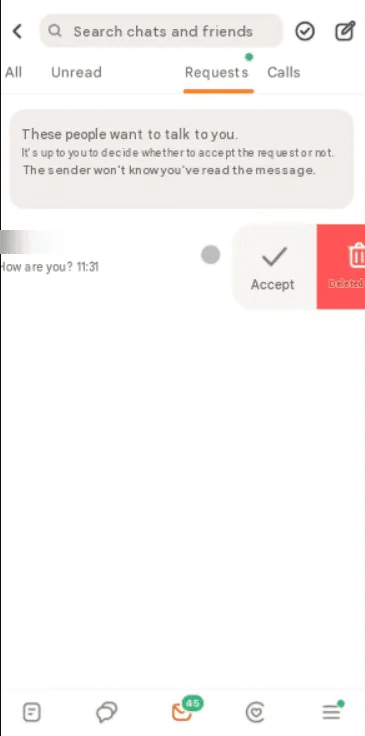
| Messages from strangers | Delivered to a separate Requests folder instead of the main inbox | Introduced in 2024, per news reports |
| Being added to group chats | Users can forbid strangers or everyone from adding them | Privacy setting |
| Invitations to groups, likes, comments | Throttled when repeated quickly | Not published; watch for warnings |
The help centre's advice for friend-request blocks is simple: take breaks between additions. The same logic applies everywhere on OK. A burst of identical actions from a new or quiet profile reads as spam, whereas spread-out activity from an established profile rarely hits a wall.
Why a personal profile is a poor sales tool
Because of the 6,000 cap and the request throttling, building a brand through a personal profile stalls quickly, and mass friending from a staff profile looks exactly like the behaviour OK filters. A group has no follower cap of that kind, offers statistics and can be managed by several people without sharing anyone's sign-in details.
Legitimate Ways to Grow on OK
Step 1. Set up the group properly
Choose the group type that matches your goal (a company or brand page, an interest community or a shop), fill in the description, city, contacts and links, and add a cover. Assign colleagues roles through the group's member management so each person works under their own profile; role names can differ between the web and app versions.
Step 2. Publish what this audience engages with
Practical tips, recipes, how-to videos, polls and short stories about the team tend to work better than pure advertising. A steady rhythm of a few posts per week beats bursts, and native video uploaded to OK usually travels further than outside links. Group statistics show which formats bring shares and comments.
Step 3. Use paid placements
Advertising on OK now runs through VK's advertising platform, VK Ads, which can show ads to OK users with targeting by region, age and interests. Posts in a group can also be boosted with paid promotion where that option is offered. Paid reach is the clean way to speed up growth; bought members or likes are not.
Step 4. Partner with existing communities
Agree on paid or barter posts with administrators of established groups in your niche or region. It is slower to arrange than a bot, but the audience is real and the group admin carries the reputation risk of what they publish.
Step 5. Run fair contests and live sessions
Giveaways, Q&A broadcasts and polls drive engagement when the rules are transparent and do not demand that participants spam friends. Check OK's current advertising and community rules before launching a prize draw.
What Not to Do
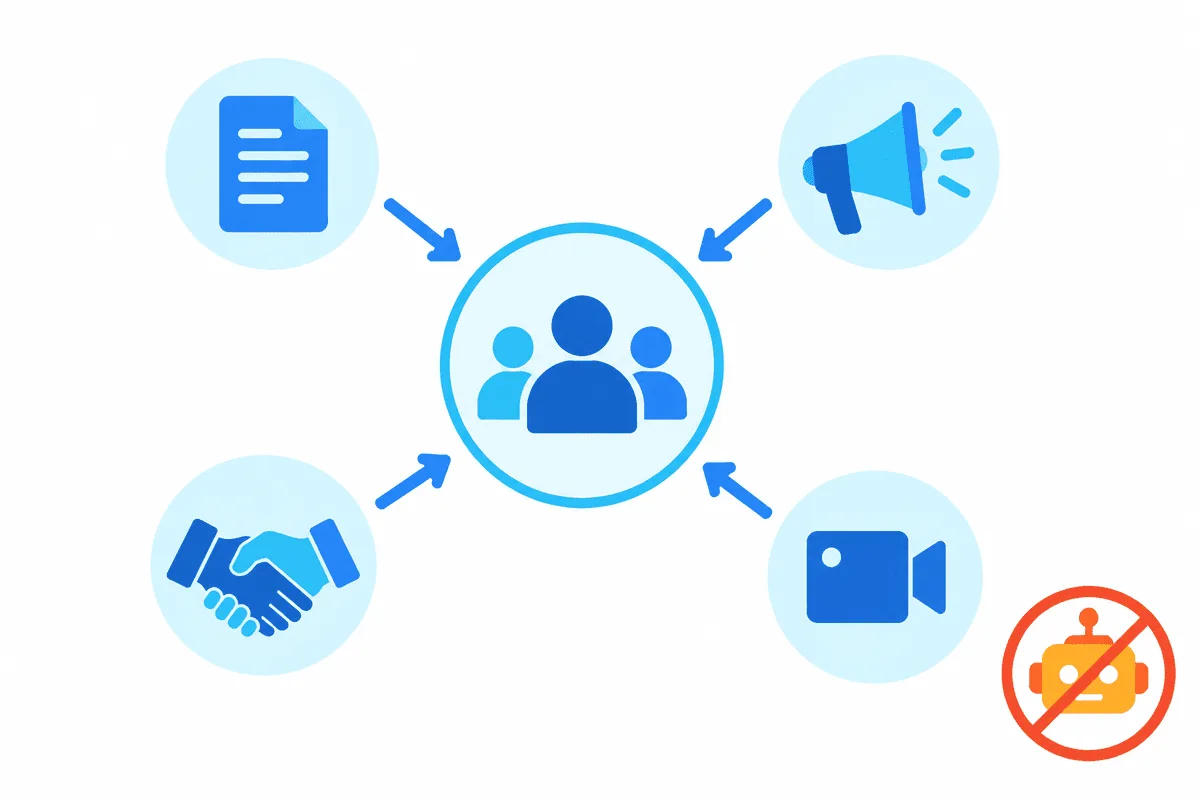
OK's user agreement and community rules prohibit spam, artificial activity and misleading profiles. In practice that rules out:
- buying members or Class marks (the OK version of likes) from boosting services;
- creating extra or fake profiles to invite people or leave comments;
- mass private messages and group invitations to strangers;
- automation software that clicks, follows or posts on your behalf.
Penalties range from temporary limits to group blocking, and losing a group with an established audience costs far more than any shortcut saves. Our guide to managing multiple social media accounts for business explains where the line lies across networks.
Proxies for SMM Agencies Working With OK
A proxy is useful on OK in one situation: an agency or a distributed team runs genuine client accounts and wants every sign-in to come from a consistent, believable location. OK, like most networks, may ask to confirm a sign-in when an account suddenly appears from a new country or a data centre range. That interrupts work and worries the client.
A workable setup
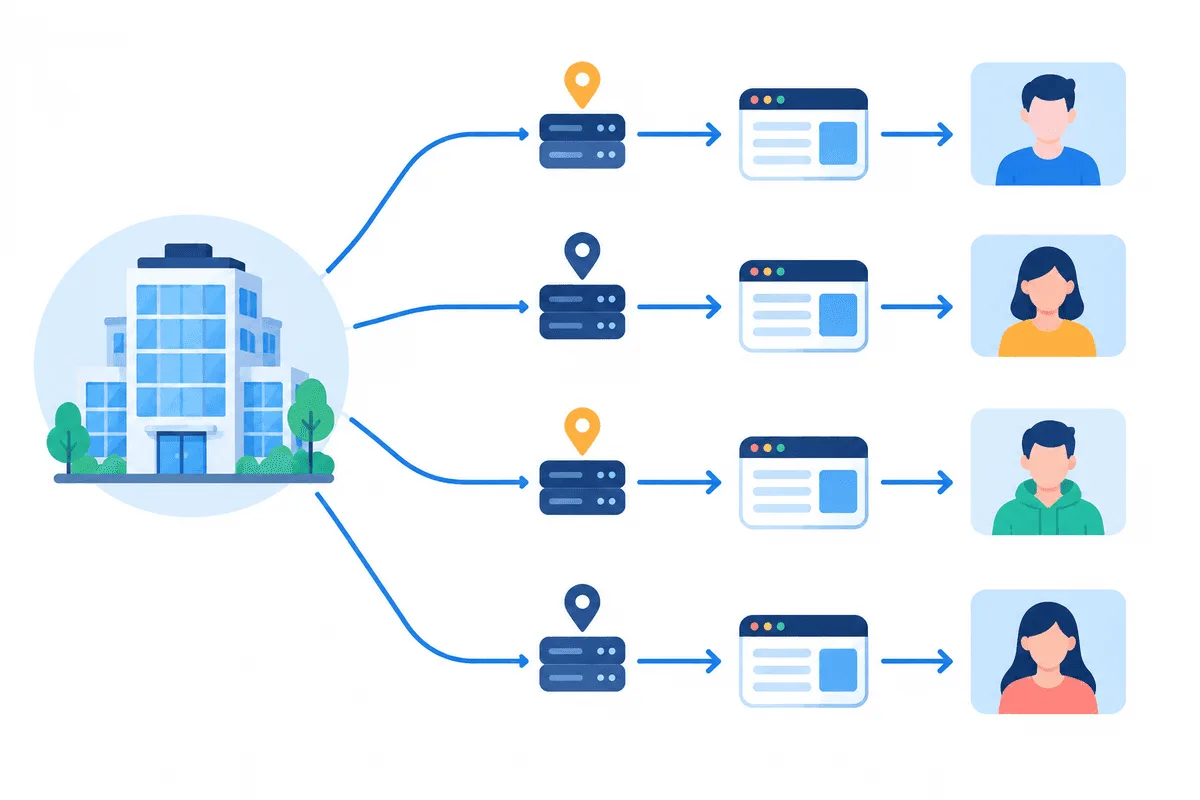
- One client account, one fixed exit. Assign each client profile or admin account a static address in the client's own region, so the history stays consistent. Static ISP or IPv4 proxies suit this, because the address does not change between sessions.
- Match the country. For accounts registered and used in Russia, pick an exit there; a Russian proxy location keeps content and ads in the right market view.
- Separate browser profiles. Keep cookies of different clients apart with browser profiles or an antidetect browser; the antidetect browser proxy setup hub covers the configuration step by step.
- No rotation mid-session. A new IP on every page load looks stranger than a home connection, so avoid rotating pools for account work.
- Written authorisation. Manage only accounts whose owners have agreed, ideally through group roles rather than shared passwords.
More workflow advice for social media teams is collected in SMM proxies, and the difference between fixed and changing addresses is explained in sticky vs rotating proxies.
Quick Troubleshooting
| Symptom | Likely reason | What to do |
|---|---|---|
| Cannot add friends | Request limit for the period reached | Pause; the block lifts automatically |
| Message landed in Requests | Recipient is not your friend | Wait for a reply; do not resend |
| Sign-in confirmation each time | Account opened from changing locations | Fix one exit per account in the owner's region |
| Post reach dropped sharply | Complaints or low engagement | Review content; stop invitations to strangers |
| Group restricted | Spam reports or artificial activity | Contact support, remove offending content |
Odnoklassniki FAQ
How many friends can you have on Odnoklassniki?
According to OK's help centre, any user can have up to 6,000 friends. For a brand, a group is the better format because it has no such cap and supports several administrators.
Why can't I add friends on OK?
Most likely you hit the limit on friend requests for a period. The help centre says the block is temporary, lifts automatically and recommends taking breaks between additions.
Is it allowed to promote a business on Odnoklassniki?
Yes, through a group, regular content, partner posts and paid advertising via VK Ads. Bought likes, fake profiles and mass invitations break the rules and can get the group blocked.
Do I need a proxy to work with OK?
An ordinary user does not. A proxy helps agencies and remote teams that manage client accounts and want each one to sign in from a stable address in the client's region.
Which proxy type suits OK account management?
A static ISP or IPv4 address in the account's home country works best, because it stays the same between sessions. Rotating pools are designed for data collection, not for account work.