OnlyFans Proxy Guide: Picking and Configuring Stable Access for Creators and Agencies

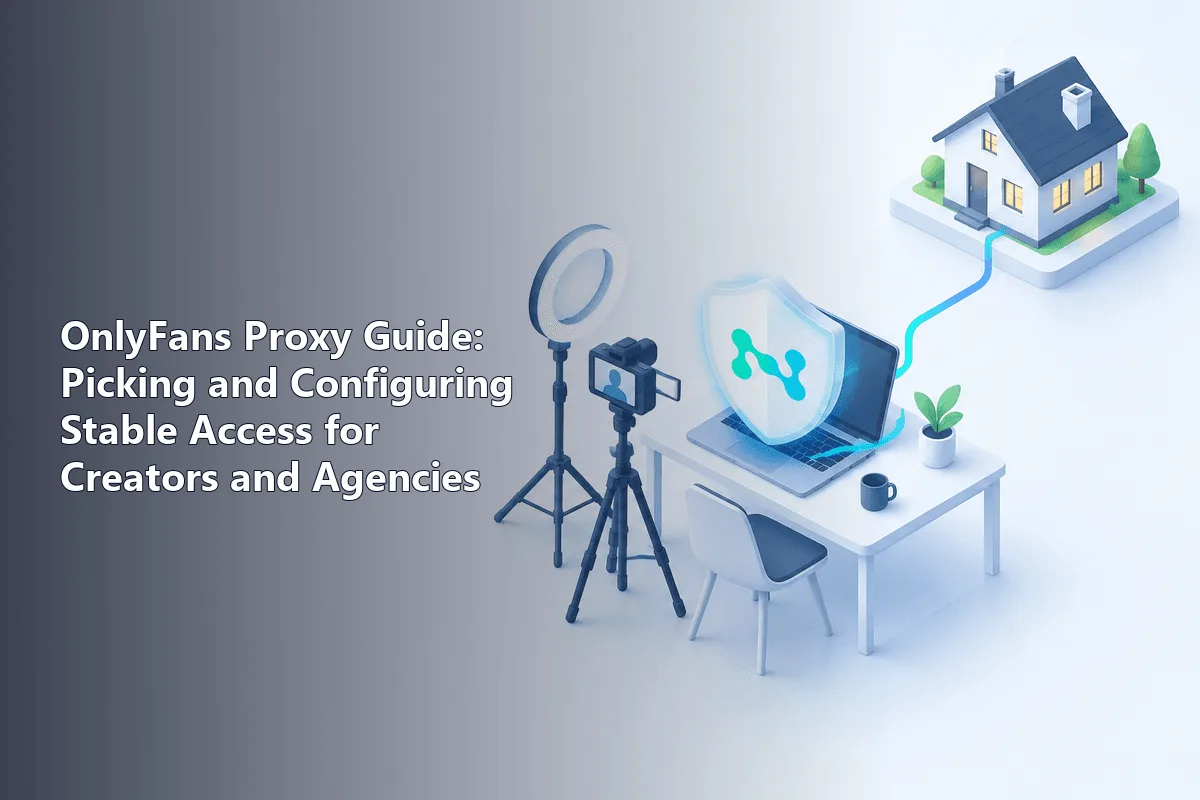
A proxy for OnlyFans makes sense for one main job: giving a creator or the team that manages their real account a stable, predictable address, so logins from different devices and cities do not look like a takeover attempt. The best fit is a static or sticky residential address in the creator's usual country, attached to one browser profile per account. A proxy does not lift age checks, payment restrictions or a country's legal ban, and it is no tool for copying paid content.
The sections below cover the reasons the site can be unreachable or flaky, the people with a real case for routing their sessions this way, a selection table, a five-step connection routine and the rules nobody can route around.
Static and residential proxies
Stable addresses in the creator's country for consistent logins
Why OnlyFans Can Be Hard to Reach
There are several distinct reasons, and only some of them have anything to do with networks.
- National restrictions. Several countries block adult platforms by law; Turkey is regularly reported among them. Where access is blocked by law, using a proxy to get around it may itself violate local rules.
- Payment restrictions. In some countries the problem is not the site but money. Media reported in 2022 that OnlyFans paused payouts and accounts for creators in Russia after sanctions cut off card payments. A proxy changes nothing about that, because payments depend on the cardholder and bank, not the IP.
- Age-verification laws. The UK and a number of US states require adult sites to check users' ages. These checks are the law where the user lives and are not something to route around.
- Network filters. Office, school, hotel and some mobile networks filter adult content by category, and that choice belongs to whoever runs the network.
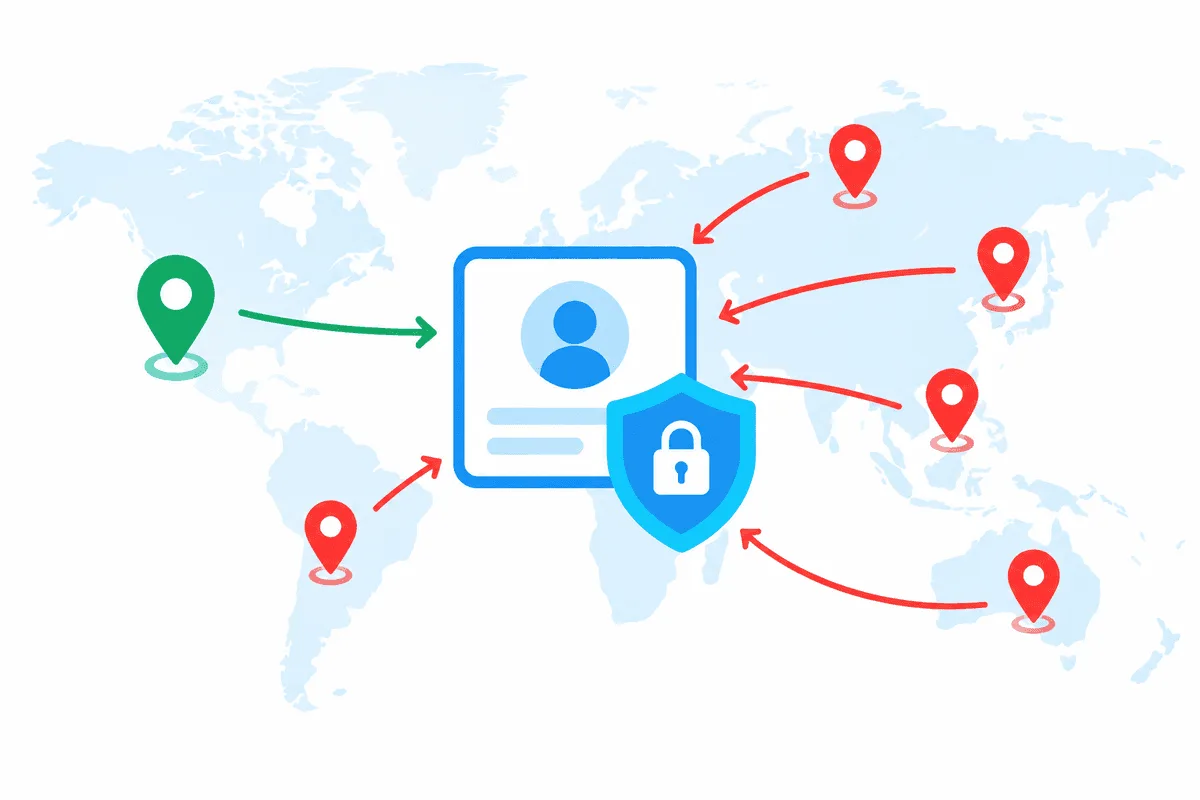
- Security checks. The most common practical issue for creators: a login from an unfamiliar country or a flagged address can trigger verification, extra confirmation or a temporary lock.
Legitimate Reasons to Use One
Travelling creators. Someone based in one country who spends several weeks elsewhere suddenly signs in from another continent. A proxy in your home country keeps the session consistent with your usual activity. Check that this fits the platform's current terms and the law of the country you are in.
Agencies and assistants. Many creators hire chatters, editors or managers. When several people in different cities work on one real account with the creator's consent, a shared fixed address and separate browser profiles reduce false security alerts. Our overview of proxies in business describes similar team setups for other platforms.
Marketing and research teams. Checking how public promo pages and links look from different regions, without logging into anyone's account.
What is not a legitimate use: creating fake accounts, getting around a ban or a suspension, scraping or downloading paid content, sharing leaked material. All of these violate the site's terms, and anything involving creators' material also runs into copyright and privacy law.
How to Choose a Proxy
| Criterion | What to look for | Why it matters |
|---|---|---|
| Type | Static ISP or residential with sticky sessions | A steady address looks like a normal home connection |
| Location | The creator's usual country and, ideally, city | Logins match the account's history |
| Authorisation | Login and password | Works in any browser profile on any computer |
| Exclusivity | Addresses not shared with unknown users | A neighbour's abuse can damage the address reputation |
| Avoid | Free lists and obvious datacenter ranges | Often flagged, unstable and sometimes malicious |
Free proxies are a particularly bad idea for an account that earns money; our article on free proxy risks explains why. A residential proxy plan with sticky sessions keeps one household address for a while, and static proxies hold the same IP for the whole plan, which suits accounts that log in daily.
Connecting a Proxy to a Creator's Profile
Step 1. Agree on Who Works Where
List who needs access to the account, from which devices and with what rights. The creator should keep the main credentials and two-factor authentication; team members get the minimum they need.
Step 2. Create One Browser Profile per Account
Use a separate browser profile or an antidetect browser profile for each creator, so cookies and sessions never mix between accounts. Our guide to setting up proxies in antidetect browsers covers the common programs.

Step 3. Attach the Proxy
Fill the connection fields of that profile with the gateway address, port number and credentials from your provider, and pick HTTP or SOCKS5 to match what the plan supports. From this point on, the profile should never switch to another address.
Step 4. Check the Address and Location
Before logging in, open an IP check page in that profile and make sure the country and city match the plan. Our proxy checker also shows whether the proxy responds at all.
Step 5. Log In and Confirm
The first login from the new address may trigger a confirmation. Let the creator approve it, then keep using the same profile and address so the account history stays consistent.
Common Mistakes
- Changing countries often. Switching between proxy locations is exactly what security systems notice. Pick one location and stay there.
- Rotating on every request. A new address per page load breaks sessions. Use sticky sessions or a static IP.
- Mixing accounts in one profile. Shared cookies tie accounts together and confuse security checks.
- Sharing passwords in chats. Use the platform's own access options where available and a password manager otherwise.
- Expecting a proxy to solve payments. Card declines and payout holds depend on banks and sanctions, not on the IP.
Rules That Still Apply
Before configuring anything, go through the latest version of the platform's terms: they define who may access an account, what counts as misuse and how the platform treats unusual logins. We do not quote specific clauses here because they change, so check the official text. Local law matters too: where adult platforms are blocked by law, a proxy does not make access legal. Paid content belongs to creators, and copying or reposting it is a copyright and privacy violation.
OnlyFans proxy FAQ
Do I need a proxy to use OnlyFans?
Most users do not. A proxy helps creators who travel and agencies whose staff work on one real account from different places, because it keeps logins consistent.
Which proxy type is best for an OnlyFans account?
A static ISP or sticky residential address in the creator's usual country. It looks like a normal home connection and does not change between sessions.
Can a proxy get my OnlyFans account banned?
A proxy alone is not a violation, but frequent country changes, flagged free addresses or several accounts in one profile can trigger security checks. Keep one stable address per account.
Will a proxy help me pay for OnlyFans from a restricted country?
No. Payments depend on the card, the bank and sanctions rules, not on the IP address, and trying to disguise the payer's location can break card network and platform rules.
Can I use a proxy to download OnlyFans content?
No. Paid content belongs to creators, and scraping or redistributing it violates the platform's terms and copyright law.