Static Datacenter Proxies: Fixed-IP Use Cases and How to Choose

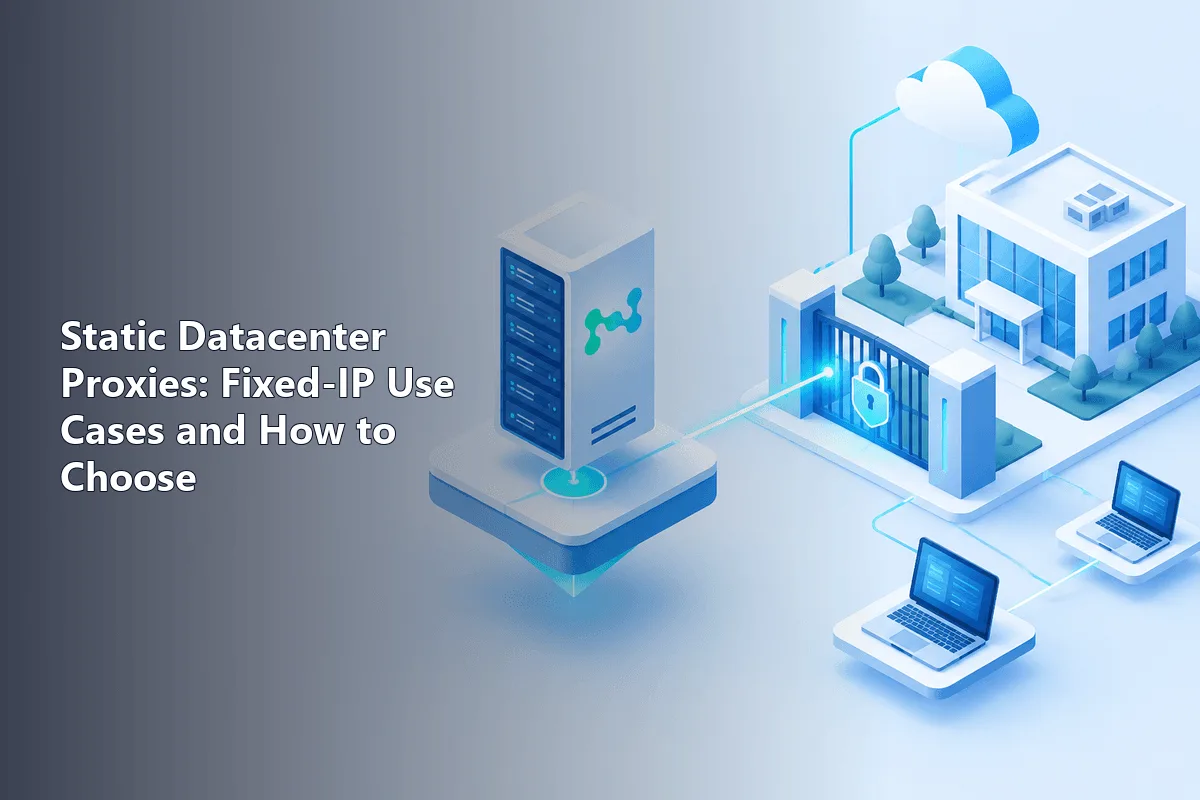
A static datacenter proxy gives you one server-hosted IP address that stays the same for the whole rental period, across every connection and every restart. You get the speed and low price of datacenter infrastructure plus something rotating pools cannot offer: an address you can register, allow-list and rely on tomorrow.
This article is about that fixed address. The general mechanics of server IPs are covered in our overview of datacenter proxies; here we look at the jobs where a permanent IP is the whole point, how static differs from sticky and ISP options, how to check that a "static" proxy really stays put, and which limits to plan around.
Static proxies
Static proxies that keep the same IP for the whole rental period
What "Static" Means in Practice
Three labels are often mixed up, and the difference decides whether a proxy fits your task.
| Option | How long the IP lasts | IP origin | Typical use |
|---|---|---|---|
| Static datacenter | Whole rental, weeks or months | Hosting provider | Allow-lists, long sessions, monitoring from a fixed point |
| Sticky session | Minutes to hours, set by the gateway | Usually residential | Multi-step flows on a rotating network |
| Static ISP | Whole rental | Consumer ISP, hardware in a data center | Long sessions on stricter sites |
| Rotating datacenter | One request or a short window | Hosting provider | Bulk collection across many IPs |
A sticky session only borrows an address from a shared pool for a while and then returns it. A static proxy is assigned to you and does not move. Most providers sell static datacenter IPs as dedicated, meaning nobody else uses them at the same time. Confirm this, because shared static plans exist too.
Jobs Where a Fixed IP Is the Requirement
Allow-Listed APIs and Partner Systems
Banks, payment providers, marketplaces and B2B partners often accept API calls only from pre-registered addresses. A home connection changes its IP, and a cloud function may exit from hundreds of addresses. Routing those calls through one static proxy gives the partner a single IP to approve and keeps working when your servers move.
Admin Panels and Internal Tools
Teams lock CMS back offices, databases and staging sites to an allow-list. Remote staff connect through a shared static proxy, and the firewall rule stays one line long, no matter where people work from.
Long Logged-In Sessions
Some services re-check identity when the IP of a session suddenly changes. A permanent address removes that trigger for routine work on supplier portals, analytics dashboards or ad accounts you legitimately own. It does not remove other checks: cookies, device data and behaviour still count, and each platform's rules apply.
Ad and Content Verification from a Fixed Point
Checking how ads, prices or banners appear in a given country is easier to compare over time when every run comes from the same IP. Our ad verification page lists other requirements of that workflow.
Monitoring and Testing Baselines
Uptime and latency checks from a constant address produce clean trends: if response time jumps, you know the network path on your side did not change. QA teams use the same idea to reproduce regional bugs on a stable foothold.
Lightweight Scheduled Collection
A small number of pages fetched on a schedule, such as a competitor's price list once an hour, fits a static IP well. For thousands of pages per minute, rotation across a pool is the better design.
How to Connect and Verify a Static IP
Authentication works one of two ways. Login and password let you connect from anywhere. IP authorization drops the credentials and lets in only addresses you have listed in the provider panel, which is handy for servers with their own fixed IP.
A quick test in the terminal shows the exit address; run it today and again in a few days, and the output must not change:
curl -x http://user-7f3k:s3cret-pass@203.0.113.71:8800 https://api.ipify.orgIn Python, pass the same proxy for both schemes and compare the result with the IP you were sold:
import requests

fixed = "http://user-7f3k:s3cret-pass@203.0.113.71:8800"
routes = {"http": fixed, "https": fixed}

seen = requests.get("https://api.ipify.org", proxies=routes, timeout=15).text
print("exit IP:", seen, "| expected:", "203.0.113.71")
Some providers route through an entry host that differs from the exit address, so compare against the exit IP listed in your dashboard. You can also paste the details into our proxy checker to see the exit IP, location and response time without writing code.
Limits to Plan Around
- Hosting origin is visible. Sites that screen server ranges will treat a static datacenter IP the same as a rotating one. For them, look at ISP or residential options.
- One IP, one reputation. If the address gets flagged by a target, every task on it suffers. Ask how quickly a replacement is issued.
- No built-in rotation. Bulk scraping from one fixed address hits rate limits fast. Buy several IPs and spread the load yourself, or use a rotating product for that part.
- City choice. Static datacenter IPs live where the data centers are, typically capital cities and major hubs.
How to Choose a Static Datacenter Proxy
- Confirm exclusivity. Ask whether the IP is dedicated or shared, and read our explainer on dedicated proxies if the terms are unclear.
- Check rental length and renewal. The IP should stay the same when you extend the plan, not be replaced by a new one.
- Pick the protocol. HTTP(S) is enough for browsers and APIs; SOCKS5 covers other software. Many providers give both ports for one IP.
- Look at IP version. IPv4 works everywhere. IPv6 is cheaper but not every site or partner accepts it, so check compatibility first.
- Test before scaling. Hit your real targets for a day, log errors and latency, and only then add more addresses.
Our static proxies keep the same address for the full rental and support both login and IP authorization. If the task actually needs home IPs, the guide to residential vs dedicated proxies helps you pick by scenario.
Static datacenter proxies FAQ
What is a static datacenter proxy?
It is a proxy whose IP belongs to a data center and stays the same for the entire rental. Every request you send goes out from that one address.
How is a static proxy different from a sticky session?
A sticky session holds an IP from a rotating pool for minutes or hours and then releases it. A static proxy is assigned to you and keeps its address for weeks or months.
Are static datacenter proxies dedicated?
Most are, but not all. Some plans share one static IP among several customers, so check the plan description before buying.
Can a static datacenter IP be used for API allow-lists?
Yes, this is one of its main uses. You register the proxy IP with the partner once, and calls from any of your servers pass through it.
When is a static datacenter proxy the wrong choice?
When the target blocks hosting ranges, when you need frequent IP changes for bulk collection, or when you need a specific small city. Residential, ISP or rotating products fit those cases better.