Residential Proxies for RAG: When Your Pipeline Needs Them

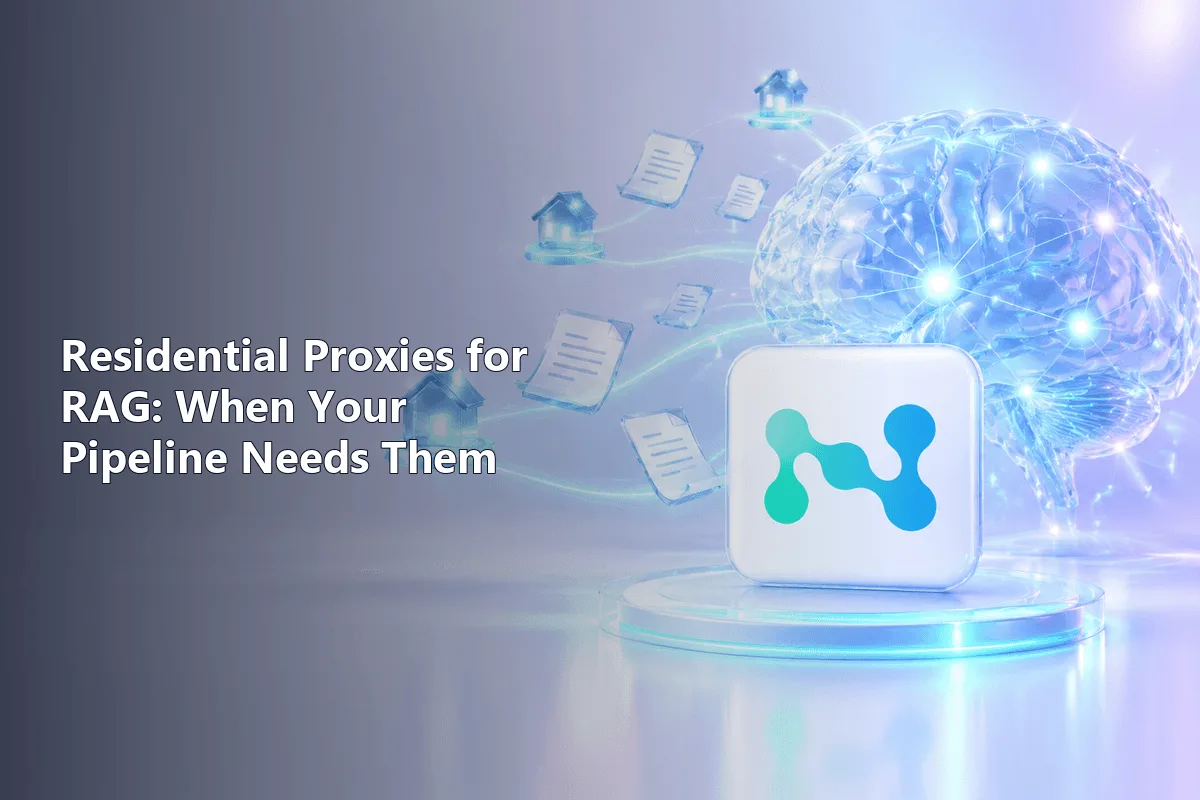
Retrieval-augmented generation (RAG) gives a language model fresh context by fetching documents before it answers. When those documents live on public websites, the fetching layer becomes a crawler, and crawlers run into rate limits, IP blocks and region-dependent pages. Residential proxies address exactly that layer: they spread requests across home IP addresses and let you load a page as a visitor from a chosen country would see it.
They are not a default ingredient, though. A RAG system over internal PDFs or a clean official API needs no proxy at all. This article shows where proxies sit in a RAG pipeline, which signs tell you they are needed, how to configure rotation and sticky sessions for ingestion versus live retrieval, how to keep residential traffic costs under control and which limits a proxy cannot fix.
Residential proxies for RAG
Residential proxies with rotation, sticky sessions and geo-targeting for web retrieval
Where the Network Layer Sits in RAG
A typical pipeline has two moments when it touches the web.
- Ingestion. A crawler discovers URLs, downloads pages, extracts text, splits it into chunks, creates embeddings and writes them to a vector store. It then revisits sources on a schedule to keep the index current.
- Live retrieval. Some agents search and fetch pages at question time, while the user waits. Here a failed request means the model answers without the context it needed.
Proxies belong to the download step in both cases. They change nothing about chunking, embeddings or prompts. Our overview of web crawlers and scrapers explains how discovery and extraction split the work.
Signs That Your Pipeline Needs Proxies
- Gaps in the index. Pages come back empty, truncated or as a CAPTCHA screen, and those chunks silently poison answers.
- Rising 403 and 429 responses as you add sources or shorten the refresh interval.
- Location-dependent content. Prices, stock, local news and search results differ by country or city, and the model must reason about a specific market.
- Frequent re-crawls. The same URLs are fetched daily or hourly, so a single server IP quickly looks like a bot to the source.
- Many domains at once. Hundreds of sites, each with its own limits, are hard to serve from one address.
If none of these apply, skip the extra component. It adds latency, cost and one more thing to monitor.
Why Residential and Not Datacenter
Server IPs are fast and cheap, and for documentation sites, open data portals and lenient blogs they are the sensible choice; our article on datacenter proxies covers that option. Residential addresses earn their higher price when a source filters by IP origin or when you need realistic regional views.
| Source type | Suggested IP type | Reason |
|---|---|---|
| Internal documents, own databases | None | No third-party website involved |
| Official API with keys | None, or a fixed IP if the API needs an allow-list | The API sets its own limits and terms |
| Docs, open registries, lenient sites | Datacenter | Speed and cost per page |
| News, forums, marketplaces with bot filtering | Rotating residential | Requests spread across home IPs |
| Regional prices, local search results | Residential with geo-targeting | Content changes with location |
Many teams mix both: datacenter IPs for easy domains and a residential pool only for the stubborn ones.
Rotation or Sticky Sessions
Rotation gives each request a new IP. It fits ingestion, where page loads are independent and you want load spread thinly across the pool.
Sticky sessions keep one IP for minutes. Use them when a fetch needs several steps: accepting a cookie banner, paging through results or following a redirect chain that sets cookies. Switching IP mid-sequence often breaks the flow. The trade-offs are explained in our guide to sticky and rotating proxies.
For live retrieval during inference, prefer a sticky session per question with a short timeout and one quick retry on a fresh IP. Latency matters more than throughput there.
A Fetch Step That Saves Traffic
Residential plans are usually billed per gigabyte, and RAG pipelines re-download the same pages again and again. Conditional requests let a site answer "not modified" with an empty body, so you pay for almost nothing and skip re-embedding. A minimal Python sketch:
import requests

gate = "http://user-7f3k-country-us:s3cret-pass@gw.example.net:7000"
http = requests.Session()
http.proxies = {"http": gate, "https": gate}

def pull(url, last_tag=None):
    extra = {"If-None-Match": last_tag} if last_tag else {}
    r = http.get(url, headers=extra, timeout=20)
    if r.status_code == 304:
        return None, last_tag        # unchanged: keep old chunks
    r.raise_for_status()
    return r.text, r.headers.get("ETag")
Store the ETag next to each document. Where a site sends Last-Modified instead, use If-Modified-Since the same way. The login format for country targeting differs between providers, so take it from your dashboard.
Other ways to cut traffic:
- Hash the extracted text and re-embed only when the hash changes.
- Block images, fonts and video when you render pages in a headless browser.
- Fetch sitemaps or RSS first and download only the URLs that changed.
What Proxies Do Not Fix
JavaScript-rendered pages. If a source builds its content in the browser, a plain HTTP request returns an empty shell no matter which IP you use. You need a headless browser for those domains.
Parser breakage. When a site changes its layout, extraction fails silently. Track the length of the extracted text per domain and alert on sudden drops. Typical failure modes are listed in our article on website parsing errors.
Legal and ethical limits. Respect robots.txt and each site's terms, avoid personal data you have no basis to process and keep in mind copyright on the text you store. A proxy changes the route of a request, not its permissions.
How to Choose a Provider for RAG
- Pool size and spread in the countries your sources serve. A few thousand IPs in one city will not carry a global crawl.
- Targeting depth. Country is enough for most projects; local search or pricing may need city level.
- Session control. Both per-request rotation and sticky sessions with a configurable duration.
- Protocols. HTTP(S) covers most fetchers; SOCKS5 matters only for special clients.
- Measured latency and success rate on your real sources at your real concurrency.
- Traffic terms, including what happens to unused gigabytes at the end of the period.
Our residential proxies support country and city targeting, rotation and sticky sessions over HTTP and SOCKS5. Pipelines that also collect search results may find the SERP data collection scenario useful.
A Rollout Checklist
- Confirm that the pipeline really fetches public web pages; if not, stop here.
- Estimate pages per day, refresh frequency and average page weight to project traffic.
- Sort sources into easy, protected and region-dependent groups and assign an IP type to each.
- Add conditional requests and content hashing before scaling up.
- Log status codes, latency, empty extractions and gigabytes per domain from day one.
RAG proxies FAQ
Does every RAG system need proxies?
No. Systems that work with internal documents, private databases or official APIs do not fetch third-party pages and have no use for proxies.
Why use residential proxies instead of datacenter ones for RAG?
Residential IPs are filtered less often by sites that screen server ranges, and they can show region-specific content. For lenient sources, datacenter IPs are cheaper and faster.
Should a RAG crawler use rotating or sticky proxies?
Rotation suits independent page downloads during ingestion. Sticky sessions suit multi-step fetches and live retrieval, where one IP must last through a short sequence.
How can I reduce residential proxy costs in a RAG pipeline?
Use conditional requests with ETag or Last-Modified, re-embed only changed text, skip images and media, and route only protected domains through the residential pool.
Will proxies help with pages that need JavaScript?
No. Proxies change the IP, not how a page is rendered. Sources that build content in the browser need a headless browser in the fetch step.