Cloud Phone vs Antidetect Browser: Differences and How to Choose

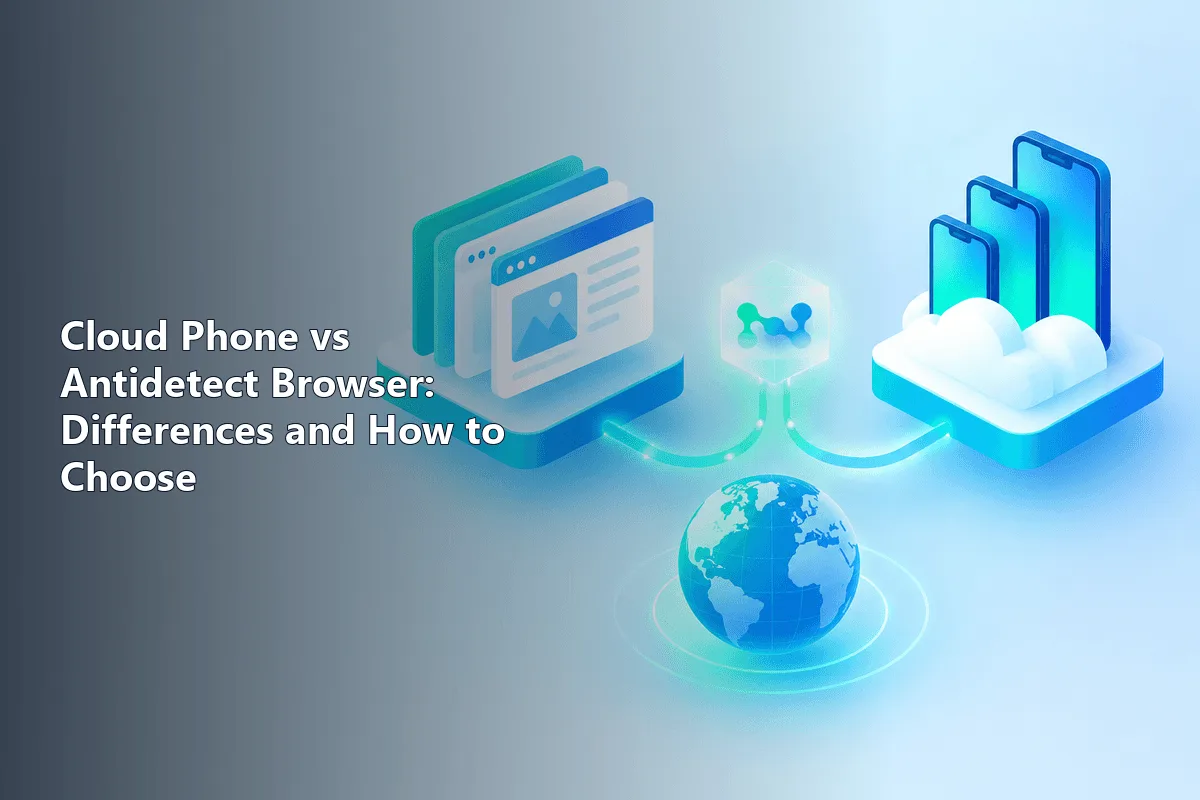
The two tools draw their walls at different heights. An antidetect browser builds them around browser profiles, each carrying private cookies, a distinct fingerprint and a dedicated proxy. A cloud phone builds them around an entire operating system: every instance is a remote Android device that runs real mobile apps. So the deciding question is simple. If your tasks live on websites, a browser is enough; if they depend on apps from an app store, you need Android.
Both tools promise the same thing on the surface, separate environments without a drawer full of laptops and phones, which is why teams often compare them head to head. Below we look at how each one works, what signals each environment presents to a platform, how costs and scaling differ, where proxies fit in and which mixed setups make sense.
Mobile proxies
Mobile carrier IPs for cloud phones and browser profiles alike
How an Antidetect Browser Works
Think of it as a launcher for many self-contained browsers, typically assembled on a Chromium or Firefox engine. Every profile keeps separate cookies, storage and cache, and reports separate traits when a site asks: the user agent string, display resolution, clock offset, interface language, installed typefaces, plus the way it renders Canvas and WebGL graphics. Viewed from the server side, two profiles resemble two unrelated laptops.
Profiles are created and launched from one dashboard, grouped by project and shared with teammates without passing passwords around. Most vendors also publish a local API that browser frameworks like Selenium, Puppeteer and Playwright can drive, which lets repetitive clicks run unattended.
Typical uses:
- ad accounts and agency work for several clients;
- seller dashboards on marketplaces;
- SaaS tools and analytics panels;
- SEO checks from different regions;
- testing how a site behaves for different visitors.
The limit is built into the concept. A profile can imitate a mobile browser, but it cannot install an Android app, receive push notifications or use phone-only features.
How a Cloud Phone Works
A cloud phone is an Android device that lives in a provider's data center. Depending on the vendor, it is either a physical ARM board or a virtualised Android instance on ARM servers. You see its screen in a browser tab or desktop client and control it with the mouse and keyboard, just like a phone on your desk.
Inside, you get a full system: install apps, log in with a phone number, receive notifications, change Android settings, open a mobile browser. Each instance carries its own device parameters, such as model, Android version and identifiers, so an app sees a separate handset rather than another tab.
Typical uses:
- social and messaging apps whose features are mobile-first;
- testing Android apps on several system versions;
- checking push notifications and mobile layouts;
- running mobile games and their accounts;
- replacing a shelf of physical test phones.
Our overview of the cloud Android phone covers how these instances are built and billed in more detail.
Side-by-Side Comparison
| Antidetect browser | Cloud phone | |
|---|---|---|
| Isolation level | Browser profile | Whole Android system |
| Runs mobile apps | No | Yes |
| What the platform sees | Browser fingerprint: user agent, Canvas, WebGL, fonts, time zone | Device parameters: model, Android version, IDs, app environment |
| Where it runs | On your computer | On the provider's servers, streamed to you |
| Time to first session | Minutes per profile | Longer: set up Android, install and log in to apps |
| Automation | Mature APIs for browser frameworks | Vendor RPA tools or ADB, varies by provider |
| Cost driver | Number of profiles and team seats | Number of devices and hours of use |
| Main weak spot | No access to app-only features | Latency and vendor infrastructure quality |
Setup and Daily Work
Spinning up a browser environment is quick: add a profile, accept or tweak the suggested fingerprint, paste a proxy and press start. Hundreds of profiles can be created in bulk from a spreadsheet, and step-by-step setups for popular tools are gathered in our antidetect browser proxy guides.
A cloud phone needs more preparation. After the instance starts, you configure Android, install apps from a store or an APK, sign in and sometimes confirm an SMS. The payoff is that the account then lives inside an environment that behaves like a real handset. Some vendors combine both worlds in one dashboard; our GeeLark guide shows such a hybrid in practice.
Cost and Scaling
Pricing varies widely by vendor, so compare models rather than numbers. Browser vendors bill mostly by the number of profiles and by collaboration features. Running a profile is nearly free in hardware terms, because your own desktop does the work, so for dozens or hundreds of web accounts this route usually costs less.
Cloud phones run a full Android system on someone else's hardware, so one instance costs more than one profile, and many vendors bill per device per month or per minute of use. In exchange, you do not buy, charge, update or store physical phones. For a team that would otherwise maintain a rack of test devices, the maths often favours the cloud.
Reliability and Performance
An antidetect browser depends mostly on your computer. With enough memory it can keep many profiles open for hours, and a slow internet line affects only page loads.
A cloud phone depends on the provider. Screen streaming adds a delay to every tap, heavy apps may stutter on weaker instances, and some apps check for virtualised environments. Test a trial device with your actual apps before committing to a fleet.
Proxies in Both Setups
Separate environments sharing one IP are not really separate, since the network layer still ties them together. A browser profile receives its proxy on the profile form, and its clock and language ought to agree with the country the address comes from. A cloud handset receives its proxy through the vendor's device panel, after which every app on that handset leaves through it.
The proxy type should match what the platform expects to see. A phone environment looks most natural behind a mobile carrier IP, which is where mobile proxies come in. Web profiles usually work well with residential or static addresses; our comparison of residential and mobile proxies helps pick between them. The most frequent setup errors, such as a time zone that contradicts the IP, are collected in our list of mistakes with proxies in antidetect browsers.
When to Use Both
Many teams do not choose one tool. A typical split:
- web dashboards, ad cabinets, reporting and SaaS run in antidetect profiles;
- mobile-only features, app testing and push checks run on cloud phones;
- each account stays in exactly one environment, with its own IP.
This keeps costs down, because expensive Android instances are used only where a browser cannot do the job.
Platform Terms Come First
Isolated environments help agencies, marketplace sellers and QA engineers keep each client's work in its own box. They do not turn a breach of a platform's terms into acceptable practice. Many services restrict the number of accounts per person or ban automation, and a clean device fingerprint will not save an account that violates those rules. Read the policies of each platform you work with; our guide to managing multiple accounts touches on this as well.
How to Decide
- List where the work happens: websites, mobile apps or both.
- Check whether any key feature exists only in an app.
- Count environments and estimate monthly usage hours.
- Trial both on one real task before scaling.
- Plan proxies per environment from the start.
Cloud Phone vs Antidetect Browser FAQ
Can an antidetect browser replace a cloud phone?
Only for web work. A profile can imitate a mobile browser, but it cannot install Android apps or use app-only features such as push notifications.
Is a cloud phone the same as an Android emulator?
Not quite. An emulator runs on your computer, while a cloud phone runs on the provider's ARM servers or real boards and is streamed to you, so it does not load your machine.
Which is cheaper for many accounts?
For accounts that live on websites, the browser route is normally cheaper because your desktop carries the load. Cloud phones cost more per environment but replace physical devices.
Do cloud phones need proxies?
Yes. Without a separate proxy, all instances may share the vendor's IP ranges. Assign one IP per device, ideally a mobile carrier address for app-heavy work.
Can I use a cloud phone and an antidetect browser together?
Combining them is common. Route website chores through browser profiles, reserve the cloud handsets for app-only duties, and never let one account wander between environments or addresses.