Residential vs Dedicated Proxies: Which One Fits Your Task

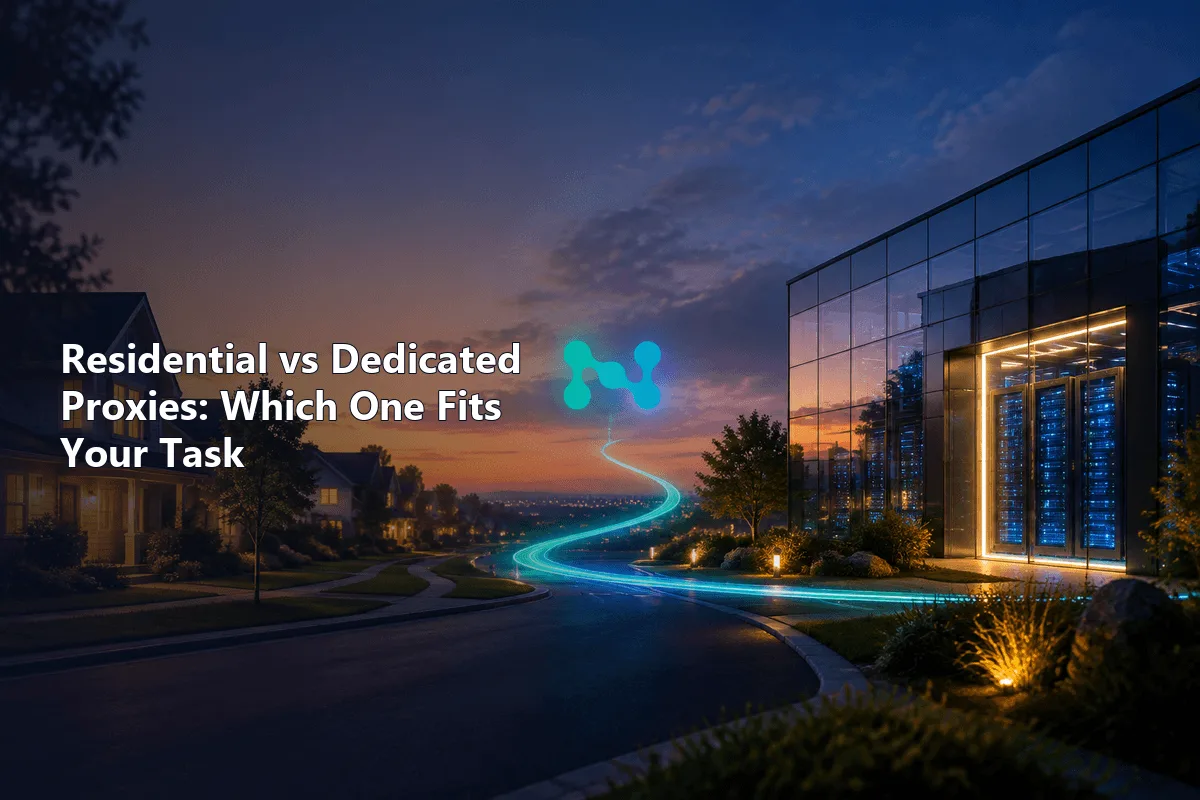
Residential and dedicated are not two competing proxy types. "Residential" tells you where an IP comes from, a home internet connection. "Dedicated" tells you who gets to use it: you alone. A proxy can be both, either or neither, so the real question is which of the two properties your task depends on.
Below we separate the two axes, show what each combination looks like on the market, match them to common jobs in a single table and give a short test plan for checking a provider before you pay for volume. If you need the basics first, our explainers on residential proxies and dedicated proxies cover each term on its own.
Residential proxies
Residential proxies with country and city targeting for tasks where IP origin matters
Two Questions, Not One
Where does the IP come from? A residential address is assigned by a consumer internet provider to a household. A datacenter address belongs to a hosting company. ISP proxies sit between them: registered to a consumer provider, hosted on server hardware. Websites can look this up in IP databases, so origin affects how strict they are with you.
Who else uses the IP? A dedicated address is yours for the rental period. A shared address is used by several customers at once. In a rotating residential pool, nobody owns an IP: the gateway lends you one for a request or a session and then gives it to someone else. Exclusivity affects reputation, since you inherit nothing from other users.
Mixing the two questions leads to bad purchases: buying "dedicated" in the hope that a site will trust it more, when the site actually filters by origin, or paying for a residential pool when a fixed address was the real need.
What Each Combination Looks Like
| Combination | How it is sold | IP lifetime | Strong side | Weak side |
|---|---|---|---|---|
| Residential, shared pool | Rotating residential, billed per GB | One request to a sticky session | Home origin, huge geography | No fixed address, traffic cost |
| Residential-grade, dedicated | Static ISP, sometimes labelled "dedicated residential" | Whole rental | Fixed IP with consumer ASN | Fewer locations, higher price per IP |
| Datacenter, dedicated | Private or static datacenter, billed per IP | Whole rental | Speed, low cost, clean history | Hosting origin is visible |
| Datacenter, shared | Shared datacenter | Whole rental | Cheapest | Neighbours shape reputation |
A truly exclusive IP on someone's home router is rare. Those addresses come from consumer devices that go offline, so a provider cannot promise one to you for months. What the market calls dedicated residential is in most cases a static ISP proxy; our ISP proxy setup guide shows how they work in practice.
Matching the Choice to the Task
| Task | What matters most | Recommended option |
|---|---|---|
| Scraping sites with strong bot filtering | Home origin, many IPs | Rotating residential |
| Prices or search results by city | Accurate location | Residential with city targeting |
| Running one long-lived account you own | Same IP every day | Static ISP or dedicated datacenter, depending on the site |
| API or admin panel behind an allow-list | Fixed, registrable IP | Dedicated datacenter |
| Public catalogs and open data | Speed, cost per page | Datacenter, shared or dedicated |
| Ad verification from many regions | Real consumer view | Rotating residential |
| Load tests and QA | Throughput | Dedicated datacenter |
Two rules sit behind this table. Pay for residential origin only where the site treats it differently; on lenient targets it adds cost and latency with no gain. And pay for exclusivity where the IP has to stay the same or carry a clean record over time. For workloads that are speed-bound rather than trust-bound, our overview of datacenter proxies explains the server-side option.
Testing a Residential Pool Before You Scale
Two pools with the same label can differ widely. Spend a small amount of traffic on a pilot that mirrors the real job.
Location Accuracy
Request 50 to 100 addresses for your target country or city and look each one up in two independent geolocation databases. Mistakes at country level point to a weak pool; at city level some spread is normal, but most addresses should land where you asked. Record the results so you can compare providers later.
Success Rate on Your Targets
Generic IP checkers say nothing about how a specific site reacts. Send about a thousand requests to the pages you will actually work with and count successful responses, CAPTCHAs, network errors and status codes such as 403, 429 and 503. Compare providers under identical settings.
Speed Under Load
Run the test at your planned concurrency, not one request at a time. Record time to first byte, dropped connections and the share of failed requests. A pool that is quick at ten threads and unstable at two hundred will fail in production.
Pool Ethics
Ask how the provider sources residential IPs: an app or SDK with clear user consent, how participants leave and how bad addresses are retired. A suspiciously cheap pool often has no good answer.
Getting More From Either Option
- Match the IP to the audience. A site built for one country expects visitors from it. Use country, city or ISP targeting where it changes the result.
- Watch response codes live. A rising share of 403 or 429 means you are sending too fast or from the wrong ranges; react during the run, not after it.
- Drop failing IPs. An address that keeps getting blocked burns traffic. Exclude it and take another from the pool or ask for a replacement.
- Restrict domains. Route through the proxy only the hosts the job needs. That keeps residential traffic bills predictable.
More techniques for keeping a collection job healthy are in our guide on reducing the risk of blocks.
So Which One to Buy
Choose residential proxies when the site judges visitors by IP origin or when you need fine geography. Choose dedicated addresses, datacenter or ISP, when you need the same IP every time. If you need both a consumer-grade origin and a fixed address, ask for static ISP proxies rather than a "dedicated" residential promise.
Residential vs dedicated proxies FAQ
Is a dedicated proxy the same as a residential proxy?
No. Dedicated means the IP is used by one client only; residential means the IP comes from a home internet provider. A dedicated proxy can be datacenter, ISP or, rarely, residential.
What is a dedicated residential proxy?
Usually it is a static ISP proxy: an IP registered to a consumer provider, hosted on server hardware and assigned to a single customer for the rental period.
Which is better for web scraping, residential or dedicated?
For sites with strict bot filtering, rotating residential pools work better because they spread requests across many home IPs. For open data and lenient sites, dedicated datacenter IPs are faster and cheaper.
Which is better for managing accounts?
Tasks that need the same IP every day call for a fixed address, so static ISP or dedicated proxies fit. Always follow the rules of the platform you work with.
Why are residential proxies billed by traffic?
The provider pays for bandwidth from consumer devices rather than for server addresses, so pricing follows the gigabytes you use. Dedicated proxies are usually billed per IP.