Proxies for YouTube: How to Choose One and Set It Up

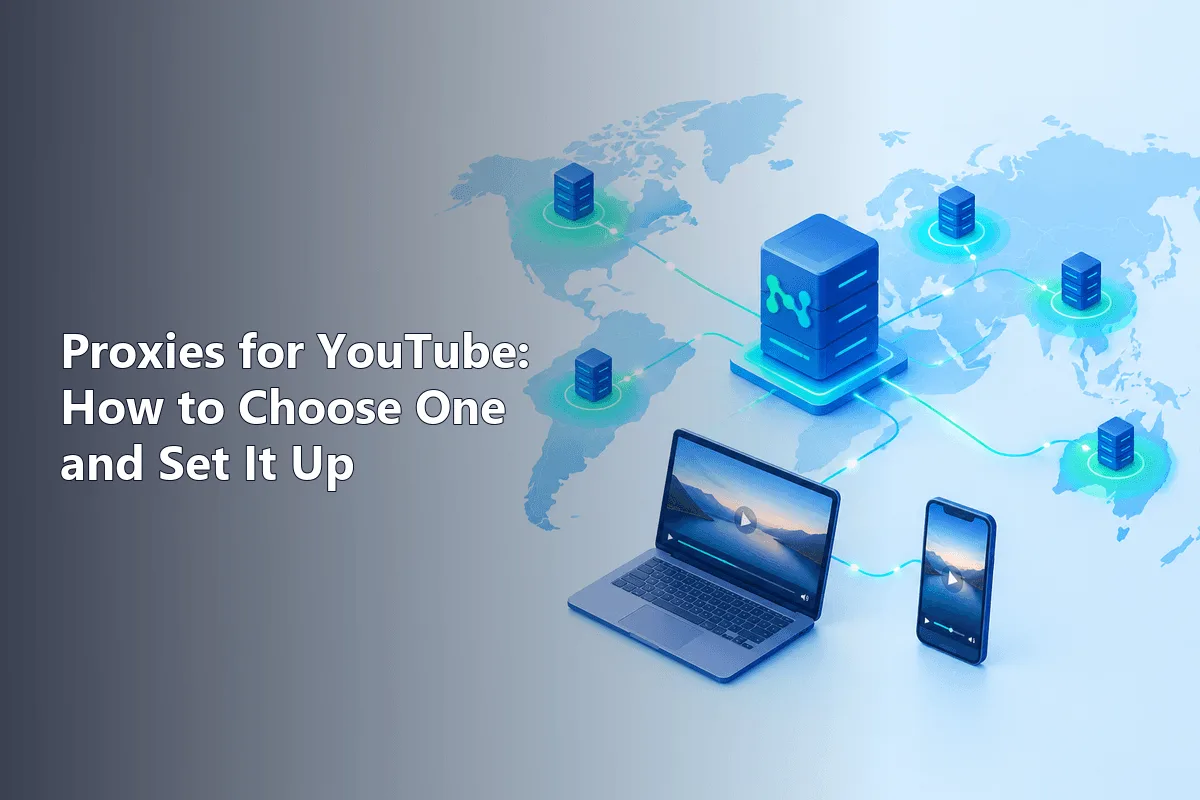
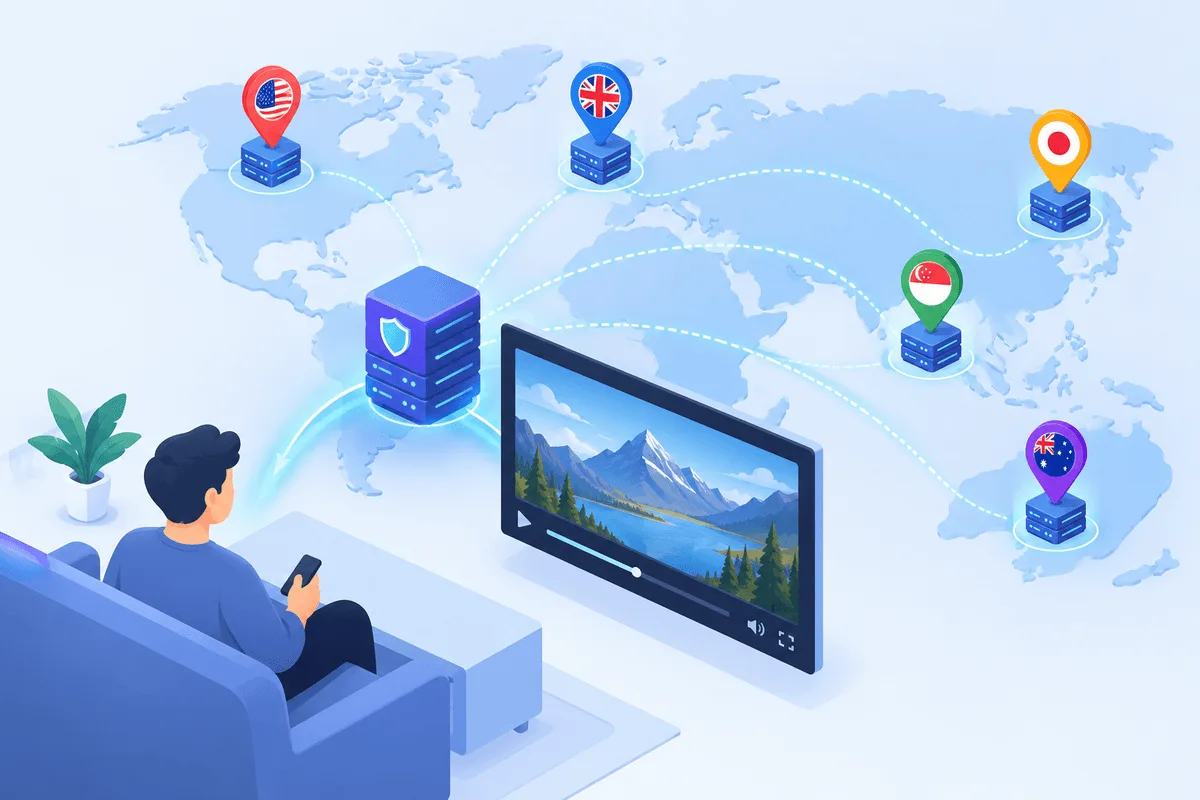
A YouTube proxy is a server in a chosen country that loads the site or app on your behalf, so YouTube sees that country's IP instead of yours. For market research and ad checks, a static residential or ISP address in the target region works best; for simple viewing on a network that drops YouTube, any stable proxy with enough bandwidth will do.
Most guides on this topic are lists of providers. This one is about the tasks themselves: watching regional trends, checking how ads and Shorts appear in another market, testing YouTube Music availability, and reaching YouTube from a network that filters it. You will also see how much traffic video eats, which proxy type survives YouTube's bot checks and how to wire a proxy into a browser, Android and iPhone.
Residential proxies for YouTube
Home IPs in the country you need for regional research and ad checks
What People Use a YouTube Proxy For
- Regional research. Creators and marketers want to see what viewers in Germany or Brazil get in search suggestions, on the home page of a fresh profile and in the music charts. A local IP plus a clean, logged-out browser shows that picture far more honestly than a VPN shared by thousands.
- Ad and placement checks. Advertisers confirm that a campaign actually runs in the target country, that the creative renders correctly and that it does not appear next to unsuitable videos. Google's own Ads Preview tool covers part of this; a proxy lets you see the real page a viewer gets.
- Geo-restriction testing. Channel owners who block a video in some regions, or labels that license music per country, verify the result from the outside.
- Access from restrictive networks. Hotel, office or campus Wi-Fi sometimes blocks video sites. House rules still count here. Routing around a filter makes sense on a line you pay for or with the admin's blessing, never against a policy you accepted when joining.
What a proxy does not change: your Google account country, the billing region of YouTube Premium and the licensing rules of the rights holder. YouTube's paid service terms tie the subscription price to the country you live in, and Google has been reported to cancel memberships bought through another region. Keep paid plans in your real country.
YouTube Music and Regional Availability
YouTube Music and Premium are sold in more than a hundred countries, but not everywhere, and the catalogue differs between markets because labels license tracks by territory. Three things are decided by the IP address you connect from:
- whether the YouTube Music web player opens at all or shows a not-available notice;
- which tracks and albums are greyed out because they are not licensed locally;
- which charts and new releases appear on the Explore tab.
Your account settings, not the IP, control payment and the plan you are on. In the profile menu you will also find a Location item: it changes the region of recommendations and charts, but licensed content is still checked against the address of the connection. That is why music editors and promoters use a proxy in the target market to see the store exactly as a local listener does.
Picking a Proxy Type for YouTube
YouTube watches traffic from hosting networks closely. Download tools and scripts running on cloud servers often hit the message Sign in to confirm you're not a bot, and the same can happen to a browser behind a busy datacenter range. Whenever a task lasts longer than a quick look, household or ISP addressing triggers far fewer of these interruptions.
| Proxy type | How YouTube treats it | Good for | Trade-offs |
|---|---|---|---|
| Static residential / ISP | Ordinary broadband subscriber | Market studies, campaign audits, lengthy viewing | Smaller choice of cities |
| Rotating residential | New home IP per session | One-off regional snapshots | Billing per GB, sessions jump |
| Mobile 4G/5G | Phone on a carrier network | Testing the mobile app and Shorts | Higher price, variable speed |
| Datacenter | Server in a data hall | Short checks, API-free page loads | More bot challenges |
Video is heavy. At 1080p YouTube streams roughly 2–3 GB per hour, and 4K can exceed 7 GB. On plans billed per gigabyte, that adds up fast, so for research keep the player at 360p or 480p, or pause autoplay. Our residential proxies suit regional checks, and the YouTube proxy page lists the locations available.
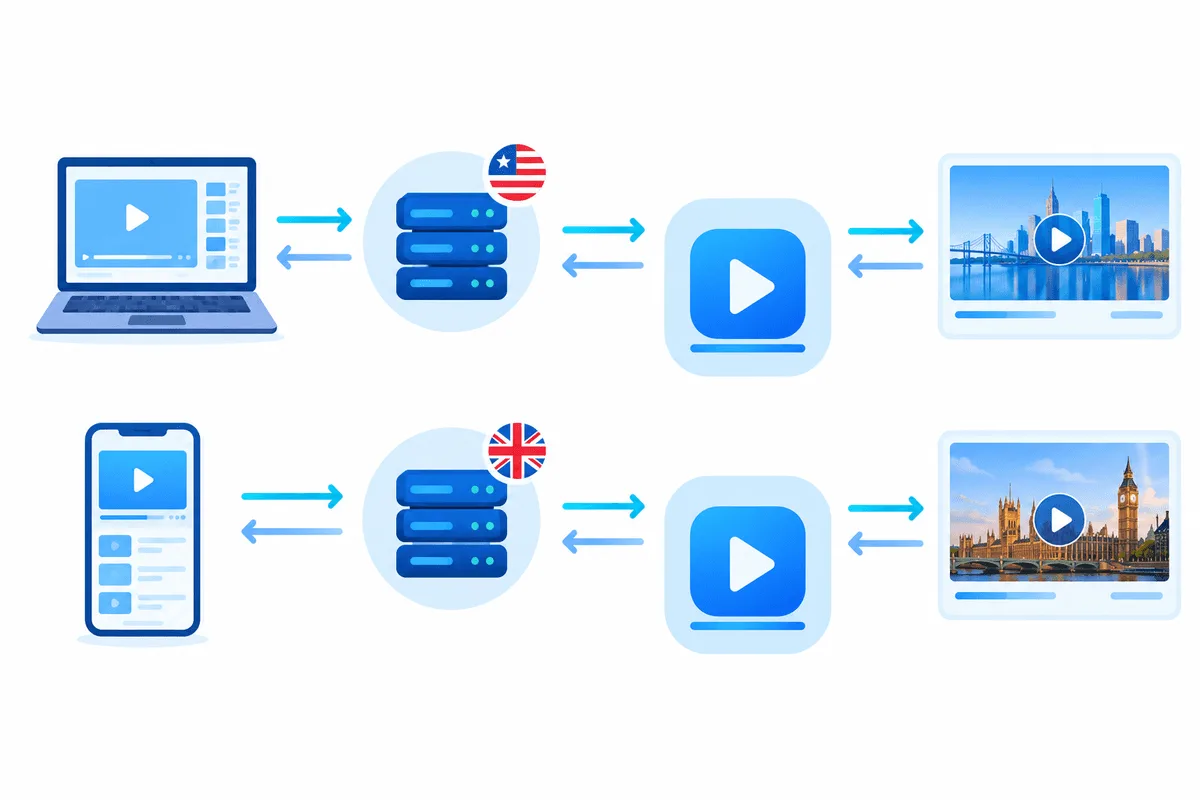
Choose a sticky session of at least 10–30 minutes. If the address changes while a video plays, the stream restarts or YouTube asks you to sign in again.
What to Prepare
- Connection details copied from the provider panel: gateway
198.51.100.24:10500and a credential pair likeyt-research:Kd82qx. - Knowing which scheme you bought matters. Browsers and the phone Wi-Fi screen speak HTTP(S), whereas SOCKS5 calls for an add-on or a dedicated app.
- One clean browser profile per market, so that your usual cookies, interface language and watch history stay out of the experiment.
Setting Up a Proxy for YouTube in a Browser
Step 1. Create a Clean Profile
In Chrome, Edge or Firefox, add a new profile and do not sign in to Google. A logged-out profile shows what an anonymous local visitor sees; a signed-in one mixes your history into recommendations.
Step 2. Add the Proxy Through an Extension
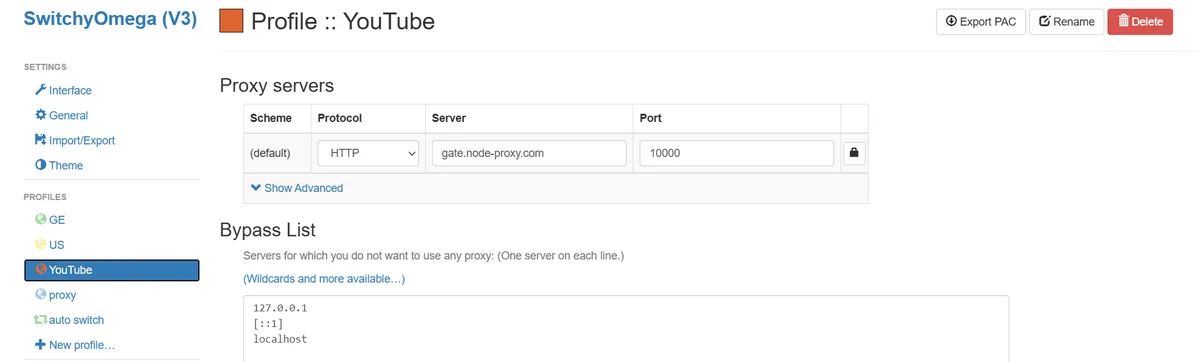
System-wide proxy settings affect every app on the computer, so an extension is tidier. In a proxy-switching extension, create a profile, pick HTTP or SOCKS5, enter host, port and credentials, and switch it on only in this browser profile. Firefox users may skip the add-on: its own connection dialog, reached from the Network Settings button at the bottom of the General page, accepts a manual gateway.
Step 3. Match Language and Time Zone
Set the browser language to the target market and, if your tool allows, the time zone too. A German IP with a Russian interface and a Moscow clock still gets German content, but autocomplete and ad targeting become less typical.
Step 4. Check Before Opening YouTube
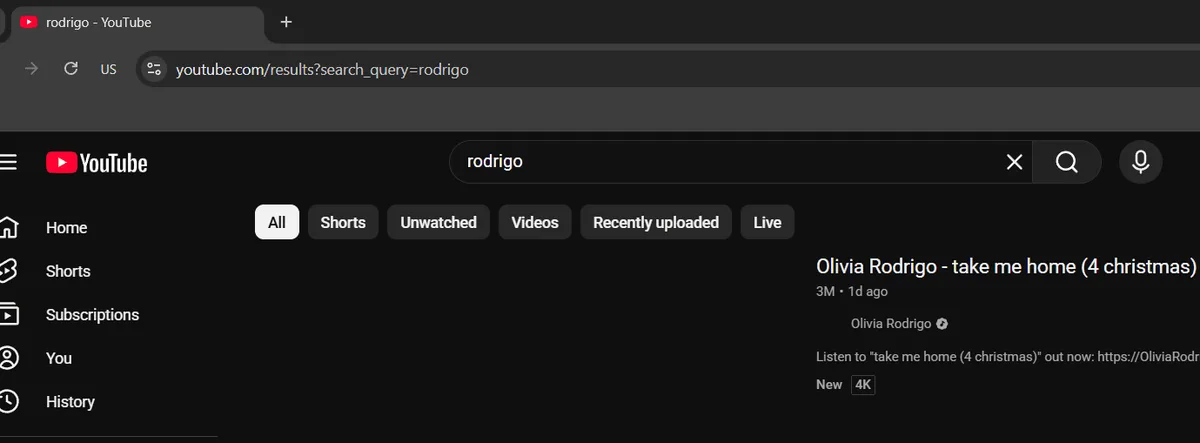
Visit an IP lookup page and confirm the country and provider. Our guide to checking proxy geolocation explains why databases sometimes disagree about where an address is. Then open YouTube and look at the country code next to the logo in the top-left corner.
Setting Up a Proxy for the YouTube App on a Phone
Android. Open the Wi-Fi network details, choose Proxy → Manual and enter host and port. Android offers no password box there, and the value is ignored once the phone leaves that hotspot; a tunnelling utility such as Super Proxy solves both gaps. Full steps are in our Android proxy guide.
iPhone. Go to Settings → Wi-Fi and press the small (i) beside the hotspot you are joined to. At the bottom, Configure Proxy switches to Manual; type the gateway, its port and, when your plan uses them, the credentials under Authentication. iOS remembers this per hotspot, so cellular data keeps bypassing it.
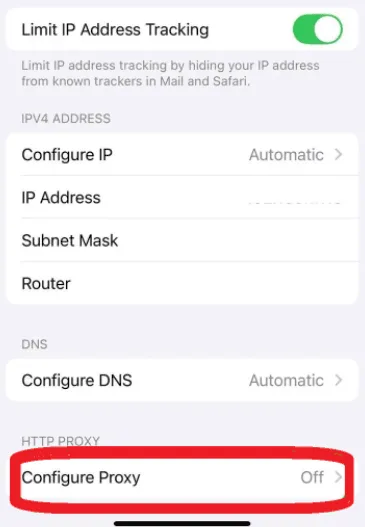
Once the route is changed, swipe the YouTube app away from the recent-apps list and launch it fresh; otherwise it may keep the old connection alive for a while.
Common Problems
- Sign in to confirm you're not a bot. The IP has a poor reputation, usually a shared datacenter address. Move to a residential or ISP proxy.
- Video keeps buffering. Bandwidth is too low or the server is far from you. Pick a closer city or drop the quality.
- Content still looks like home. The app or browser ignores the proxy, or cookies remember your region. Check the IP again and clear the site data in the test profile.
- Endless reCAPTCHA or sign-in loops. The address rotates too often. Switch to a sticky or static session.
- A video says it is not available in your country. The rights holder blocked that region. The proxy shows this correctly; it is a licensing decision, not a connection error.
For US-specific research, our overview of American proxy servers covers states, cities and typical tasks.
YouTube Proxy FAQ
Is it legal to watch YouTube through a proxy?
Using a proxy is legal in most countries, but YouTube's terms still apply. Market research and reaching the site from your own line are acceptable; buying Premium through a cheaper country or dodging licensing limits breaks those terms.
Which proxy is best for YouTube?
A static residential or ISP proxy in the target country gives the fewest bot checks and stable sessions. Datacenter IPs are cheaper but run into verification prompts more often.
Does a proxy unlock YouTube Music in another country?
It changes which catalogue and charts the player shows, because availability is checked by IP. Your subscription and payment region stay tied to your account and real country.
Why does YouTube ask me to confirm I am not a bot?
The address you use is flagged for heavy automated traffic, typical of shared hosting ranges. A cleaner residential IP and a normal browsing pace usually remove the prompt.
How much traffic does YouTube use through a proxy?
About 2–3 GB per hour at 1080p and several times more in 4K. On per-gigabyte plans, lower the quality to 360p or 480p for research tasks.