Best Proxy Extensions for Chrome, Firefox and Opera: Compared by Features

Two add-ons cover nearly every need in 2026: ZeroOmega, the community rebuild of SwitchyOmega for Manifest V3, when you want switch profiles and rules, and FoxyProxy when you juggle long lists with stored logins. Both install in Chrome, Edge, Opera and Firefox. Yet the browser underneath decides more than any toggle in their menus, because anything built on Chromium refuses to hand a username and password to a SOCKS5 server, whereas Firefox passes them along happily.
Typical roundups paste store screenshots and star counts. We graded each add-on against five questions that decide whether a setup survives a working week: what happens when the proxy asks for credentials, can traffic be split by website, how SOCKS5 behaves, did the add-on make it through Google's Manifest V3 cut-off, and how much of your browsing it can observe. A task-by-task recommendation and a fault-finding list follow the big table.
SOCKS5 and HTTP proxies
Proxies with login and password that work in ZeroOmega, FoxyProxy and other extensions
Add-on or Operating System Settings?
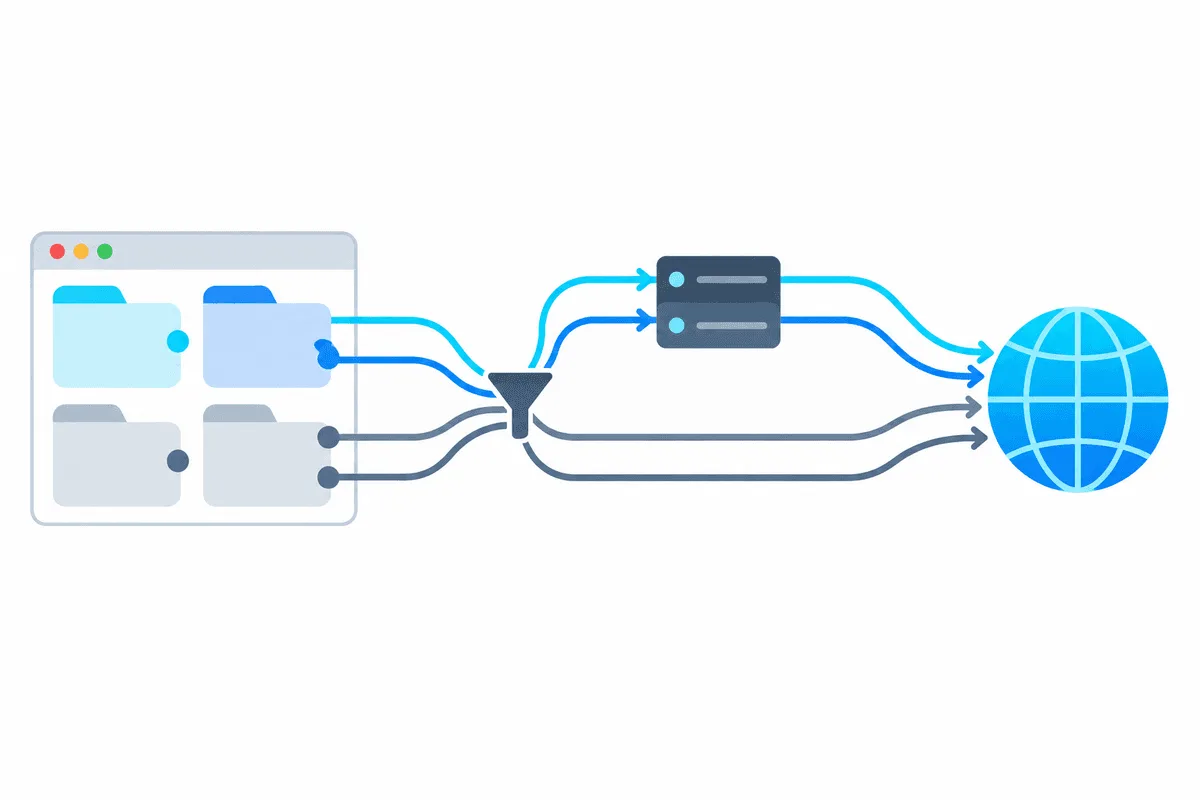
On a desktop, Chrome, Edge and Opera inherit whatever proxy Windows or macOS dictates, so editing it there reroutes every program on the computer at once. That route is shown in our walkthrough for Google Chrome proxy settings. An add-on overrides the route for a single browser, and you gain three things:
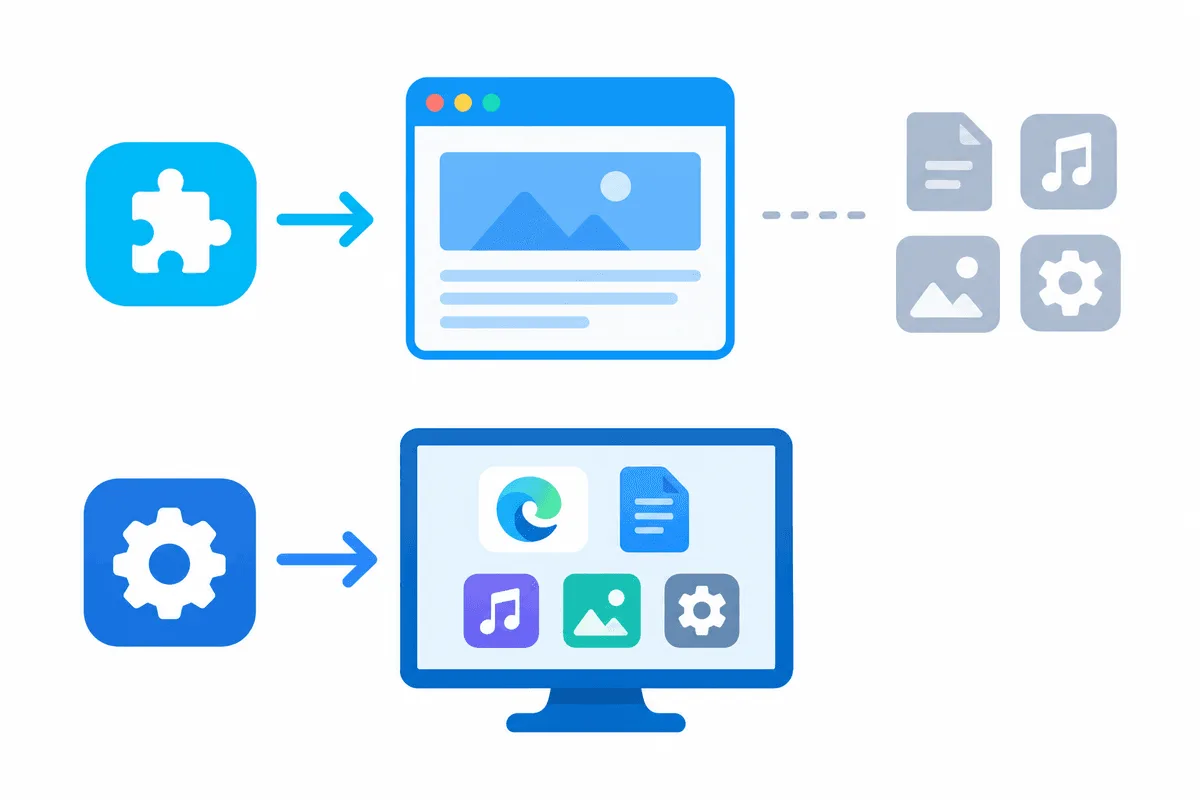
- Instant toggling. A click on the toolbar icon jumps between a direct line and any saved server, no system dialogs involved.
- Selective routing. You can send one shop, one search engine or one company portal through the relay while everything else goes straight out.
- Containment. Mail clients, updaters and chat apps carry on with the usual connection.
Know the limits as well. The add-on steers only what flows through the browser's own networking code, so games, desktop programs and background services never notice it. WebRTC may still expose the true address unless something restricts it, and where name lookups happen depends on the protocol you pick.
Five Yardsticks Worth More Than Store Stars
1. Credentials
Paid relays nearly always want a login and password. Under Manifest V3 a Chromium add-on answers the browser's credential challenge from a background event listener, so a polished one fills it in without you seeing a thing. Sloppy ones throw a dialog at you after each restart. If your provider lets you allow-list your own IP, the whole issue disappears.
2. Website rules
Rules map hostnames to profiles. Worthwhile tools accept wildcards and regular expressions, keep an exclusion list for local and intranet hosts, and can load a PAC file, the small script format covered in our piece on proxy auto-configuration.
3. SOCKS5 behaviour
Every add-on on this page can aim the browser at a SOCKS5 endpoint. The trap is Chromium's networking layer: it implements no SOCKS5 sign-in scheme whatsoever, so in Chrome, Edge, Brave and Opera such a relay only works when it trusts your IP. Firefox exposes a proxy API that attaches a username and password to SOCKS requests and can push hostname resolution to the far end too.
4. Life after Manifest V2
Google switched off the last Manifest V2 add-ons in Chrome around the middle of 2025, and Edge kept pace. Anything its authors never rebuilt went dark there. Firefox still loads both generations. Opera has promised to keep the older format alive as long as practical, though basing a team workflow on that promise is a bet.
5. What the add-on can see
Proxy control requires permission to inspect and modify each request, the widest access a browser hands out. Favour open-source projects with a named maintainer, look at the data-handling section of the store page, and steer clear of lookalikes trading on a well-known name. Be doubly wary of free unblockers that ship their own exit servers, since a few of them earn money by relaying strangers' traffic through your line.
Side-by-Side Table
Data comes from store pages and project repositories, checked in October 2026. Browser vendors rework their APIs regularly, so confirm a row before rolling an add-on out across a team.
| Add-on | Chromium family | Firefox | HTTP relay with password | SOCKS5 | Website rules | Built for MV3 | Code |
|---|---|---|---|---|---|---|---|
| ZeroOmega (SwitchyOmega 3) | Installs | Installs | Handled | Works; credentials in Firefox only | Switch profiles plus wildcards, regex and PAC | Rebuilt | Public, GPL-3.0 |
| FoxyProxy | Installs from release 8 | Installs | Handled | Works; credentials in Firefox only | Pattern lists using wildcards or regex | Rebuilt | Public |
| Original Proxy SwitchyOmega | Switched off by Chrome and Edge | Legacy build lingers | Handled | No credentials | Switch profiles, PAC | Never ported | Public, abandoned |
| Proxy Helper | Installs | Confirm on the store page | Handled | No credentials in Chromium | Exclusion list, PAC | Confirm on the store page | Confirm on the store page |
| Simple Proxy and lookalike togglers | Publisher-dependent | Publisher-dependent | Mostly handled | Mostly supported | Basic exclusion list | Confirm on the store page | Mixed |
| Vendor-made add-ons | Installs | Frequently | Handled for that vendor only | Mixed | Usually thin | Mostly rebuilt | Mostly closed |
Each Add-on Up Close
ZeroOmega
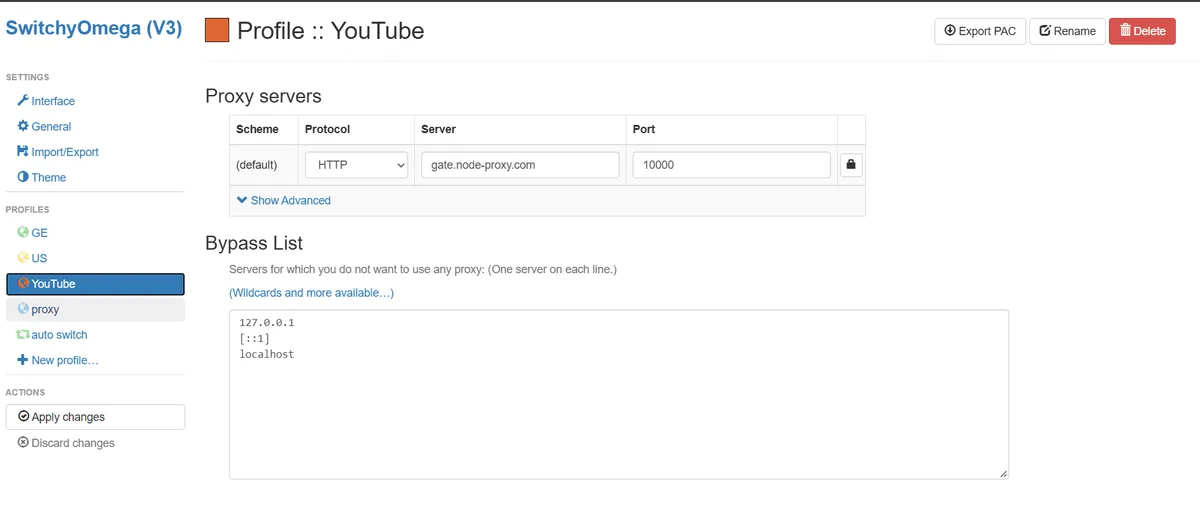
This rebuild by community volunteers keeps the familiar SwitchyOmega layout: server profiles, condition-driven switch profiles, script-based profiles and a pop-up chooser. Old SwitchyOmega backup files load without conversion. The Chrome Web Store hosts several items carrying the SwitchyOmega name that have nothing to do with its author, so take the install link from ZeroOmega's GitHub page. Our SwitchyOmega and ZeroOmega setup guide walks through every screen.
FoxyProxy
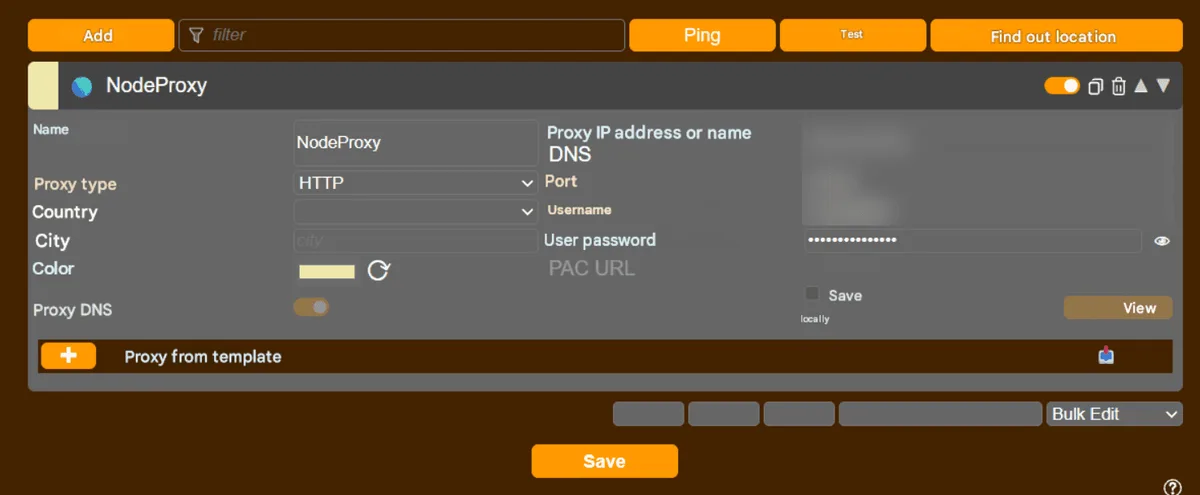
Around for roughly twenty years, FoxyProxy was rewritten as release 8 to meet Manifest V3 rules. You choose between one fixed relay, routing by patterns and, in Firefox only, a relay per tab. Patterns understand wildcards and regex, each entry can store its own credentials, and bulk import saves time when a seller gives you dozens of endpoints. Under Firefox it signs in to SOCKS5 relays as well.
The original SwitchyOmega
Its author never ported the project to Manifest V3, so Chrome and Edge disabled it on their own, and the repository now carries an unmaintained notice. Holding an old backup? Load it into ZeroOmega instead of trusting unofficial repacks.
Proxy Helper and minimalist togglers
Tiny togglers such as Proxy Helper or the Simple Proxy extension fit anyone needing one or two servers and an on/off switch. Dozens of publishers reuse near-identical titles, so compare author, last update and permission list before you click install.
Vendor-made add-ons
Plenty of proxy sellers ship an add-on that fetches your plan's locations and credentials by itself. Handy while you stay with that seller, restrictive once you mix sources, and seldom open for code review.
Firefox Notes
Firefox keeps network settings separate from the operating system, and its manual dialog has no place for SOCKS credentials. Add-ons fill the hole through the proxy API, attaching a username and password to each SOCKS5 call and letting the relay resolve hostnames. That pairing makes Firefox the strongest browser for password-protected SOCKS5 proxies. The manual approach without add-ons appears in our guide to proxy settings in Mozilla Firefox.
Opera Notes
Opera runs on Chromium, so the SOCKS5 credential gap applies here too. Its own add-on gallery is smaller than Google's, and Opera publishes a helper that lets you pull items straight from the Chrome Web Store. The free VPN switch inside Opera actually behaves like a browser-only relay operated by Opera itself; you cannot plug in your own server, so it is no substitute for a paid proxy. Manual configuration lives in our article on proxies in Opera.
Matching an Add-on to the Job
| Job | Our pick | Reason |
|---|---|---|
| Hopping between a few relays in Chrome or Edge | ZeroOmega | Familiar profiles, rules and pop-up chooser |
| Proxying selected websites only | ZeroOmega or FoxyProxy | Both understand wildcard and regex rules |
| Password-protected SOCKS5 | FoxyProxy or ZeroOmega under Firefox | Firefox alone forwards SOCKS credentials |
| A single vendor with many locations | That vendor's add-on | Locations and logins arrive automatically |
| Many separated identities | An antidetect browser | Add-ons share cookies and fingerprint between tabs |
The final row matters for marketers and account teams. Swapping the exit address leaves cookies, installed fonts, screen size and other fingerprint traits untouched, so several accounts inside one browser profile remain tied together. For that kind of work, start with our collection of antidetect browser proxy guides.
A Rule Written as a PAC Script
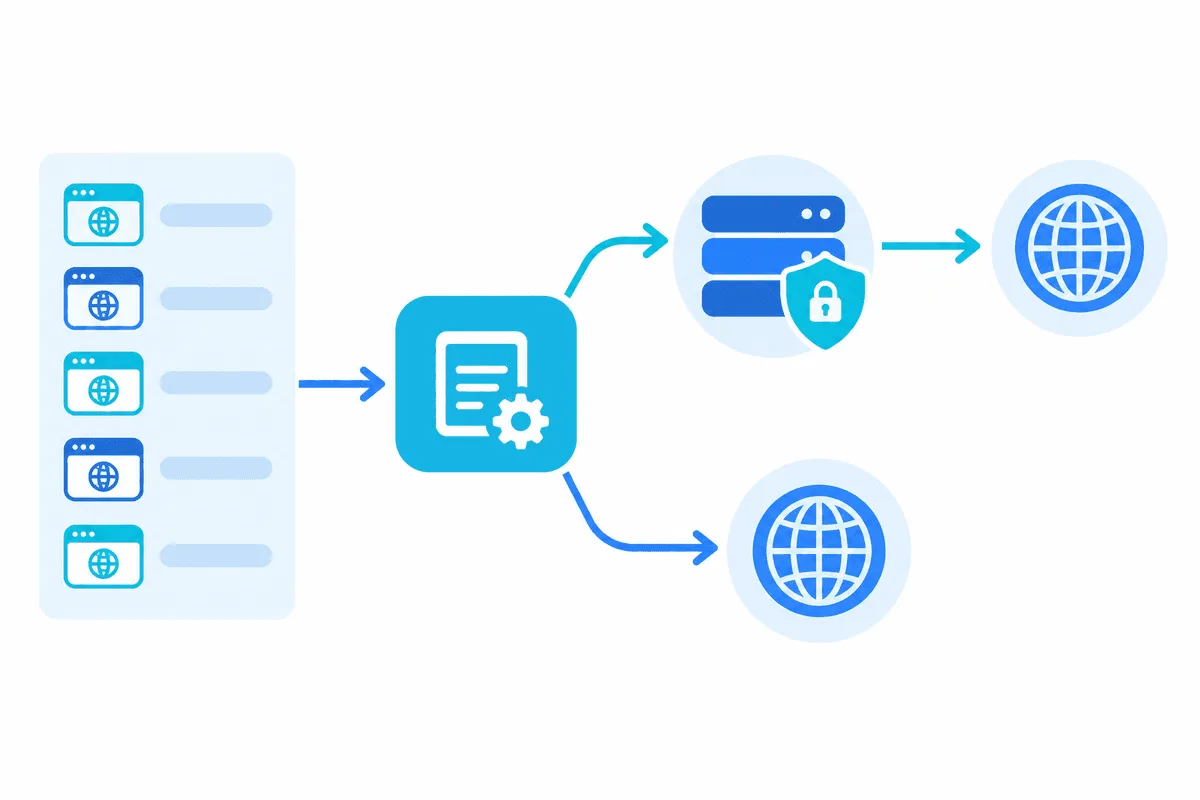
If the visual rule editor feels cramped, both leading add-ons will load a PAC file. This short one routes two shop domains via an HTTP relay and leaves the rest direct:
function FindProxyForURL(url, host) {
  var viaRelay = ["*.store-alpha.example", "*.store-beta.example"];
  for (var i = 0; i < viaRelay.length; i++) {
    if (shExpMatch(host, viaRelay[i])) {
      return "PROXY 203.0.113.40:8000";
    }
  }
  return "DIRECT";
}
For a SOCKS relay, return SOCKS5 203.0.113.40:1080 in place of the HTTP line. Keep credentials out of the script; the add-on hands them over whenever the relay requests them.
When Something Goes Wrong
- The password dialog never stops returning. Either the add-on lacks permission to respond to sign-in challenges or the stored password is outdated. Retype it in the profile and grant site access when prompted.
- SOCKS5 fails in Chrome yet works in other programs. The relay insists on a password Chromium cannot transmit. Use the HTTP port of the same service or allow-list your IP.
- Leak tests reveal your home address. Turn on WebRTC protection in the add-on or the browser.
- The add-on disappeared after a browser update. It was a Manifest V2 build; move your settings into ZeroOmega or FoxyProxy.
Proxy Extensions FAQ
Which proxy add-on suits Chrome best?
ZeroOmega and FoxyProxy are the fullest choices rebuilt for Manifest V3. Former SwitchyOmega users feel at home in ZeroOmega, while FoxyProxy shines with big imported lists and pattern routing.
Is SwitchyOmega usable in 2026?
Chrome and Edge disabled the original because its author never ported it to Manifest V3, and nobody maintains it now. ZeroOmega carries the project forward with the same layout and reads old backup files.
Will Chrome accept a SOCKS5 relay that needs a password?
It will not. Chromium browsers implement no SOCKS5 sign-in method, and an add-on has no way to bolt one on. Pick the HTTP port of the same relay, allow-list your IP, or work in Firefox.
Can I trust free proxy add-ons?
Togglers that merely point the browser at servers you own or rent are normally fine when they come from known open-source projects. Free services bundling their own exits may keep traffic logs or relay other people through your connection, so study their data policy before installing.
Will a browser add-on mask my IP for every program?
It will not. Only the browser hosting the add-on changes its route, while desktop software, games and background services keep the ordinary connection.
Is a separate relay per tab possible?
FoxyProxy offers it in Firefox. Chromium add-ons route by website rather than by tab, so distinct identities call for distinct browser profiles or an antidetect browser.