Facebook “Session Expired” Error: Causes and Fixes That Work

Short version: when Facebook shows “Session Expired”, it has stopped trusting the sign-in proof saved in your browser or app and wants your password again. Seeing that once after you changed the password is perfectly normal. Seeing it every few hours means something keeps killing or invalidating the login: cookies that get wiped, a broken local app cache, a clock that drifts, or a connection whose public IP never sits still.
The guide groups the triggers into three buckets (your device, your network, your account), then walks through repairs ordered from the five-second checks to the ones that take real effort. The last part is a checklist for social media teams that route work profiles through proxies and need a login to hold for a whole shift.
Static proxies
Stable static IPs that keep work profiles logged in without address changes
What a Facebook Session Actually Is
Typing the correct password earns you a temporary pass. Browsers keep this pass as a handful of cookies, while the phone app stores it as an access token. That proof travels with every page load and every tap, and each time the server decides whether it still believes it. The belief ends for one of three reasons: the proof vanishes from the device, it gets corrupted, or Facebook withdraws it because the context no longer resembles the original sign-in.
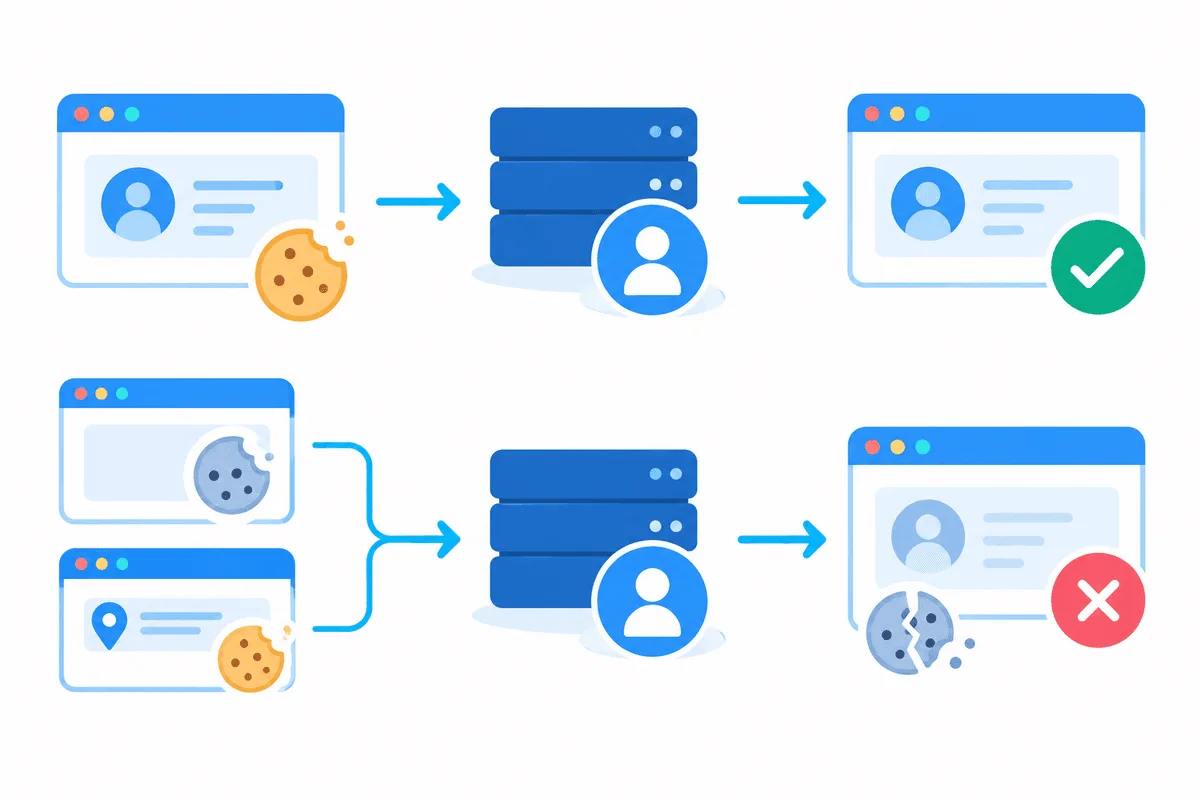
Most troubleshooting posts ignore that last reason. Meta’s protection systems keep comparing fresh traffic against the picture recorded at login, and your IP address is one piece of that picture. If the same login suddenly shows up from a different country, or from a new address every couple of minutes, the platform may shut it down deliberately to keep the account safe. Here the prompt is a protective reflex rather than a bug.
Why the Error Appears
Device-Side Causes
- Cookies erased or blocked. Browsers configured to purge site data on close, privacy add-ons and so-called cleaner apps all throw the session away, which drops you back at the login form.
- Damaged app cache. An update that stopped halfway or a phone that ran out of space can leave the app’s local files in a broken state.
- Outdated app or browser. Builds that are several versions behind may no longer cope with the current sign-in flow.
- Wrong date and time. Every token has a start and an end; if the system clock is hours off, a token issued a minute ago already looks stale.
- Extensions. Cookie managers and script blockers can break the scripts that run while Facebook signs you in.
Network-Side Causes
- A VPN hopping between servers. With automatic server choice, every reconnect can drop you onto an exit in a different city or even country.
- Rotating proxies. Pools that swap the IP per request or per minute work well for gathering public data, yet they look strange to a service where you hold an active login.
- Wi-Fi and mobile data switching. A phone that bounces between the home router and cellular gets a new address several times an hour; mostly that is fine, occasionally it prompts a re-check.
- Shared or abused addresses. An IP with a bad history tends to attract extra verification requests.
Account-Side Causes
- Password change or reset. By design, this signs out every other active session.
- Manual logout of devices. Removing a device from the security list ends its session on the spot.
- Security checks. A login alert or a review of suspicious activity can sign everyone out until you prove it is you.
How to Fix It: From Quick Checks to Deeper Steps
Step 1. Note When the Message Shows Up
Do not change settings yet. Sign in once more and pay attention to when the prompt returns. Kicked out on each browser launch? Something deletes the cookies. Kicked out right after turning on a VPN or moving to another network? The address switch is to blame. Kicked out everywhere at the same moment? Look at the account itself. A few minutes of watching beats an evening of guesswork.
Step 2. Check the Date and Time
Let the device set the clock by itself. Where the toggle lives:
| Device | Path |
|---|---|
| Android | Settings → System → Date & time (labels differ between manufacturers) |
| iPhone | Settings → General → Date & Time → Set Automatically |
| Windows, macOS | the system clock settings |
Step 3. Clear Facebook Data Only
Wiping all browsing history is overkill. In Chrome, go to facebook.com, press the site icon to the left of the URL, open Site settings and delete the stored data; in Firefox the same icon offers Clear cookies and site data. Then log in again.
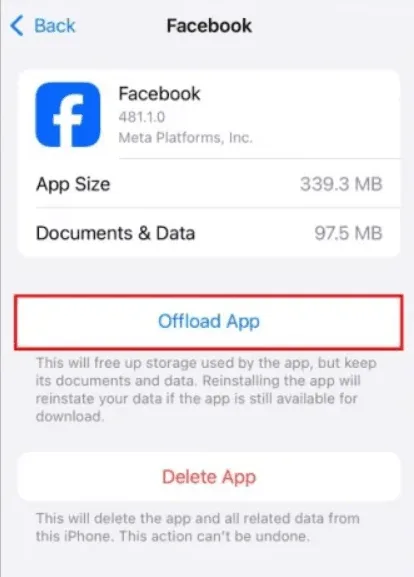
Android users should open Settings → Apps → Facebook → Storage and press Clear cache. Still broken? Clear storage (on some phones Clear data) returns the app to a factory state, so keep the password handy. On an iPhone, individual apps lack a cache switch. Open Settings → General → iPhone Storage, pick Facebook in the list and tap Offload App; deleting the program and downloading it anew works too.
Step 4. Update or Reinstall
Get the newest Facebook build from Google Play or the App Store and bring the browser up to date as well. When the logouts started straight after an app update, removing the app and installing it fresh usually gets rid of the damaged local files.
Step 5. Rule Out Extensions
A private (incognito) window runs with most add-ons disabled, so try Facebook there. If the login survives, re-enable extensions one by one until the logouts return. Tools that auto-delete cookies and strict script blockers are the likeliest offenders.
Step 6. Stabilise the Connection
Switch off the VPN or proxy and sign in through your normal internet connection. If the prompt disappears, the shifting address was behind it. Dropping the VPN for good is not necessary: lock it to a single server location instead of auto-select, and do not reconnect while you are logged in.
Step 7. Review Active Sessions and Reset the Password
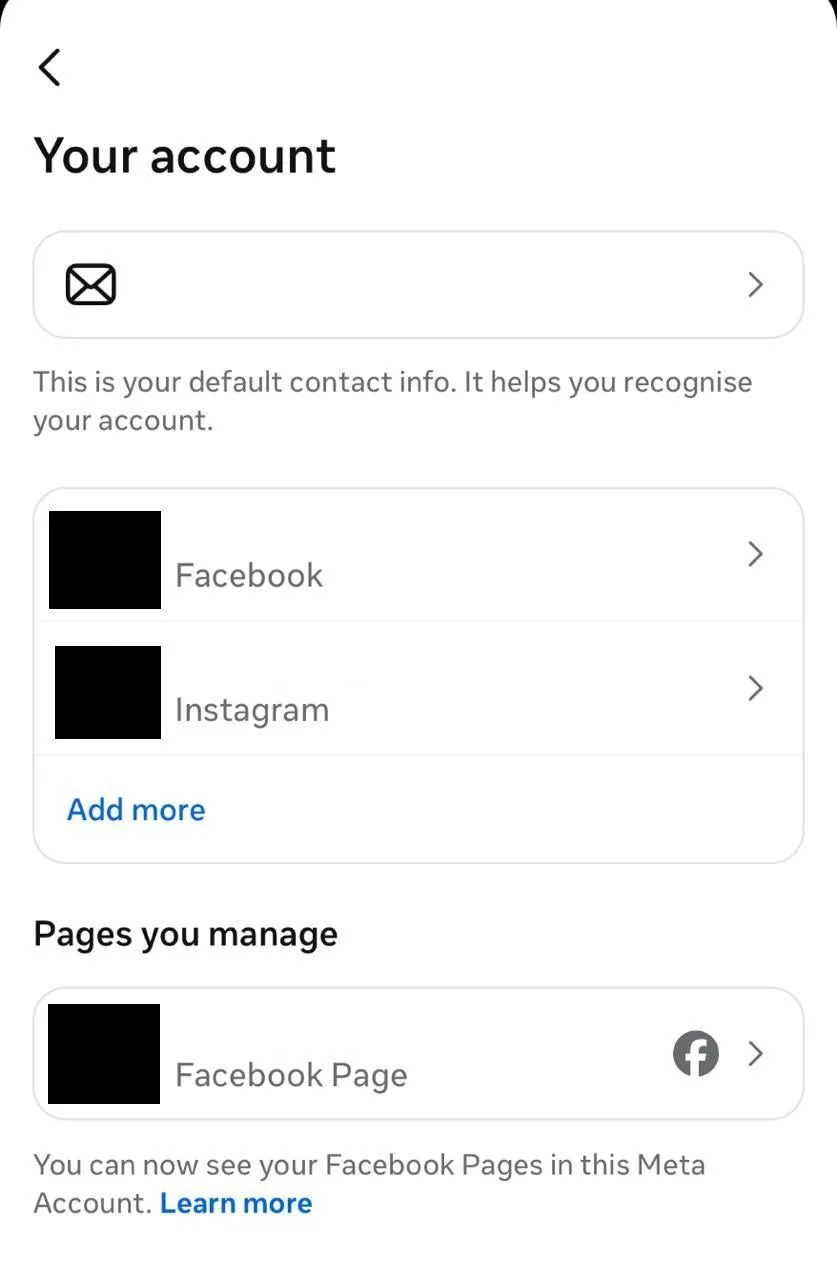
Go to Settings & privacy → Settings and open Accounts Center. Under Password and security you will find Where you’re logged in, a list of every signed-in device. Sign out any phone or computer that is not yours and set a new password. Unfamiliar entries in that list are a reason to turn on two-factor authentication, which sits in the same section. Meta has renamed these menus more than once, and older layouts label the area Security and login.
Step 8. Contact Facebook Help
Still looping after a fresh install, with a steady connection and a correct clock? Reach out through the Help Center or the Report a problem item in the app. Sometimes the cause is a short-lived fault on Meta’s servers, so a quick look at a public outage tracker is worthwhile.
When the IP Address Is the Real Cause
For people who connect to Facebook through a proxy, this error almost always has one root: the exit IP moves while the login stays put. A rotating pool can hand out a fresh address on each request, and a rotating mobile proxy can switch on a schedule. Facebook then watches one login hop across unrelated networks and terminates it.
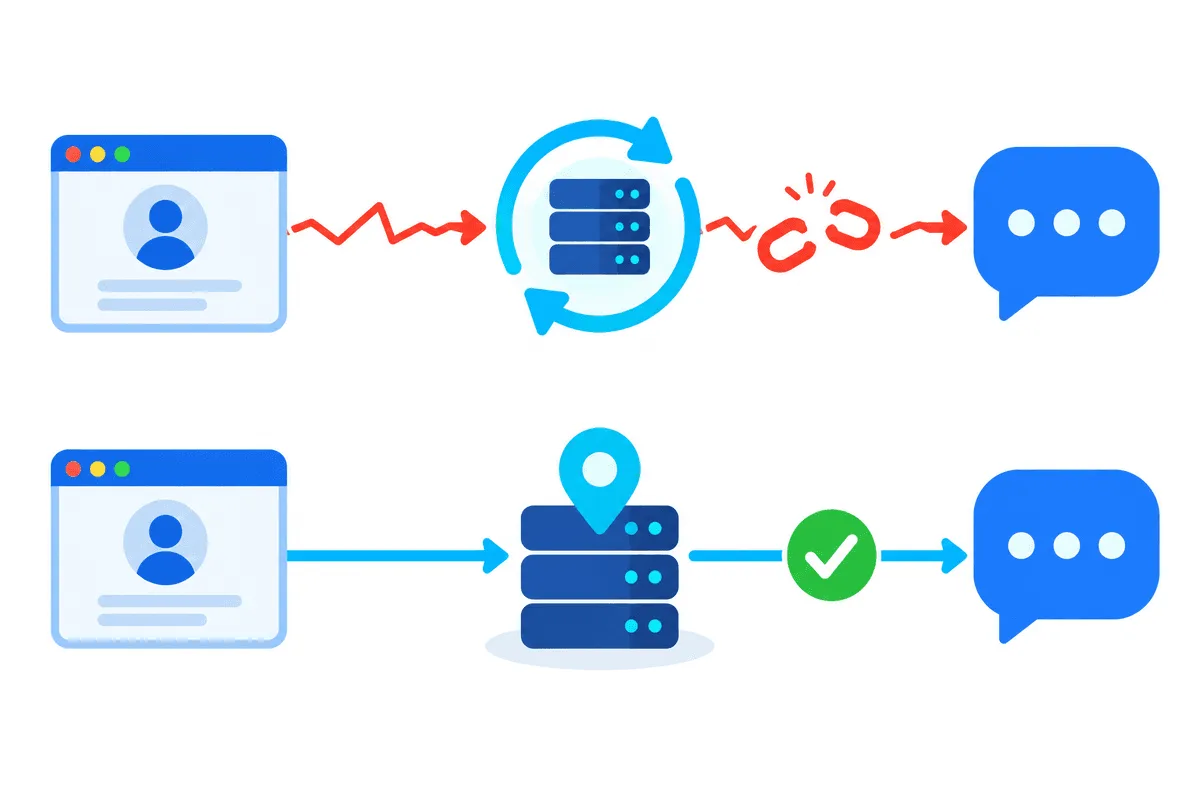
What fixes it is predictability: a single person, a single profile and a single address that does not change for the lifetime of the login. Sticky sessions, which hold one exit IP for a chosen period, and static IPs both deliver that. The differences between the two models are covered in our piece on sticky versus rotating proxies, and when a work profile has to stay signed in for days, static proxies take address changes out of the equation.
Checklist for SMM Teams
Agencies handling client pages from several computers see these logouts more often than anyone else. The habits below keep legitimate business access steady and inside Facebook’s rules:

- Use proper access sharing first. Assign roles in Meta Business Suite or Business Manager rather than circulating one personal login. A shared password used from many cities is a textbook checkpoint trigger.
- Bind each profile to one address. When a teammate works via a proxy, give them their own static or long-lived sticky IP and never hand that IP to someone else.
- Match location and time zone. Pick a proxy country that matches where the account owner really works; a sign-in from Kyiv followed by one from Texas an hour later practically asks for a security check.
- Keep cookies intact. Inside browser profiles or a profile manager, leave stored data alone between work sessions.
- Avoid rotation during a session. Rotating pools are for scraping, not for work that needs a login.
- Log what changed. Each time a session drops, write down the time, IP and device; the pattern shows up fast.
For organising team access, see our guide to managing several business social media accounts; wider workflow advice is in the article on proxies for SMM work. To compare which address types suit this platform, visit our Facebook proxies page. Remember that Facebook’s Terms permit one personal account per person: everything here is about keeping legitimate business profiles reachable, not about making extra accounts.
Similar Errors on Other Services
Google services sign people out for the same two reasons, a cookie that goes missing or an IP that will not stay put. Our walkthrough of the Gmail session expired error handles that side. Scraping runs into a separate set of failures such as blocks, CAPTCHAs and 429 responses, collected in the article on website parsing errors.
Facebook Session Expired FAQ
Does the Session Expired message mean my Facebook account was hacked?
Almost never. Deleted cookies, a glitchy app build or a network change explain the vast majority of these prompts. Still, glance at Where you’re logged in: an unknown phone or city there deserves an immediate sign-out, a fresh password and two-factor authentication.
Why does Facebook keep logging me out on Android?
Three things cause most Android logouts: corrupted local app data, power-saving settings that close Facebook while it runs in the background, and a phone flipping between Wi-Fi and cellular. Wipe the cache and update first; when that fails, wipe storage and log in again.
Can a VPN or proxy cause the Session Expired error?
Yes, whenever the exit IP changes mid-session. For anything that needs a login, stick to one fixed server or a static IP, and save rotating proxies for jobs that run without signing in.
How long does a Facebook session last?
Meta does not state a fixed duration. If you tick Remember me and your cookies stay untouched, a login can last for weeks; a new password, a manual sign-out or a security review cuts it short.
Will clearing the cache delete my Facebook messages or posts?
No. Only temporary local files go away; everything you published or received, chats and pictures included, is stored by Meta and returns after the next login.