Nmap Through a Proxy: What Works, What Does Not and Why


Nmap can send traffic through a proxy in two ways: wrapped in proxychains with a TCP connect scan (-sT), or through the built-in --proxies option, which the manual limits to version detection and NSE scripts. Neither makes a proxy a full tunnel for Nmap: SYN, UDP, ping and OS-detection scans rely on raw packets that a SOCKS or HTTP proxy cannot carry. Understanding that boundary saves hours of confusing results.
This is an overview for people who run Nmap as part of authorised security work on systems they own or are contracted to test. It explains how a proxy relays connections, which scan types survive that relay, how a basic proxychains configuration looks and how to read output that came back through a proxy.
Static proxies
A stable, dedicated exit IP for authorised scanning of your own assets
Scan only what you are allowed to scan
Port scanning is routine in security and network administration, but it is lawful only inside an agreed scope. Scanning systems you neither own nor have written permission to test can breach computer-misuse laws and almost always breaks the terms of hosting and network providers. Two habits keep you on the right side:
- Agree the scope in writing — the IP ranges, the ports and the time window — before you scan from any address.
- Check your proxy provider's acceptable-use policy. Many networks restrict or forbid scanning; if the policy is unclear, ask support first.
Common legitimate reasons to scan through a proxy include checking how your own perimeter looks from another region, confirming that a firewall allowlist admits only partner addresses, and auditing your own cloud assets. More on proxies in defensive work is on our cybersecurity use case page.
How a proxy relays a connection
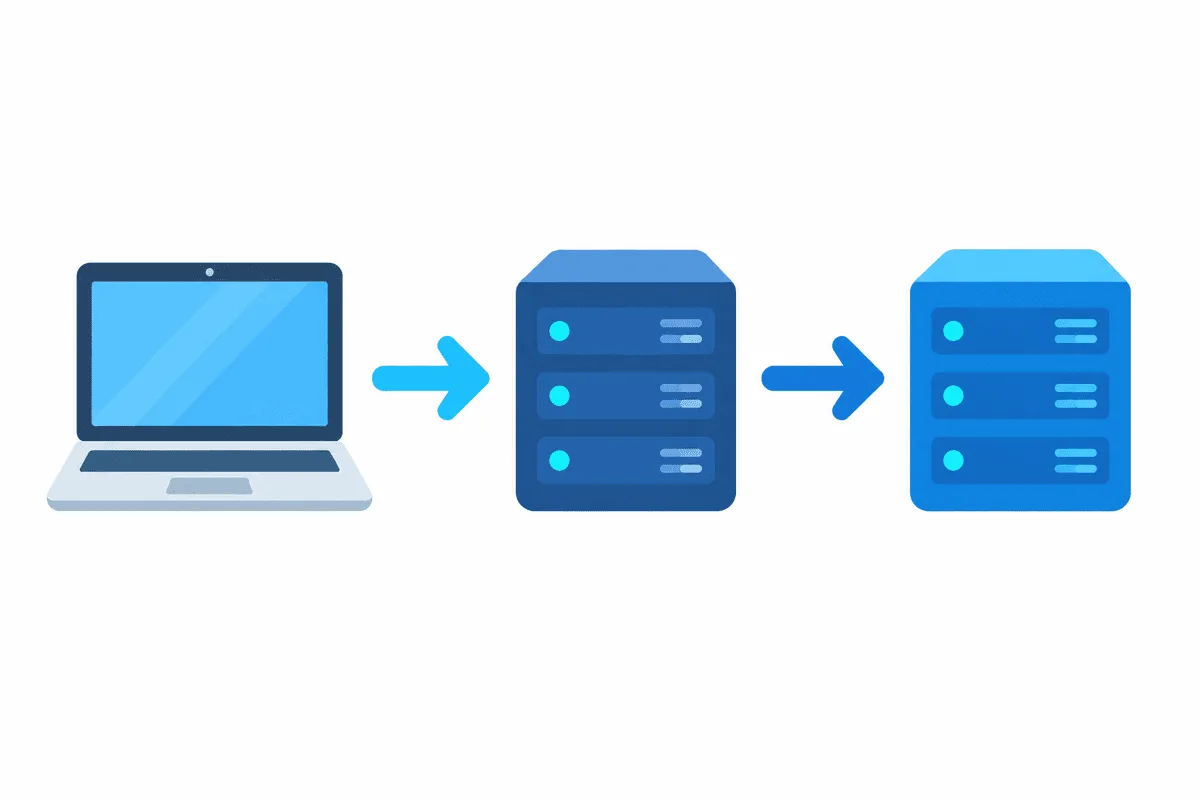
A SOCKS5 proxy or HTTP proxy operates at the connection level. Your tool asks the proxy to open a TCP session to a given host and port; the proxy opens that session on its own side and relays the bytes back and forth. It never retransmits your original packets. If the distinction between a proxy and a packet tunnel is new, our overview of what a proxy server is covers the basics.
That single fact decides everything about Nmap and proxies. Techniques that let the operating system make a normal TCP connection can be relayed. Techniques that depend on Nmap building packets itself cannot: the proxy has no way to forward a half-open SYN, a UDP datagram or an ICMP echo.
Which scan types survive a proxy
| Nmap feature | Relies on | Works through a SOCKS/HTTP proxy? |
|---|---|---|
-sT TCP connect scan | The OS connect() call, a full TCP handshake | Yes, via proxychains |
Version detection -sV and NSE | Full TCP connections | Yes — the cases the --proxies manual names |
-sS SYN scan | Raw half-open packets | No |
-sU UDP scan | Raw UDP datagrams | No |
Host discovery (ping) -sn | ICMP and raw probes | No — disable it with -Pn |
OS detection -O | Crafted packets, fingerprinting | No |
The practical shape of a proxy-friendly scan is therefore a connect scan with host discovery turned off: Nmap assumes the host is up and tries to open real connections to the ports you list.
The built-in --proxies option and its limits
Nmap's manual is candid about this option. It establishes TCP connections to the target through a chain of HTTP or SOCKS4 proxies given as proto://host:port entries separated by commas, with no authentication. The manual adds several caveats worth quoting in short: the feature is "still under development and has limitations", it has "no effect on the ping, port scanning and OS discovery phases", and "only NSE and version scan benefit from this option so far". It also notes that SSL connections and proxy-side DNS are not yet supported.
In plain terms: --proxies is useful when you run NSE scripts or version detection against a service and want those connections to come from the proxy, but it will not route an ordinary port scan. Because it offers no authentication and no SOCKS5, most people reach for proxychains instead.
Using proxychains with a connect scan
proxychains (the maintained fork is proxychains-ng) hooks the connection calls of a program and sends them through the proxies in its config file. It supports SOCKS5 with a username and password, which fits a commercial proxy.
A minimal configuration keeps one proxy in the list and sends DNS through it so lookups do not leak your real resolver:
# /etc/proxychains.conf
strict_chain
proxy_dns
[ProxyList]
socks5  198.51.100.14  1080  acct-fz42  Qm7tLp9x
Then prefix the Nmap command. A connect scan of a few named ports on a host in your scope looks like this:
proxychains4 nmap -sT -Pn -n -p 80,443,8080 scanme.example.net-sTmakes full TCP connections, the only kind a proxy relays.-Pnskips host discovery, which would use raw probes the proxy drops.-ndisables Nmap's own DNS so name resolution follows theproxy_dnsrule.- A short, explicit port list keeps the scan quick; proxies add latency to every connection, so a full 65,535-port sweep through one proxy is slow.
If you see many connections stall, lower the parallelism with --max-parallelism or --min-rate: some proxies cap how many sessions they will open at once.
Reading results that came through a proxy
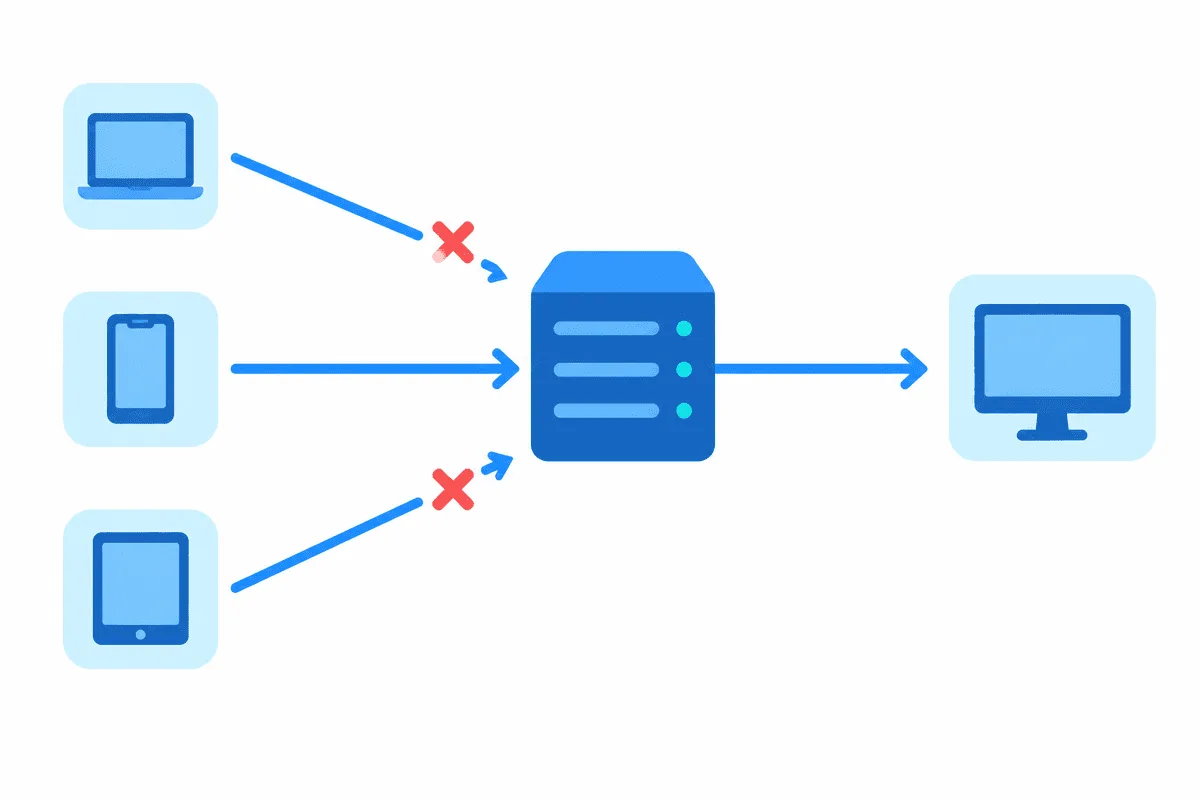
Two differences matter when the scan went through a proxy:
- «Filtered» versus «closed» is less reliable. Because you only ever see the result of a
connect()attempt, a proxy timeout can look like a filtered port. Repeat uncertain findings and compare against a direct scan from an authorised address when you can. - The target logs the proxy's IP, not yours. That is often the point of the exercise, but it also means rate limits and blocks land on the proxy address. A clean, stable exit IP helps here; our static proxies keep the same address for the whole session so you can track exactly what the target saw.
For protocols a proxy will not carry, the realistic options are to scan from an authorised host inside the target network, or to use an SSH tunnel or VPN that forwards packets rather than connections. A plain SOCKS5 proxy is the wrong tool for a SYN or UDP scan, and no flag changes that.
Nmap proxy FAQ
Can Nmap do a SYN scan through a proxy?
No. A SYN scan sends raw half-open packets, and a SOCKS or HTTP proxy only relays complete TCP connections. Use a connect scan (-sT) through proxychains instead, or run the SYN scan from an authorised host on the network.
What is the difference between proxychains and the --proxies option?
proxychains wraps any program and supports SOCKS5 with authentication, so it can route a connect scan. Nmap's own --proxies supports only HTTP and SOCKS4 without authentication and, per the manual, helps only version detection and NSE, not port scanning.
Why do I need -Pn when scanning through a proxy?
Host discovery uses ICMP and raw probes that a proxy cannot forward, so Nmap may wrongly decide the host is down and skip it. -Pn tells Nmap to treat the host as up and go straight to the connections.
Does scanning through a proxy hide who I am?
The target sees the proxy's IP rather than yours, but that does not make unauthorised scanning lawful. Scan only systems you own or are contracted to test, and follow your proxy provider's acceptable-use policy.
Can I run a UDP scan through a SOCKS5 proxy?
No. UDP scanning relies on raw datagrams that connection-level proxies do not carry. You would need a packet-level tunnel such as a VPN, used on a network you are authorised to test.