What Is a SOCKS5 Proxy? How It Works, Setup and Use Cases

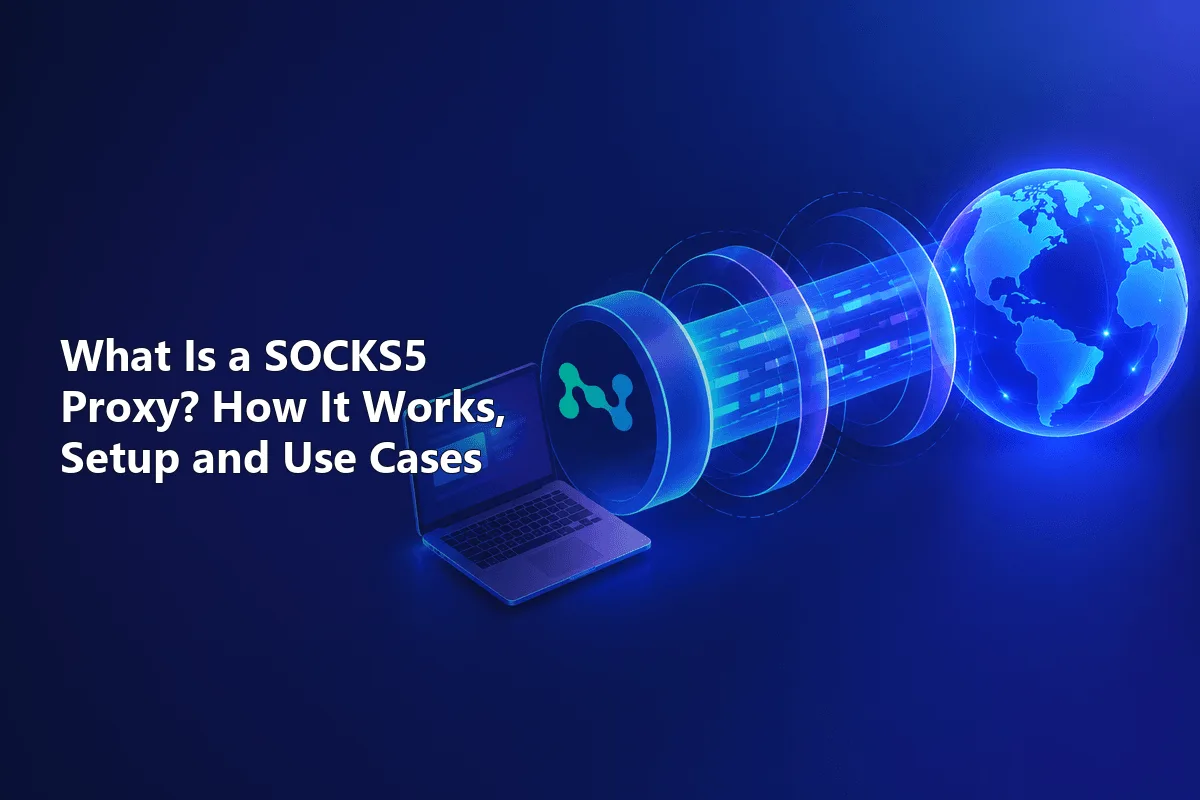
Put simply, SOCKS5 relays traffic on request: a program asks the proxy to reach some host and port, the proxy dials out from its own IP, and from that moment it ferries data back and forth while ignoring what the data means. Since the payload never matters to it, the same server can carry a browser tab, a PostgreSQL client, a torrent or a chat app. Anything built on TCP fits, and UDP fits too when the software on both ends implements that part of the standard.
Below you will see what actually happens inside a SOCKS5 session, which jobs the protocol handles well and which it ignores, how to enable it on Windows, macOS, in browsers, on phones and from a terminal, plus how to verify the result and what to weigh before buying.
SOCKS5 proxies
SOCKS5 proxies with login and password for browsers, apps and scripts
The Idea in Plain Words
Picture an old telephone exchange. Your application rings the operator, names a number, and the operator patches the line through. Nobody on the switchboard listens, edits or records the call. The party on the far end only ever sees the operator's number, which here means the proxy's IP.
Several traits follow directly:
- Indifferent to protocols. Web, mail, file transfer, remote shells, game and messenger traffic all travel the same way.
- Zero content tools. URL filters, header rewriting and page caches are HTTP-proxy territory, not SOCKS territory.
- No built-in cipher. HTTPS pages remain encrypted because the website encrypts them; SOCKS5 adds nothing of its own.
- Port 1080 by tradition. IANA reserves it for SOCKS, though paid services usually hand out custom port numbers.
A VPN captures every packet the operating system emits. SOCKS5, by contrast, is opt-in per application: a program uses it only if you point that particular program at the proxy.
Inside a SOCKS5 Session
RFC 1928 lays out a five-beat routine that every connection repeats:
- The program opens a TCP link to the proxy's host and port.
- It lists the sign-in schemes it knows, and the server settles on one.
- When that scheme is login plus password, the client submits both and waits for a yes or no.
- A command follows together with a target. CONNECT requests an outgoing TCP link, BIND an incoming one, UDP ASSOCIATE a datagram relay. Targets may be written as IPv4, IPv6 or a hostname.
- The server returns either success or a precise failure code, and payload starts flowing.
Byte-by-byte breakdowns and a contrast with the older generation live in our comparison of SOCKS4 and SOCKS5.
Strengths and Blind Spots
| Handled well | Outside its scope |
|---|---|
| Relaying arbitrary TCP protocols | Encrypting what you send |
| UDP, provided client and server both implement it | Making a program without SOCKS support use the proxy |
| Reaching hosts over IPv4 or IPv6 | Rescuing an overloaded or far-away server |
| Letting the proxy resolve hostnames | Filtering, caching or editing pages |
| Gatekeeping with a login and password | Keeping you anonymous on a site where you are signed in |
That final row deserves emphasis. Swapping the IP does not erase cookies, account sessions or browser fingerprints, all of which keep identifying you. If your workload is mostly web pages and you are still picking a protocol, see how both families stack up in SOCKS5 vs HTTP proxies.
Getting In: Credentials or an IP Allow List
Providers typically give two entry options:
- Login and password checked during the SOCKS5 handshake. Works from any network, which suits laptops and phones that move around.
- An allow list. You save your public IP in the provider's dashboard, and connections from that address skip the credential step.
This choice has consequences. Chrome, Edge and Firefox can route through SOCKS5, yet none of them shows fields for SOCKS5 credentials, so a browser without add-ons works only with an allow list. Telegram, antidetect browsers, scraping frameworks, torrent clients and dedicated proxy apps take credentials without fuss. Bear in mind that the password crosses the network unencrypted; on Wi-Fi you do not control, keep it inside SSH or a VPN.
Remote DNS and the Letter "h"
Before any connection, a hostname must become an IP address. When your own computer does the lookup, the query hits your ISP's resolver, which learns your browsing list and may point you at a server near home instead of near the proxy. When the proxy does the lookup, both issues vanish.
curl captures the difference in a single character: socks5:// resolves on your machine, socks5h:// delegates the lookup to the proxy. Firefox exposes the identical choice through its "Proxy DNS when using SOCKS v5" checkbox. Chrome needs no switch: it always lets a SOCKS5 server do the lookup.
Typical Jobs for SOCKS5
- Crawlers and automation. Python's requests and httpx, Node.js agents and Go's proxy package handle SOCKS5, so a crawler can spread its load over many exit addresses.
- Antidetect browsers and multi-accounting. Every profile receives a dedicated proxy with its own credentials.
- Messaging. Telegram ships with SOCKS5 built in, and our walkthrough covers configuring a Telegram proxy for desktop and mobile apps.
- File sharing and mail. qBittorrent, Thunderbird and FileZilla all accept a SOCKS5 server in their connection options.
- Voice and games. Only when UDP works end to end; our explainer on UDP proxies covers the details.
- Server administration. Running
ssh -D 1080 user@serverturns any SSH host into a personal SOCKS5 endpoint on localhost.
Setting Up SOCKS5 on Common Platforms
Keep host, port, login and password at hand. All sample values below are fictional.
Windows
Windows 11 offers a proxy page under Network & internet → Proxy → Manual proxy setup, yet that form is built for HTTP servers alone. A SOCKS5 server therefore goes into each application's own settings, or into a system-wide client such as V2RayN or Clash Verge Rev that redirects traffic for the whole PC.
macOS
- In System Settings → Network, select the connection you use.
- Open Details, then the Proxies section.
- Activate the SOCKS entry in the list and type the address plus port.
- Where your plan uses credentials, flip on the password requirement and supply both values.
- Confirm with OK.
Applications that honour system preferences start using the proxy. Some of them, Chrome included, skip the SOCKS password stored there.
Firefox
- Go to Settings, find the Network Settings block near the bottom and press its Settings button.
- Select manual configuration.
- Paste the server into the SOCKS Host box, put the port number to its right and choose version 5.
- Enable remote name resolution for SOCKS v5 and press OK.
Chrome and Edge
Both follow whatever proxy the operating system dictates. A command-line switch lets you send just Chrome through SOCKS5:
chrome.exe --proxy-server="socks5://203.0.113.24:1080"There is nowhere to type credentials, so register your IP on the provider's allow list beforehand.
Android and iPhone
Both mobile systems accept only HTTP in their Wi-Fi proxy fields. Android needs an app that funnels traffic into SOCKS5, as shown in our SocksDroid guide. iPhone and iPad owners usually rely on Shadowrocket.
Terminal
curl -x socks5h://user-7f3k:pass-92ad@203.0.113.24:1080 https://api.ipify.orgSeeing the proxy's address in the output instead of yours confirms that both the tunnel and remote DNS are working.
Verifying the Result
Through the configured program, load any page that displays your IP and compare the address and country with what you purchased. For an outside opinion independent of your device, enter the server details into our free proxy checker, which tells you if the server responds, which IP it exits from and where that IP is located. Browser users should additionally run a WebRTC leak test, because that API can bypass the proxy and disclose the home address.
When Something Breaks
| What you see | Probable reason | Fix |
|---|---|---|
| Refused or timed-out connection | Mistyped host or port, server offline, firewall | Compare values with the dashboard, retry over mobile data |
| Login refused | Typo, hidden space after pasting | Re-enter both values manually |
| curl succeeds, browser fails | Browser cannot pass SOCKS5 credentials | Allow-list your IP or use a proxy extension |
| Wrong region shown | Hostnames resolved locally | Switch to socks5h or turn on remote DNS |
| Calls or games will not connect | No UDP in the client or the plan | Pick software and a plan with UDP |
| Sluggish pages | Distant or overloaded server | Choose a nearer location, open fewer parallel connections |
Buying Criteria
Start from the task, then judge the network behind the address:
- Address origin. Residential and mobile IPs resemble ordinary subscribers and pass strict anti-bot systems; datacenter IPs are quicker and cheaper where targets are tolerant.
- Static versus rotating. Accounts want one steady address, bulk data collection benefits from rotation.
- Geography. Country, and city if required.
- UDP availability. Confirm it when calls or games are involved.
- Access method. Credentials beat an allow list for mobile use.
- Limits. Parallel connection caps and traffic quotas.
Node Proxy SOCKS5 proxies use login-and-password access, so one set of credentials works on a laptop, a phone and a server alike.
SOCKS5 Proxy FAQ
Is a SOCKS5 proxy the same as a VPN?
No. A VPN wraps everything the device sends in encryption and redirects all of it; SOCKS5 touches only the programs configured to use it and adds no cipher. Reach for SOCKS5 to steer individual apps, and for a VPN on airport or café networks.
Is SOCKS5 safe to use?
As safe as the setup around it. Destinations no longer see your IP, but data passes untouched, so favour HTTPS sites, buy from a provider with a clear reputation and keep proxy credentials off open Wi-Fi unless SSH or a VPN wraps them.
What port does SOCKS5 use?
Port 1080 is the registered default. Commercial services rarely stick to it, so copy the exact number shown in your account.
Is SOCKS5 faster than an HTTP proxy?
Slightly, in theory: it skips request parsing. In practice the distance to the server and its current load decide the speed, and while browsing the gap is usually invisible.
Why can't I enter a SOCKS5 password in Chrome?
Google's browser connects to SOCKS5 servers yet lacks the username-and-password step of the protocol. Whitelist your address in the provider panel, or route Chrome through a local client that accepts credentials.