Serposcope Proxy Setup: Format, Rotation, Pauses and Regional Checks

Serposcope takes proxies on its admin Proxies page, one per line, in a format with hash separators: http#IP#port#login#password for an HTTP proxy with credentials or socks#IP#port for SOCKS. After import you run the built-in check, delete the dead entries and then tune the Google networking options, where pauses and threads decide whether the tracker finishes quietly or drowns in captchas.
Plenty of tutorials show only the import window. This one also covers the details that trip people up: the IPv4-only rule, how Serposcope spreads queries across the pool, how to size pauses for your keyword count and how to make country and city checks reliable. One caveat up front: the project is no longer maintained, so check positions by hand now and then.
Residential proxies
Country and city targeting for rank tracking that matches local results
Serposcope in 2026
Serposcope is a free rank tracker you install on your own computer or server and use through a browser. The 2.x line is open source under the MIT licence; its GitHub repository was archived in December 2024 and the README describes the project as being in survival mode. The official site lists 3.5 as the latest release, with installers for Windows, Debian/Ubuntu and macOS, and states plainly that the program is no longer supported and may not work.
In practice that means two things. Existing installations keep running, but changes on Google's side are not followed by fixes. For example, in September 2025 Google stopped honouring the parameter that asked for 100 results per page, which affected many trackers that relied on it. Compare a handful of positions manually after major search updates.
Proxy Format: What Serposcope Accepts
The bulk import field understands four kinds of lines, according to the help text in the 2.x code:
| Line | Meaning |
|---|---|
http#203.0.113.40#8000 | HTTP proxy without login |
http#203.0.113.40#8000#seo-team#Gm4vT9 | HTTP proxy with login and password |
socks#203.0.113.41#1080 | SOCKS proxy |
bind#192.0.2.15 | Send requests from a specific local IP of the server |
Three rules matter more than they seem:
- The address must be a numeric IPv4. The parser rejects hostnames with an invalid IPv4 error. If your provider gives you a gateway hostname, resolve it to its IP first and make sure that IP is stable, or ask for direct IP endpoints.
- A single bad line cancels the whole import. Serposcope stops at the first invalid line and saves nothing, showing the line number in the error.
- URL-style lines do not work.
http://login:pass@host:portis a common habit from other tools, but here it fails as an invalid format.
The help text shows credentials only for HTTP proxies. The code reads login and password for SOCKS lines too, but if authenticated SOCKS gives you trouble, switch to HTTP or whitelist your server's IP with the provider.
Adding Proxies Step by Step
Step 1. Open the Proxies Page
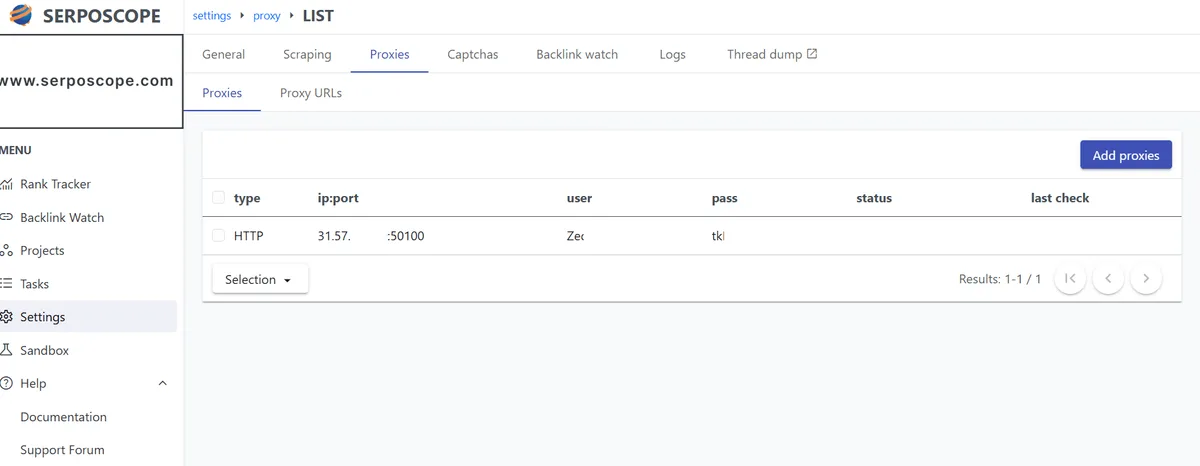
Log in to the Serposcope web interface and open the admin settings. The Proxies item sits in the settings menu; some versions also show it as a tile in the settings overview.
Step 2. Paste the List
Click Add proxy, paste your lines into the bulk field and save. A success message confirms the import. If you see an error with a line number, fix that line and paste the whole list again.
Step 3. Run the Check
Start the proxy check from the same page. It runs as a background task; refresh the page to see the results as they arrive. Each proxy receives a status and, if it works, the outgoing IP it reported.
Step 4. Clean Up
Use Delete invalid proxy to drop everything that failed. Keeping dead entries wastes retries and slows every run.
Before importing a large pool, run a few addresses through our free proxy checker. It confirms the country of the exit IP, which matters for the regional setup described below.
How Serposcope Rotates Proxies
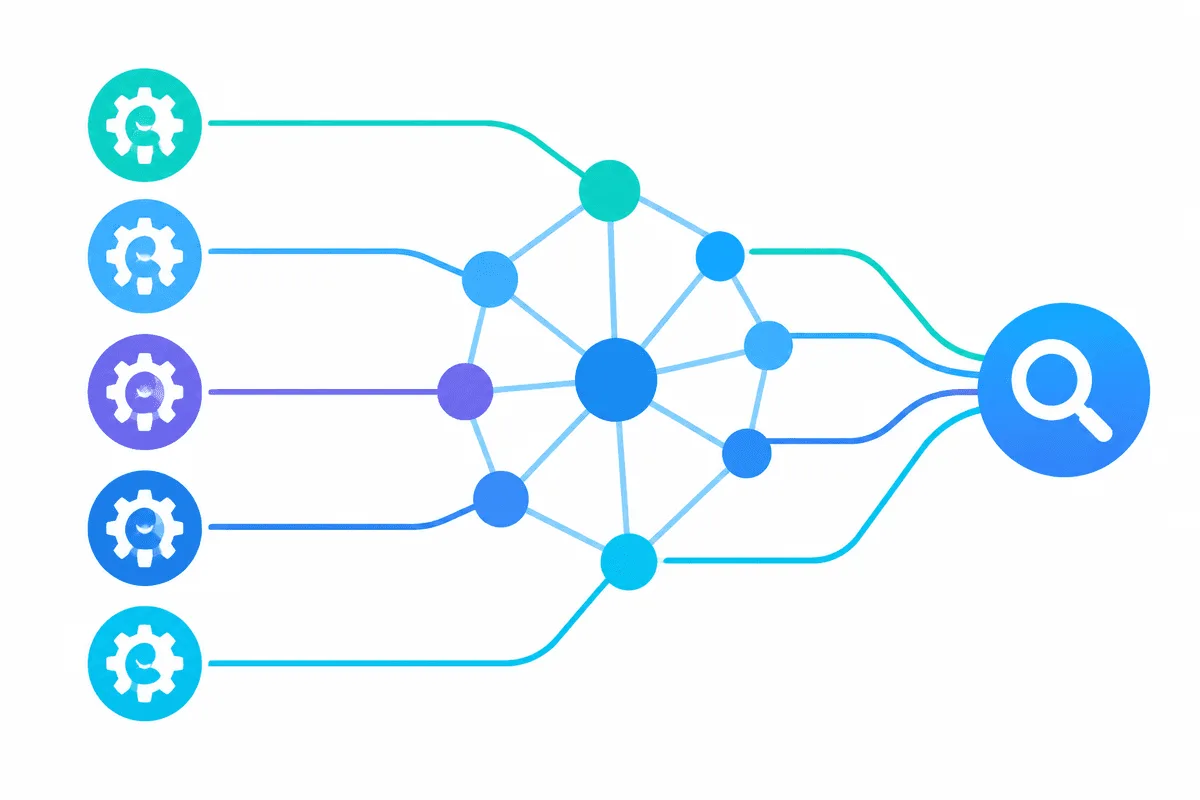
Serposcope does its own rotation. The help text for the threads setting says it never scrapes with the same IP in parallel, so each thread takes a different address from your list. Two practical consequences:
- Threads are capped by the pool. Five working proxies allow up to five parallel threads. More threads than addresses gives you nothing.
- Fixed addresses suit this model best. Since the tool already alternates between IPs, a list of stable exits keeps the behaviour predictable. A rotating gateway still works, but a query that fetches several pages may then load each page from a different IP. Our explanation of sticky and rotating proxies goes deeper into that trade-off.
Pauses, Threads and Retries
Open the Google settings and find the networking options:
| Setting | What it does | Default in the 2.x code |
|---|---|---|
| Pause | Random delay in seconds between requests, picked between a minimum and a maximum | 5 to 5 |
| Maximum threads | Parallel connections to Google | 1 |
| Fetch retries | Attempts after a network error | 3 |
| Number of pages and results per page | Depth of each search; their product must stay between 1 and 1000 | 1 page of 100 |
The default five-second pause is far too short for any real project. A widely cited case study from 2017 tracked about 6,000 keywords with a pause of 60 to 120 seconds, five threads and nine proxies, and reported only a handful of captchas per run. Treat such numbers as a starting point, not a guarantee.
You can estimate the run time yourself: number of searches × average pause ÷ threads. For 300 keywords with an average pause of 90 seconds, one thread needs about 7.5 hours; five threads on five proxies cut that to roughly 1.5 hours. If the result does not fit into your daily window, add addresses rather than shortening the pause.
The settings also contain fields for third-party captcha-solving services. A well-paced setup should rarely need them; frequent captchas are a signal to slow down.
Regional and City-Level Checks
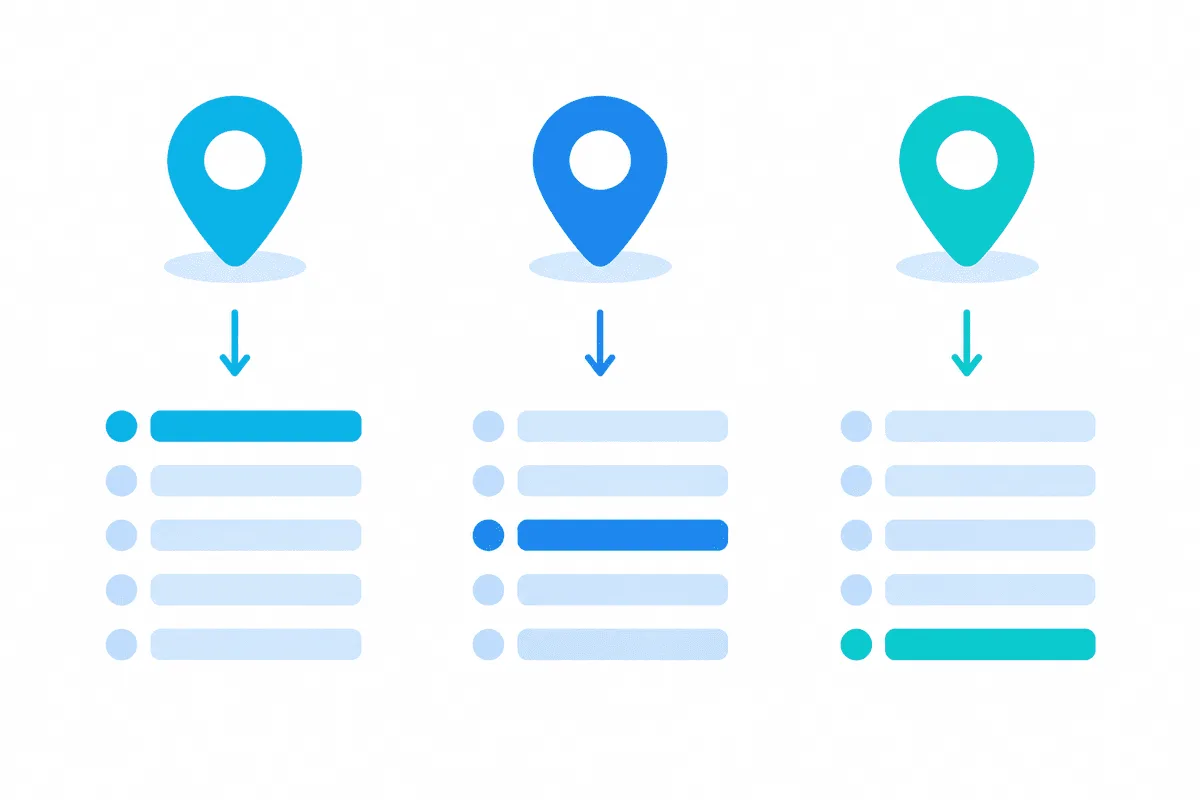
Search results depend on location, and Serposcope gives you three tools to pin it:
- Country sets Google's
glparameter for the search. - Local sets the place you search from, as a country or city. The help text suggests Google's canonical location names, for example
Paris,Ile-de-France,France. - Custom parameters add anything else to the query string, such as
hl=frfor the interface language.
Parameters alone are not always enough, because the IP address is also a location signal. For stable regional data, combine the right parameters with exits in the same country. Location-targeted residential proxies let you pick a country and often a city; just remember the IPv4 rule and check that the endpoint you use is a numeric address. For more on matching exits to search markets, see our guide to rank tracking proxies and the page on proxies for Google.
Troubleshooting
Invalid ipv4 at line N. You pasted a hostname or a malformed address. Use the numeric IP of the endpoint.
Invalid format at line N. The line has no hash separators, often because it was copied in host:port or URL form. Rewrite it as type#IP#port.
The check passes but searches return captchas. Lengthen the pause, lower threads and remove free or overused proxies. Datacenter ranges that many trackers share tend to hit challenges sooner.
Positions look wrong or empty. Check the country and local settings, then compare with a manual search from the same region. If the layout of Google results changed, the archived parser may no longer read it.
Serposcope Proxy FAQ
What proxy format does Serposcope use?
One proxy per line with hash separators: the type, IPv4 address, port and optional login and password, for example http#203.0.113.40#8000#user#pass. Hostnames and URL-style lines are rejected.
Can Serposcope use a proxy hostname instead of an IP?
No. The importer accepts only numeric IPv4 addresses, so resolve the hostname first or ask your provider for IP endpoints.
How many proxies does Serposcope need?
Serposcope never uses one IP in parallel, so the number of working proxies sets the maximum number of threads. Estimate your runtime from keywords, pause length and threads, and add addresses until it fits.
What pause should I set in Serposcope?
The default five seconds is too aggressive. Many users start around 60 to 120 seconds per request and adjust based on how many captchas appear.
Is Serposcope still supported?
No. The repository is archived and the official site says the program is no longer supported, though existing builds still run. Verify positions manually from time to time.