Proxies for Telegram Bots: Bot API, aiogram, Telethon and Pyrogram


A Telegram bot needs a proxy when the machine it runs on cannot reach Telegram directly or must leave the network through one fixed address. In every popular Python library the fix is a single argument: a proxy URL for python-telegram-bot and aiogram, a dict or tuple for Telethon, a dict for Pyrogram. What a proxy will not do is lift Telegram's rate limits, because those are counted per bot and per chat, not per IP.
This guide covers when a proxy actually helps, how long polling and webhooks behave behind one, working snippets for the four libraries, and a sane way to deal with 429 Too Many Requests without hammering the server.
Static proxies for bots
Fixed SOCKS5 addresses with a login and password for long-running Telegram bots
When a Bot Needs a Proxy
- The host cannot reach Telegram. Some hosting regions, office networks and school networks filter
api.telegram.orgor the MTProto data centers. A relay outside that network restores the connection. - Outbound traffic must use one known IP. Corporate firewalls often let servers out only through an approved gateway, and some partner APIs your bot calls accept requests from an allowlisted address.
- Several bots share one server and you want to separate their egress for monitoring or to keep a noisy bot from affecting the others.
If none of this applies, run the bot without a proxy: every extra hop adds latency and one more thing that can fail.
Bot API vs MTProto Clients
There are two ways for Python code to talk to Telegram, and they use proxies differently.
| Bot API libraries | MTProto libraries | |
|---|---|---|
| Examples | python-telegram-bot, aiogram | Telethon, Pyrogram and its forks |
| Transport | HTTPS requests to api.telegram.org | Direct MTProto connection to data centers |
| Credentials | Bot token | api_id, api_hash plus a bot token or user session |
| Proxy types | HTTP, SOCKS5 (SOCKS4 in aiogram) | SOCKS5, SOCKS4, HTTP; MTProxy in Telethon |
| Typical use | Command bots, notifications, shops | Large files, user accounts, advanced features |
For Bot API libraries any reliable HTTP or SOCKS5 proxy works. For MTProto libraries SOCKS5 is the safest bet, since the traffic is not plain HTTPS. Our overview of SOCKS5 and HTTP proxies explains the difference if you are unsure which port to request.
Long Polling and Webhooks Behind a Proxy
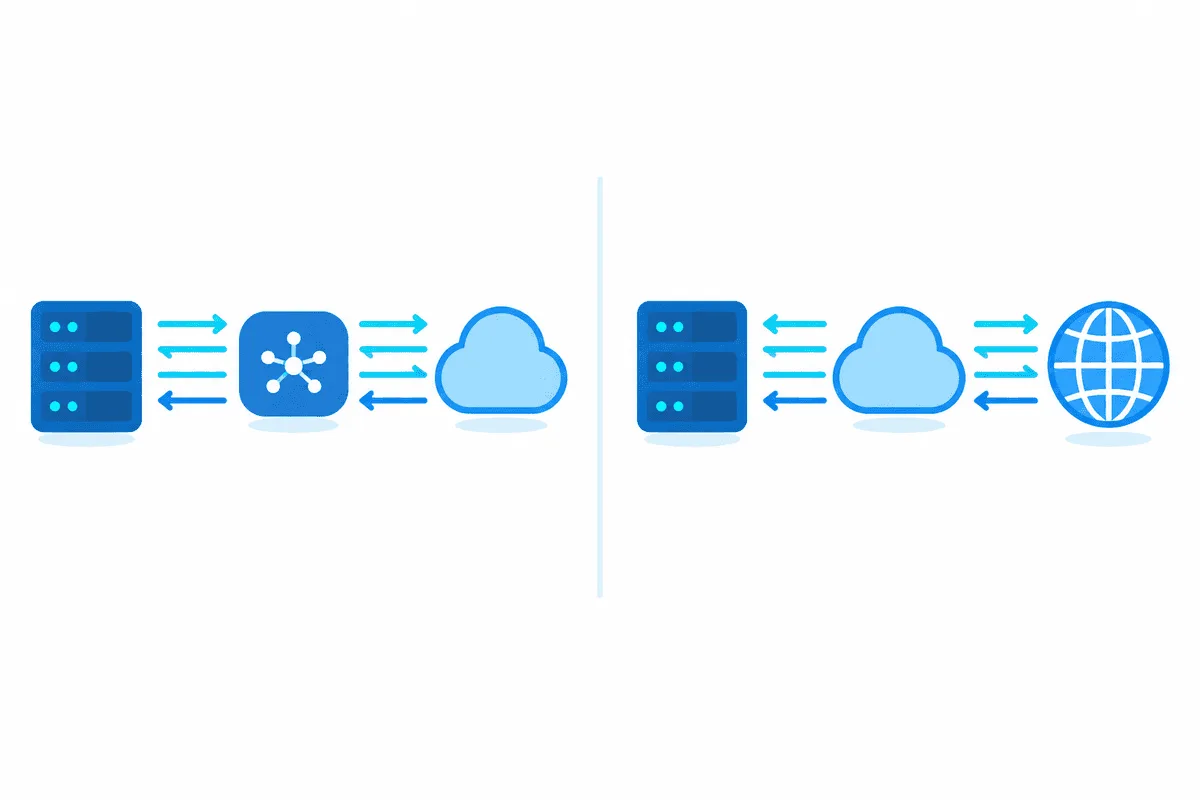
With long polling the bot repeatedly asks Telegram for new updates via getUpdates. Both the polling request and every outgoing call, such as sendMessage, are initiated by your server, so the proxy covers the whole conversation.
With a webhook Telegram itself sends updates to your public HTTPS address. A proxy on the bot's side plays no part in that inbound leg: your endpoint must be reachable from the internet on port 443, 80, 88 or 8443, as the Bot API requires. The proxy still matters for the replies your code sends with regular API calls.
Setup in python-telegram-bot
Since version 20.7 the builder has two separate settings: proxy() for normal API calls and get_updates_proxy() for polling. Set both to the same address unless you have a reason to split them. SOCKS support comes from an optional extra:
pip install "python-telegram-bot[socks]"from telegram import Update
from telegram.ext import ApplicationBuilder, CommandHandler, ContextTypes
RELAY = "socks5://botops:Qx7-pass@203.0.113.40:1080"
async def health(update: Update, ctx: ContextTypes.DEFAULT_TYPE) -> None:
await update.message.reply_text("alive")
bot_app = (
ApplicationBuilder()
.token("000000:replace-with-your-token")
.proxy(RELAY)
.get_updates_proxy(RELAY)
.build()
)
bot_app.add_handler(CommandHandler("health", health))
bot_app.run_polling()The older proxy_url() and get_updates_proxy_url() names are deprecated, so replace them when you upgrade old code.
Setup in aiogram 3
aiogram routes every request through a session object. Pass the proxy URL to AiohttpSession and give that session to the Bot. SOCKS needs the aiohttp-socks package installed next to aiogram.
import asyncio
from aiogram import Bot, Dispatcher
from aiogram.client.session.aiohttp import AiohttpSession
from aiogram.filters import Command
from aiogram.types import Message

relay_session = AiohttpSession(proxy="socks5://botops:Qx7-pass@203.0.113.40:1080")
courier = Bot(token="000000:replace-with-your-token", session=relay_session)
router = Dispatcher()

@router.message(Command("health"))
async def health(msg: Message) -> None:
    await msg.answer("alive")

async def run() -> None:
    await router.start_polling(courier)

asyncio.run(run())
According to the aiogram docs, credentials can sit inside the URL or be passed as an aiohttp.BasicAuth object, and proxy chains from aiohttp-socks work too.
Setup in Telethon
Telethon takes a dict for SOCKS and HTTP proxies and needs python-socks[asyncio] installed; without it the library only prints a warning rather than stopping, which is easy to miss in busy logs.
from telethon import TelegramClient

API_ID = 1234567
API_HASH = "replace-with-your-hash"

relay = {
    "proxy_type": "socks5",
    "addr": "203.0.113.40",
    "port": 1080,
    "username": "botops",
    "password": "Qx7-pass",
    "rdns": True,
}

client = TelegramClient("ops-bot", API_ID, API_HASH, proxy=relay)
client.start(bot_token="000000:replace-with-your-token")
client.run_until_disconnected()
Telethon is also the one library here that speaks MTProxy. That mode requires a special connection class and a tuple of host, port and secret:
from telethon import TelegramClient, connection

client = TelegramClient(
    "ops-bot", API_ID, API_HASH,
    connection=connection.ConnectionTcpMTProxyRandomizedIntermediate,
    proxy=("mtp.example.net", 443, "replace-with-secret"),
)
How MTProxy secrets and their dd and ee prefixes work is described in our article on the MTProto proxy.
Setup in Pyrogram
The original Pyrogram repository was archived in December 2024 and no longer receives updates. Forks such as Kurigram present themselves as drop-in replacements and keep the same Client arguments, so the code below should carry over; check the fork's own docs before relying on it.
from pyrogram import Client

relay = dict(
    scheme="socks5",
    hostname="203.0.113.40",
    port=1080,
    username="botops",
    password="Qx7-pass",
)

app = Client(
    "ops-bot",
    api_id=1234567,
    api_hash="replace-with-your-hash",
    bot_token="000000:replace-with-your-token",
    proxy=relay,
)
app.run()
Pyrogram accepts socks4, socks5 and http schemes. It has no MTProxy mode.
Checking That Traffic Really Goes Through the Proxy
Before blaming the library, confirm the proxy itself reaches the Bot API. A single curl call with your token returns the bot's profile when everything works:
curl -x "socks5h://botops:Qx7-pass@203.0.113.40:1080" "https://api.telegram.org/bot<TOKEN>/getMe"A JSON answer with "ok":true means the route is fine. A timeout points at the proxy or a firewall; 401 Unauthorized means the token is wrong, not the proxy. You can also look at the egress address of the relay from the same machine, or test a server in our free proxy checker.
Handling 429 Too Many Requests
Telegram answers 429 when a bot sends too fast and includes retry_after, the number of seconds to wait. The documented guidance is roughly one message per second in a single chat, up to 20 messages per minute in a group and about 30 messages per second across all chats for bulk notifications.
Changing or rotating the proxy does nothing here. Limits are tied to the bot token and the target chat, so a fresh IP gets the same 429. The fix is to slow down and respect retry_after.
Every library exposes that value:
| Library | Exception | Wait value |
|---|---|---|
| python-telegram-bot | telegram.error.RetryAfter | retry_after |
| aiogram 3 | aiogram.exceptions.TelegramRetryAfter | retry_after |
| Telethon | telethon.errors.FloodWaitError | seconds |
| Pyrogram | pyrogram.errors.FloodWait | value |
A small wrapper for aiogram that waits and retries a limited number of times:
import asyncio
from aiogram.exceptions import TelegramRetryAfter

async def deliver(courier, chat_id: int, body: str, tries: int = 4):
    for _ in range(tries):
        try:
            return await courier.send_message(chat_id, body)
        except TelegramRetryAfter as slow_down:
            await asyncio.sleep(slow_down.retry_after + 1)
    raise RuntimeError(f"chat {chat_id}: still limited after {tries} tries")
python-telegram-bot ships a ready limiter. Install the rate-limiter extra and add .rate_limiter(AIORateLimiter(max_retries=3)) to the builder; it spaces out calls and retries after RetryAfter on its own. Telethon sleeps through short flood waits automatically: anything below flood_sleep_threshold, 60 seconds by default, is handled silently.

Which Proxy Suits a Bot
A bot is a long-running server process, so it wants a connection that stays the same for weeks:
- Static datacenter or ISP proxies give a fixed address with low latency and are the default choice. Our static proxies keep one IP for as long as you rent them.
- SOCKS5 with a login and password works across all four libraries and with MTProto clients. Avoid IP allowlisting if the bot may move between servers.
- Rotating residential IPs add nothing for a Bot API bot and may trigger extra security checks for MTProto sessions that suddenly appear from a new city.
For people rather than bots, the app-side setup is covered in our guide on setting up a proxy in Telegram.
Common Errors
httpx.ConnectError or ProxyError at startup. Wrong host, port or scheme. A port meant for HTTP will not answer SOCKS5 requests and vice versa.
SOCKS URL rejected with an import error. The optional dependency is missing: python-telegram-bot[socks], aiohttp-socks or python-socks[asyncio].
Polling works, replies time out. In python-telegram-bot only get_updates_proxy() was set. Add proxy() as well.
Webhook never receives updates. The proxy is irrelevant for inbound traffic. Check the certificate, the port and getWebhookInfo.
Telethon ignores the proxy. Look for the warning about python-socks in the logs and install the package.
Telegram Bot Proxy FAQ
Do Telegram bots need a proxy?
Only when the server cannot reach Telegram directly or has to leave the network through one approved address. A bot on ordinary hosting with open internet access works fine without one.
Can I use a proxy with webhooks?
The proxy only affects requests your bot sends. Telegram delivers webhook updates straight to your public HTTPS endpoint, so that endpoint must be reachable without a proxy on port 443, 80, 88 or 8443.
Will rotating proxies help me avoid error 429?
No. Telegram counts limits per bot token and per chat, so a new IP receives the same error. Wait for the retry_after value and slow your sending rate.
Which proxy type is best for Telethon?
A static SOCKS5 proxy with a login and password is the most predictable option. Telethon also supports MTProxy through its special connection classes if that is what you have.
Is Pyrogram still maintained?
The original repository was archived in December 2024. Forks such as Kurigram continue development and keep the same proxy argument, so most existing code moves over with minimal changes.
Why does my bot ignore the proxy setting?
Usually a dependency for SOCKS is missing or only the polling proxy was set. Install the extra for your library and make sure both outgoing calls and update polling use the proxy.