Local SEO with Proxies: How to Check Search Results by City and Country

To see the search results that people in another city or country get, you need to look from their location: a proxy with an IP in that place, a clean browser profile with matching language and time zone, and, for Google, the country and language parameters in the search URL. Your own results are shaped by your location, account history and device, so checking rankings from the office tells you little about what a customer in Munich or Austin sees.
This guide shows why local results differ, compares the ways to view them (URL parameters, the Google Ads preview tool, rank trackers, proxies), walks through a manual city check step by step and explains how to apply the same method to ads and region-based A/B tests. It is written for checking your own visibility and your competitors' public listings, not for sending automated query floods to search engines.
Residential proxies with city targeting
Residential proxies with country and city selection for local SEO and ad checks
Why Search Results Differ by Location
Search engines treat location as one of the strongest signals for anything with local intent: dentist, pizza delivery, car service, even buy a sofa. Several inputs decide which location they assume:
- IP address. The default signal; search engines map it to a country and usually a city. How accurate that mapping is, and why it sometimes points to the wrong town, is covered in our article on IP geolocation.
- Device location. If the browser or phone shares precise location, it overrides the IP for local results.
- Account data. Saved home and work addresses and past activity personalize results when you are signed in.
- Language and country settings. Interface language and regional settings change which domains and languages rank.
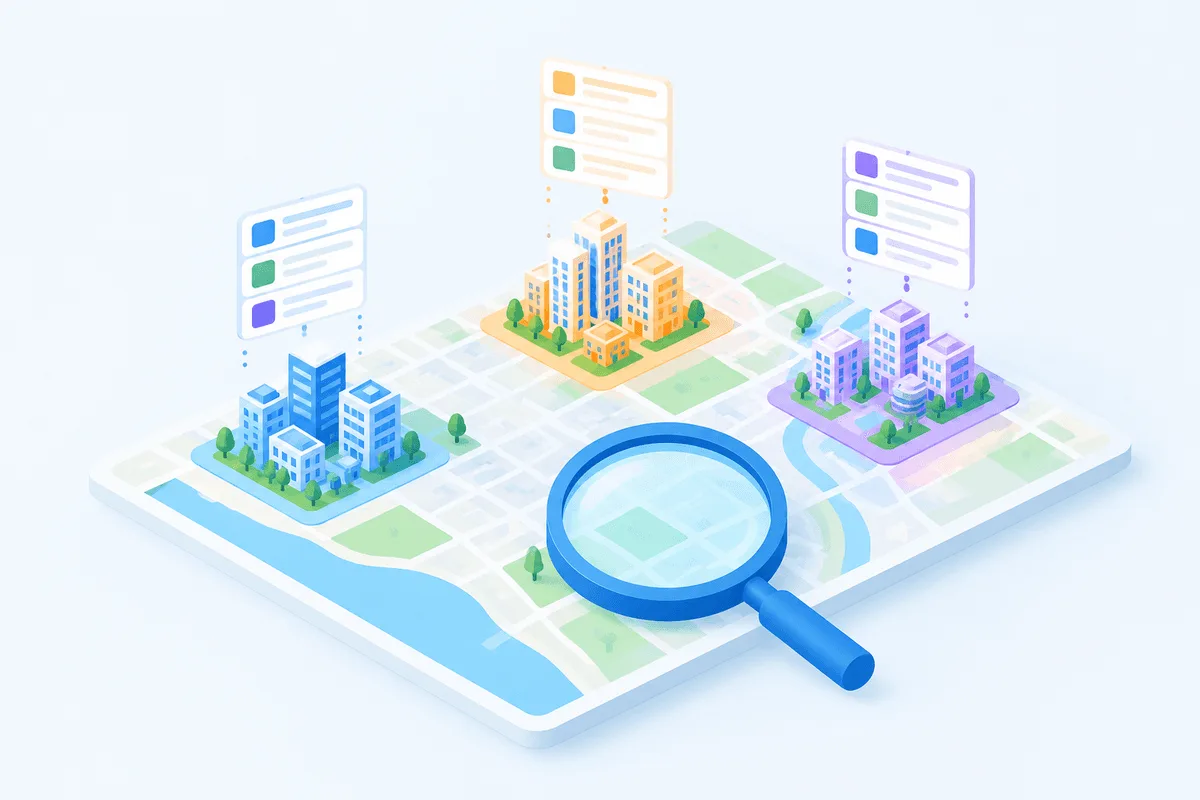
The local pack (the map with three businesses) is the most sensitive part: moving a few kilometers can change it completely, because proximity to the searcher is one of its main factors. Organic results change less within a city but differ strongly between cities and countries.
Ways to Check Local Results Compared
| Method | What it shows | Strengths | Limits |
|---|---|---|---|
URL parameters gl and hl | Country and interface language for Google | Free, quick | Country level only; your IP still affects local results |
Location parameter uule | A specific city for Google | Used by many SEO tools | Not officially documented; results may vary |
| Google Ads Ad Preview and Diagnosis | Ads and results for a chosen location, language and device | Does not register impressions on your ads | Shows a preview, not the real page; needs an Ads account |
| Rank trackers and SERP APIs | Positions by city on a schedule | Scales to thousands of keywords | Paid; you see data, not the live page |
| Proxy plus clean browser profile | The real page as a local user sees it | Shows everything: local pack, ads, features, site behavior | Manual; needs a proxy in each location |
| Commercial VPN | A country view | Easy | Few cities, IPs often flagged, shared by many users |
In practice, teams combine them: a rank tracker for daily numbers, and a proxy check when positions jump, a client asks for proof or you need to see the layout of a results page.
Step by Step: Checking a City's Results Through a Proxy
Step 1. Get an IP in the target city
Use a residential proxy with city targeting; search engines see residential addresses as ordinary home users, and city-level choice matters for the local pack. Residential proxies let you pick the country and city in the connection settings, and you can also start from a country page such as proxies in Germany. Choose a sticky session so the IP does not change between queries.
Step 2. Open a clean browser profile
Do not sign in to a Google account, and use a fresh browser profile rather than your work one: cookies and history from other sessions bias the results. A separate profile in Chrome or Firefox is enough for occasional checks; an antidetect browser helps if you keep a set of city profiles for regular use.
Step 3. Align language, time zone and location
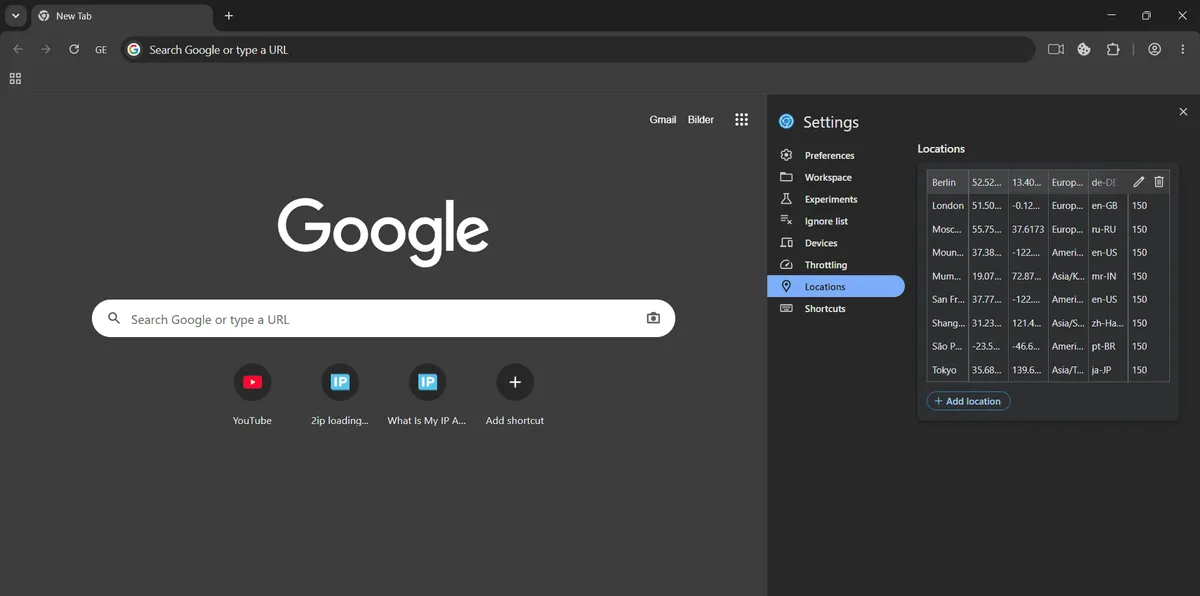
Set the browser language to the local one. If you need precise city results, override the device location: in Chrome DevTools open More tools → Sensors and enter the city's coordinates, so the location the page reads matches the proxy. Time zone mismatches do not usually change results, but keeping them consistent avoids extra checks.
Step 4. Confirm where you appear to be
Open an IP lookup page and make sure the country and city match your plan; our guide on how to check proxy geolocation lists reliable services. At the bottom of a Google results page you will also see the location Google assumes.
Step 5. Search with country and language parameters
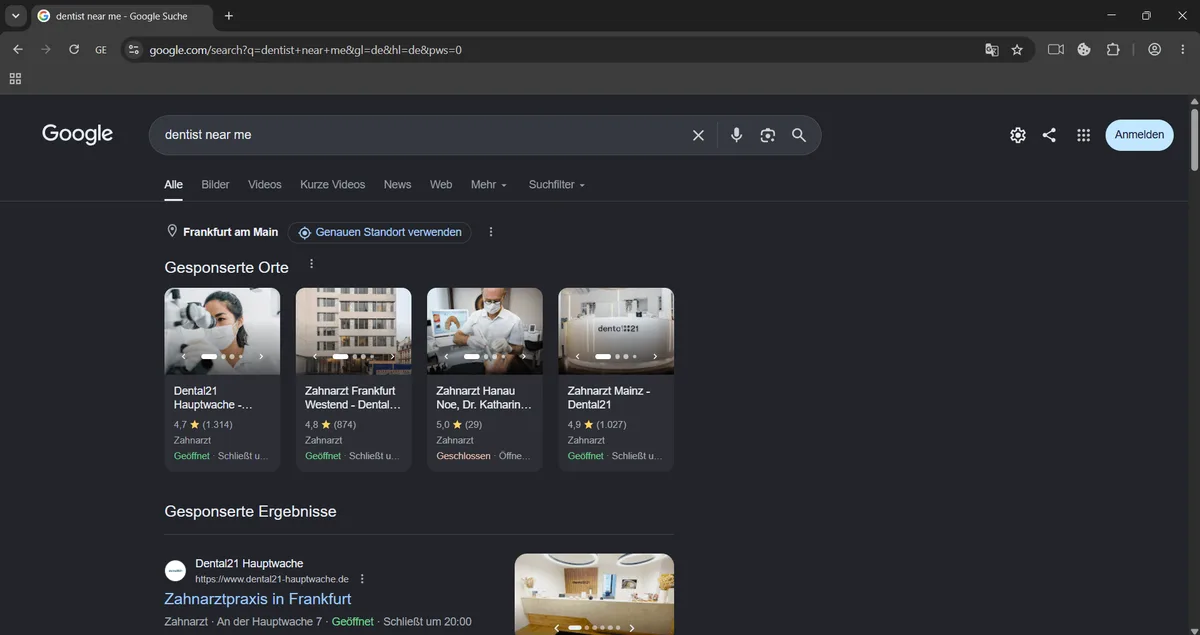
Add the parameters to the search URL so the interface and index match the market:
https://www.google.com/search?q=dentist+near+me&gl=de&hl=de&pws=0Here gl sets the country, hl the interface language, and pws=0 asks Google to reduce personalization (it has limited effect today). For Yandex, the lr parameter takes a region ID; for Bing, the cc parameter sets the country.
Step 6. Record what you see
Take full-page screenshots, note the position of your site in organic results and in the local pack, the ads above the results and features such as maps, product listings or AI-generated answers. Repeat for each city you care about, ideally from two different IPs in the same city to rule out a one-off result.
Checking Ads and Region-Based A/B Tests
The same setup helps marketing teams verify campaigns and experiments by location:
- Ad previews first. Google's Ad Preview and Diagnosis tool shows whether your ad is eligible in a chosen city without counting an impression. Use proxies when you need to see the real page, competitors' ads or how a landing page behaves for local visitors.
- Do not click your own ads. Clicks from your team cost money and distort statistics, and search engines filter repeated clicks as invalid traffic.
- Landing pages by region. If your site changes language, currency, prices or offers by location, open it from each target region and confirm the correct version loads and that visitors can still switch manually. Our guide on adapting a website to the visitor's location covers the common mistakes.
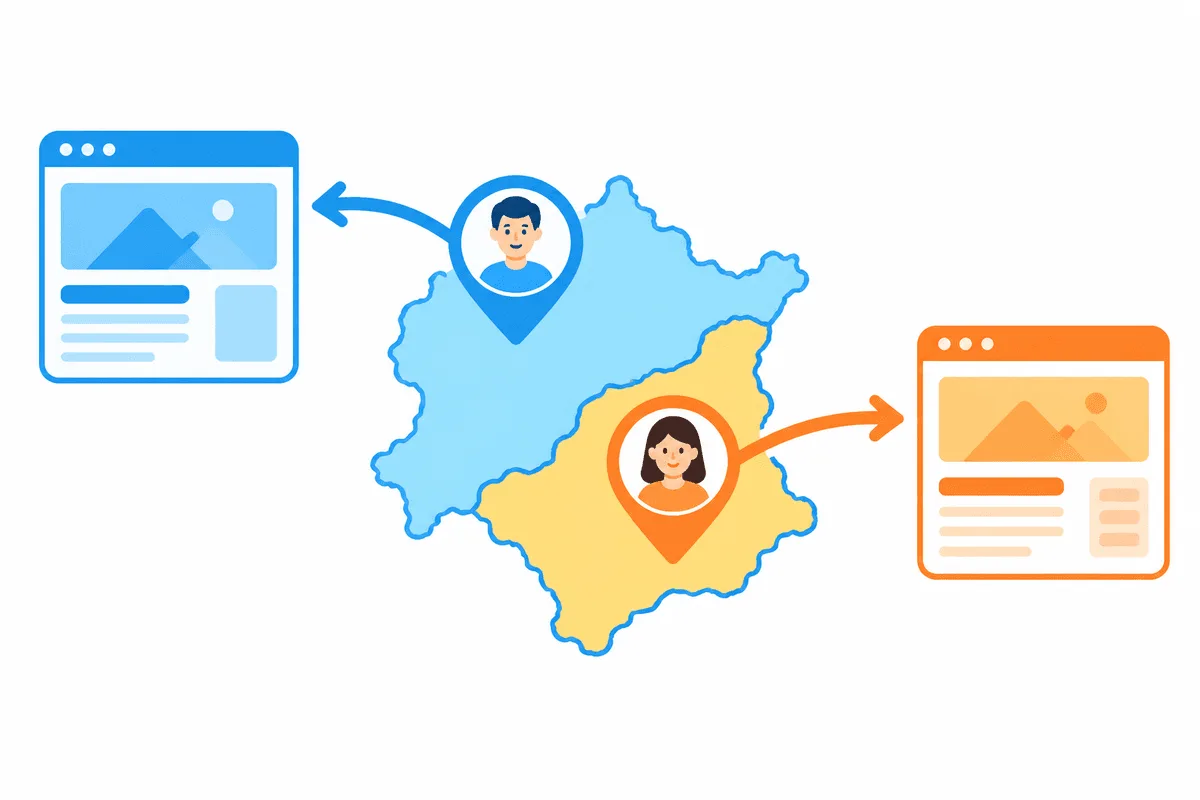
- Geo A/B tests. When variants are split by region, check from inside each test region and from a control region that the right variant is served, that analytics attributes visits to the correct group and that caching or a CDN does not serve the wrong version.
Scaling Up: Rank Trackers and SERP APIs
Manual checks do not scale to hundreds of keywords and dozens of cities. For regular monitoring, use a rank tracker with city-level settings or a SERP API; both handle location targeting, pacing and parsing. Search engines' terms restrict automated querying, which is one reason official or commercial APIs are the safer route for volume. If you run your own tool, our guide to proxies for rank tracking explains request pacing and proxy choice, and the overview of SEO proxies covers other search analytics tasks.
Common Mistakes
- Checking positions while signed in to a Google account, so personal history shapes the results.
- Using a country-level IP for a query whose local pack depends on the exact city or district.
- Forgetting the
hlandglparameters and seeing results in the wrong language or index. - Running dozens of queries per minute from one IP and then judging rankings from a page full of captchas.
- Comparing screenshots taken on different days without noting the date: local results move often.
- Treating a VPN country server as a city view.
Local SEO proxies FAQ
How do I see Google results for another city?
Use a proxy with an IP in that city, a clean browser profile without a signed-in account, matching language and, if needed, a device location override in DevTools. Add the gl and hl parameters for the country and language.
Does the uule parameter still work?
Many SEO tools still use it to set a city for Google, but Google does not document it officially, so treat it as a convenience that may behave differently over time.
Is a VPN enough for local SEO checks?
For a rough country view, sometimes. VPNs usually offer few cities and widely shared IPs, so for city-level checks a residential proxy with city targeting is more accurate.
Can I check competitors' ads in another region?
Yes, viewing public results pages from a proxy in that region shows which ads appear there. Do not click competitors' or your own ads, and use Google's preview tool for your campaigns.
Which proxies are best for local SEO?
Residential proxies with city targeting and sticky sessions. They look like regular local users and let you pick the exact location of each check.
How often should I check local rankings?
Daily or weekly with a rank tracker, plus manual proxy checks when positions change sharply or before reporting to a client.