Proxies for Pinterest: How to Choose and Set Up One for Business Accounts

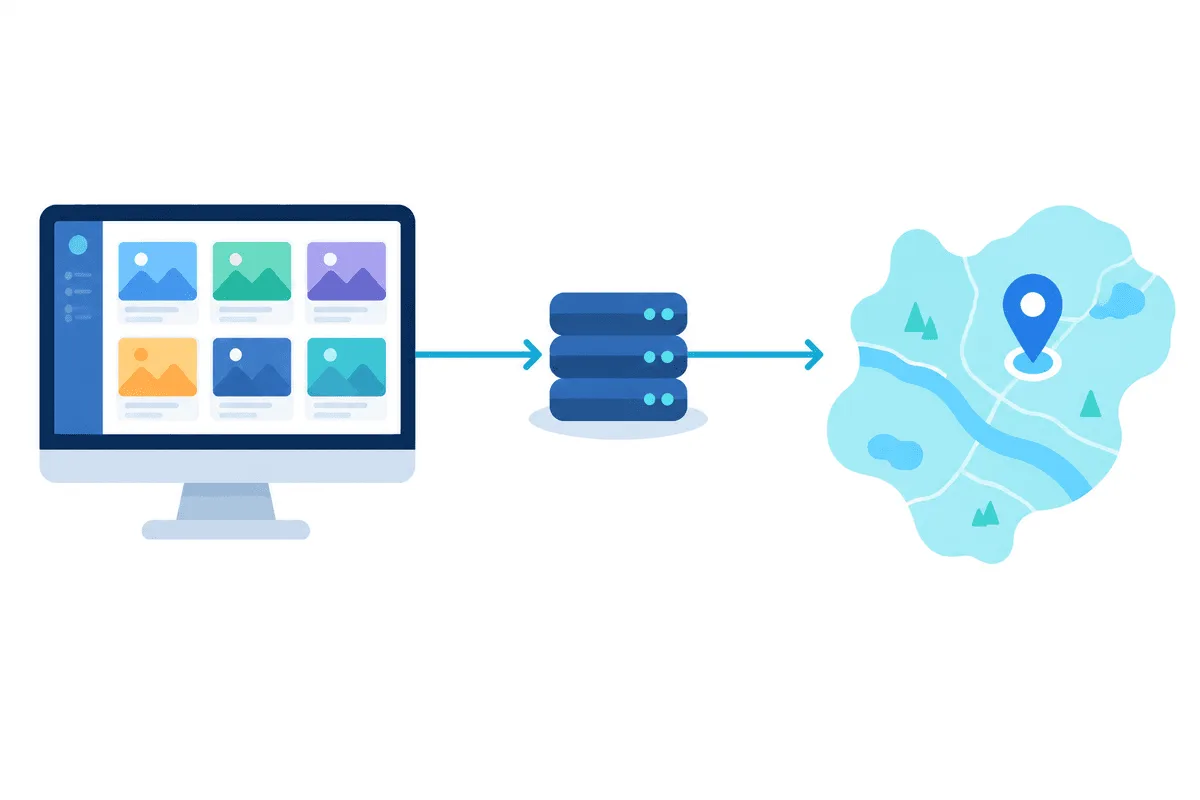
For Pinterest, a proxy is a way to give a business account a stable, location-appropriate connection or to see search and trends the way users in another market see them. It is not a way to multiply accounts or speed up pinning. The safest setup is one static residential or ISP address per account, located in the account's home market, plus Pinterest's own Business Access for team work instead of shared passwords.
Below we look at how Pinterest business accounts are organised, the tasks where a proxy genuinely helps, what Pinterest's guidelines forbid, which proxy type to choose and how to configure it in a browser profile and on a phone.
Static proxies
Static addresses in the right country for Pinterest business accounts
How Pinterest Business Accounts Work
A business account is free and gives access to tools a personal profile lacks:
- Analytics for pins, boards and audience, with breakdowns by country and device.
- Ads Manager for promoted pins and campaigns.
- Claimed website and rich pins that pull product data and prices from your site.
- Business Access, which lets an account owner grant other people or agencies access with different permission levels, without sharing the login.
- Linked business profiles, so one login can switch between a limited number of brand profiles.
Business Access matters for this topic. Many guides recommend a proxy for each team member so that nobody logs in from an unusual place. With Business Access, each person signs in to their own account and works on the brand's profile, which removes most of the reasons to share credentials across IPs. Our overview of managing multiple accounts for business explains the same principle for other platforms.
Where a Proxy Helps on Pinterest
| Task | Why a proxy is useful | What to watch |
|---|---|---|
| Account run from a cloud machine or remote office | Keeps a consistent IP in the brand's country instead of a datacenter range in another one | One address per account, no rotation |
| Checking localised search and the home feed | Results and suggested searches depend on the country and language | Log out or use a clean profile, match browser language |
| Previewing promoted pins in a target market | Lets a marketer confirm that creatives and landing pages display correctly | Ads targeting is set in Ads Manager, not by IP |
| Public trend and keyword research | Pinterest Trends and search suggestions differ between markets | Use official tools first, keep a low pace |
| Access from a filtering network | Some offices and countries restrict Pinterest | Follow local rules and your company policy |
If you manage Pinterest alongside other networks, our guide to proxies for SMM covers how to organise profiles and addresses across platforms.
What Pinterest's Rules Do Not Allow
Pinterest's Community Guidelines and terms target spam and manipulation, and a proxy does not make these acceptable:
- creating accounts in bulk or to get around a suspension;
- fake engagement: automated saves, follows and comments, or networks of accounts boosting each other;
- misleading links, redirects and cloaked landing pages;
- automation outside the official API and approved partners.
Scheduling tools that use Pinterest's official API are fine, and they do not need a proxy at all because they connect from their own servers. For collecting public data, the API and Pinterest Trends come before any scraping; see collecting data from social networks for the legal and technical side.
Choosing a Proxy Type
- Static residential or ISP for logged-in work. A home-network address that stays the same looks like a regular office or home connection. Our static proxies keep one IP until you change it.
- Rotating residential for logged-out research. Country targeting with a sticky session gives you a local view of search without touching an account. Residential proxies let you choose the country and city.
- Match the account's market. A brand registered and active in Germany should connect from Germany. A sudden switch to another continent can trigger a security check.
- Avoid free and shared proxies. Addresses used by many people often carry a spam history and lead to captchas or blocked logins.
Setting Up a Proxy for Pinterest
Step 1. One browser profile per account
Create a separate browser profile, or a profile in an antidetect browser if your agency already uses one, for each business account. The profile keeps cookies, language and time zone together. Our antidetect browser proxy setup hub has instructions for the common tools.
Step 2. Add the proxy to the profile
Enter the proxy type (HTTP or SOCKS5), host, port, login and password, for example 198.51.100.62:1080 and user-7f3k. Run the profile's connection check if it has one.

Step 3. Align language and time zone
Set the browser language and time zone to the account's market. A mismatch between the IP country and these settings is a common reason for extra verification.
Step 4. Log in once and stay on that address
Sign in, complete any security check and keep using the same profile and address. Do not log the same account in from your personal browser on another IP in parallel.
On a phone
The Pinterest app follows the phone's network. If a team phone is dedicated to one brand, route it through a per-app proxy client with the same static address used on desktop, so the account sees one consistent location.

Common Mistakes
- Rotating IPs on a logged-in account. Every new address looks like a new location; keep rotation for logged-out research only.
- Shared credentials instead of Business Access. Several people logging in as the owner from different cities is exactly the pattern security systems flag.
- Datacenter ranges in another country. A cloud server abroad gives the account an unexpected location; add a static proxy in the right country.
- Mass activity right after setup. A burst of saves and follows from a freshly configured profile looks automated even when it is not.
Pinterest Proxies FAQ
Do I need a proxy for Pinterest?
For a single business account managed from your own office, usually not. A proxy helps when the account is run from a cloud machine or another country, or when you research how Pinterest looks in a different market.
Can I run several Pinterest business accounts?
Pinterest lets you link a limited number of business profiles to one login and add teammates through Business Access. Creating extra accounts to boost each other or to get around a suspension breaks the rules.
Which proxy type is best for Pinterest?
A static residential or ISP proxy in the account's home market for logged-in work, and rotating residential with country targeting for logged-out research.
Will Pinterest ban me for using a proxy?
A clean, stable proxy that matches the account's location is not a reason for a ban in itself. Problems usually come from shared or spam-listed IPs, frequent location changes and automated activity.
Does a proxy change Pinterest search results?
Yes, partly: suggested searches, trends and some results depend on the country and language. Logged-in history still affects what you see, so use a clean profile for comparisons.