Python Requests Proxy: Setup, Authentication and Rotation

Pointing Requests at a proxy boils down to a tiny dictionary: each key names the URL scheme of the destination, each value carries the relay address, and you hand the whole thing to proxies= on a single call or park it on a Session. Credentials, SOCKS5, shell variables and rotating exits are all just variations on that dictionary.
Where scripts actually fall over is the fine print. A password containing @ splits the URL in a strange spot. Name lookups sneak out through your home resolver. A forgotten HTTPS_PROXY variable quietly beats whatever you wrote in code. One dead address in a pool stalls an entire job. This walkthrough handles each of those situations with short snippets, then lists the exceptions you are likely to meet and how to pick a proxy type for the job.
Rotating proxies for Python
Residential and rotating proxies with a login and password that plug straight into Requests
Before Writing Any Code
Three things should be on hand:
- a recent Python 3 interpreter with the library added through
pip install requests; - connection data from the provider: host, port, protocol and, for most paid plans, a login with a password;
- an endpoint that reflects your public address back, such as
https://api.ipify.org.
Every address and login in the snippets (203.0.113.15, user-7f3k) is a documentation placeholder. Swap in your own, and keep genuine passwords outside the source tree, as described further down.
How Requests Picks a Proxy
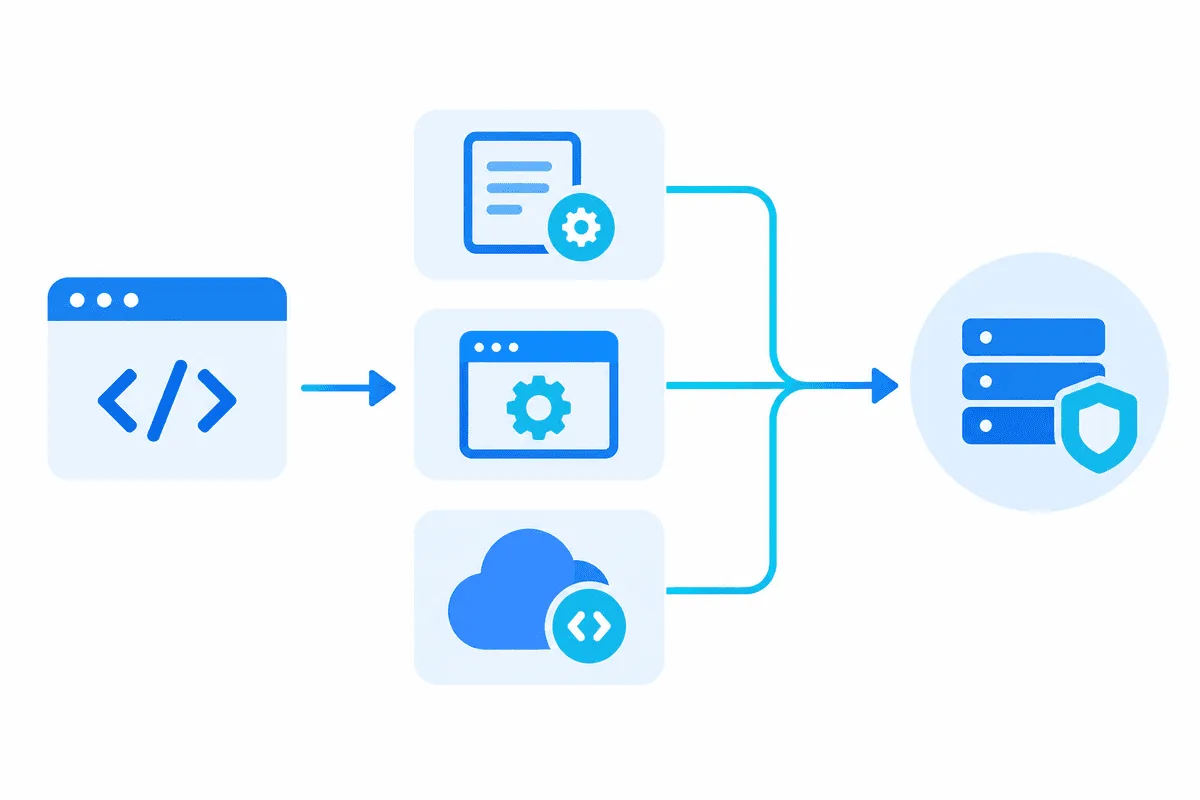
Lookup happens by the destination scheme. Fetch https://shop.example and Requests reads the https entry; fetch an unencrypted page and it reads http. On the right side sits the relay location, and the prefix written there decides which language your script uses when talking to that relay.
import requests

IP_ECHO = "https://api.ipify.org"
relay = "http://203.0.113.15:8000"
hop = dict.fromkeys(("http", "https"), relay)

seen_as = requests.get(IP_ECHO, proxies=hop, timeout=15).text
print("exit address:", seen_as)
Seeing two entries aimed at an http:// relay may look odd, yet it is intended. The script speaks plain HTTP to the relay only long enough to ask for a CONNECT tunnel; the encrypted TLS session with the destination then travels inside that tunnel untouched. Prefixing the relay itself with https:// is reserved for providers that run TLS on the proxy port, a distinction unpacked in HTTP vs HTTPS proxies.
Entries may also be narrowed to a single site. A key like https://shop.example beats the general https key for that host alone, handy when one marketplace has to be seen from another country.
Passing a Login and Password
Credentials ride inside the relay URL, before the @. The catch is punctuation: a password like p@ss:word/42 confuses the URL parser, and the provider replies with status 407. Escape it first:
from urllib.parse import quote

secret = quote("p@ss:word/42", safe="")
relay = f"http://user-7f3k:{secret}@203.0.113.15:8000"
After escaping, @ becomes %40 and the colon becomes %3A, and the parser stops misreading the string.
Providers usually support an alternative known as IP allow-listing: you add the public address of your machine in their dashboard and drop credentials altogether. That suits a VPS with a fixed address and annoys everyone on a laptop, where the outgoing address drifts from café to office.
SOCKS5 Support
Requests understands SOCKS only after you add the optional extra, which pulls in PySocks: pip install "requests[socks]". Forgetting it produces InvalidSchema: Missing dependencies for SOCKS support, usually because the package went into a different virtual environment.
Nothing else in the dictionary changes apart from the relay prefix, which becomes socks5h or socks5. The difference between those two is a single letter with real consequences. Plain socks5 makes your own computer translate the domain into an IP before handing it over, so DNS packets skip the tunnel and content delivery networks might pick an edge node near your actual city. Under socks5h the hostname is shipped untouched and resolved at the far end, which is what geo-sensitive scraping needs. For deciding between the two protocol families, see SOCKS5 vs HTTP proxies.
Sessions and Their Hidden Override
A Session keeps cookies between calls and recycles TCP connections, so a run of fifty catalogue pages avoids fifty fresh handshakes. Assign the relay once and every call inherits it:
browser_like = requests.Session()
browser_like.proxies.update(hop)
browser_like.trust_env = False   # ignore proxy variables of the shell

for n in (1, 2, 3):
    page = browser_like.get(f"https://shop.example/list?p={n}", timeout=15)
    print(n, page.status_code, len(page.content))
The trust_env line is there for a reason that bites many people. By default the library also reads proxy variables from the operating system, and in that case they can outrank session.proxies. On an office machine whose admin preconfigured HTTPS_PROXY, your carefully configured session might never touch the relay you intended. Disabling trust_env, or passing proxies= explicitly on each call, removes the ambiguity.
Keeping Credentials in Environment Variables
That same behaviour turns into a feature when relay details must never appear in the repository: define HTTPS_PROXY, plus HTTP_PROXY or ALL_PROXY when needed, in the shell profile or the container spec. Requests picks the value up automatically. Anything that should bypass the relay, say a monitoring service on the local network, is listed in NO_PROXY, separated by commas.
Teams often settle on a compromise: store the relay URL in a custom variable, read it with os.environ inside the script and build the mapping yourself. Behaviour then stays explicit, while the password lives in a secrets manager or a .env file excluded from version control.
Rotating IPs With Requests
Practically every crawler ends up with one of two designs.
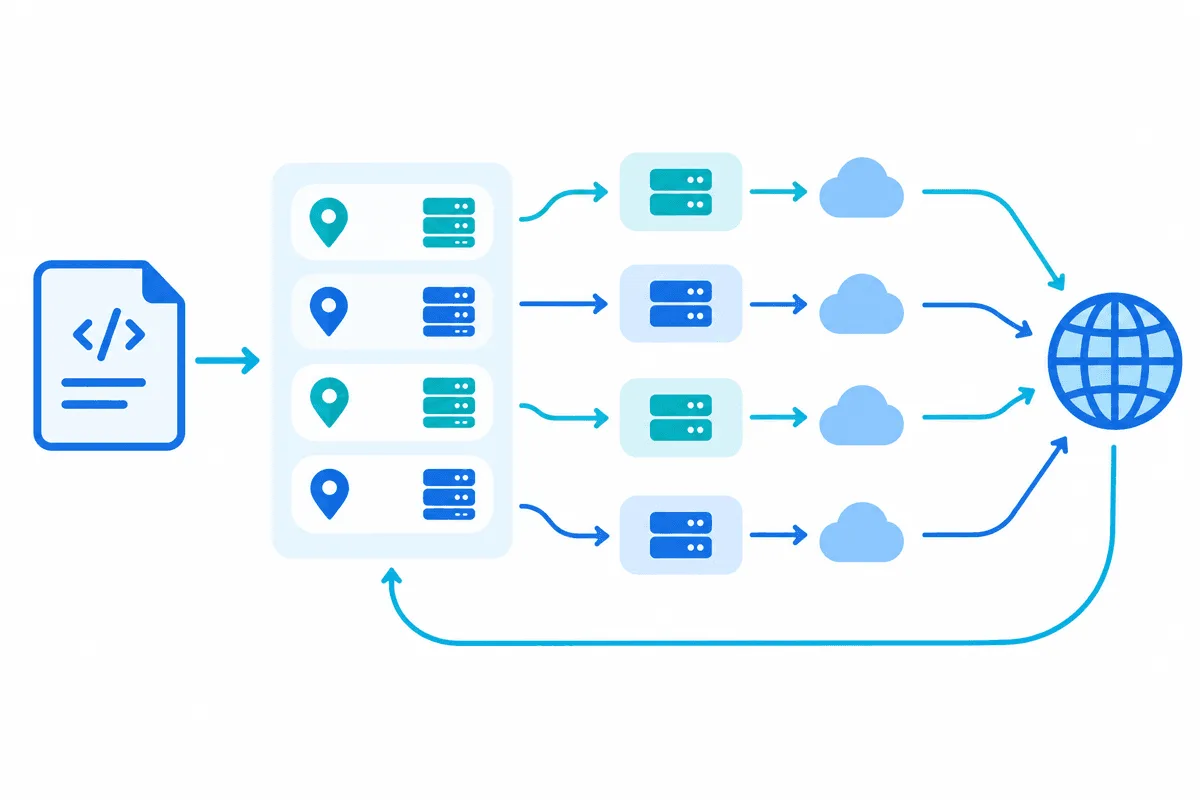
Design A. Cycling a Static List
A provider might hand over a batch of static endpoints. Walk through them in turn and move on whenever one misbehaves:
from itertools import cycle
import requests

endpoints = cycle(open("relays.txt").read().split())

def grab(url, tries=3):
    for _ in range(tries):
        node = next(endpoints)
        try:
            r = requests.get(url, proxies={"http": node, "https": node}, timeout=12)
        except requests.exceptions.RequestException:
            continue                      # dead or slow relay, take another
        if r.status_code not in (403, 429):
            return r
    return None
Reading the list from a file keeps credentials out of the code. cycle spreads traffic round-robin; a random pick can land on the same relay three times in a row and wear out its reputation sooner.
Design B. One Rotating Entry Point
With rotating proxies there is nothing to cycle on your side. A single host and port serve as the doorway, while the provider swaps the outgoing IP on every request or on a timer, keeping track of pool health and country targeting on its side. Your Python stays a one-relay setup. Gateways commonly let you holding a single IP for several minutes by adding a session parameter to the login, which helps with multi-step flows such as pagination behind a cookie; the trade-offs are discussed in sticky vs rotating proxies.
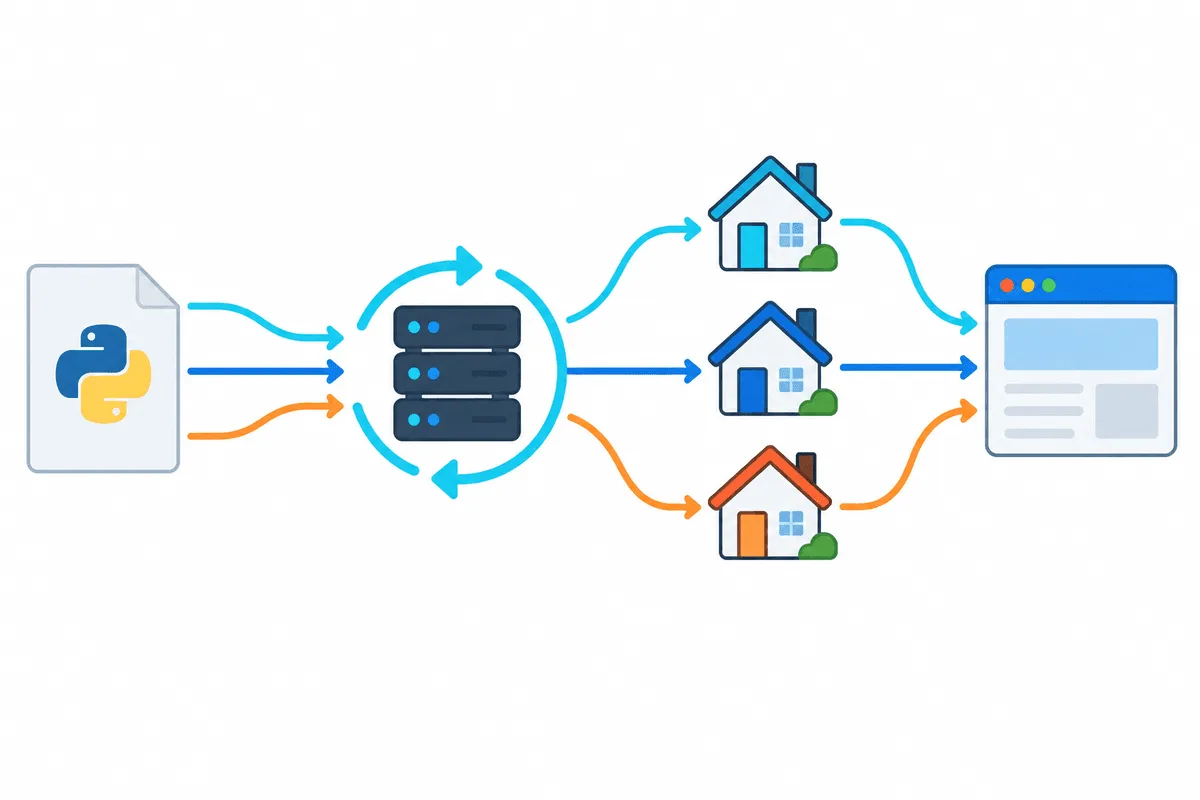
Confirming the Exit Address
Run the address check twice, once with proxies=hop and once without. Identical output means traffic is not using the relay. The usual culprits are an upper-case key (HTTPS is silently ignored), a shell variable winning over the session, or the target host sitting inside NO_PROXY. To confirm the country as well, query any geolocation lookup and compare it with the location you ordered.
Exceptions and Status Codes Worth Knowing
| What you see | Most likely reason | Remedy |
|---|---|---|
ProxyError mentioning 407 | Login rejected, often because of unescaped punctuation | Recheck credentials, run the password through quote() |
ProxyError about a failed connection | Mistyped host or port, a relay that is down, a blocking firewall | Probe the relay with curl from the same machine and compare ports |
ConnectTimeout or ReadTimeout | Overloaded or distant exit node | Use a tuple such as timeout=(5, 20) and retry elsewhere |
SSLError right after connecting | Relay URL starts with https:// but the relay speaks HTTP | Change the relay scheme to http:// |
InvalidSchema for socks | SOCKS extra missing in this environment | Install requests[socks] |
| Target returns 403 or 429 | Rate limit hit or poor IP reputation | Slow down, add jitter, switch to a cleaner IP |
Never leave out timeout. Without one, a frozen relay can hold a worker forever. For backoff between attempts, mount an HTTPAdapter configured with urllib3.util.Retry on the session. Further failure patterns are collected in website parsing errors.
Matching the Proxy Type to the Task
- Datacenter IPs give low latency for little money and suit APIs, staging checks and sites with relaxed protection.
- Residential IPs belong to household connections, carry better reputation and are the usual pick for price tracking and public catalogue data.
- Mobile IPs sit behind carrier NAT shared with real phone owners, which makes them the heavy option for the strictest targets.
Good manners matter more than the IP type: read robots.txt and the terms of the site, keep the request rate modest, cache pages you already fetched and switch to an official API whenever one covers your data. A broader look at architectures is in proxies in web scraping.
Python Requests proxy FAQ
How do I set a proxy in Python Requests?
Build a mapping with an http entry and an https entry that both hold the relay URL, then pass it as proxies to the call or put it into session.proxies. The entry name refers to the website scheme, the value to the proxy.
How do I add a username and password to a Requests proxy?
Place them inside the relay address ahead of the host, as in http://login:password@host:port. Any password with symbols needs urllib.parse.quote first; skipping that step typically ends in a 407 reply.
Can Python Requests work with SOCKS5?
It can, after you add the optional socks extra through pip. Choose the socks5h prefix to let the remote side translate hostnames, which keeps lookups inside the tunnel.
Why is my proxy ignored by Requests?
Three suspects come up again and again: keys typed in capitals, a system-level HTTPS_PROXY that wins over the session, and a destination mentioned in NO_PROXY. Turning off trust_env or supplying proxies on each request eliminates all three.
How can I rotate proxies with Requests?
A rotating gateway needs the least code, because the provider swaps the IP and your code keeps a single relay. With a list of static endpoints, cycle through them and retry on errors or 403 and 429 responses.
Should the proxy address start with http or https?
Almost always with http://, even for HTTPS websites, since the page content stays encrypted inside the CONNECT tunnel. Switch to https:// solely if your provider documents an encrypted proxy port.