How to Check Open Ports on Windows, Linux and Mac

To check open ports on your own computer, list the listening sockets with netstat -ano or Get-NetTCPConnection on Windows, ss -tulpn on Linux and lsof -nP -iTCP -sTCP:LISTEN on macOS. To see whether a port is reachable from another machine, test it with Test-NetConnection, nc or nmap against a host you own or administer, or use an online checker that probes your public IP from outside.
The difference between those two questions — «what is listening here» and «what can the outside world reach» — causes most confusion, so this guide keeps them separate. You will also see how to read nmap port states, why a port can be open locally and closed from the internet, and which ports proxies typically use. An important limit before we start: scan only systems you own or have written permission to test. Probing other people's servers without consent may be illegal in many countries and breaks the terms of most providers.
SOCKS5 proxies
Ready proxy endpoints with authorization, so you do not have to expose a server of your own
Ports in One Paragraph
An IP address identifies a machine; a port number (0–65535) identifies a service on it. Web servers wait on 80 and 443, SSH on 22, remote desktop on 3389, and proxy servers on whatever port their operator chose. A port is «open» when some program is listening on it and the firewall lets packets through. If you want to brush up on how hosts and addresses fit together, our explainer on the proxy hostname is a quick refresher.
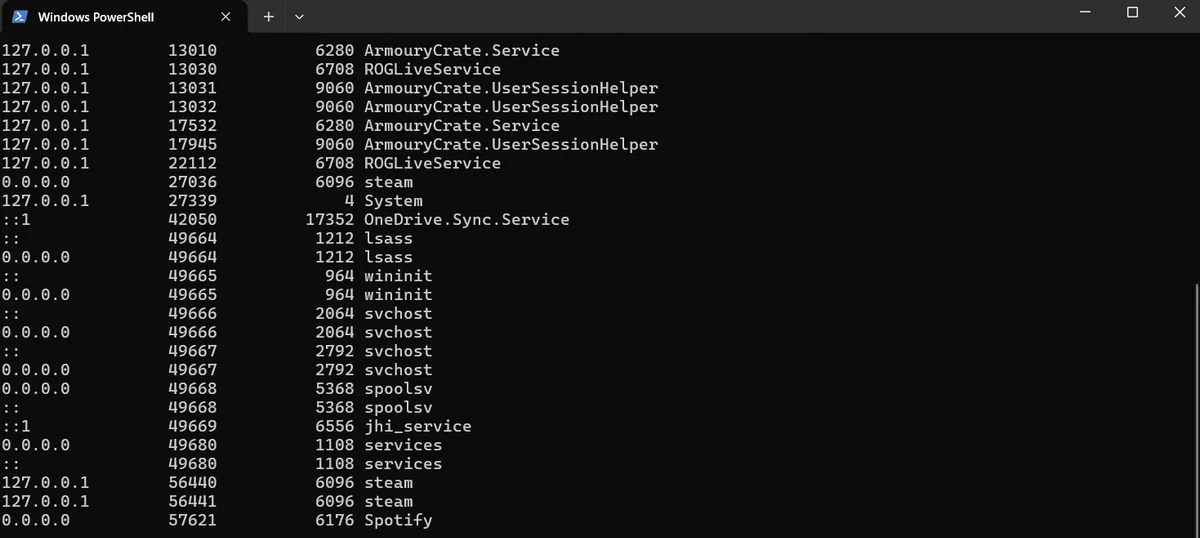
Step 1. List Listening Ports on Your Own Machine
Windows
In Command Prompt:
netstat -ano | findstr LISTENINGThe last column is the process ID. To see which program owns it, run tasklist /FI "PID eq 4312" with your PID. In PowerShell the same check is more readable:
Get-NetTCPConnection -State Listen |
  Select-Object LocalAddress, LocalPort, OwningProcess,
    @{n='Program'; e={(Get-Process -Id $_.OwningProcess).ProcessName}} |
  Sort-Object LocalPort
Linux
sudo ss -tulpnThe flags mean TCP, UDP, listening, show process, numeric ports. sudo lsof -i -P -n | grep LISTEN gives a similar view on systems without ss.
macOS
sudo lsof -nP -iTCP -sTCP:LISTENPay attention to the local address column. A service bound to 127.0.0.1 accepts connections only from the same computer, while 0.0.0.0 or [::] means every network interface, which is what exposes it to the network.
Step 2. Test a Single Port From Another Machine
Once you know a service is listening, check that clients can actually reach it.
# Windows PowerShell: look for TcpTestSucceeded : True
Test-NetConnection 192.0.2.40 -Port 3128
# Linux / macOS: -z just probes, -v prints the result
nc -zv 192.0.2.40 3128A refused connection means the host answered but nothing listens on that port. A timeout usually means a firewall silently drops the packets. Both look like «closed» to a user, but they point to different fixes.
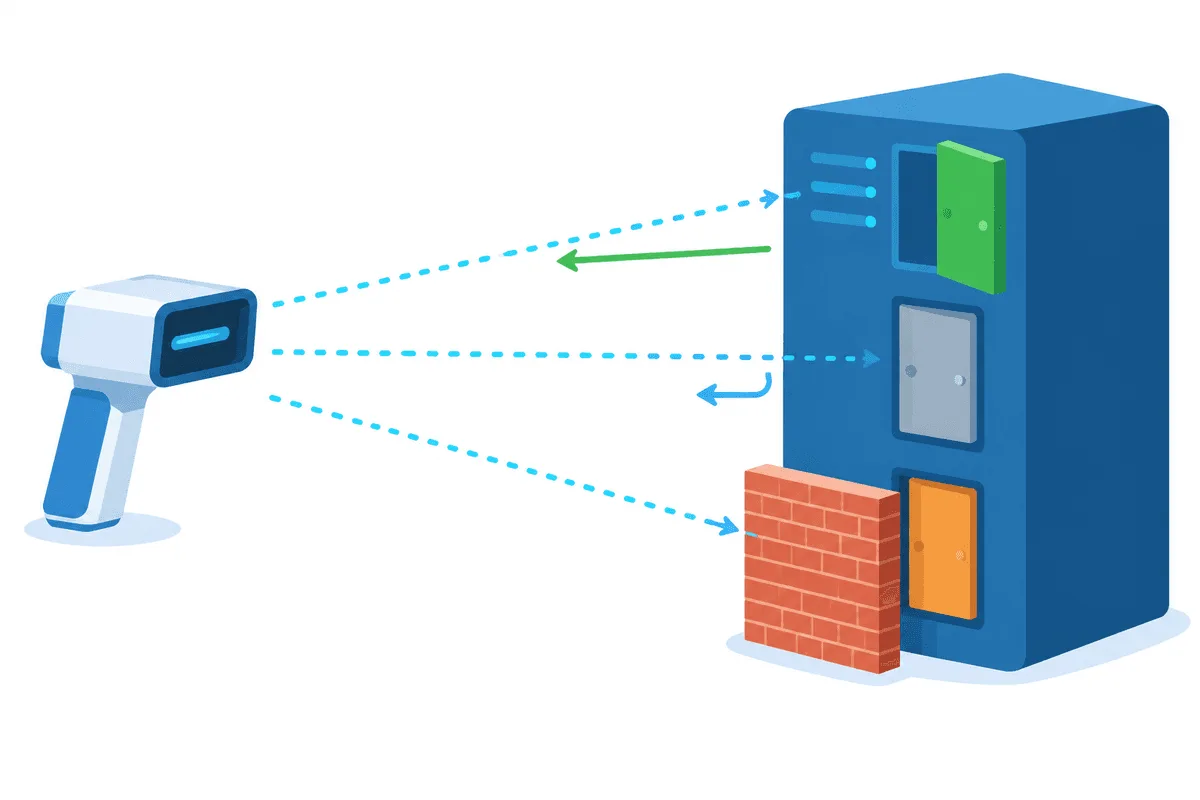
Step 3. Scan Your Own Host With Nmap
Nmap checks many ports at once and reports their state. Install it from the official site or your package manager, then run it against your server or lab machine:
# the 100 most common TCP ports
nmap --top-ports 100 192.0.2.40

# a specific range plus service and version detection
nmap -p 1-1024 -sV 192.0.2.40

# UDP needs root and is slower
sudo nmap -sU -p 53,123,161 192.0.2.40
How to read the results:
| State | Meaning | Typical action |
|---|---|---|
| open | A service accepts connections | Confirm it should be public; otherwise stop it or restrict access |
| closed | The host responds, nothing listens | Fine if you expect no service there |
| filtered | No reply, a firewall drops probes | Expected for blocked ports; check rules if the service should work |
| open or filtered (printed with a vertical bar) | Nmap cannot tell which of the two (common for UDP) | Test the service with its own client |
If the host does not answer ping, add -Pn so nmap skips host discovery and scans anyway. Run scans from a network you are allowed to use; cloud providers often require notice even for testing your own instances.
Step 4. Check What the Internet Sees
Online port checkers connect to your public IP from their own servers, so they show the outside view. They are handy when you host a game server or a self-managed proxy at home. If a port is open locally but the checker reports it closed, the usual suspects are:
- Router NAT. Incoming traffic does not know which home computer to reach until you set up port forwarding on the router.
- Carrier-grade NAT. Many mobile and some home providers put customers behind a shared address; inbound connections are impossible without a public IP from the provider.
- Firewalls. Windows Defender Firewall,
ufworfirewalldon Linux, or the provider's own filtering may block the port.
Ports and Proxies
Proxy servers are services like any other, and they listen on a port:
| Port | Common use |
|---|---|
| 1080 | SOCKS proxies by convention |
| 3128 | Squid and many HTTP proxies |
| 8080, 8888 | Alternate HTTP ports, often for proxies and dev servers |
| 9050 | Local Tor SOCKS port |
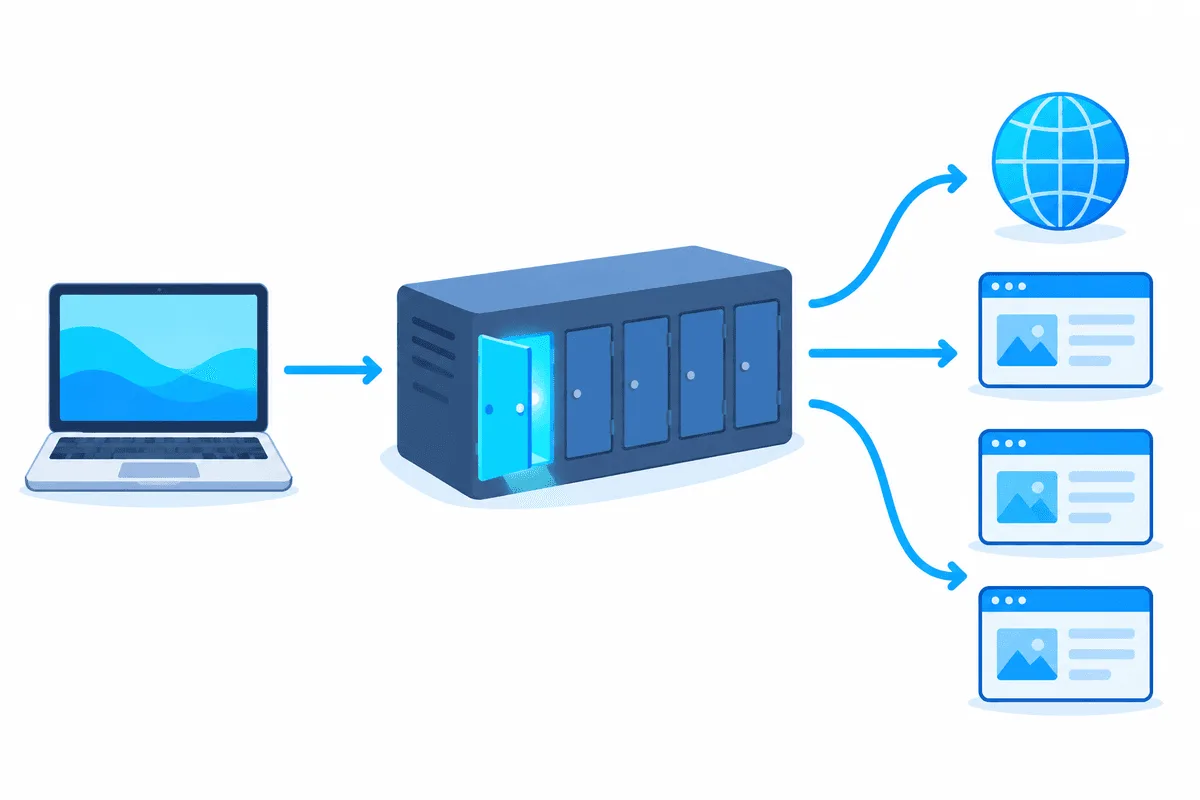
Commercial providers often use non-standard high ports, so always take the number from your dashboard rather than guessing. When a proxy connection fails, the port test from Step 2 quickly tells you whether the port is reachable at all before you start debugging logins. Then try a real request through it:
curl -x socks5h://user-7f3k:Pw55x@192.0.2.40:1080 https://api.ipify.orgIf you run your own proxy, make sure it listens only where needed and requires authorization: an open proxy on a public port will be found by scanners and abused within hours. The differences between protocols on those ports are explained in SOCKS5 vs HTTP proxies, and ready-made SOCKS5 proxies save you from exposing a server of your own.
How to Close a Port You Don't Need
- Find the program from Step 1 and stop or uninstall it; a port with no listener is closed by definition.
- If the service is needed locally, bind it to
127.0.0.1in its configuration. - Add a firewall rule that blocks inbound traffic on that port, or allows it only from trusted addresses.
- Remove unused port-forwarding rules on the router.
- Re-run the checks from Steps 2–4 to confirm.
A filtering layer in front of services adds another barrier; our article on the proxy firewall shows how application-level filtering works. Teams that run regular audits of their own perimeter can read about proxies in cybersecurity tasks.
Open Ports FAQ
How do I check if a port is open on Windows?
Run netstat -ano | findstr LISTENING to see local listeners, or Test-NetConnection with the host and -Port parameter in PowerShell to test whether a specific port is reachable.
Is port scanning legal?
Scanning your own systems or ones you have written permission to test is legal. Scanning other people's networks without consent may violate computer misuse laws and the terms of your provider, so get permission first.
Why is my port open locally but closed online?
The router does not forward the port, your provider uses carrier-grade NAT, or a firewall blocks inbound traffic. Check each layer from the computer outwards.
What does filtered mean in nmap?
Nmap received no response, usually because a firewall drops the packets. It cannot tell whether a service is running behind that filter.
Which port does a proxy use?
There is no single port. SOCKS often uses 1080 and HTTP proxies often use 3128 or 8080, but providers assign their own, so take the number from your proxy dashboard.