Proxy Hostname: What It Is, How It Works, and When It Is Used

A proxy hostname is the textual address of a proxy server that is used instead of a numeric IP address. In essence, it is a human-friendly designation for a server: it is easier to read, remember, and enter in the settings of applications, browsers, and network connections. In practice, the hostname and the IP address refer to the same connection point, but they serve different roles: the IP is needed by the system for network communication, while the hostname is used by the user and the administrator for convenient configuration.
How a Hostname Differs from an IP Address
An IP address is a numeric identifier of a device or server on a network. A hostname is a symbolic designation that is then translated into an IP through DNS. The user enters the hostname in the settings, and the system then determines which IP address the connection should be directed to.

The difference between them comes down to several practical points:
- Format: an IP address consists of numbers, while a hostname consists of words and domain elements.
- Convenience: a hostname is easier to remember and verify during configuration.
- Flexibility: if the IP changes, the provider can update the DNS record, and the client configuration will remain unchanged.
- Purpose: the actual connection is made via the IP, while the hostname serves as a way to refer to the server.
This is especially important in infrastructures where server addresses may change, while configuration stability for the user must be preserved.
Residential Proxies for Your Needs
Real IP addresses from the locations you need.
How a Proxy Hostname Works
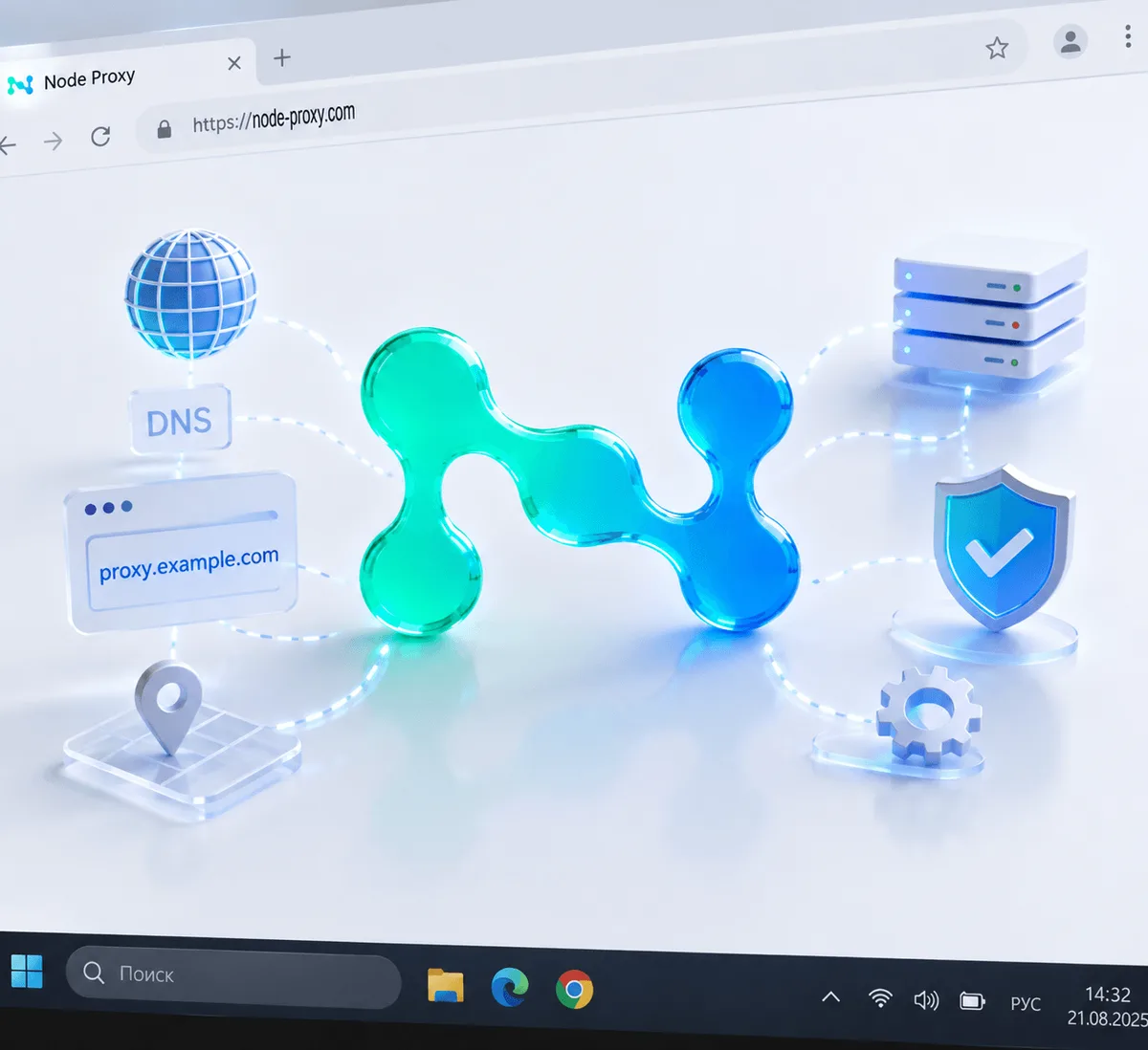
When a proxy hostname is specified in the settings, the device first performs DNS resolution—it requests which IP address corresponds to that name. After that, the connection is established with the resolved IP, and traffic begins to pass through the proxy server.
From a technical point of view, a hostname is not an alternative to a network address, but a convenient layer on top of it. The user works with an understandable domain name, while the system automatically performs the rest of the process. As a result, configuration becomes simpler, and infrastructure maintenance becomes more flexible.
What a Proxy Address Consists Of
To connect to a proxy, two parts are usually required:
- a hostname or IP address;
- a port.
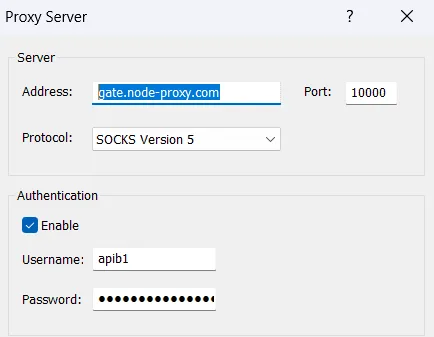
The hostname indicates which server should be contacted, while the port defines the specific entry point on that server. For example, in the address us.exampleproxy.net:8080, the first part is the hostname, and 8080 is the port number.
The port should not be treated as a secondary detail. Even if the hostname is specified correctly, the connection will not work if the wrong port is selected.
With Node Proxy, the hostname, port, and credentials for residential proxies are shown in the client panel.
Which Protocols May Be Used
A proxy hostname does not exist on its own: it is used together with a specific type of proxy connection. Different protocols are used depending on the task.
- HTTP and HTTPS are typically used for web traffic and browser activity.
- SOCKS5 operates at a lower level and is suitable for a wider range of network traffic, which is why SOCKS5 proxies are used in apps beyond the browser. Compare the two protocols in SOCKS5 vs HTTP proxies.
- FTP is encountered in file transfer scenarios.
The choice of protocol affects compatibility, connection behavior, and usage scenarios. Therefore, when configuring a proxy, it is important to consider not only the address and port, but also the type of proxy supported by the required application or operating system.
Why Hostnames Are More Convenient in Operation
The main advantage of a hostname is configuration stability. If a server is moved, updated, or changes its IP address, the provider only needs to modify the DNS record. For the user, the connection address can remain the same.
This provides several practical benefits at once:
- it reduces the number of errors during manual entry;
- it simplifies the maintenance of settings across different devices;
- it reduces the need for reconfiguration when changes occur on the provider’s side;
- it makes centralized infrastructure management easier.
That is why, in modern proxy services, the hostname often serves as the primary connection method.
Where Hostnames Are Especially Useful
Using a hostname is justified not only for convenience. In many cases, it becomes part of more complex routing logic.
For example, a provider may use the hostname structure to define:
- the required connection region;
- a specific server pool;
- a persistent session;
- automatic address rotation.
This makes it possible to manage connection parameters without manually changing IP addresses in the client configuration. As a result, the same mechanism is used both for basic setup and for more precise control over traffic routing.
Types of Proxy Hostnames
Hostnames differ not only in form, but also in the type of infrastructure to which they are tied.
Public Proxies
Such hostnames point to openly accessible servers. Their main advantage is availability, but in practice they often fall short in stability and performance. In addition, when working with public infrastructure, it is more difficult to control connection quality and route predictability. See our article on the public proxy server and its limits.
Private Proxies
Private hostnames are tied to dedicated resources for a single user or organization. This approach provides more stable performance, less competition for resources, and a more controlled operating environment. Read more about when dedicated proxies are really needed.
Rotating Proxies
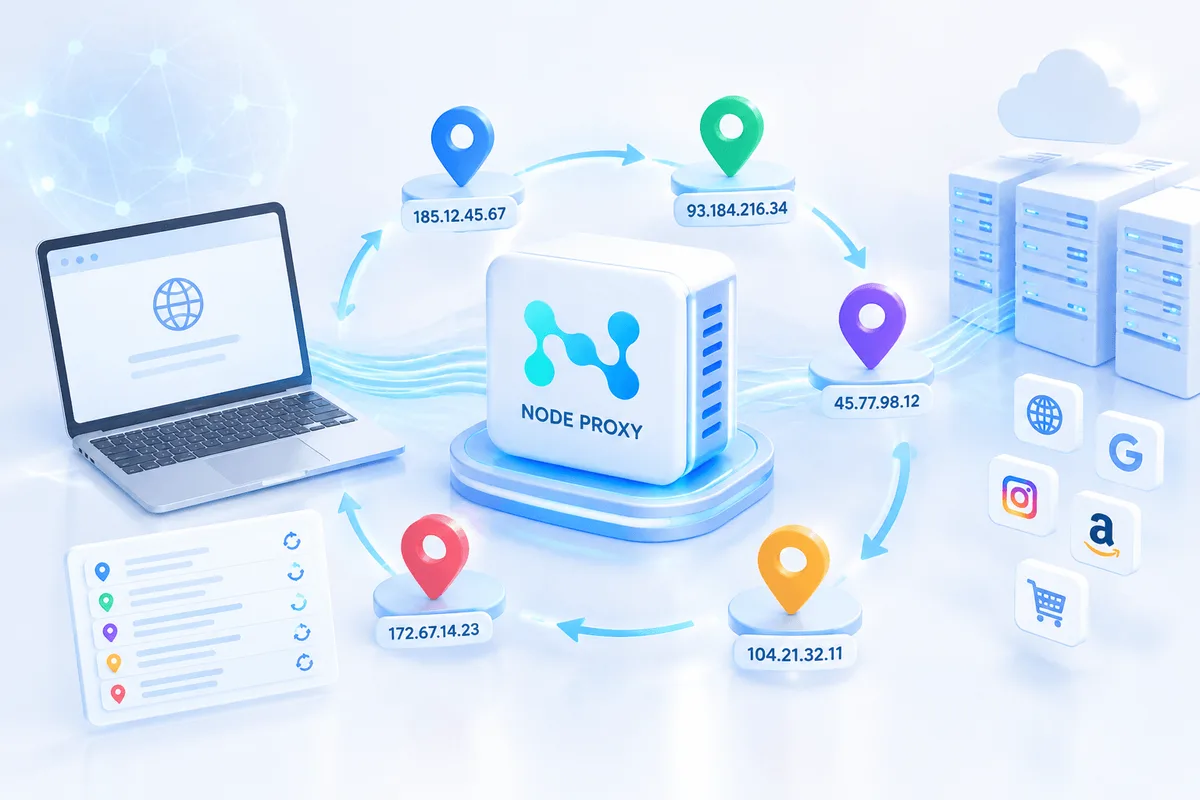
In this model, a hostname may resolve not to a single IP, but to an entire pool of addresses. On repeated connections, the system may automatically provide different IPs. This is how rotating proxies work, and it is convenient in cases where load distribution, request scaling, or work with geographically distributed exit points is required.
Reverse Proxy Hostname
Reverse proxy infrastructure should be highlighted separately. In this case, the proxy is located not on the client side, but in front of the destination server. User traffic first reaches the reverse proxy and is only then forwarded to the internal server.
A reverse proxy hostname is the address through which external users access such an intermediate point. This scheme is used where it is necessary to distribute load among multiple servers, cache content, or isolate internal infrastructure from direct external access.
How to Find a Proxy Hostname
Usually, the proxy hostname is provided by the provider itself together with the other connection parameters: the port, the proxy type, and, if necessary, credentials. This is the main and most reliable source.
If it is necessary to verify which address corresponds to the server, standard network tools may be used, including diagnostic commands in the terminal. However, in real-world configuration, the data provided by the service is most often sufficient. To make sure the proxy actually works, run it through the free proxy checker: it shows whether the proxy is alive, its exit IP and its location.
How to Set a Proxy Hostname on Devices and Wi-Fi
On most platforms, the logic is the same: manual proxy configuration is selected in the network settings, after which the hostname and port are entered. Instead of manual entry, the system can also get proxy settings automatically from a proxy script address (PAC file).
- On Windows, the settings are usually located in the network and proxy section.
- On Android, the proxy is configured in the properties of the active Wi-Fi network. We explain this setup in detail in our guide to Wi-Fi proxies.
- On iPhone and iPad, the required fields are available in the Wi-Fi settings for the specific connection.
- On macOS, the proxy is configured in the network settings of the selected interface.
The differences between systems concern only the location of the menu items. The configuration scheme itself is the same everywhere: select the proxy type, specify the hostname, enter the port, and save the settings. Apps with their own proxy settings follow the same scheme, for example when you set up a proxy in Telegram.
Common Configuration Errors
Connection problems are most often related not to the complexity of the technology, but to basic configuration mistakes.
Incorrect Hostname
Even one extra letter or one missing character will cause the system to fail to locate the required server. Errors of this type are especially common during manual entry.
Incorrect Port
If the port does not match the server settings or the type of connection being used, requests will not be able to reach the correct processing point.
DNS Resolution Failure
Sometimes the hostname is entered correctly, but the system cannot translate it into an IP address because of network problems or DNS errors. In such a situation, the connection is not established, even though the proxy parameters themselves may be correct.
Practical Configuration Recommendations
To reduce the number of errors and simplify further operation, it is worth following several rules:
- carefully verify the hostname and port number before saving;
- use only the parameters provided by the provider;
- keep the configuration up to date if the service changes addresses or the connection structure;
- store credentials separately and do not lose them if the proxy requires authorization;
- choose the proxy type and server region according to the specific task.
These measures are not complicated, but they are often what determines whether the connection will work reliably.
Advantages and Limitations of Using a Hostname
A hostname has several obvious advantages: it is more convenient for people, reduces the risk of errors, and allows the provider to change the internal network configuration without requiring user intervention. In addition, additional connection management mechanisms can be implemented through the hostname—for example, region selection or request distribution.
There are limitations as well. First, connection through a hostname depends on DNS functioning correctly. Second, before a connection is established, an additional step of resolving the name into an IP address is performed, which adds a small amount of overhead latency. It is usually minimal, but technically this step is present.
Proxy Hostname FAQ
What is a proxy hostname?
A proxy hostname is the text address of a proxy server, such as a domain name, that is used instead of a numeric IP address. Your device resolves it through DNS and then connects to the server.
What is the proxy hostname for Wi-Fi?
It is the address of the proxy server that you enter in the manual proxy settings of a Wi-Fi network, together with the port. If you do not use a proxy, leave the field empty, and if you do, take the hostname from your proxy provider.
Can I use an IP address instead of a proxy hostname?
Yes. Most apps accept either a hostname or an IP address in the proxy server field. A hostname is more convenient because the provider can change the server IP without you having to update the settings.
Why does the proxy not connect even with the correct hostname?
The most common causes are a wrong port, a mismatched proxy type, missing credentials, or a DNS resolution failure on your network.
Conclusion
A proxy hostname is a convenient address for a proxy server that conceals the numeric IP and simplifies connection configuration. It makes the configuration more understandable for the user while at the same time giving the provider the ability to manage the server side flexibly without constant changes on the client side.