How to Manage Multiple TikTok Accounts: Rules, Tools and When Proxies Help

Yes, a single person may legitimately keep several TikTok accounts, and the app itself has a switcher for it, reachable through the name at the top of your own profile. Two or three accounts belonging to one creator or one small shop need nothing beyond that menu. Separate browser profiles and proxies only start to matter once a team juggles a larger set of accounts for various clients or markets, where every account should keep a consistent home location over time.
This guide covers what TikTok's rules say about running several accounts, the built-in and business tools for handling them, a setup that works for brands and agencies, and the narrow role proxies play in it. It does not cover creating fake accounts, buying followers or getting around a suspension: those break TikTok's rules and lead to bans regardless of the setup.
Static proxies for account work
Static ISP and IPv4 proxies that keep one fixed address per account
What TikTok's Rules Say About Several Accounts
Having more than one account is not against the rules by itself. Creators often keep a main channel and a niche one, companies run separate regional accounts, and agencies operate pages on behalf of clients. What TikTok's Community Guidelines and Terms of Service target is behavior, not the number of accounts. As of October 2026 the main red lines are:
- Getting around enforcement. Opening a new account to continue after a ban or restriction is treated as a violation, and linked accounts may be removed as well.
- Deceptive identity. Impersonating people or brands, or presenting an account as something it is not.
- Fake engagement and coordinated activity. Networks of accounts that like, follow or comment on each other to inflate reach, or accounts that buy or sell engagement.
- Trading accounts. Selling or buying accounts is not allowed.
- Spam. Mass identical comments, messages or follows, whether done manually or with automation.
TikTok does not publish a hard limit on how many accounts one phone can hold in the switcher; reports differ by app version and region. Treat a handful per device as normal and plan a different structure if you need more.
Option 1: The Built-In Account Switcher
A creator or shop owner with a couple of accounts can stay inside the mobile app:
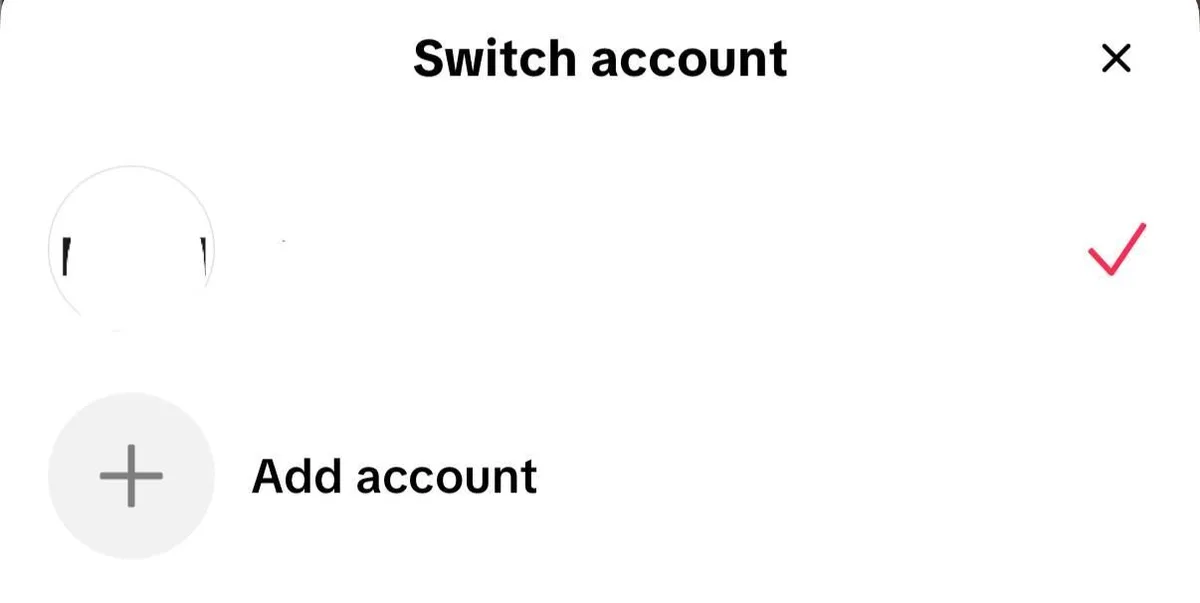
- Go to the Profile tab and press the account name shown at the top of the screen.
- Pick Add account in the list that slides up, and either sign in to an account you already have or register another one tied to a separate mailbox or phone number.
- Later, jump from one account to another through that very list; no logging out is required.
Give every account a distinct mailbox, a long password used nowhere else, and 2-step verification, which lives under Settings and privacy → Security. Sharing one handset and one home connection is perfectly normal when the same real person owns all of them.
Option 2: TikTok Business Center and Desktop Tools
Brands and agencies should not pass passwords around. TikTok's own tools are built for that:
- Business Center lets an organization link TikTok accounts and ad accounts, then add members with roles. Colleagues get access through their own logins, and access can be revoked without changing the account password.
- TikTok Studio on the web lets you upload, schedule and analyze posts from a computer.
- Social media management platforms that connect through TikTok's official API let a team publish and reply across several accounts without sharing credentials at all.
These tools remove the most common reason teams run into security checks: several people signing into one account from different cities on different devices.
Option 3: Separate Environments for Large Teams
When one team runs ten, twenty or more accounts, especially for different countries, two practical problems appear. First, every login from a new device or a far-away location can trigger a security check or a verification code that the owner has to approve. Second, accounts aimed at Germany or Brazil but always opened from an office in another country look and behave less like local accounts: language, recommendations and some local features follow your location.
The usual answer is a fixed environment per account:
- A dedicated device or cloud phone for accounts that are mainly run in the app.
- An isolated profile in a multi-profile (antidetect) browser whenever the account is run from a desktop through TikTok Studio, so cookies and device characteristics never mix with neighbouring accounts. How that isolation works is described in our multi-accounting guide.
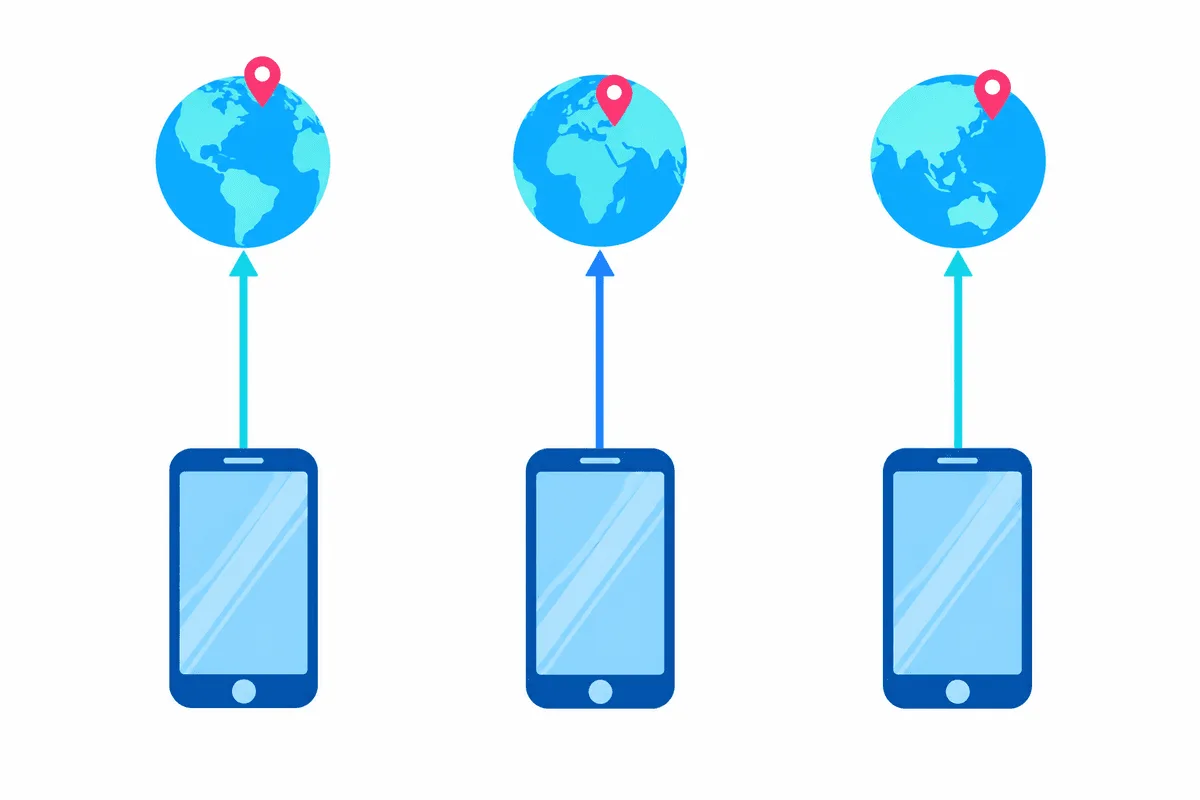
- One stable IP address per account, located in the account's market.
Where Proxies Fit In
A proxy gives an environment its own network address. For TikTok account work, the rules are simple:
- Stable, not rotating. An account that appears from a new IP every few minutes looks compromised. Use one fixed address per account, such as a static ISP proxy, and keep it for months.
- In the right country. The IP, the device language and the time zone should all point to the account's market.
- Not shared. Several unrelated accounts on one address weakens the separation you set up with profiles and devices.
- Clean quality over price. Cheap shared lists often carry a bad history from previous users.
Proxies do not make fake accounts acceptable, and they do not protect accounts that spam. They only keep a legitimate account's location consistent. Our article on proxies for TikTok compares the types in more depth, and the TikTok proxies page lists the available locations.
To add a proxy to a browser profile, follow the guide for your tool in our collection of antidetect browser proxy setups. On a phone, a proxy app in the VPN slot routes the TikTok app through the proxy.
Setup for a Brand or Agency: Step by Step
Step 1. Make an inventory
List every account, its owner (the company or the client), the market it serves, the email and phone number it is registered to and who needs access. Accounts registered to an employee's personal email are a risk when that person leaves.
Step 2. Switch to business accounts and connect them to Business Center
Convert brand accounts to business accounts, link them to Business Center and invite colleagues with the narrowest role that covers their work.
Step 3. Assign one environment per account
Decide whether each account lives on a device, a cloud phone or a browser profile, give it one stable proxy in its market if the team works from elsewhere, and never mix accounts inside one environment.
Step 4. Secure every account
Turn on two-step verification, store recovery codes in a shared password manager, and log out of devices that are no longer used.
Step 5. Plan original content per account
Reposting the same video on several accounts reduces reach, because TikTok favors original content. Adapt language, captions and formats to each audience.
Step 6. Watch the signals
Check analytics weekly. A sudden fall in views on one account deserves a look at recent notices; our guide to the TikTok shadowban explains how to check and recover.

What Gets Multiple Accounts Restricted
| Behavior | Why it is a problem | What to do instead |
|---|---|---|
| Accounts following, liking and commenting on each other | Looks like coordinated fake engagement | Grow each account with its own content |
| Bulk follows or comments from automation | Spam signals | Post manually or through official tools |
| Logins from many countries in one day | Looks like account takeover | Fixed device and IP per account |
| One rotating proxy pool for all accounts | Constant IP changes, shared history | One static address per account |
| Creating a new account after a ban | Violates the rules on evading enforcement | Appeal the decision in the app |
| Identical videos across accounts | Unoriginal content gets less reach | Adapt content per market |
Multiple TikTok accounts FAQ
How many TikTok accounts can I have?
There is no officially stated cap per user. In practice the in-app list fits a few accounts on one phone, and every account must be registered to a different mailbox or number.
Can I have two TikTok accounts on one phone?
Certainly. Press the account name on your profile, choose Add account, and from then on swap between the two in that list. Protect both with separate credentials and 2-step verification.
Do I need a proxy for multiple TikTok accounts?
A solo owner with two or three accounts can skip it. Proxies become useful for teams operating many accounts aimed at different countries, where each account should always appear from one fixed address in its own market.
Will TikTok ban me for having multiple accounts?
Owning several accounts is not what triggers enforcement. Penalties follow behaviour such as artificial engagement, spam, pretending to be someone else, or registering a fresh account to continue after a suspension.
How can several people manage one TikTok account safely?
Connect the account to Business Center and give colleagues roles there, or use a management platform that works through the official TikTok integration. Either way, nobody has to know the password.