Multi-Accounting: Managing Multiple Accounts with Browser Profiles

What Is Multi-Accounting?
Multi-accounting is the simultaneous use of several accounts on one platform or in one online service. The key feature here is not the mere existence of several accounts, but their parallel operation: a user or team can log in to different accounts, perform tasks in each of them, and separate workflows.
In a regular browser, this setup quickly runs into limitations. For example, Chrome or Firefox allow one main session to remain active on a website. You can open an incognito window or create a separate browser profile, but these options are inconvenient for regular work. Incognito does not save data after the window is closed, while manually creating many profiles requires extra steps and does not scale well.
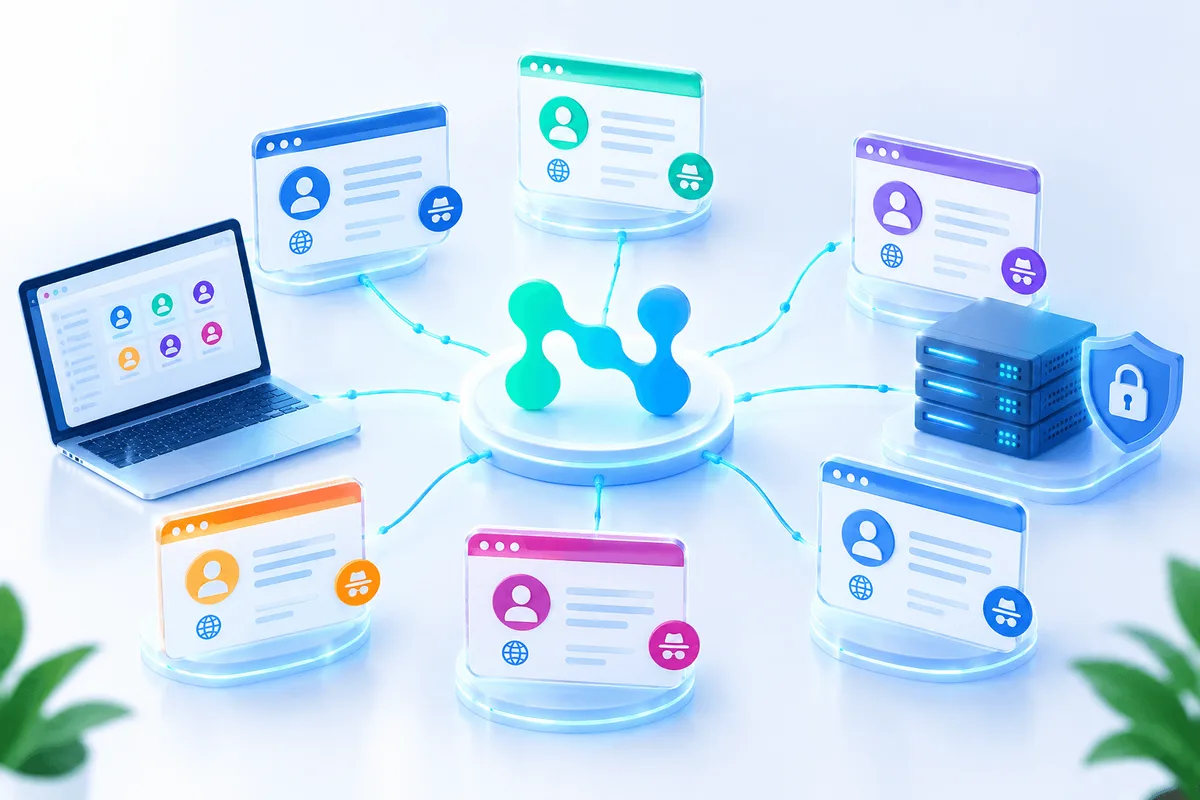
That is why multi-account or anti-detect browsers are used for systematic work with several accounts. They allow users to create separate browser profiles, each of which stores its own cookies, session parameters, environment settings, and digital fingerprint.
A Dedicated IP for Every Account
Residential proxies help separate connections between accounts.
Where Multi-Accounting Is Used
Multi-accounting is used in different work scenarios where it is important to separate roles, projects, clients, or areas of activity. For large-scale account work, see our page on proxies for account farming.
In marketing, several accounts may be needed to manage advertising accounts, test hypotheses, work with different brands or regions. An agency that manages clients from several countries can separate accounts by projects, languages, markets, and advertising tasks.
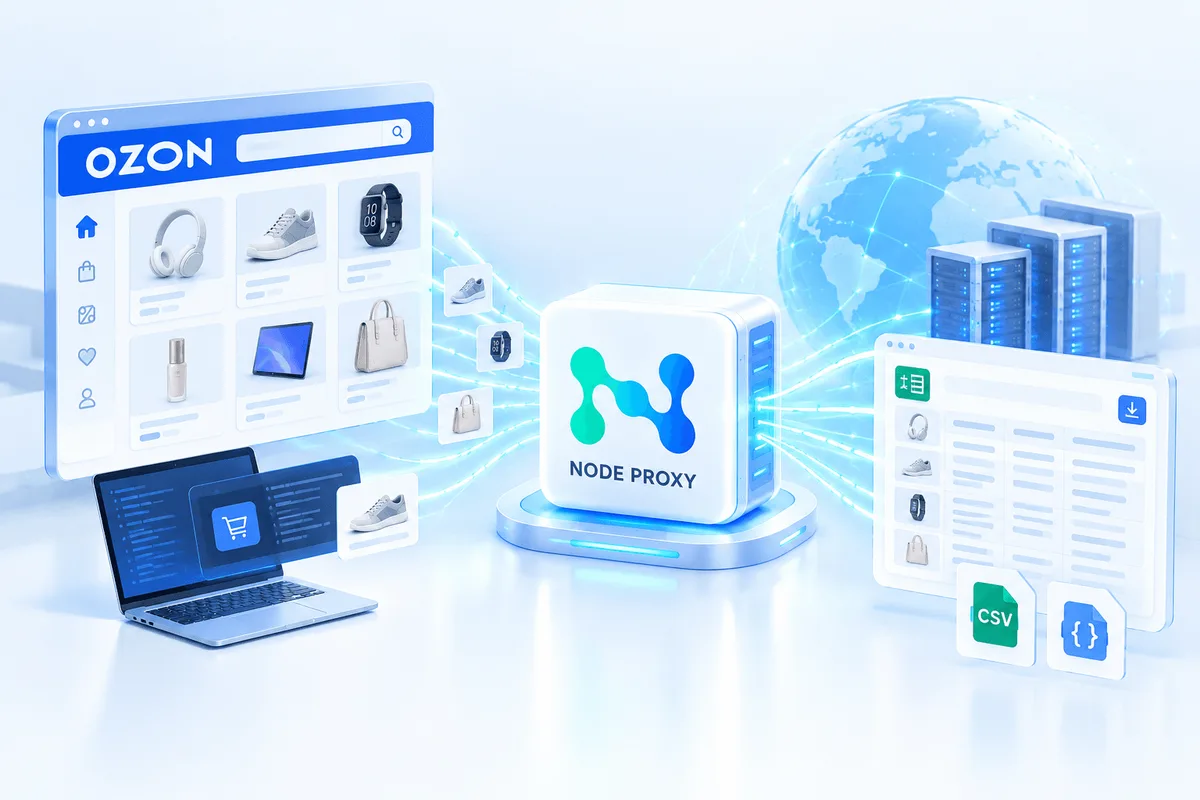
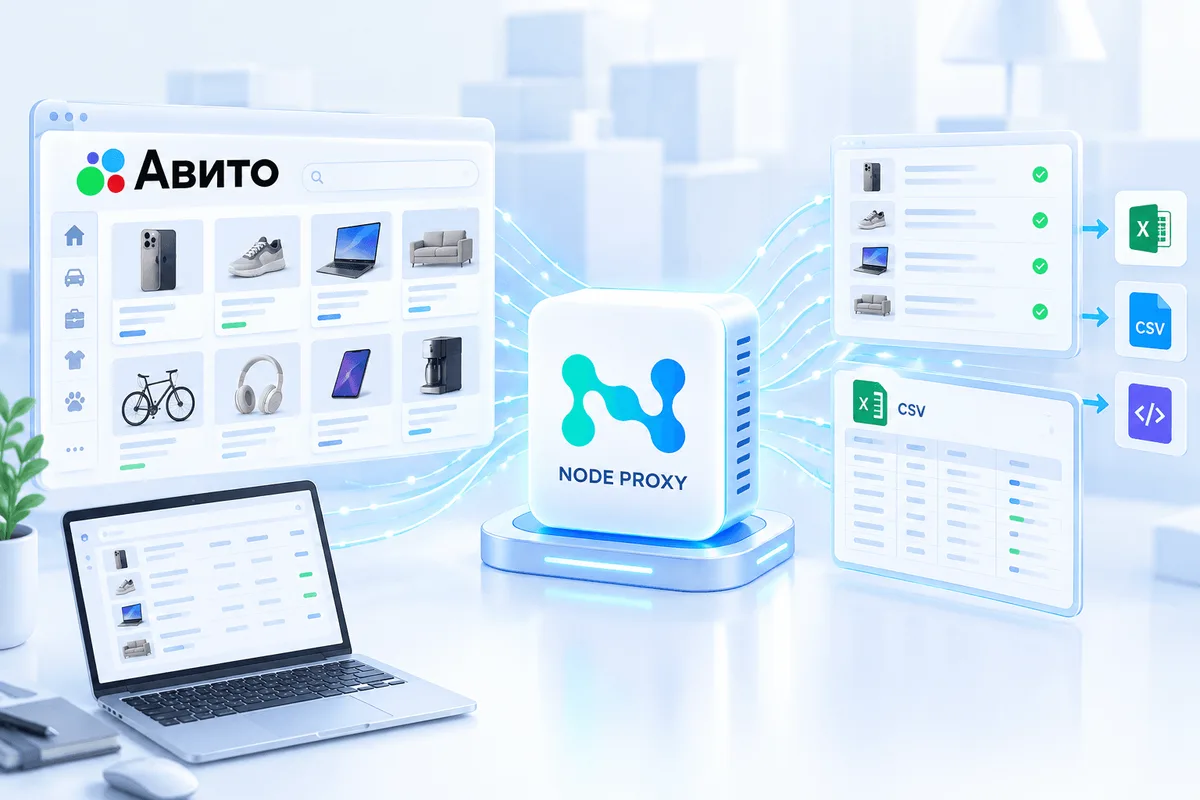
In e-commerce, separate accounts help structure work with different stores, product categories, or platforms. For example, a company can separately manage an account for its own website, a marketplace, and external sales channels.
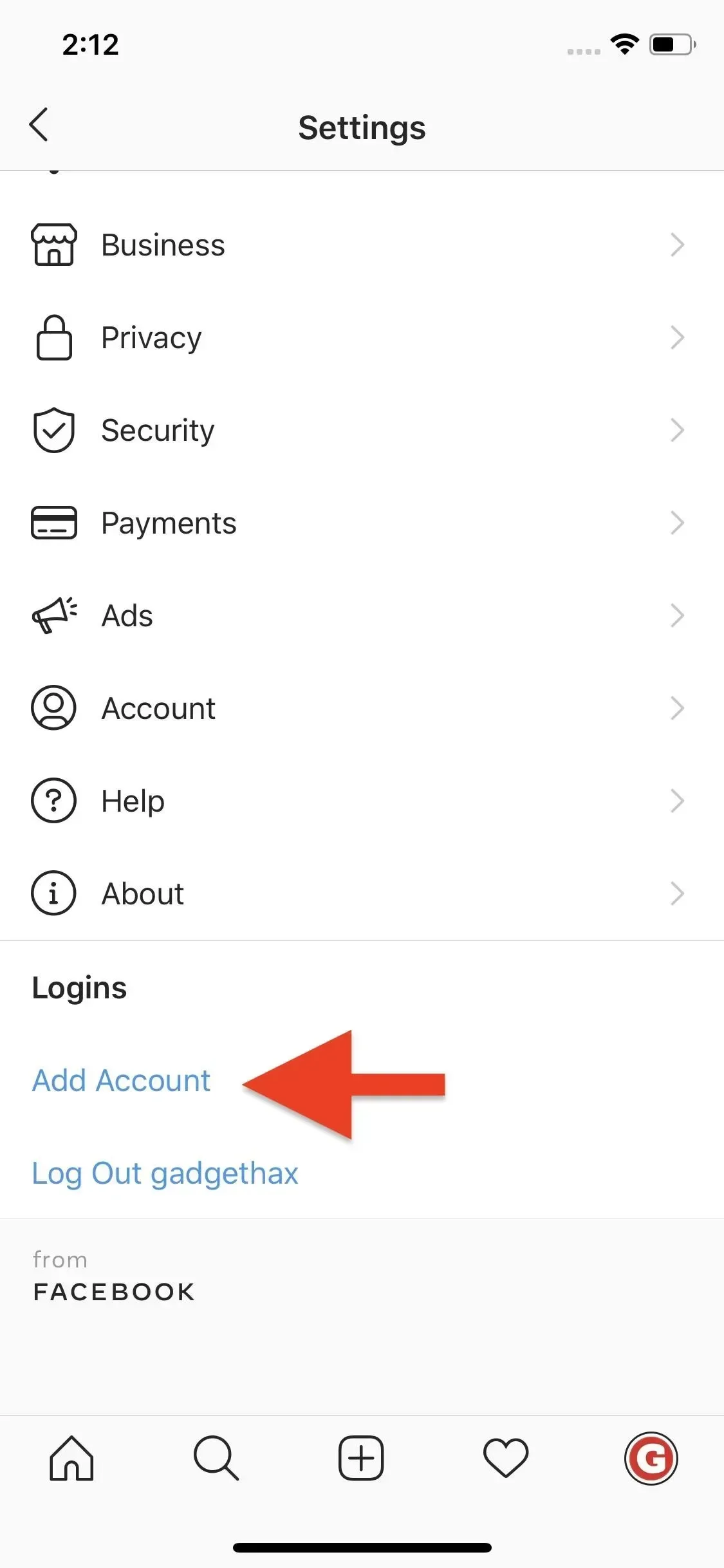
In SMM and content projects, multi-accounting is used to separate personal, corporate, client, and thematic profiles. This reduces the risk of data mixing, simplifies access, and makes team work more organized. For social media teams, we explained how to safely manage multiple social media accounts for business.
We covered using proxies in SMM and how to organize account management and automate workflows in more detail in one of our previous articles.
In research and testing, several accounts may be used to check interfaces, user scenarios, regional settings, advertising accounts, or the specifics of content output under different conditions.
In all these cases, it is important to take into account the rules of a specific platform. Some services allow several accounts when there is transparent business logic, while others restrict this practice or require additional verification.
How Websites Link Accounts to Each Other
Platforms analyze not only a login and password. During each visit, a website receives technical data about the browser, device, and connection. Based on these parameters, a digital fingerprint is formed.
It may include:
- screen resolution;
- operating system;
- browser version;
- installed fonts;
- time zone;
- graphics card parameters;
- specifics of graphics and audio processing;
- cookie data;
- IP address;
- system language;
- device characteristics.
Individually, these parameters may look ordinary. But in combination, they form a fairly stable profile of the device and browser. If several accounts constantly work with the same set of technical characteristics, the platform may link them to each other.
In addition, services may take behavioral factors into account: login frequency, repeated actions, identical payment details, matching contact information, similar usage scenarios, and other indicators. The exact algorithms of anti-fraud systems are not disclosed, but the general principle remains clear: the more matches there are between accounts, the higher the probability that they will be combined into one risk group.
Why Anti-Detect Browsers Are Needed
An anti-detect browser is a tool for creating isolated browser profiles. Each profile works as a separate environment: with its own cookies, cache, browser parameters, fingerprint settings, and connection.
This approach is convenient when several work accounts need to be separated and their data must not be mixed. One profile can be used for a client account, a second for an internal project, and a third for a test account. At the same time, authorization data, session history, and technical parameters do not overlap.
In effect, an anti-detect browser replaces a set of separate devices, but is managed from one computer. This simplifies work, reduces the number of manual actions, and helps maintain order in accounts.
The Role of Proxies in Multi-Accounting
A proxy is an intermediary server between the browser and the website. When a profile works through a proxy, the website sees the IP address of that proxy server rather than the original connection address.
In combination with an anti-detect browser, a proxy helps separate the network parameters of different profiles. The anti-detect browser is responsible for isolating the browser environment and digital fingerprint, while the proxy is responsible for the network part of the connection.
Their functions differ:
- an anti-detect browser separates profiles, cookies, sessions, and device parameters;
- a proxy separates IP addresses and network routes;
- together, they allow a more accurate and manageable working environment to be created for several accounts.
For example, one profile can be configured to work with an advertising project account, a second with another client’s account, and a third with a test account. Separate parameters and a separate proxy, such as residential proxies, can be used for each profile so that technical data is not mixed between different tasks.
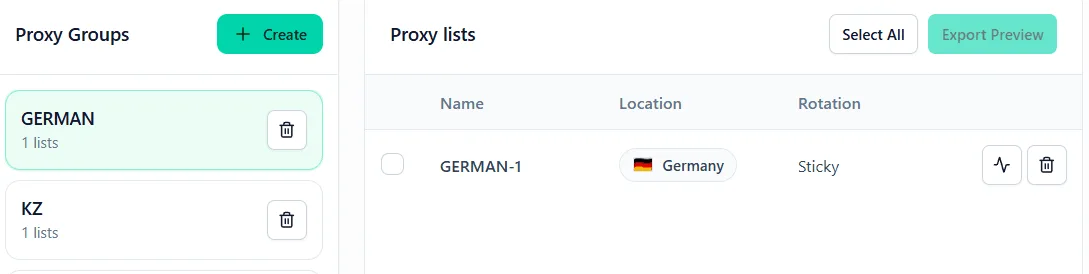
How Work With Several Accounts Is Usually Set Up
The basic multi-accounting setup is built around separate browser profiles. A dedicated environment is created for each account, where login data, cookies, settings, and session history are stored.
The process looks like this:
- First, an anti-detect browser is installed. After registration, the user gets access to a control panel where profiles can be created and configured.
- Then a separate profile is created for each account. It is better to use clear names right away: for example, by client, project, platform, or region. This reduces the risk of errors in daily work.
- After that, a proxy is connected to the profile. To do this, the data is taken from the Node Proxy panel and entered into the settings of the corresponding browser profile. If the connection is configured correctly, the profile can be launched and used to log in to the required account.
- Next, the user repeats this process for the remaining accounts: a separate profile, separate settings, a separate connection. This approach makes it possible not to keep all work sessions in one browser and not to mix data between projects.
Which Mistakes Most Often Lead to Problems
The main mistake is using several accounts in one browser environment. If all accounts are opened from one profile, with the same cookies, the same fingerprint, and one IP address, the platform can easily link them to each other.
The second common mistake is chaotic profile configuration. When names are unstructured, proxies are connected randomly, and account data is stored without a system, the risk of confusing projects or logging into the wrong account increases.
The third mistake is identical behavior across all accounts. Even if the technical environment is separated, overly repetitive actions may look suspicious to the platform. Therefore, workflows are better built naturally and consistently, without abrupt mass operations.
Another problem is the use of unverified proxies or unstable connections. If the IP changes frequently, the connection drops, or it does not match the profile settings, this may trigger additional checks by the service. Test proxies before use, for example with the free proxy checker. More typical errors are covered in our article on mistakes when using proxies with antidetect browsers.
What Is Important to Consider When Working
Multi-accounting requires careful organization. It is not enough to simply create several accounts: they must be separated technically, logically, and operationally.
For stable work, it is important to:
- create a separate browser profile for each account;
- not mix cookies and sessions between projects;
- use a clear profile naming system;
- connect proxies deliberately, not randomly;
- monitor connection stability;
- take into account the rules of the platforms on which work is conducted;
- not use identical contact and payment details where this may link accounts;
- manage accounts consistently, without abrupt mass actions.
This approach helps not only reduce technical risks, but also simplifies management. When each profile is responsible for a specific task, it is easier to control access, track statuses, and transfer work within a team.
Multi-Accounting FAQ
What is multi-accounting?
Multi-accounting is the simultaneous use of several accounts on one platform or online service. Each account is usually run in its own browser profile so that cookies, sessions, and technical data do not mix.
Is multi-accounting allowed?
It depends on the platform. Some services allow several accounts when there is a clear business reason, while others restrict this practice or require additional verification, so always check the rules first.
Why does each account need a separate proxy?
Websites see the IP address of every connection. If several accounts log in from the same IP, the platform can link them, so a separate proxy for each profile keeps their network parameters apart.
Can I manage multiple accounts without an anti-detect browser?
You can use incognito windows or regular browser profiles, but they are inconvenient for regular work. Incognito does not keep data after closing, and manually created profiles share the same device fingerprint.
Conclusion
Multi-accounting is not just the creation of several accounts, but the organization of separate working environments for each account. Websites analyze IP addresses, cookies, digital fingerprints, device parameters, and behavioral indicators, so working from one regular browser quickly becomes inconvenient and risky.
An anti-detect browser helps separate profiles and manage them from one panel. In combination with Node Proxy proxies, it becomes possible to separate the network parameters of the connection. Together, these tools make it possible to build a cleaner, more structured, and more controlled system for working with several accounts.
The main thing is to use multi-accounting within the rules of specific platforms, not mix working environments, and think through the profile structure in advance. Then several accounts become not a source of chaos, but a manageable tool for marketing, e-commerce, testing, research, and teamwork. You can compare plans for residential proxies on our pricing page. To set up proxies in a specific browser, use our guides for antidetect browsers.