Price Scraping and Price Monitoring With Proxies: Building the Pipeline

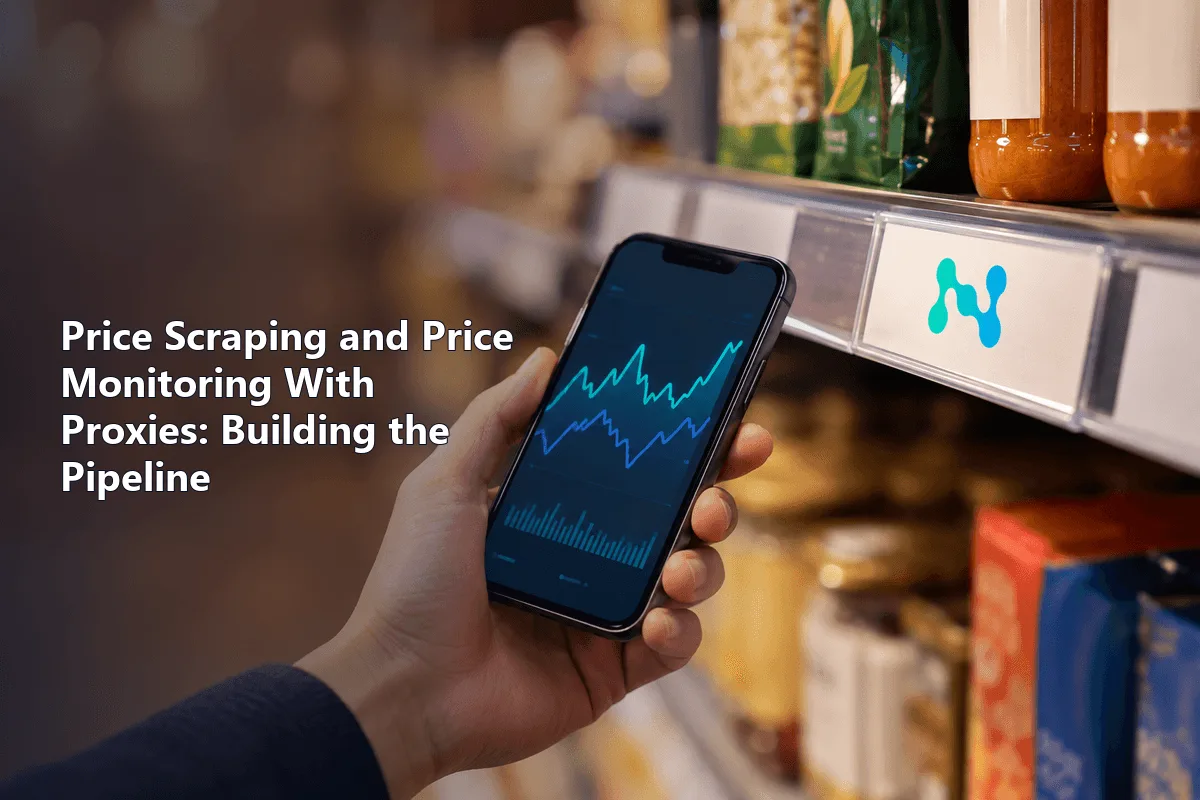
Price monitoring is a loop, not a script: decide which competitor products match yours, fetch their pages on a schedule, pull out the price and stock status, store every observation and alert someone when a number moves past a threshold. Proxies sit inside the fetching step. They let the loop run every day without blocks and show prices as shoppers in each target region actually see them.
Guides on this topic usually walk through one marketplace and one parser. Selectors for a single store go stale within months, so the useful knowledge is the architecture around them. Below is a store-agnostic pipeline: matching products across sites, picking a crawl schedule, extracting prices from structured data first, handling regional prices, designing alerts that people do not mute, and choosing a proxy type for each kind of target.
Rotating proxies
Rotating residential proxies with city-level geo for competitor price monitoring
The Pipeline at a Glance
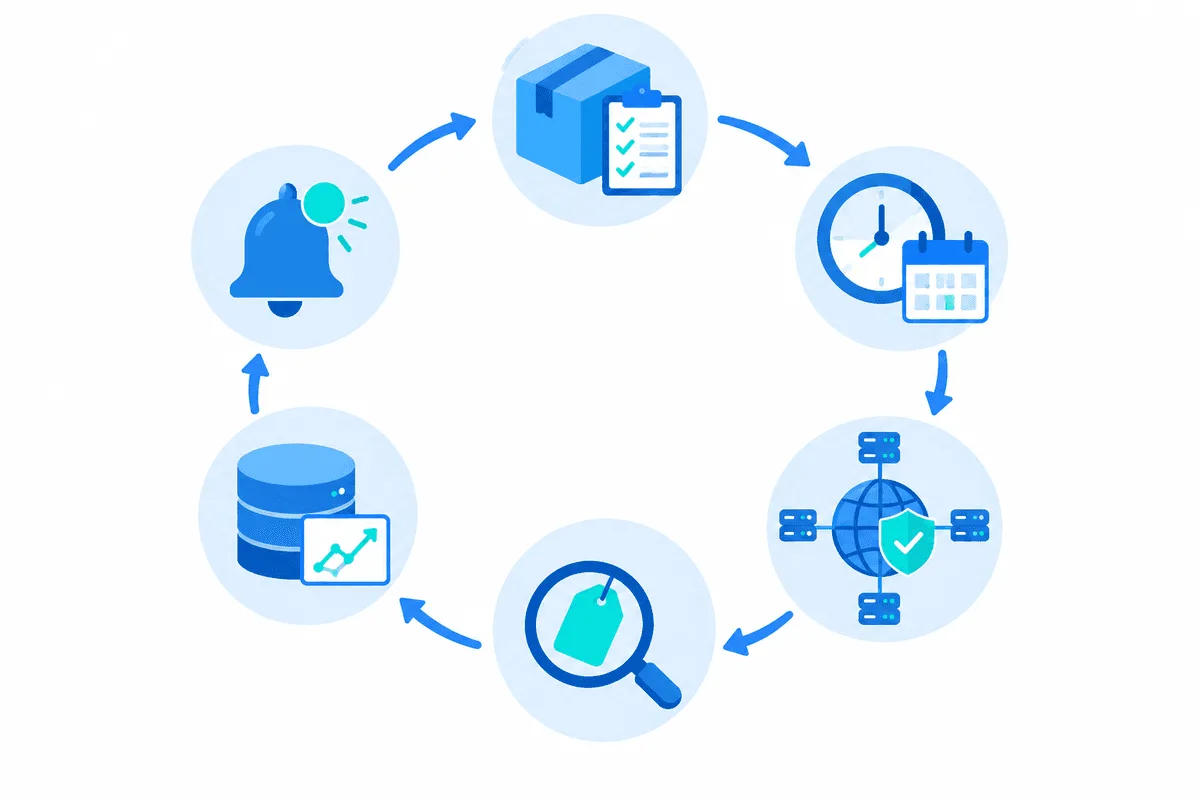
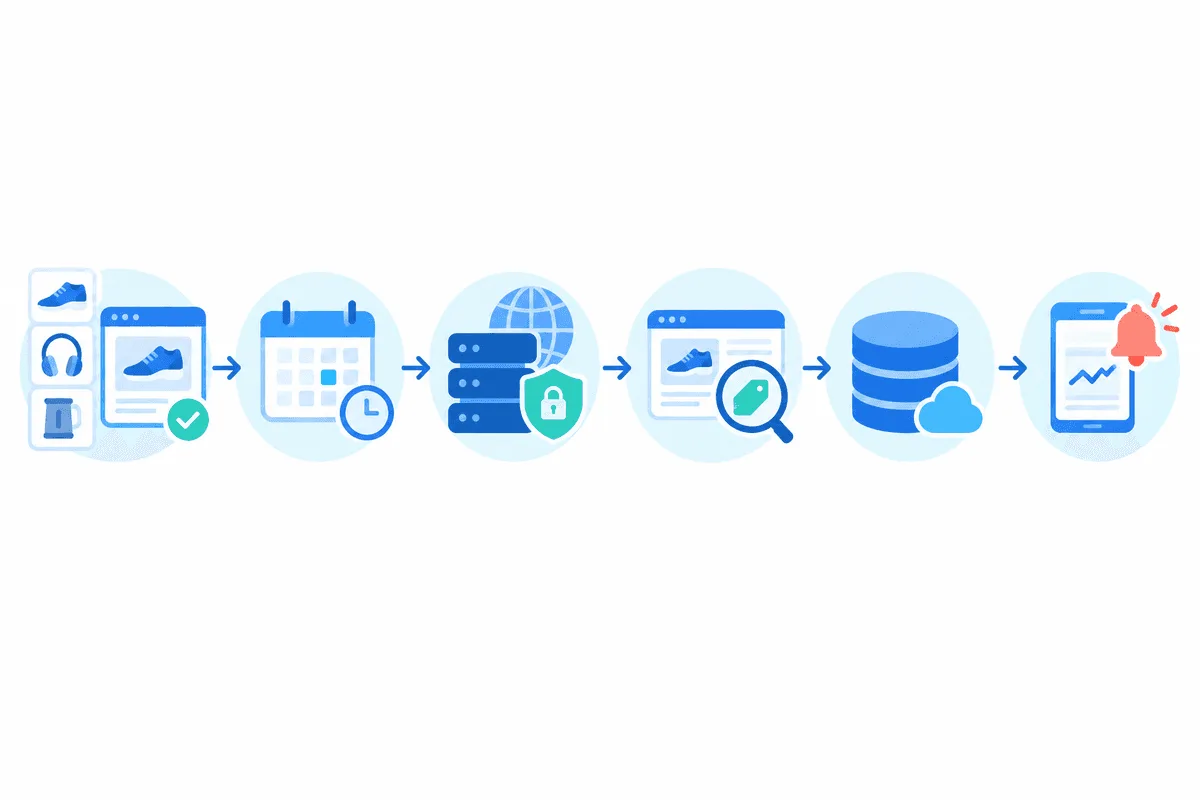
- Catalog and matching. A list of your SKUs and, for each one, the URLs of equivalent competitor products.
- Scheduler. Decides how often each URL is visited.
- Collector. Downloads pages or API responses through a proxy pool.
- Extractor and normalizer. Turns markup into a clean record: price, currency, stock, seller, timestamp.
- Storage and alerts. Keeps the full history, compares each new value with the previous one and notifies the right person.
Each stage fails in its own way, so build them as separate pieces with their own logs. When alerts go silent, you want to know at a glance whether the scheduler stopped, the proxy pool ran dry or a selector broke.
Step 1. Product Matching
Monitoring is only as good as its matches. Comparing your 500 ml bottle with a competitor's 1 l pack makes every report wrong.
- Identifiers first. GTIN, EAN, UPC or a manufacturer part number (MPN) give exact matches. Many stores expose them in schema.org markup or in the product specification table.
- Attributes next. Brand plus model plus key specs (volume, size, color) cover products without codes. Normalize units before comparing: grams, milliliters, item counts.
- Fuzzy titles last. Token-based similarity or text embeddings shortlist candidates, but a person should confirm low-confidence matches once; the confirmed pair then stays in the catalog.
Store matches as a table of your_sku, competitor, url, match_type and confidence. Re-verify matches occasionally: marketplaces reuse listing URLs for different products more often than you would expect.
Step 2. Scheduling: How Often to Check
Frequency should follow volatility, not a single global cron. A practical split:
| Product group | Typical interval | Reason |
|---|---|---|
| Top sellers on marketplaces | Every 1 to 4 hours | Algorithmic repricing changes them several times a day |
| Regular catalog | Once a day | Enough for weekly pricing decisions |
| Long tail | Two or three times a week | Rare changes, saves traffic |
| Promotion periods | Hourly for the duration | Discounts start and end at odd times |
Spread requests across the interval instead of firing them all at midnight; bursts look robotic and overload your own workers. Adaptive scheduling works well: if a product's price has not changed for two weeks, halve its frequency; if it changed twice today, double it.
Step 3. Collecting Pages Through Proxies
Price pages are among the most protected on the web, because competitors are exactly who stores want to keep out. A collector that hits one domain thousands of times a day from one address will see HTTP 403 and 429, CAPTCHA pages or, worse, quietly altered prices. That last case is why every record needs validation later.
Rules that keep collection healthy:
- one IP should not request the same domain more than a few times a minute;
- retries go out through a different IP with exponential backoff;
- headers, language and timezone should match the country of the exit IP;
- cookies stay with one session when a store ties the price to a selected city or delivery address.
Our rotating proxies give a new address per request or per time window, which suits catalogs with thousands of URLs. Our guide on how to reduce the risk of being blocked covers pacing and headers in more depth.
Step 4. Extracting and Normalizing Prices
Try sources in order of stability:
- Structured data. Many stores embed schema.org
ProductandOfferobjects as JSON-LD for search engines:price,priceCurrency,availability, sometimesgtin13. This survives redesigns. - Embedded state or internal APIs. Modern storefronts load prices from a JSON endpoint you can spot in the browser's Network tab.
- HTML selectors. The fallback; prefer stable attributes such as
data-testidover generated class names.
# offer_reader.py: price and stock from schema.org JSON-LD, with a sanity check
import json
from decimal import Decimal
from bs4 import BeautifulSoup

def read_offer(html: str) -> dict | None:
    soup = BeautifulSoup(html, "html.parser")
    for tag in soup.select('script[type="application/ld+json"]'):
        try:
            blob = json.loads(tag.string or "")
        except json.JSONDecodeError:
            continue
        nodes = blob if isinstance(blob, list) else blob.get("@graph", [blob])
        for node in nodes:
            if node.get("@type") != "Product":
                continue
            offer = node.get("offers") or {}
            offer = offer[0] if isinstance(offer, list) else offer
            amount = offer.get("price") or offer.get("lowPrice")
            if amount is None:
                continue
            return {"price": Decimal(str(amount)), "currency": offer.get("priceCurrency"),
                    "in_stock": "InStock" in str(offer.get("availability", ""))}
    return None
Normalization is where most bad data comes from. Convert strings like 1 299,00 ₽ or $1,299.00 into a decimal value with an explicit currency code, never into a float. Record which price you captured: list price, sale price, member price or price with a coupon. Store shipping separately; two shops with the same price and different delivery costs are not the same offer.
Validate each record before saving it. A price that dropped 90% overnight is more often a parsing error or a decoy page than a real discount, so flag it for review instead of alerting the sales team.
Step 5. Regional Prices
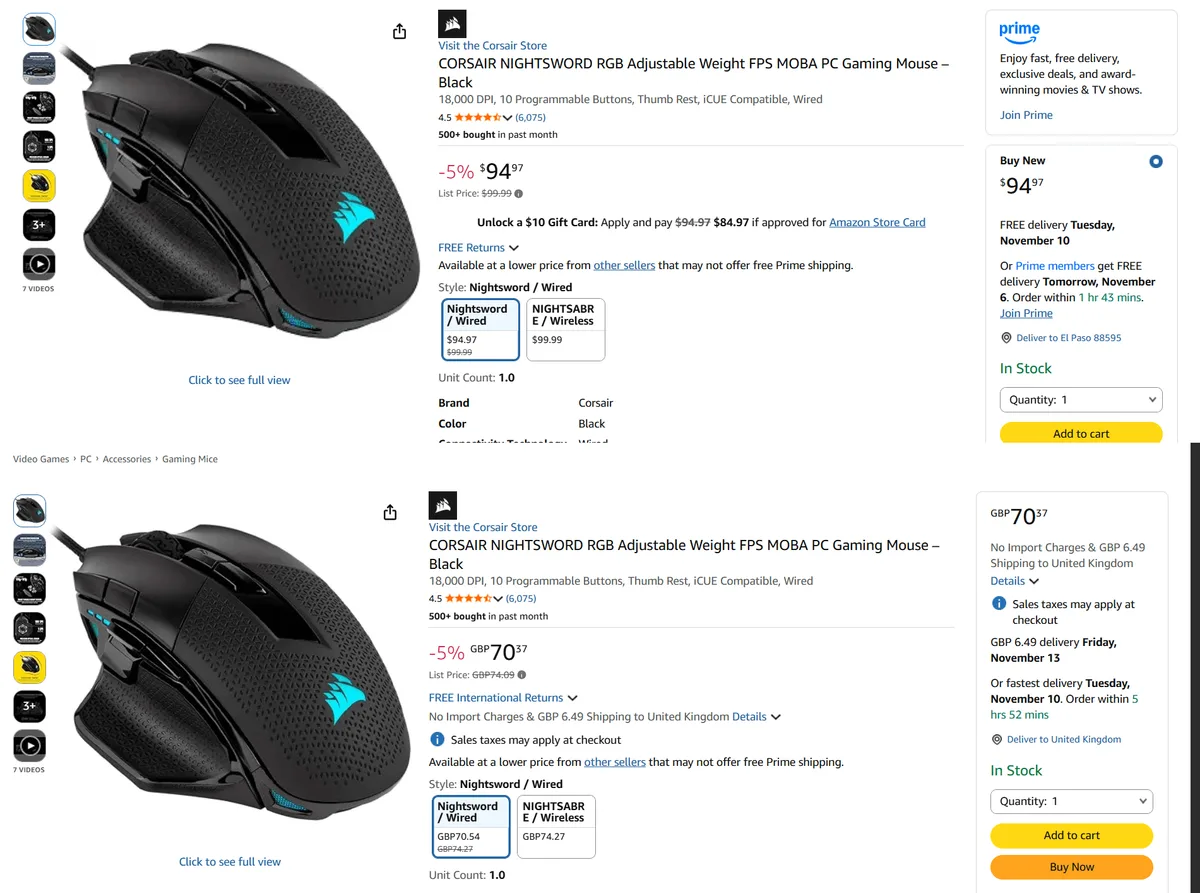
Many retailers price by country, and large marketplaces price by city or warehouse. Two mechanisms decide what you see: the IP's geolocation and the location stored in the session (a cookie with the selected city or delivery zip code).
To capture a regional price reliably, use an exit IP in that region and set the store's location the way a shopper would, then keep the same sticky session while you read the price. Check what location the store detects before trusting the number; our article on IP geolocation explains why databases sometimes disagree. Marketplace specifics are covered in our guides to Wildberries scraping and Ozon scraping.
Step 6. Storage and Alerts
Keep an append-only table of observations: sku, competitor, price, currency, in_stock, region, collected_at. From it you derive the current price, history charts and change events. Append-only storage also lets you prove when a competitor changed a price, which matters for MAP (minimum advertised price) enforcement.
Alerts people actually read:
- trigger on a percentage threshold, not on any change;
- suppress repeats: one alert per product per change, not one per crawl;
- group into a daily digest for the long tail, send instantly only for key SKUs;
- include the old value, new value, link and screenshot or HTML snapshot as evidence.
Choosing Proxies for Price Monitoring
| Target | Proxy type | Why |
|---|---|---|
| Large marketplaces with strong anti-bot | Rotating residential | Household IPs, wide pool, city-level geo |
| Mobile-first stores and apps | Mobile | Carrier IPs are shared by many real users |
| Small shops and brand sites | Datacenter | Cheap and fast where protection is light |
| City-specific prices | Residential with sticky sessions | Location and cart stay consistent |
Price monitoring is one of the use cases we support directly, and our article on proxies in market analytics puts it in the wider context of competitor research.
Price Monitoring FAQ
Is price scraping legal?
Collecting publicly displayed prices is common practice and generally accepted, but laws, site terms and database rights differ by country. Avoid logged-in areas, personal data and aggressive request rates, and check local rules for commercial use.
How often should competitor prices be checked?
Match the interval to volatility: hours for marketplace bestsellers, daily for the main catalog, a few times a week for the long tail. Adaptive schedules that speed up after changes save the most traffic.
Why do I see different prices than real shoppers?
The store may detect a datacenter IP, a foreign location or a missing city selection and show a default or deliberately altered price. Use an exit IP in the shopper's region and set the location in the same session.
Which proxies are best for price monitoring?
Rotating residential proxies handle protected marketplaces and regional prices; datacenter proxies are enough for lightly protected shops. Mobile IPs help with app-first retailers.
How do I match my products with competitor listings?
Start with GTIN, EAN or MPN codes, then fall back to brand, model and normalized attributes, and confirm fuzzy title matches manually once. Keep confirmed pairs in a catalog table.